 dGEN Visual Studio
Get better results, faster
What to put in a prompt, which model suits which job, and what it costs. Every number on these pages is read from the studio itself, so it stays true.
Start here
 ImagesMake an image, then change itThe second attempt is usually an edit, not a new generation. Knowing which is which saves most of the cost.
 VideoFrom an idea to a clipThe four ways a video model can be started, and how to tell which one your idea needs.
 Working fasterHow to write a prompt that worksThe same idea gets a different result on every model. This is why, and what to write instead.ImagesMake an image, then change itThe second attempt is usually an edit, not a new generation. Knowing which is which saves most of the cost.1 min read
 ImagesText that actually readsMost image models approximate letter shapes. A few set real type, and that decides which one you pick.1 min read
 ImagesBackgrounds, out and back inCutting a subject out is its own kind of model, and the edge is the whole job.1 min read
 ImagesMaking something biggerUpscalers do not all do the same thing, and one of them invents detail that was not there.1 min read
 Working fasterBuild it once, run it oftenRetyping the same series every week is the part that costs the time. A pipeline is drawn once.1 min read
 Working fasterStart halfway, not from an empty canvasA template is a working pipeline with the models, the connections and the settings already chosen.1 min read
 Working fasterYour own trained styleA reference holds a subject for a few shots. A trained style holds it for as long as you keep using it.1 min readVideoFrom an idea to a clipThe four ways a video model can be started, and how to tell which one your idea needs.2 min read
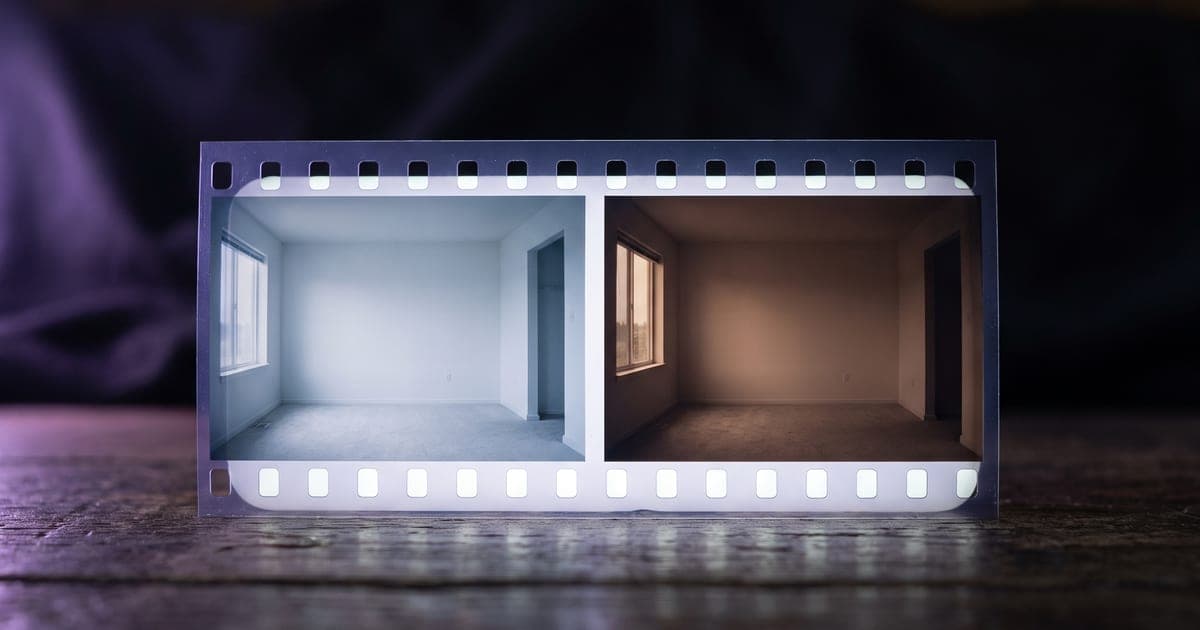 VideoStart and end framesHand a model both ends of a movement and it fills in the middle. Here is when that beats a prompt.2 min read
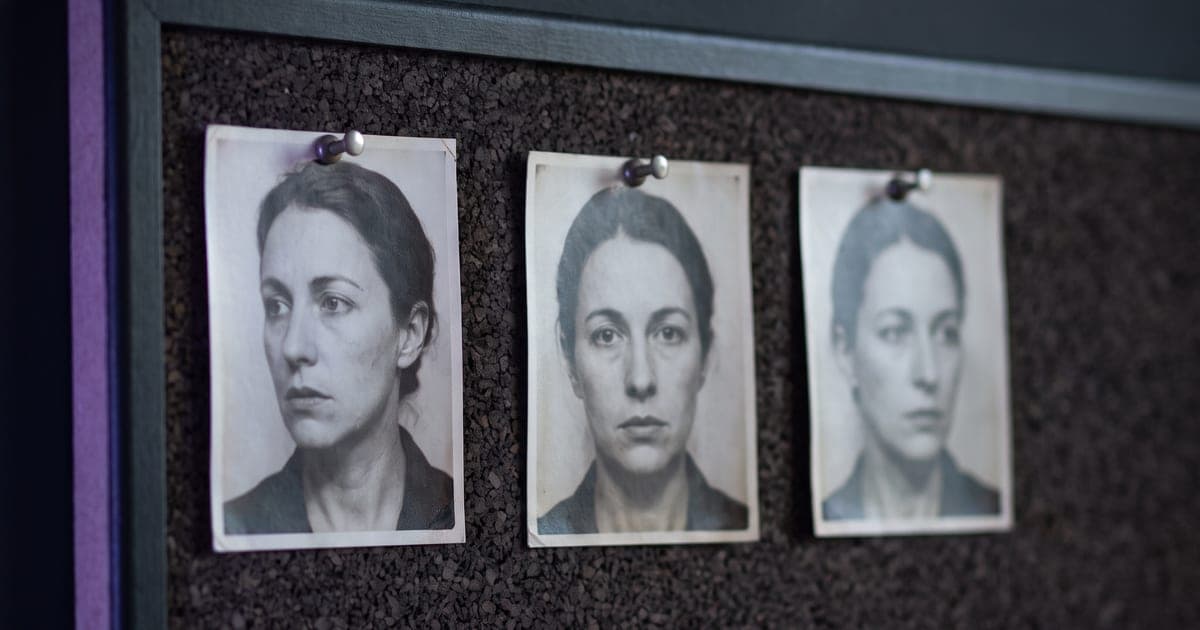 VideoOne subject across shotsA prompt cannot hold a face steady. A reference can, and several models take images, clips and audio together.1 min read
 VideoSound made with the pictureSome models generate audio in the same pass as the image. That is a different thing from adding a track afterwards.1 min read
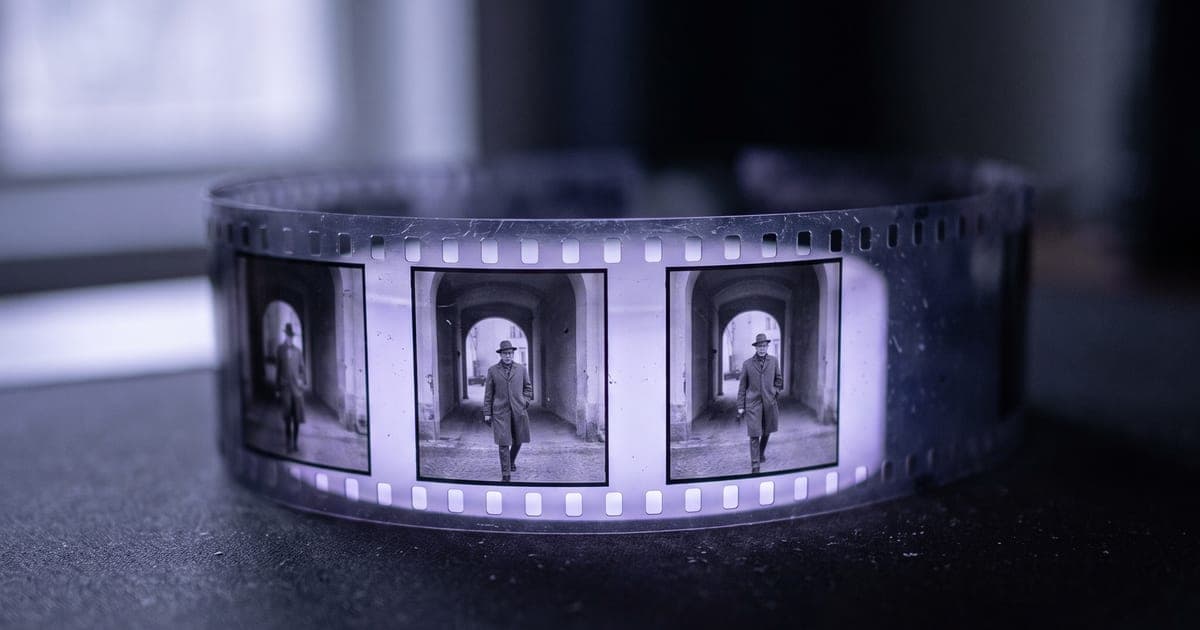 VideoClips that follow onNo model here makes a two-minute film. Several short clips that share their frames do.1 min readWorking fasterHow to write a prompt that worksThe same idea gets a different result on every model. This is why, and what to write instead.2 min read
 ImagesCamera, lens and light, in words a model understandsThe vocabulary a cinematographer uses, and what each term does to a generated shot.6 min read
 Working fasterWhich model for which job141 models is too many to choose from. Here is how the choice actually narrows.2 min read
 ImagesSizes and aspect ratiosWhy the same shape has two different names, and how to be sure you get the one you asked for.2 min read
 Working fasterCredits, and what a generation actually costsWhere the number on the button comes from, and what happens when a run fails.2 min read
 ImagesA character that keeps coming backHow to lock one person once and put them in scene after scene, without a family resemblance every time.3 min read
 Working fasterYour AI writer can make its own imagesPosts go out without a picture because the thing writing them cannot see. Here is how to fix that.3 min read
 VideoA different person in the same videoFilm once, cast as often as you like. The motion, the cuts and the sound stay exactly as they were.1 min read
 VideoVideo you can look around inOne clip that holds the whole sphere around the viewer, for a headset, a 360 player or a scrollable embed.1 min read
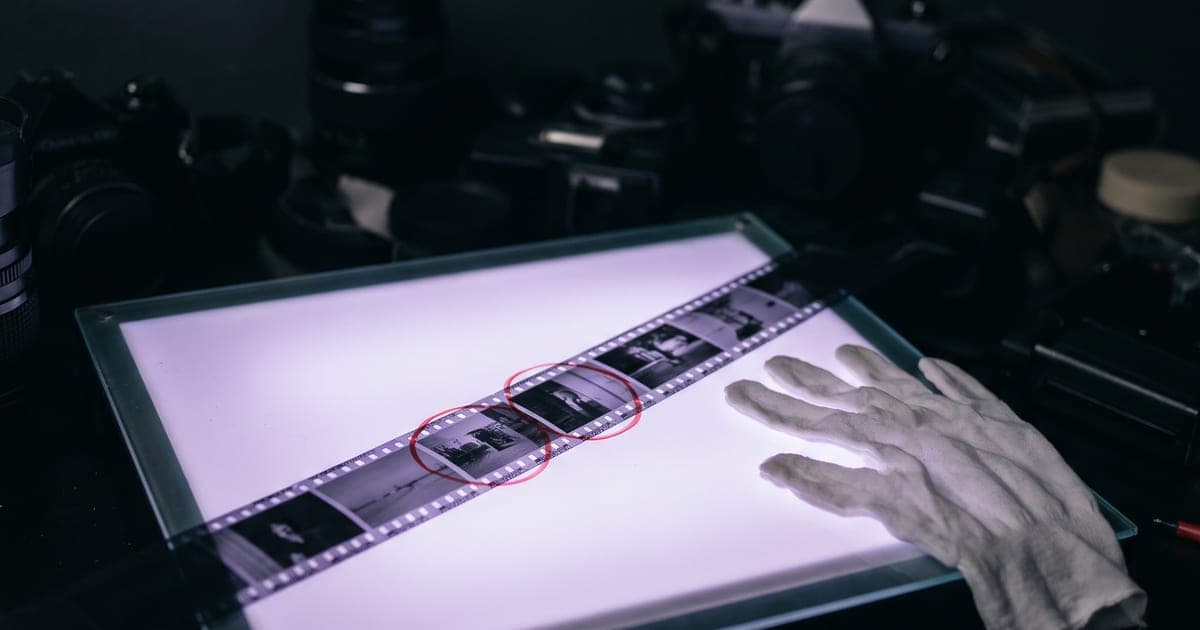 VideoWorking on footage you already haveMake a clip longer, put a scene in the middle, sharpen it, or make a face speak, without starting over.1 min read
Try it in the studio
The studio opens in stages. We let people in in the order they signed up, and you start with 1,000 free credits.
Get early access