
TEMPLATES
Start from work that already runs.
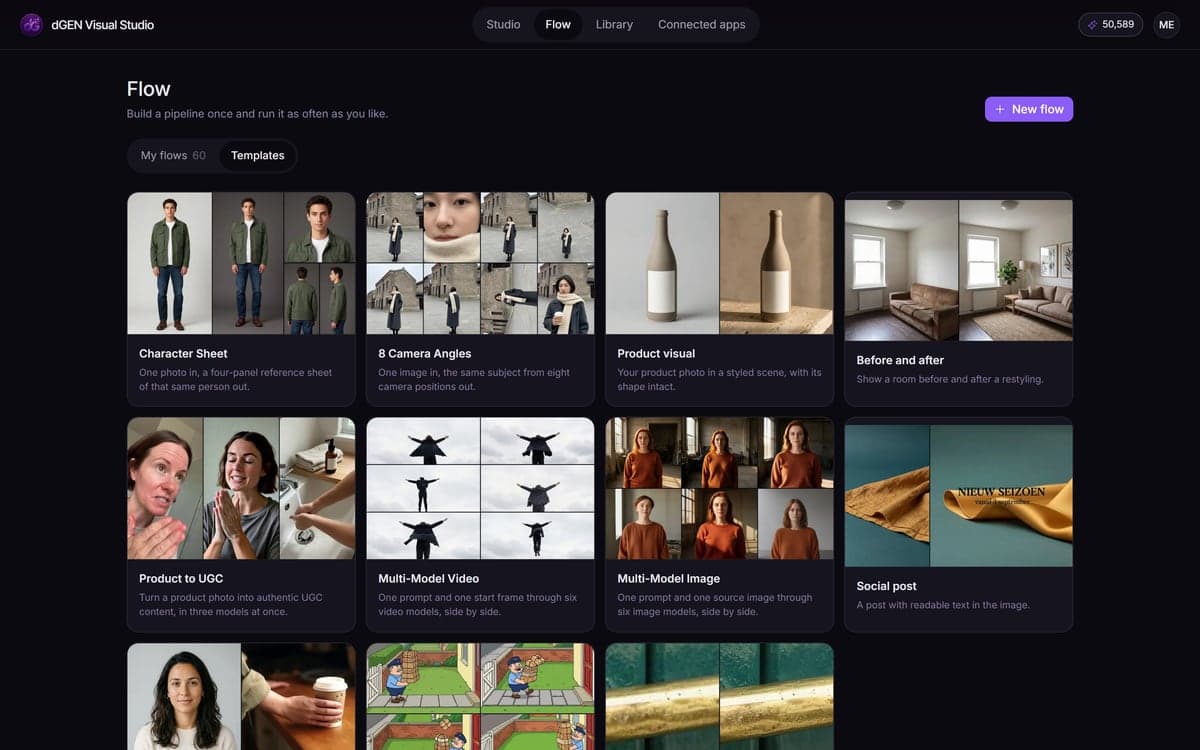
16 ready-made flows that already do the job, from a character sheet to one product turned into UGC. Change the prompt or the reference and run it. Every model and setting stays yours to change.
How it works
- 1Pick one on an empty flowThe picker appears whenever you start something new. Every card says what the flow makes and how many steps it takes.
- 2Change what makes it yoursUsually that is one prompt and one reference image. The rest of the pipeline stays as it is, including the model choices and the settings that make it work.
- 3Run it, then keep itA template becomes an ordinary flow the moment you open it. Duplicate it per campaign and you have a way of working instead of a one-off.
What people make with it

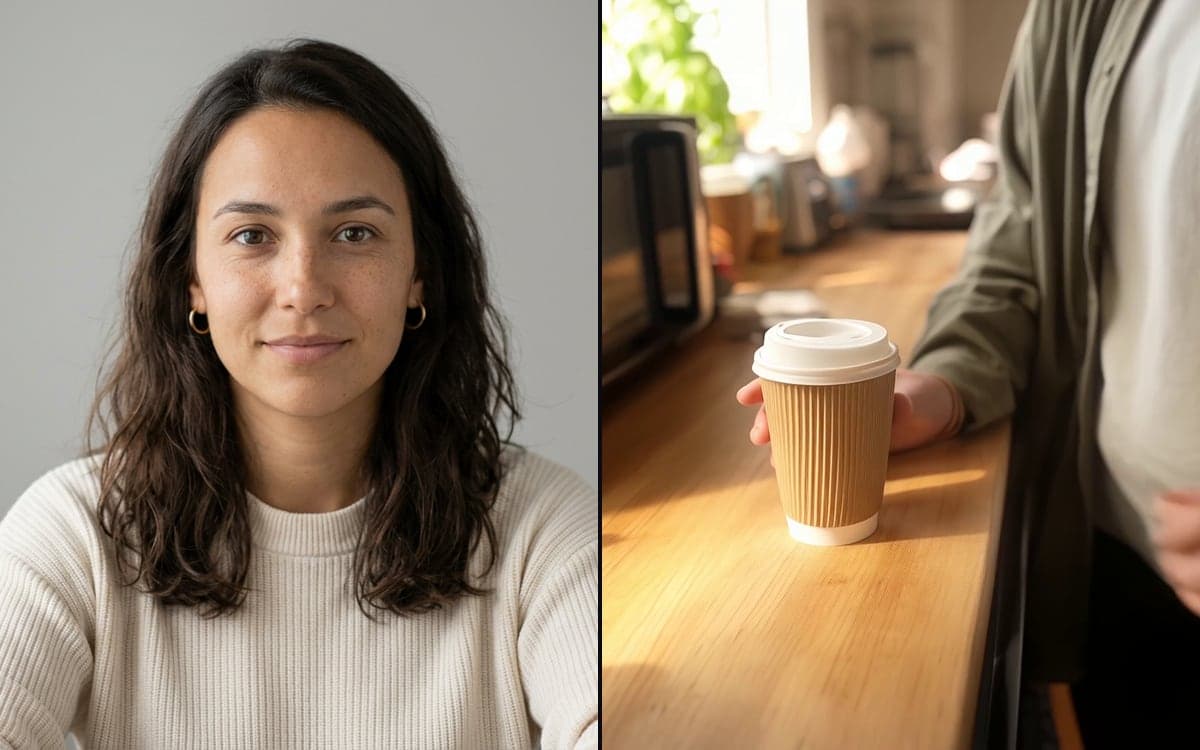
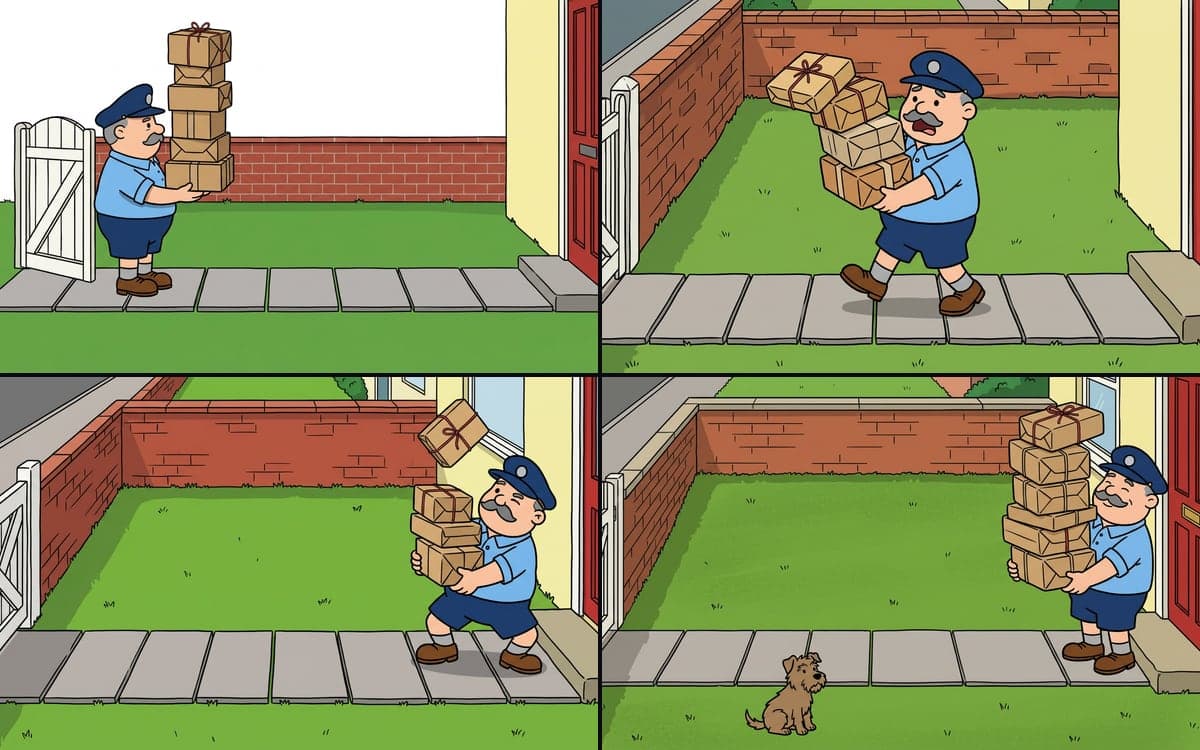
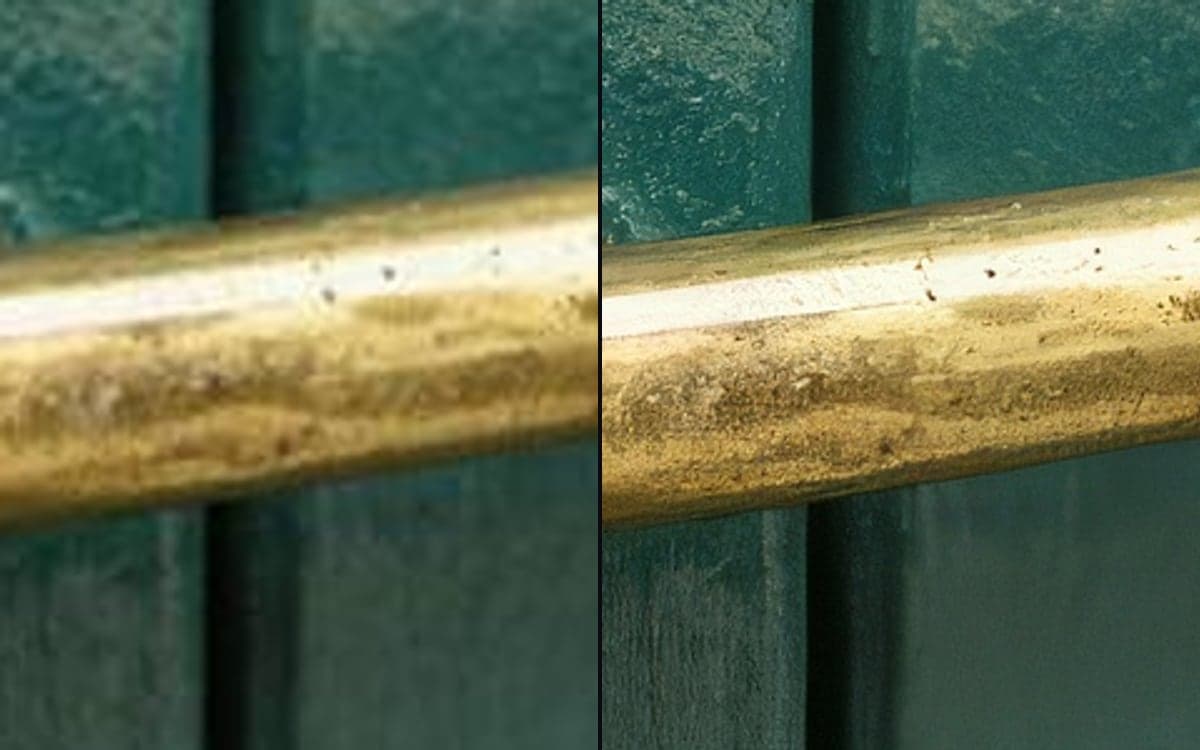
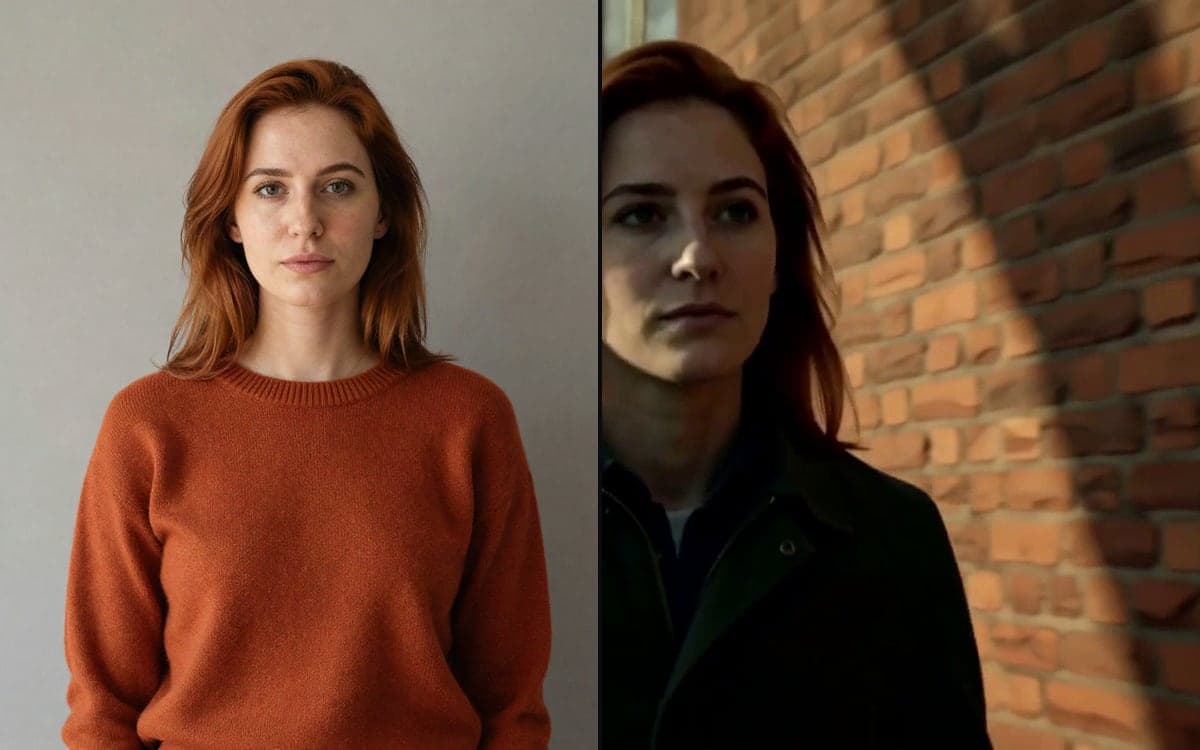
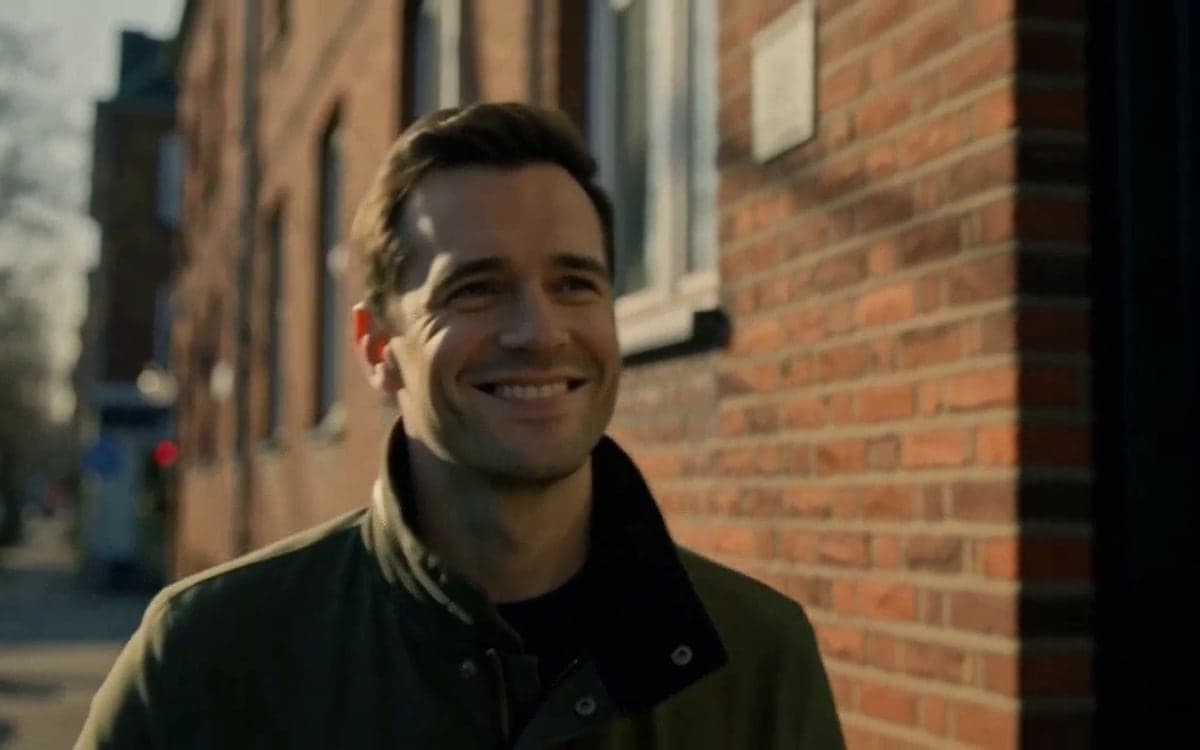
A portrait that speaks or sings your audio.
Open your first template
The studio opens in stages. We let people in in the order they signed up, and you start with 1,000 free credits.
Claim your spotGood to know
A template opens as an ordinary flow, with every model and setting visible and editable.
The prompts are written out in full, in the style each model responds to. That is most of what makes a result good.
Each template is as small as the job allows, so you never pay for steps that add nothing.
You pay only for the steps you run, and each one shows its price before you start it.
A connected agent can build on a template, so "one of those, but for this product" is a fair thing to ask.
Templates follow the model family, so a better version of a model is picked up instead of left behind.
Questions
What is a template in dGEN Visual Studio?
A flow that is already built: blocks, connections, model choices and a written-out prompt. Open it, change the prompt or the reference image, and run it.
Which templates are there?
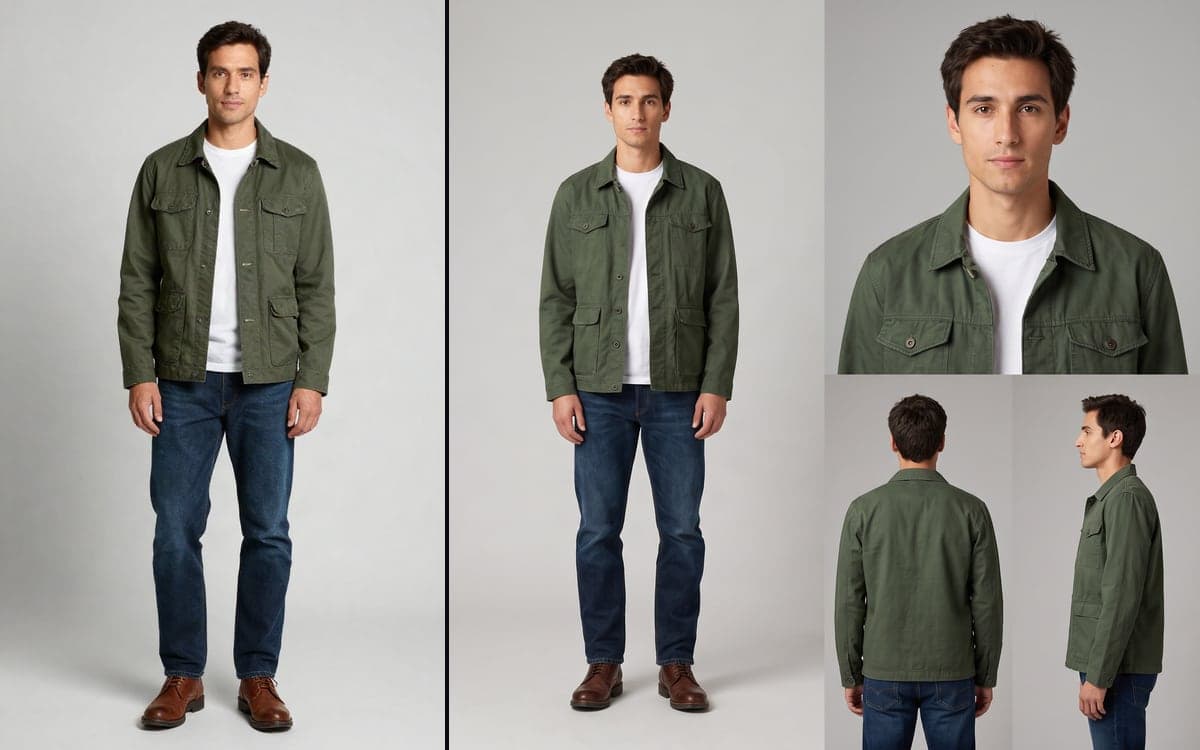
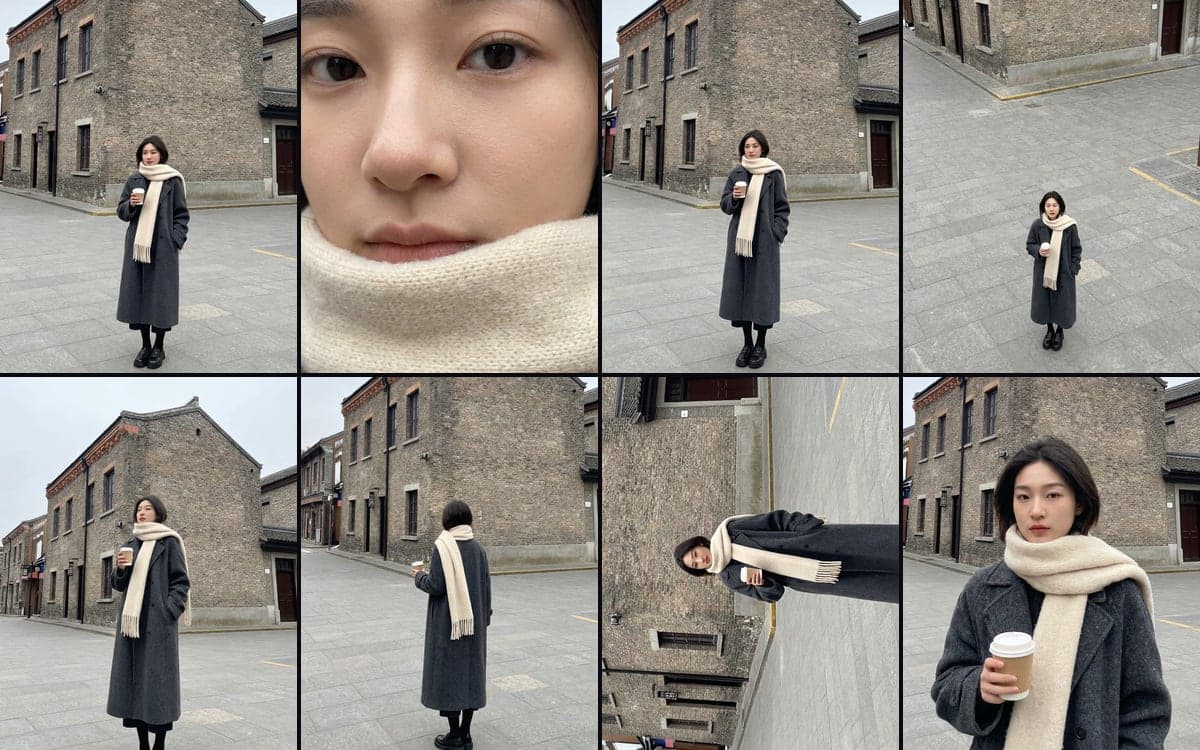
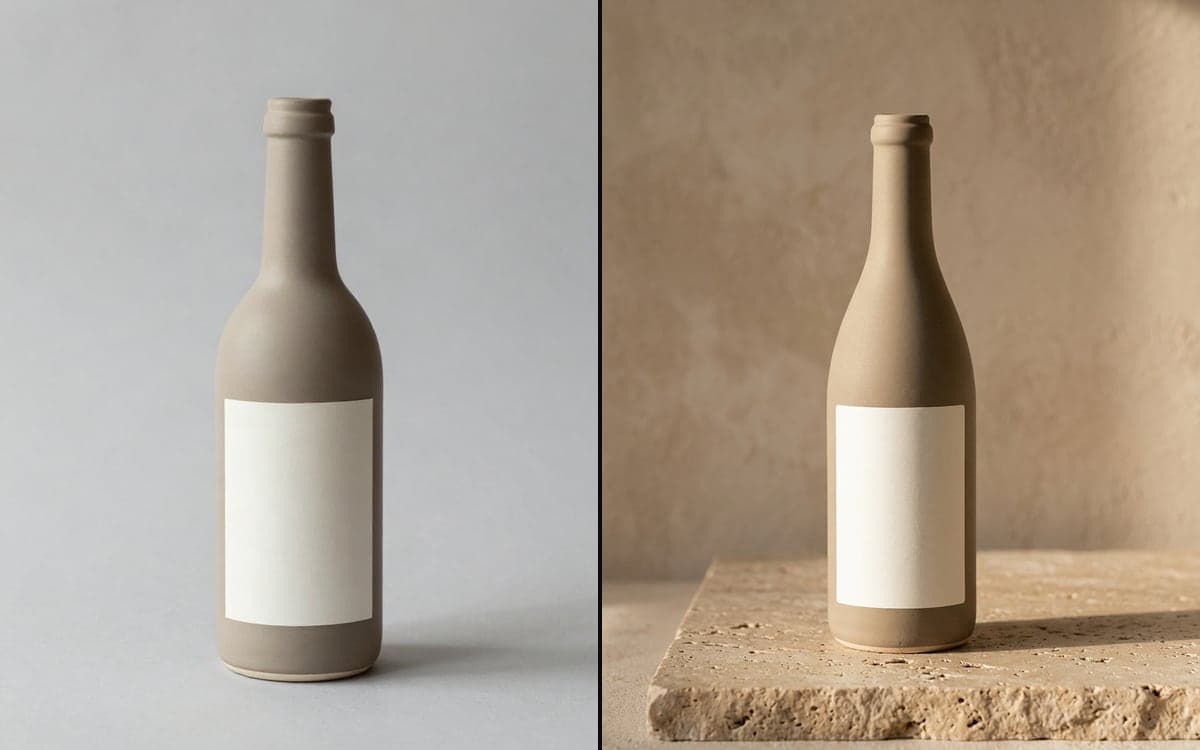
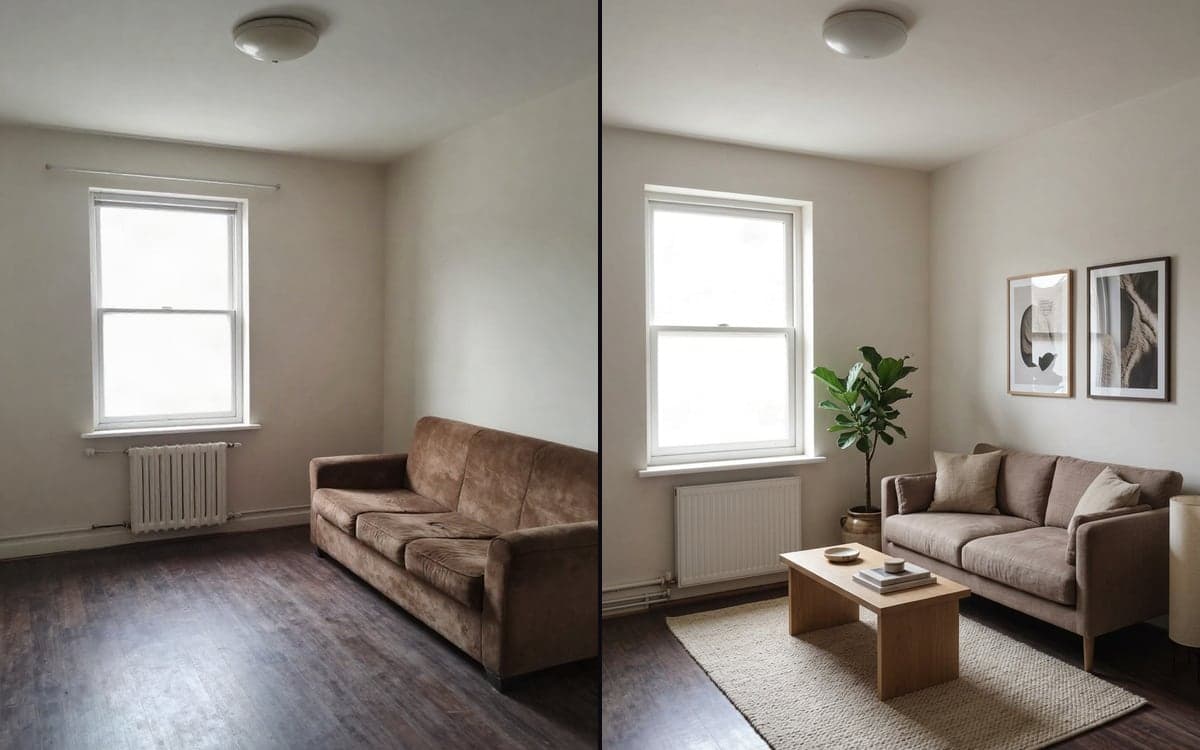
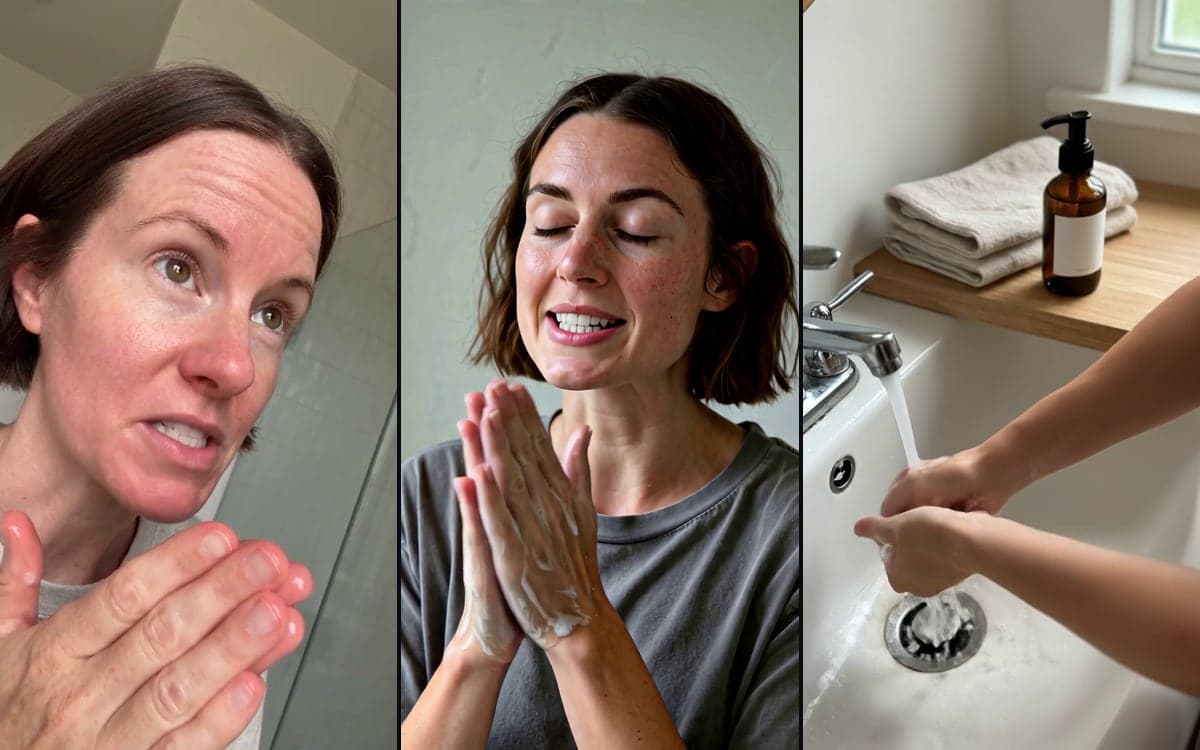
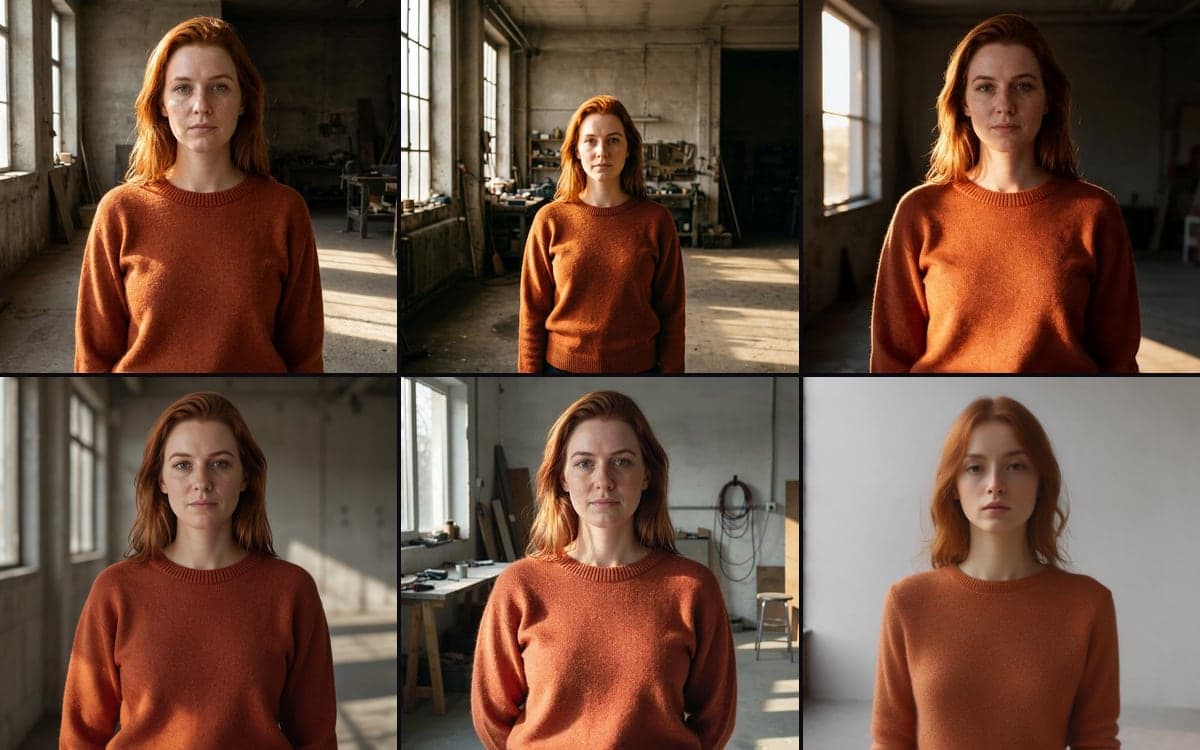
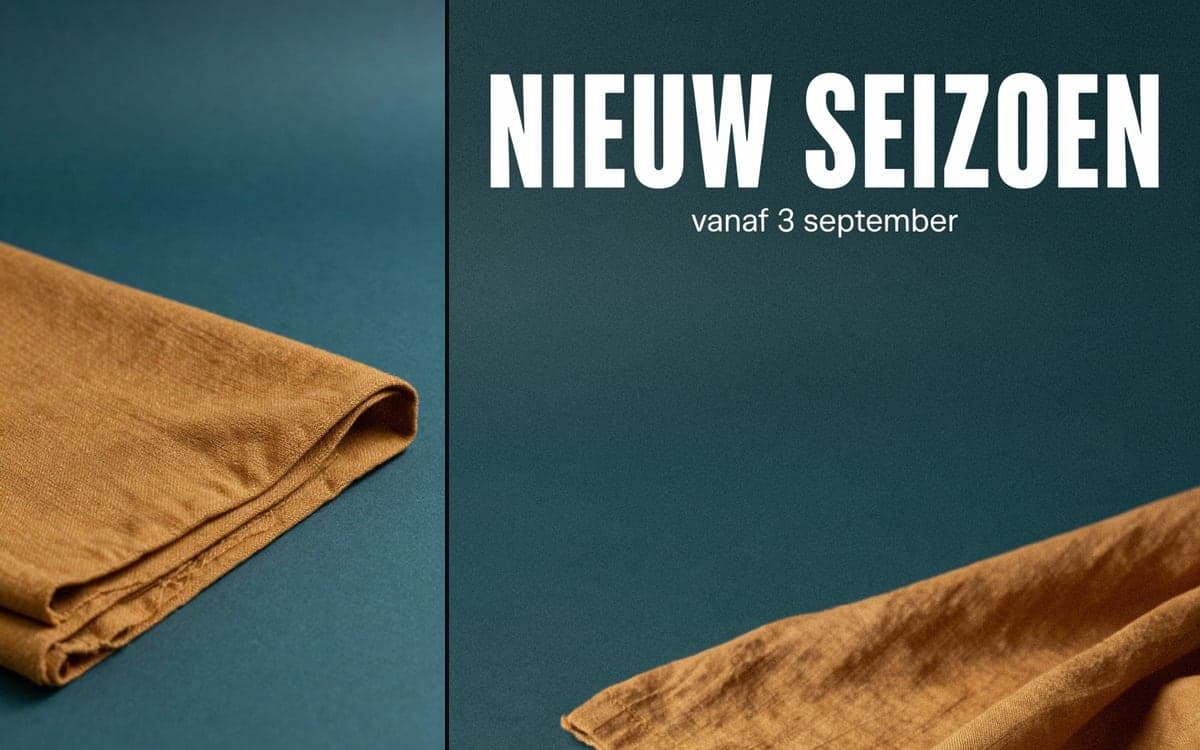
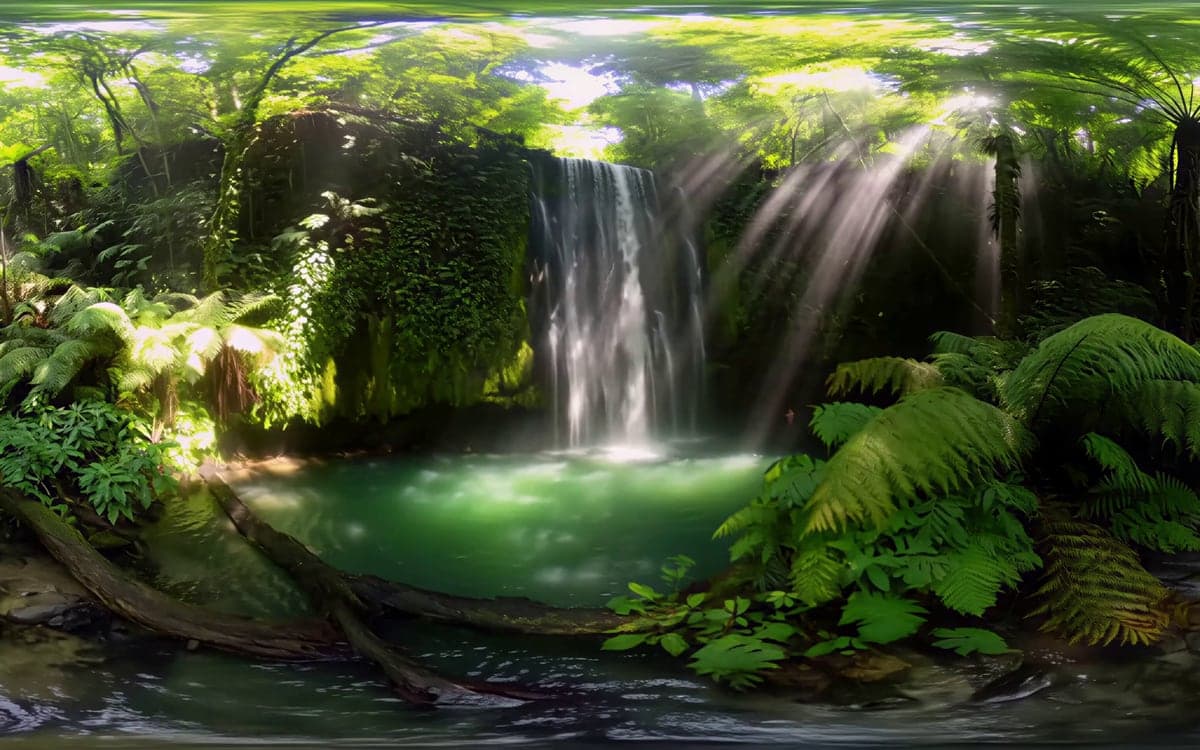
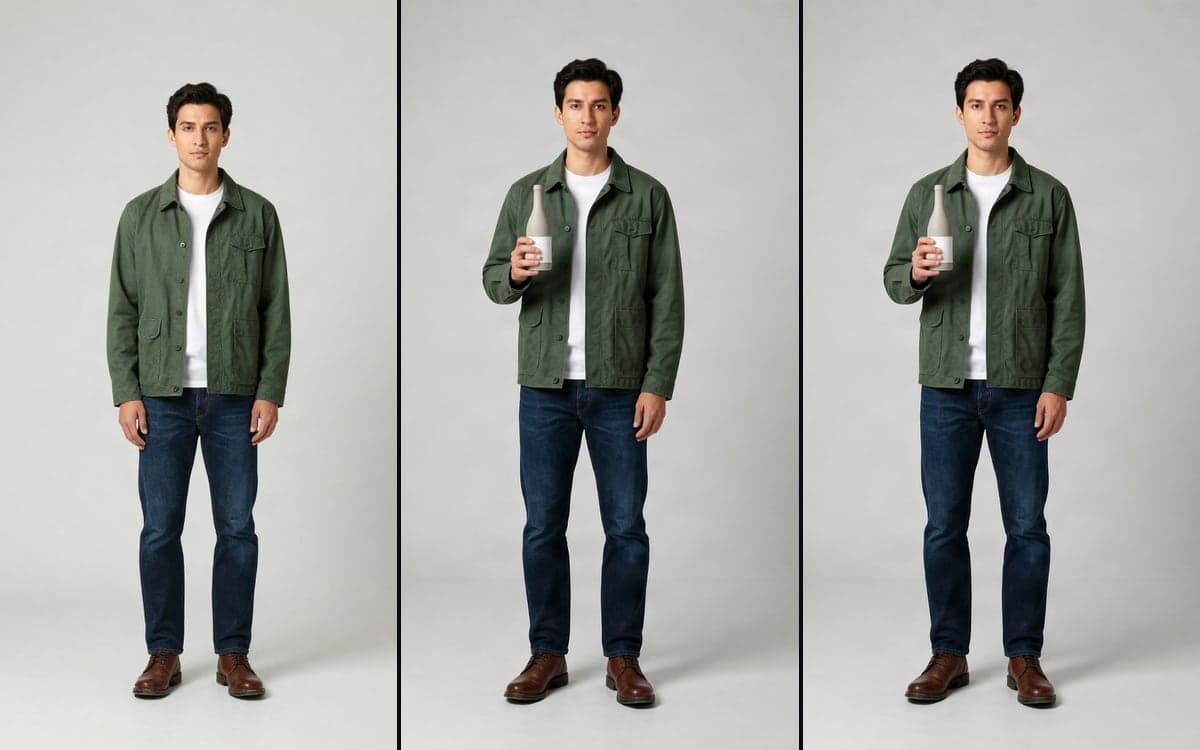
There are 16: Character Sheet, 8 Camera Angles, Product visual, Before and after, Product to UGC, Multi-Model Video, Multi-Model Image, Social post, AI influencer, Long form video, Upscale, Recast a video, 360° video, Extend a scene, Talking photo, Product in hand.
Does using a template cost extra?
No. Opening one is free; you pay only for the generations you run, at the same price as anywhere else in the studio.
Can I make my own template?
Any flow you build can be saved, duplicated and reused, which works the same way.
Start making it yourself
The studio opens in stages. We let people in in the order they signed up, and you start with 1,000 free credits.
Get early access