
Tool
Expand image
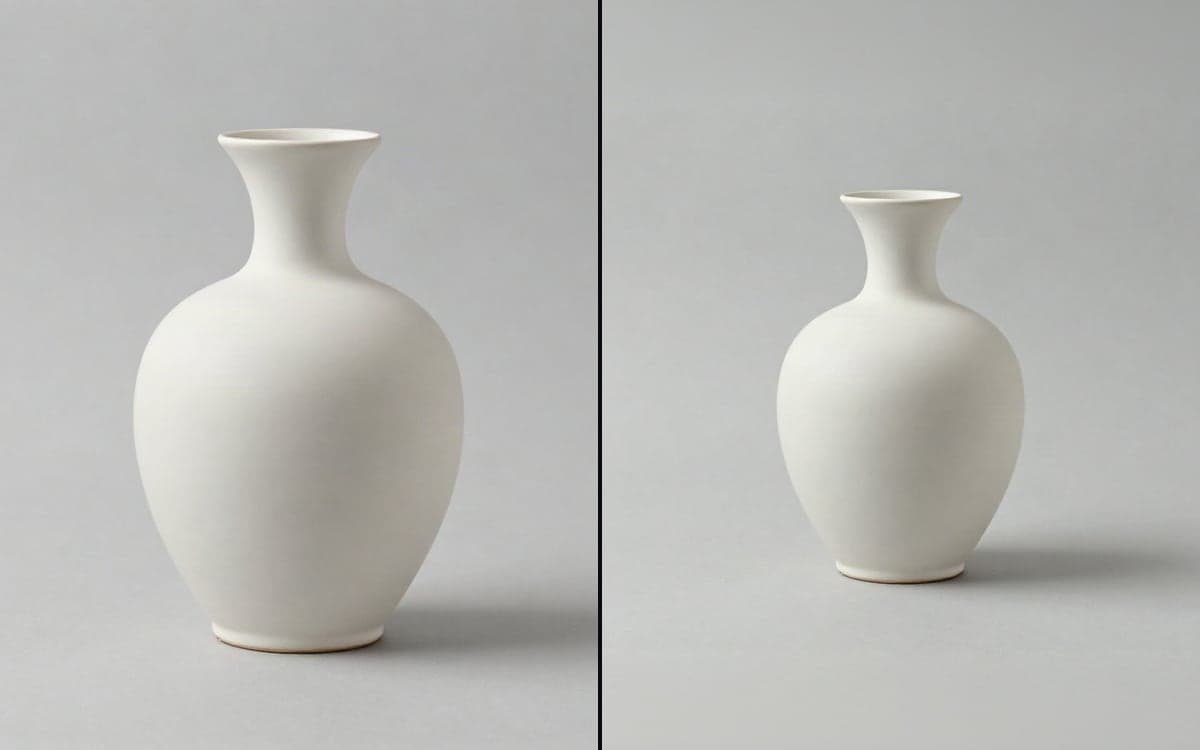
Widen a picture beyond its edges. Pick the shape you need, no prompt required. One image. The same picture in a wider frame, with the new space filled in.
How it works
- 1Bring your imageA photo, a render, a frame from a clip. Anything you have that is the wrong shape.
- 2Pick the shapeVertical for a phone, wide for a player, square for anywhere. That is the whole setup.
- 3Get the full pictureThe model fills in what was never there, matching the light and the material of the original.
What people make with it
A single product photo becomes a vertical story, a square post and a wide banner without reshooting.
A picture that was framed too tight gets its headroom back.
A client asks for 4:5 and you have 16:9. This closes that gap in one step.
Get early access
The studio opens in stages. We let people in in the order they signed up, and you start with 1,000 free credits.
Claim your spotGood to know
The model only adds around the edges. What was in the frame is still exactly what it was.
The new space is generated, not recovered. On a busy background that reads as real; on a face near the edge it can go wrong.
Questions
Does it change the original pixels?
No. It fills in around them. If you need the picture itself changed, that is an edit model instead.
How far can it go?
A step in shape works well, from square to vertical or from 4:3 to 16:9. Doubling the frame gives the model more to invent than it can carry.
Start making it yourself
The studio opens in stages. We let people in in the order they signed up, and you start with 1,000 free credits.
Get early access