
FOR E-COMMERCE
Product photos and video without a shoot.
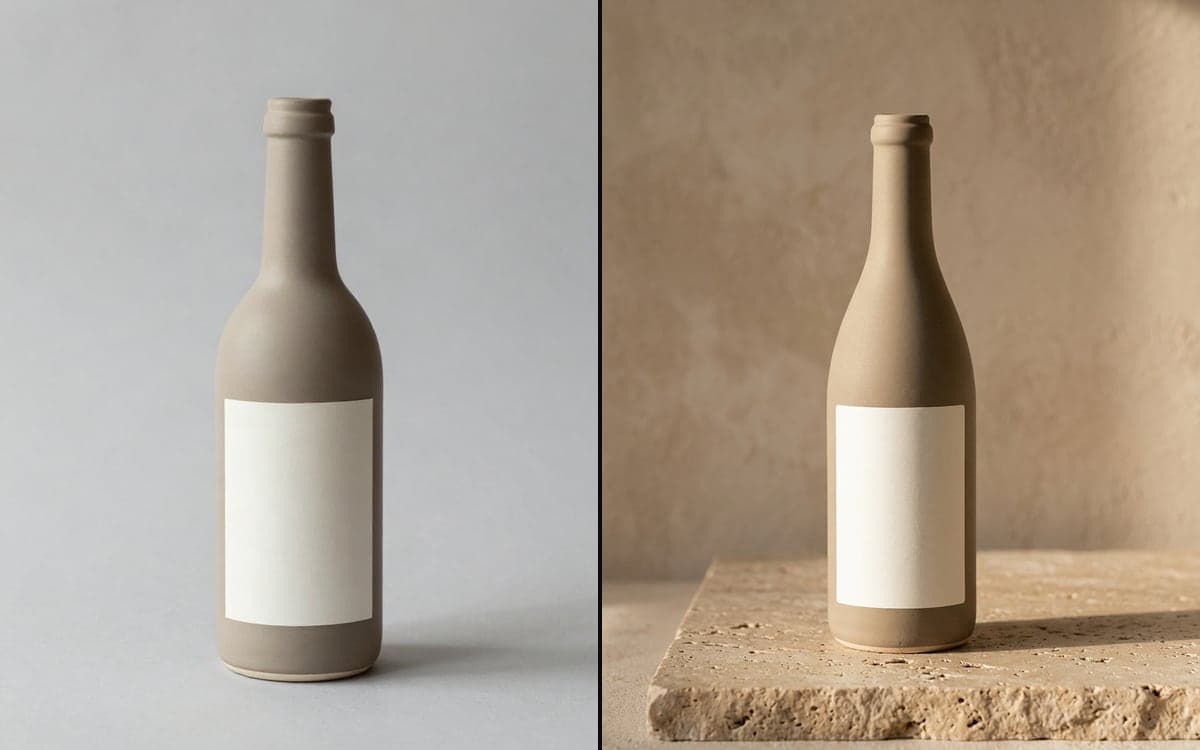
A new product usually means a photographer, a set and a week of waiting. Upload one product photo and get lifestyle shots, clean packshots and short clips for your product page, in one look across your whole range.
How it works
- 1Upload one product photoA clear photo on any background is enough to start from.
- 2Cut it outRemove the background in one click, edges included.
- 3Place it in a sceneDescribe the setting, or open the Product visual template. Only the scene changes around your product.
- 4Make it moveSend the best still into a video model as the first frame of a short clip.
- 5Save it as a FlowNext product, same pipeline. Swap the photo and run it again.
What people make with it
Your product on a kitchen counter, a beach towel or a desk. You pick the scene, the product stays.
Take out the background and get a cut-out ready for a white or coloured product page.
The Product to UGC template turns one photo into content that looks like a customer made it.
A rotating shot or a hand picking it up, made from the photo you already have.
A saved Flow gives every product the same light, angle and style.
Extend the frame for a wide banner, or upscale a small photo to print size.
Try it on your own product
The studio opens in stages. We let people in in the order they signed up, and you start with 1,000 free credits.
Claim your spotGood to know
Edit models change the scene around your photo and keep the product close to the original. Fine print can shift, so look at every result as you would at a retouch.
Every image and clip shows its cost before you press go.
Every model is licensed for commercial use, and we claim no ownership of your results.
Buy a pack for the launch and use the rest next season.
Questions
Will the product look exactly like mine?
Edit models work from your photo and change the scene around it, which keeps the product close to the original. Small details such as fine print can shift, so check each image before you publish.
Can I do my whole range at once?
Yes. Build the pipeline once as a Flow and run it per product photo, or let an agent run it for you over MCP.
Can I make video from a product photo?
Yes. Use the photo or a generated still as the first frame and a video model animates it.
Start making it yourself
The studio opens in stages. We let people in in the order they signed up, and you start with 1,000 free credits.
Get early access