
Tool
Transition between two frames
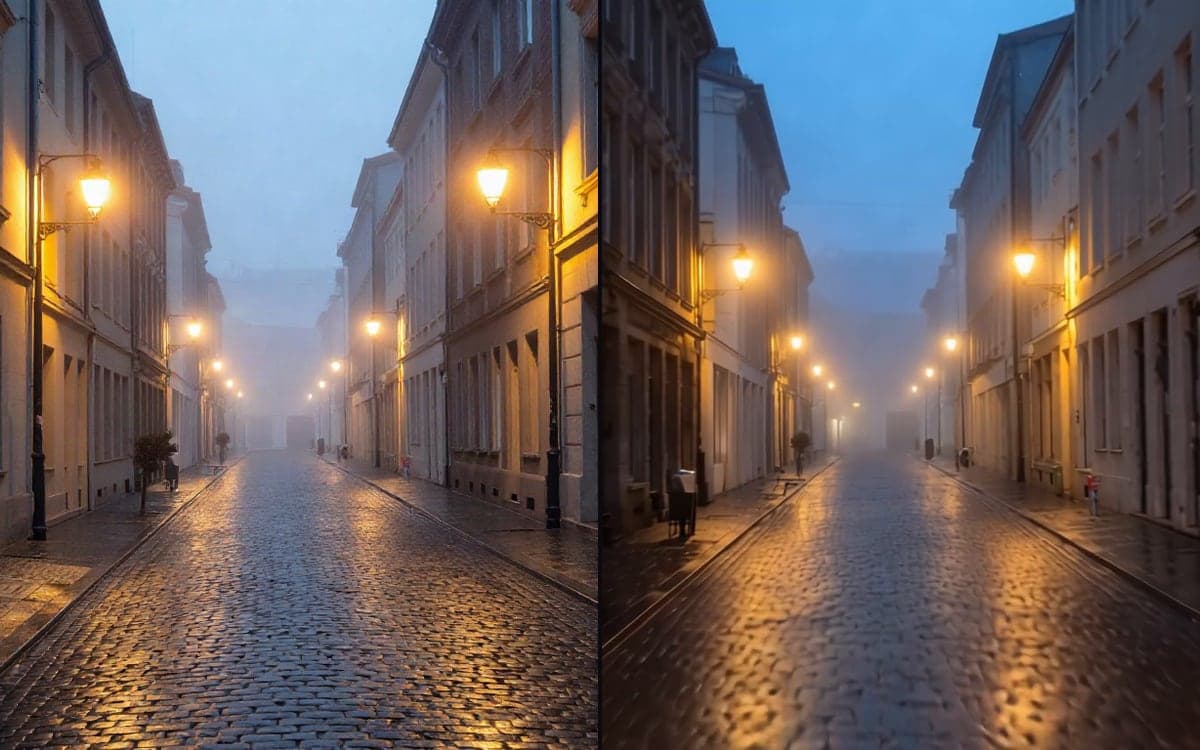
Give a first frame and a last frame, and get the clip that runs between them. Two images: where it starts and where it ends. A short clip that moves from the first to the second.
How it works
- 1Set the first frameThe image the clip opens on. A photo, a render, or something you generated a minute ago.
- 2Set the last frameWhere it has to end up. The model works out everything in between.
- 3Say what happensOne line about the movement. The two ends are fixed, so this is only about the middle.
What people make with it
Closed box to open box, before to after, empty room to furnished.
You have the two frames that matter. This is the bit in between you did not want to animate by hand.
Start on the thing, end on the reveal. Short, and the shape of it is decided by you rather than by the model.
Get early access
The studio opens in stages. We let people in in the order they signed up, and you start with 1,000 free credits.
Claim your spotGood to know
This is the difference with an ordinary video model, which gets one frame and improvises the rest. Here you decide where it lands.
Two frames of the same scene work. A kitchen and a mountaintop leave the model to invent a cut, and it will.
Questions
Can the two frames be different sizes?
Better not. The clip follows the shape of the first frame, so a second frame in another shape gets fitted into it.
How long can it be?
A few seconds. These models make short clips; for something longer you want a script of several shots.
Start making it yourself
The studio opens in stages. We let people in in the order they signed up, and you start with 1,000 free credits.
Get early access