
How it works
- 1Describe what you wantA written-out sentence beats a row of keywords with almost every model. Not sure how to phrase it? The prompt tool rewrites yours in the style the chosen model responds to best.
- 2Pick a model, or do notThree obvious ones sit on the bar and the rest are one click away, each with what it is strong at and what it costs. Change nothing and you get the one that fits the job.
- 3Add a reference or your own styleDrop in an image to work from, or attach a LoRA you trained. The studio switches to the model variant that can actually use it, and says so.
- 4Generate, then keep goingEvery result carries on: run it again, edit it with an instruction, use it as a reference, upscale it, or turn it into a video. Nothing is a dead end.
What people make with it
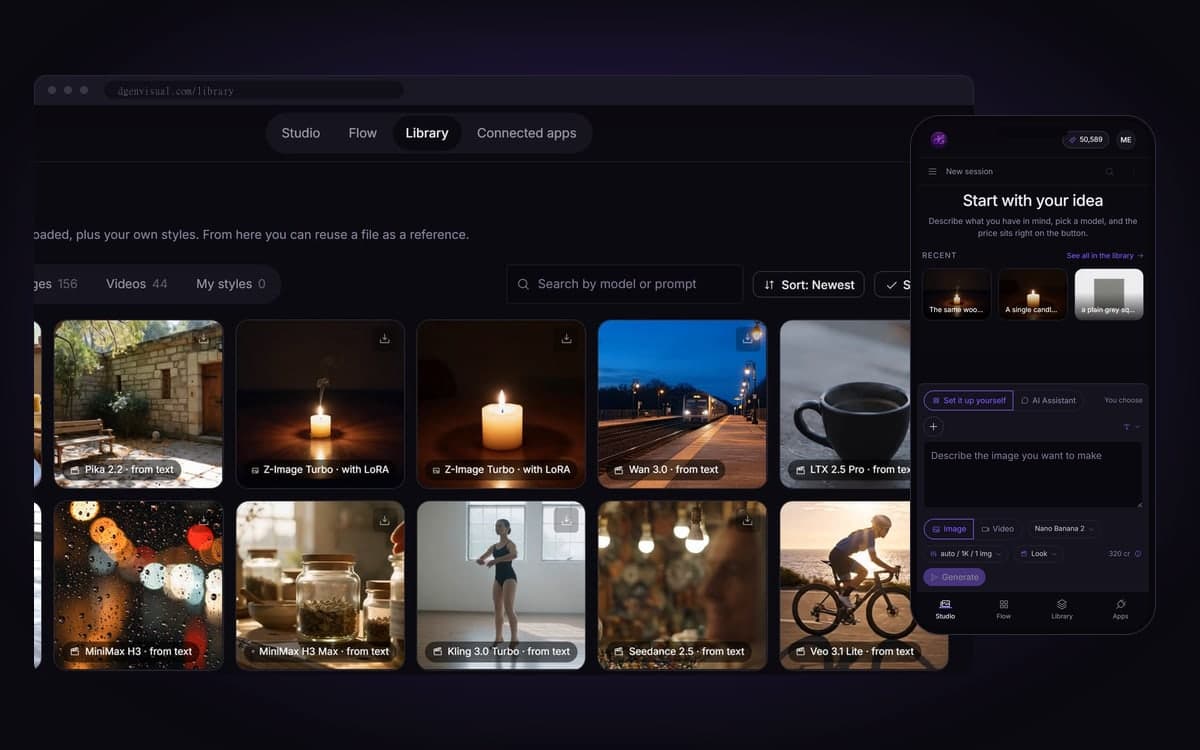
Bring a LoRA of your character and use it in every image. Same face and wardrobe, whatever the scene.
Show a client the look before anyone books a studio. Change the light, the angle or the styling in seconds.
Put a headline on a mock-up and get it back spelled right. The studio tells you which models handle letters best.
Remove an object, change a colour, extend the frame or upscale to print size. All in the same place.
Send one prompt to five models at once and compare them side by side. You choose the winner instead of guessing.
Try it on your own product
The studio opens in stages. We let people in in the order they signed up, and you start with 1,000 free credits.
Claim your spotGood to know
Every run shows its cost before you press. Change the model or the resolution and you see the number move.
Right now there are 17 image models and 24 for editing. New ones are added as they come out, so you can switch the moment a better one lands.
Upload a LoRA or paste a Hugging Face or Civitai link. It works in the generator, on the canvas and through an agent.
If a run breaks on our side or at the provider, you get every credit back.
Every model is licensed for commercial use. We claim no ownership of what you make and never train on it.
Connect Claude or your own agent over MCP and it generates for you, within the rights you grant.
Questions
Which AI image model is the best one?
There is no single best one, which is why they are all here. Each model lists what it is good at and what it costs, so you pick per job instead of committing to one.
Can I use my own style or character?
Yes. Upload a LoRA file or paste a Hugging Face or Civitai link. If the model you picked cannot take it, the studio switches to a variant that can and tells you.
Can I edit an image I already have?
Yes. Bring your own image and describe the change: remove something, change a colour, extend the frame or upscale it for print.
What does one image cost?
It depends on the model and the settings, and the exact amount is on the button before you press it. Packs start at €15 for 15,000 credits, about 93 images with Nano Banana or 10 short clips with Kling 2.5 Turbo. Credits never expire.
Do I own what I generate?
You can use it, including commercially. Whether copyright also protects it depends on how much of your own creative work goes in. The full answer is in the FAQ.
Start making it yourself
The studio opens in stages. We let people in in the order they signed up, and you start with 1,000 free credits.
Get early access