
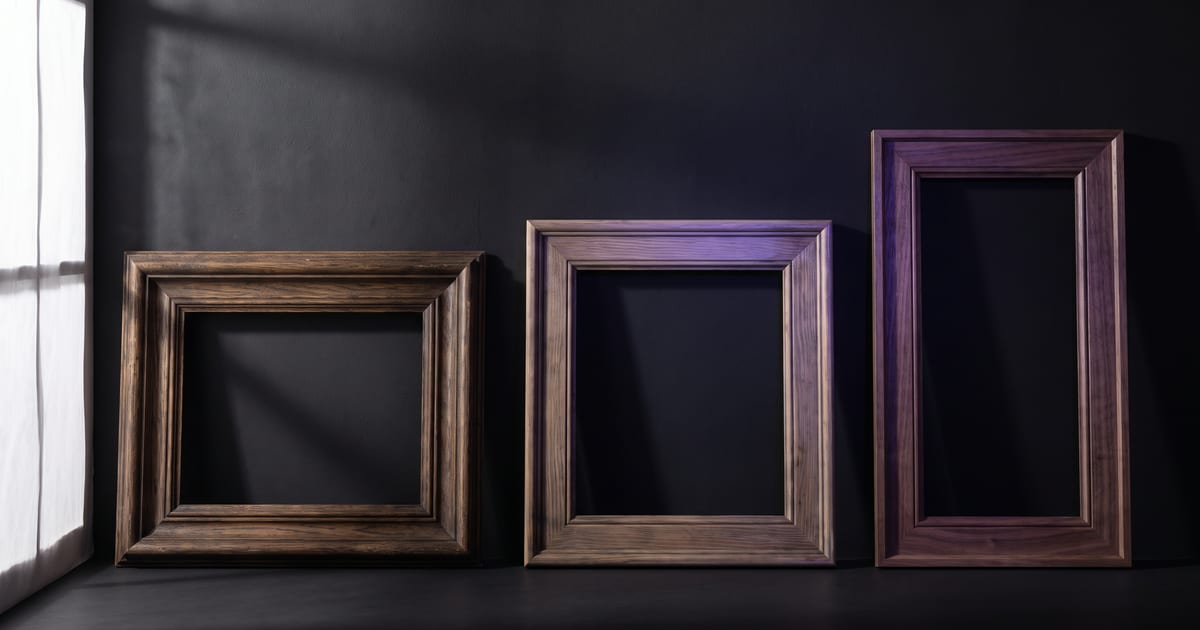
The same shape, two spellings
Some models take a ratio as text: 16:9, 9:16, 1:1. Others take a named size: square_hd, landscape_16_9, portrait_4_3. They mean the same thing, and no model takes both.
The names catch people out in one specific way, and it is worth reading twice: portrait_16_9 is a tall image in the proportion 16:9. As a number it is 9 divided by 16, not 16 divided by 9.
- square_hd, 1.000 wide over tall
- square, 1.000 wide over tall
- portrait_4_3, 0.750 wide over tall
- portrait_16_9, 0.563 wide over tall
- landscape_4_3, 1.333 wide over tall
- landscape_16_9, 1.778 wide over tall
How the studio handles it
You pick a shape, not a field name. The studio looks up what the chosen model actually offers and picks the closest option it really has.
If nothing on that model comes within 3 percent of the shape you asked for, it refuses and says so. It does not quietly round to the nearest one. Rounding is how you end up paying for a landscape picture when you asked for a portrait, with nothing on screen to tell you.
What comes out is measured, not assumed
On 22 August 2026 we ran eight real generations across four models and read the pixel dimensions out of the returned files rather than trusting the setting.
The named sizes land exactly: 1024x576, 576x1024, 768x1024. The ratio-as-text models round their output to multiples of 64 pixels, so a request for 16:9 comes back as 1344x768, which is 1.750 against the 1.778 you asked for. That is 1.6 percent off, and it is why the tolerance is three percent and not one.
Picking a shape for where it will be seen
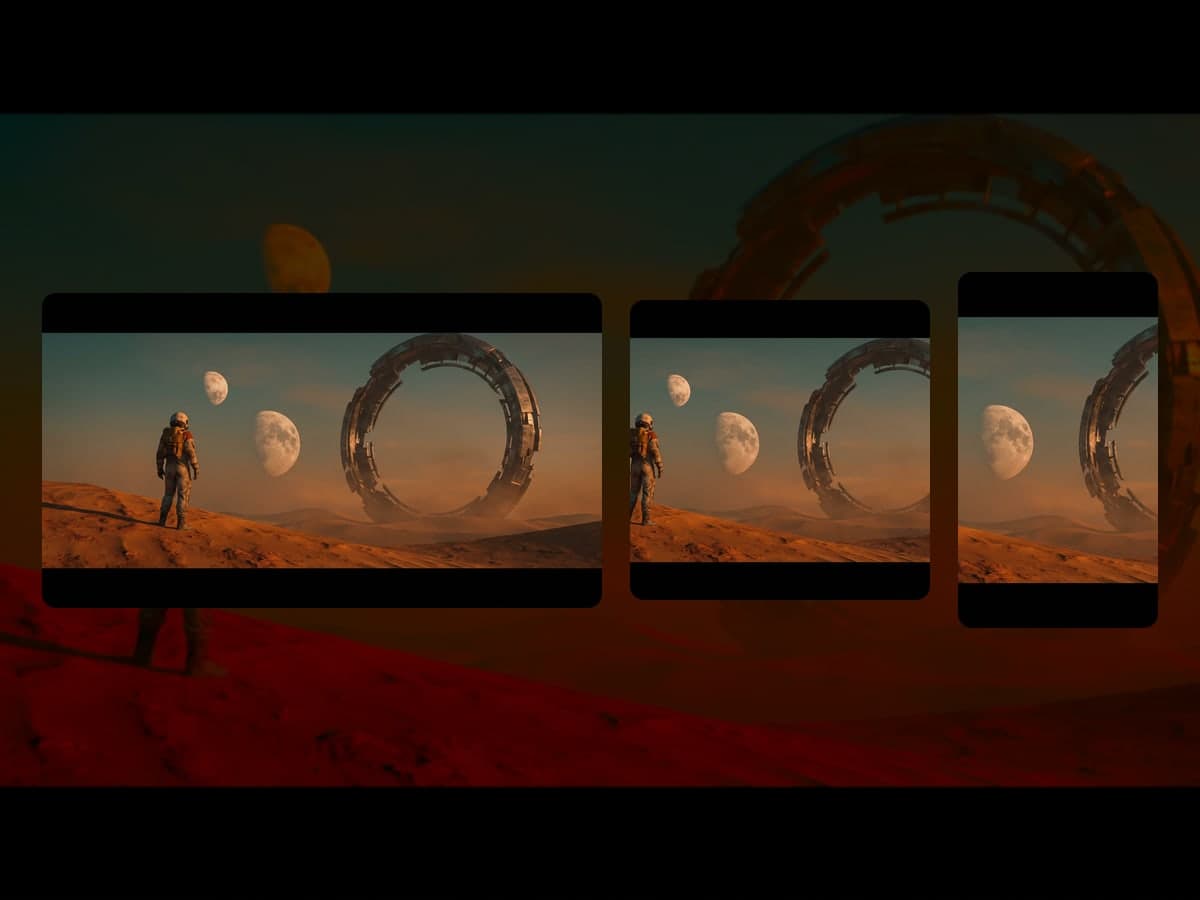
Vertical 9:16 fills a phone screen. 4:5 is the taller feed format that does not go full height. 1:1 is safe almost anywhere. 16:9 is the standard for players and presentations. Very wide cinema framing at 2.39:1 exists but few models offer it, and the studio will tell you which.
Where you set it
In the Studio, the shape sits in the settings next to the model, together with the resolution and the number of images. The five shapes have plain names: Vertical, Portrait, Square, Widescreen and Cinemascope. On the canvas, every image and video generator has its own Aspect ratio control.
Choose the shape before the first run, not after. A picture composed for a square has its subject in the middle with room on all sides; a vertical one stacks things top to bottom. Cropping one into the other cuts through the composition the model built.
Compose for the shape you picked
Say in the prompt where things sit, in terms that suit the frame. For Vertical: "the woman stands in the lower half of the frame, the city skyline rising above her". For Widescreen: "the car enters from the left third and the empty road stretches to the right". The model fills the shape better when you tell it what goes where.
For a phone, keep faces and products out of the top and bottom edges. Apps put their buttons and captions there, and a chin under a caption bar is a wasted shot.
The wrong shape after all
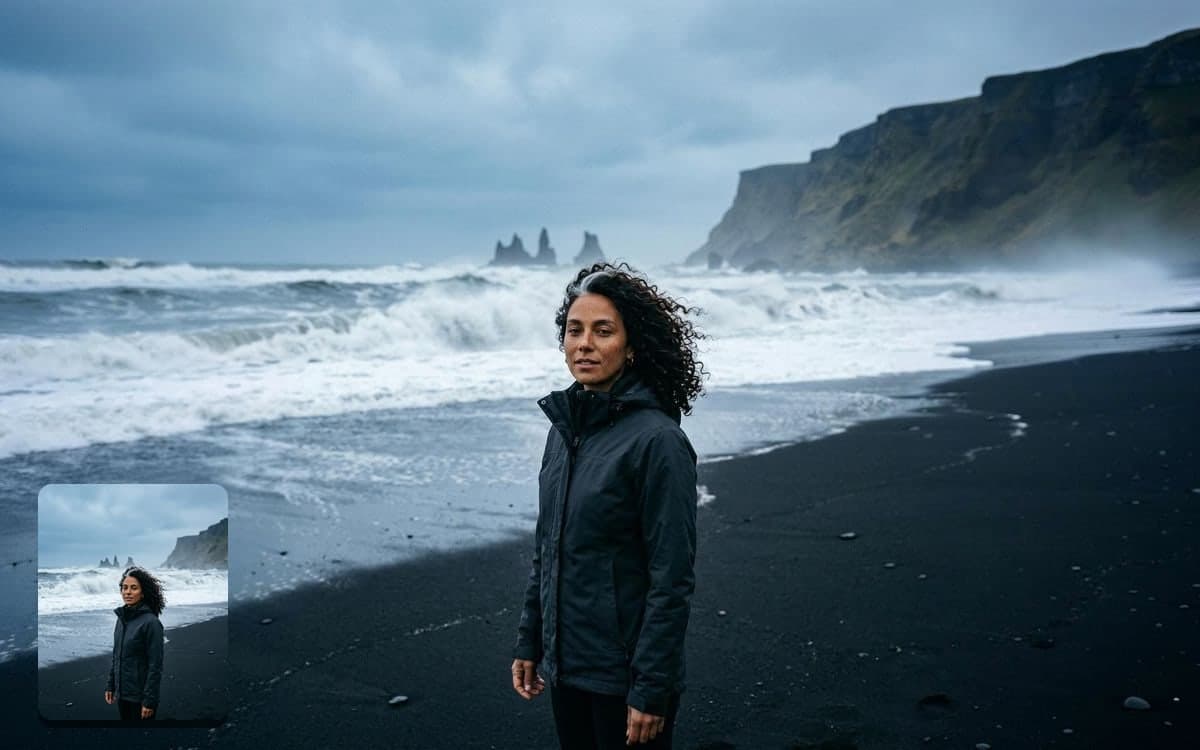
It happens: the client asks for 4:5 and you have 16:9. Do not run the whole generation again. Expand image takes your picture and a new shape, and fills in the missing space around the edges, matching the light and the material of the original. What was in the frame stays exactly as it was.
Use it for a step in shape, such as square to vertical or 4:3 to 16:9. Doubling the frame asks the model to invent more than it can carry, and the edges start to look made up.
Video follows the first frame
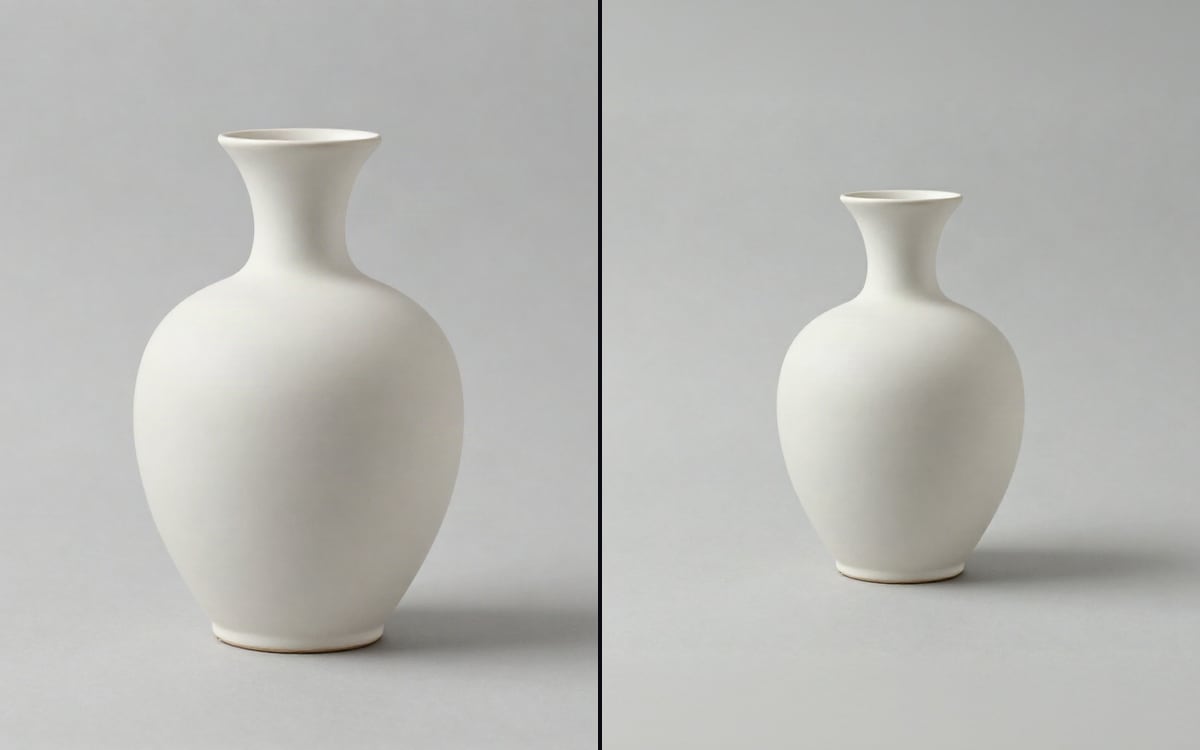
When a clip starts from a still, make the still in the shape you want the clip to be. A wide start frame turned into a vertical clip gives the model a contradiction, and it solves it by cropping or by inventing edges you did not approve.
For a vertical version of a wide shot, widen or extend the still first, approve it, and only then run the video. The still is cheap; the clip is the expensive step.
Mistakes with shape
Three that show up after the work is done.
- Making the whole series in one shape and finding out at the end that the ad needs another. Ask where it runs before the first image.
- Writing "vertical" in the prompt instead of setting the shape. The words describe a mood; the setting decides the pixels.
- Mixing shapes inside one sequence. A wide clip between two vertical ones reads as an error, however good it is.
Questions
What aspect ratio should I use for Instagram and TikTok?
Vertical 9:16 for Reels, Stories and TikTok, because it fills the phone screen. Portrait 4:5 for feed posts that should take up more space than a square. Keep important things away from the top and bottom edges.
Why is my image not exactly 16:9?
Some models round their output to multiples of 64 pixels, so 16:9 can come back as 1344x768, about 1.6 percent off. The studio accepts up to 3 percent and refuses anything further off rather than rounding quietly.
Can I change the shape of an image I already made?
Yes. Expand image widens a picture to a new shape and fills in the new space around the original. It works best for a modest change, such as square to vertical, rather than doubling the frame.
Read next


Put this guide to work
Open the studio and try what you just read. You start with 1,000 free credits.
Get early access