
A character that keeps coming back
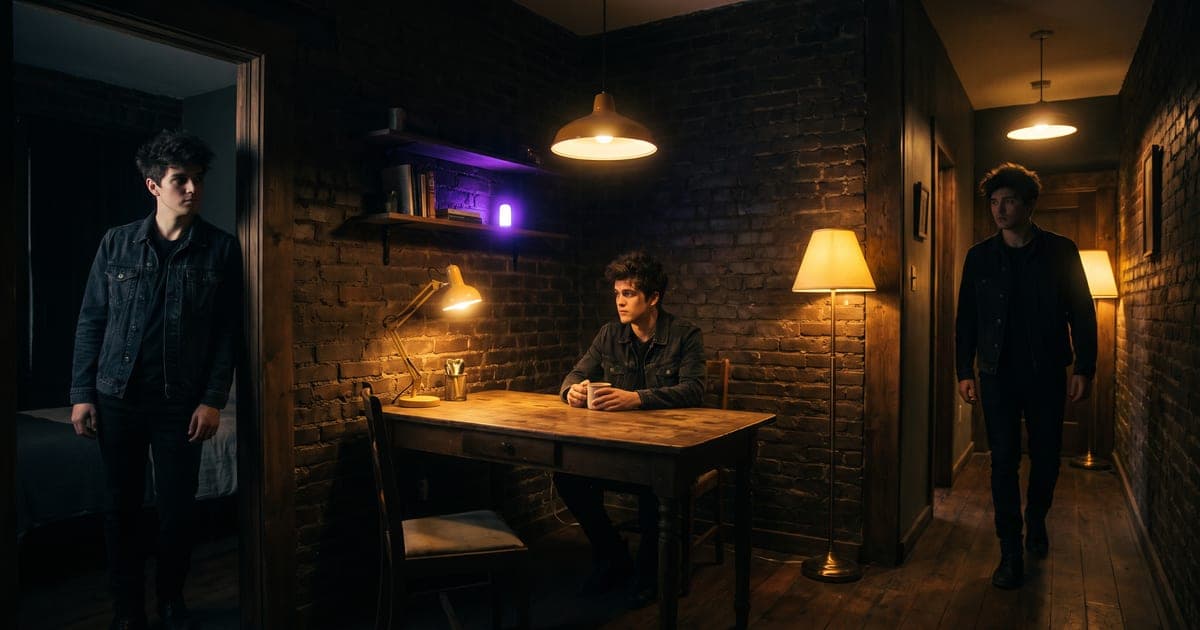
How to lock one person once and put them in scene after scene, without a family resemblance every time.
3 min read · last checked
The problem is not the model, it is the reset
You write a good prompt, you get a good person, and the next clip gives you their cousin. That is not a failure of the model. These models hold nothing between two calls: every generation starts from an empty room, and a description in words is simply not precise enough to rebuild the same face twice.
So you stop describing the person and start showing them. That is the whole trick, and everything below is the practical shape of it.
Step one: one clean portrait
Generate a single frontal portrait against a plain backdrop, evenly lit, sharp on the eyes. Not a scene, not a mood, a reference. Everything that has to stay recognisable goes in here: face, hair, build, and the one or two things that read as theirs.
Spend your effort on this one image. It is the only thing every later clip depends on, and a portrait with a shadow across half the face gives the next model half a face to work from.
Keep the backdrop plain and the light soft. A dramatic portrait looks better on its own and works worse as a reference, because the model cannot tell which part is the person and which part is the lighting.
Step two: attach it and describe the scene
Connect the portrait as a reference image and write the scene. Point at it in the prompt as @img1, and say what it controls and what it must not touch: "@img1 sets the face, hair and build only. Do not copy the clothing, the backdrop or the lighting from it."
Then describe what happens. Not who she is, that is on the reference. Describing her again in words competes with the picture, and the model resolves that competition by inventing a compromise between the two.
Step three: change only the scene
For the next clip, leave the reference and the character prompt alone and rewrite only the scene. That is what keeps a series together: one thing changes, everything else is held.
For a sequence rather than separate clips, use a script. One shared style block repeats in every shot, so six clips read as one piece instead of six attempts. Check it as a storyboard first, a still per shot costs roughly a tenth of a clip, and the frames you approve become the start frames of the real thing.
When a reference is not enough
A reference image works per generation and needs no training. If you want the same face across hundreds of images, over months, with finer control, that is what a LoRA is for: a small file trained on your own material that carries the likeness everywhere, in image models and in video models alike.
The two are not alternatives so much as different distances. Start with references. Move to a LoRA when you find yourself attaching the same picture for the twentieth time.
Practical things that go wrong
Four failures that account for most of the disappointing results.
- Too many references, one per thing that must stay the same beats a pile of near-duplicates. The model averages what it is given.
- Describing the person again in the scene prompt, the most common one, and the one that produces a lookalike rather than the same person.
- A reference shot at an angle, a three-quarter portrait gives the model less to work with than a frontal one.
- Changing the format halfway, a vertical series with one landscape clip in it reads as a mistake even when the character is perfect.
Read next
Put this guide to work
The studio opens in stages. We let people in in the order they signed up, and you start with 1,000 free credits.
Get early access