
Your own trained style
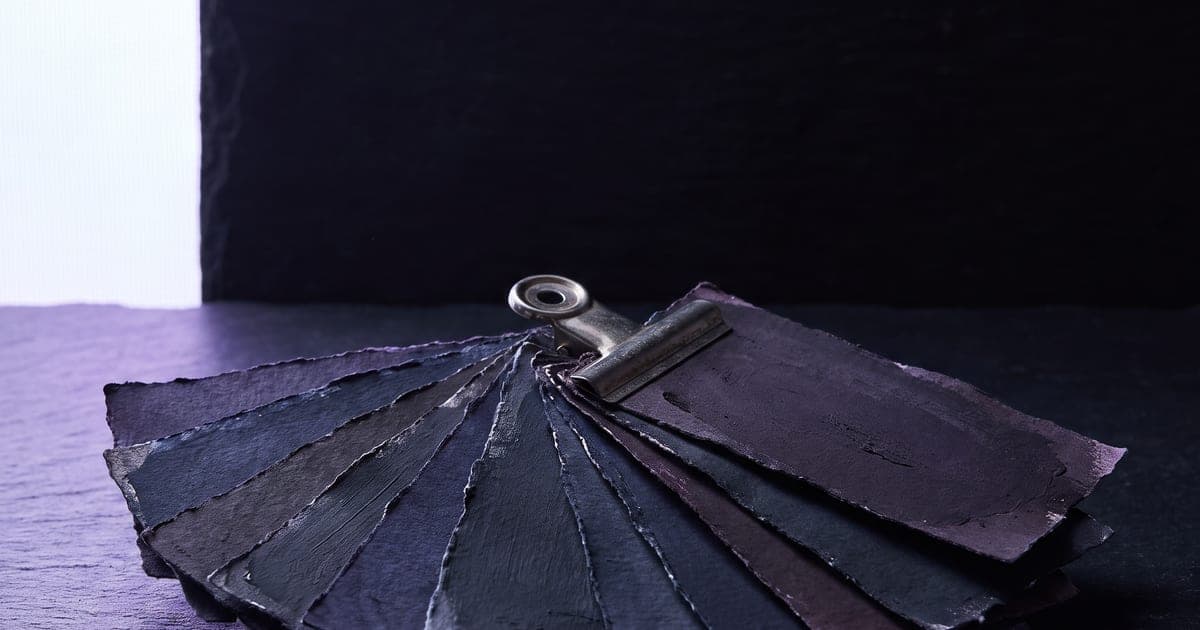
A reference holds a subject for a few shots. A trained style holds it for as long as you keep using it.
1 min read · last checked
What a trained style is
It is a small file that sits on top of a base model and pulls its output towards something specific: a person, a product, a house look. You train it once from your own material and then use it like a setting.
It is not a model of its own. It only works on the base model it was trained for, which is why the studio asks which family a style belongs to and will not offer it on a model that cannot read it.
When it is worth the trouble
Training costs money and takes time, so the question is how often the thing comes back. For a single campaign, references are cheaper and quicker. For a face or a product that has to appear in work you have not thought of yet, a trained style stops being the expensive option somewhere in the second month.
The other reason is precision. References carry a subject; a trained style can carry a treatment, which is much harder to describe in words.
Attach a style to a model that cannot take one and the studio switches to a variant that can, within the same family. A style that is silently ignored is a run you paid for and a result that looks like everyone else.
Where it shows up
A trained style is a block on the canvas and an option in the make screen, in the same place as a reference. Some models charge a little more for a large style file, and that is in the amount on the button.
Read next
Put this guide to work
The studio opens in stages. We let people in in the order they signed up, and you start with 1,000 free credits.
Get early access