
Video you can look around in
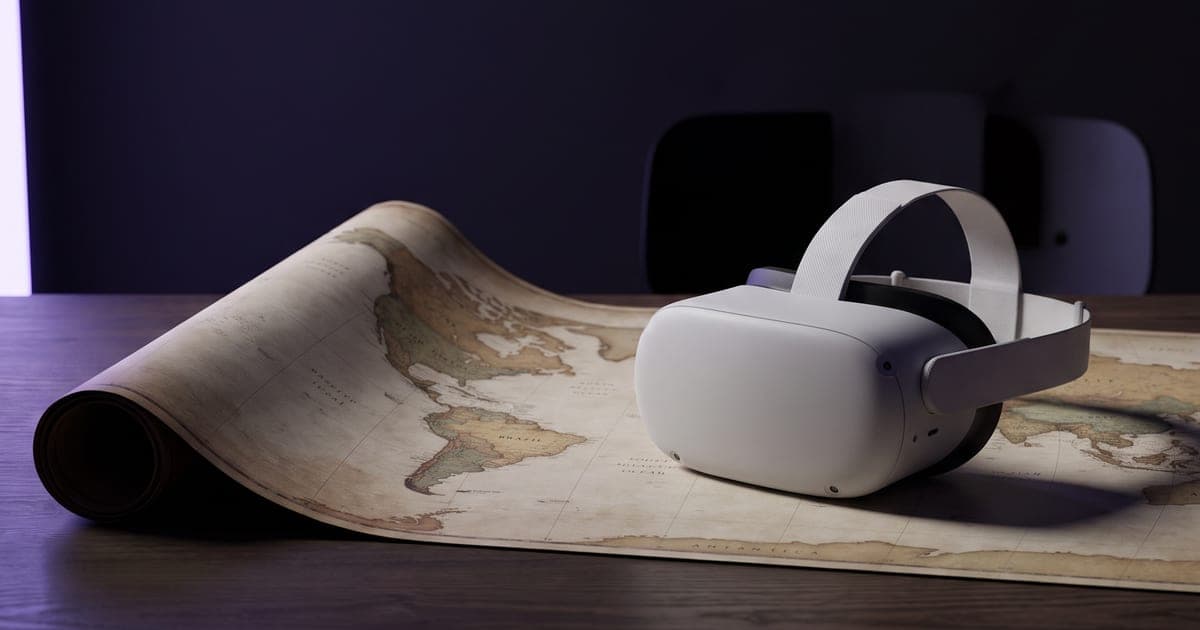
One clip that holds the whole sphere around the viewer, for a headset, a 360 player or a scrollable embed.
1 min read · last checked
How a 360° clip works
A 360° clip is a flat video of the whole sphere, unwrapped like a world map: straight ahead in the middle, directly behind at the left and right edges. A 360 player wraps it back around the viewer.
In the Studio, a 360° clip opens in a player you can drag to look around. Download it, and you get the flat file, ready for a headset or a platform that plays 360 video.
Writing the prompt
Describe everything around the viewer, not one view: what is ahead, what is to the left and right, what is behind, and what is overhead. The viewer can look anywhere, so every direction needs something in it.
The 360° style adds its own opening words to your prompt. You only describe the place.
A sphere spreads the pixels thin. Run a short preview at a low resolution to check the scene, then render the final at 2K or 4K.
Making it play as 360
The clip comes out at 21:9. Most players and headsets expect 2:1 with 360 metadata. Squeeze it to 2:1 and tag it as 360 before you upload it to a platform; the Studio player does that for you on screen.
Read next
Put this guide to work
The studio opens in stages. We let people in in the order they signed up, and you start with 1,000 free credits.
Get early access