
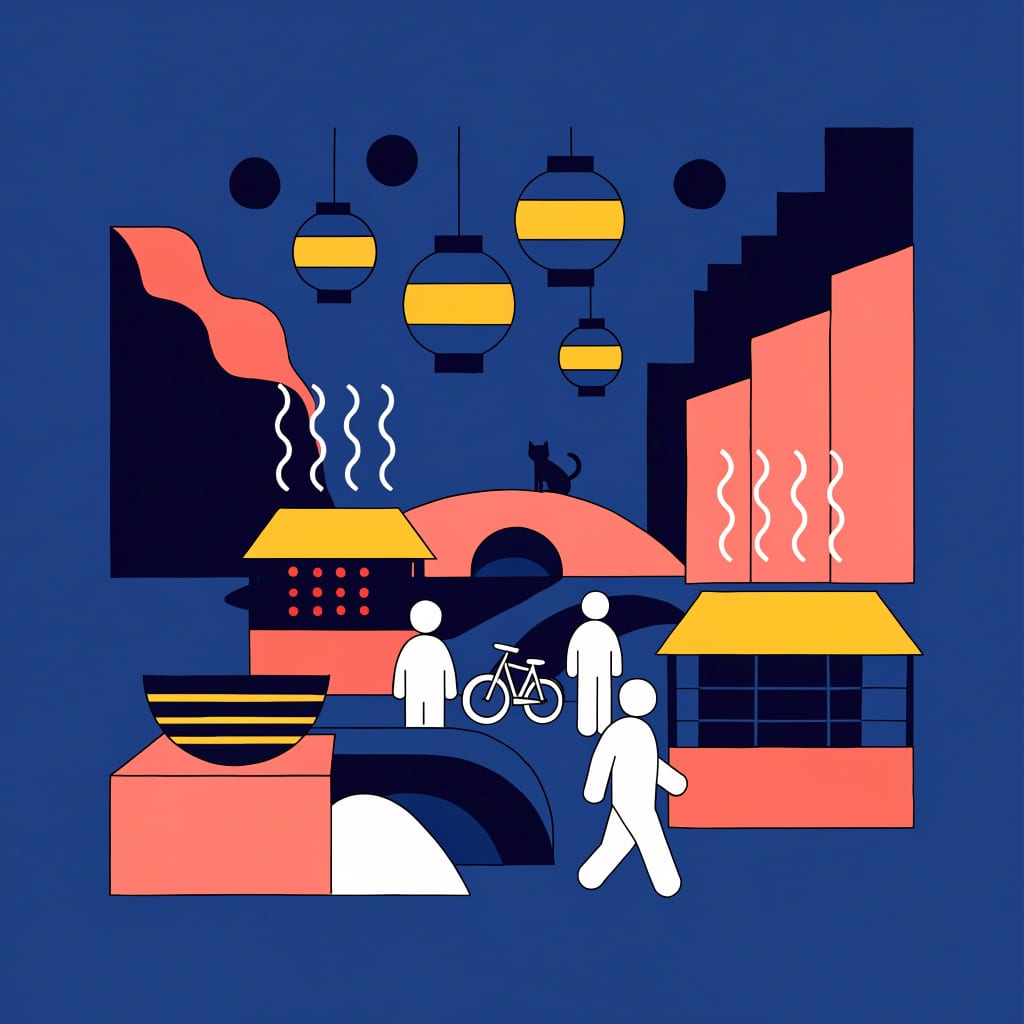
 by Recraft
What it is
Recraft V4.1 Flash "generates raster images from text prompts, including photography, illustrations, and mixed-media compositions, with controls for image size, color palette, and background color".
It is the cheapest image model in the Studio by a wide margin. That makes it the one for volume: icons, thumbnails, placeholder art, or a hundred variations to see which direction is worth spending on.
Made with Recraft 4.1 Flash in this studio
What it is good at
A hundred images cost less than one image on most other models. Explore freely.
Give it a palette and a background colour, and the output stays inside them.
One model for a product shot, a flat illustration or a collage, so a series can switch style without switching tools.
Where it struggles
- Recraft publishes no list of limitations for Flash, so none is invented here.
- It is the fast tier. For a final hero image, a heavier model such as FLUX 3 or Nano Banana Pro is the better tool.
- It does not take reference images.
How to prompt it
Say the style first, then the subject: "flat vector illustration of", "studio photograph of". Keep it short; this tier follows a clear instruction better than a long description.
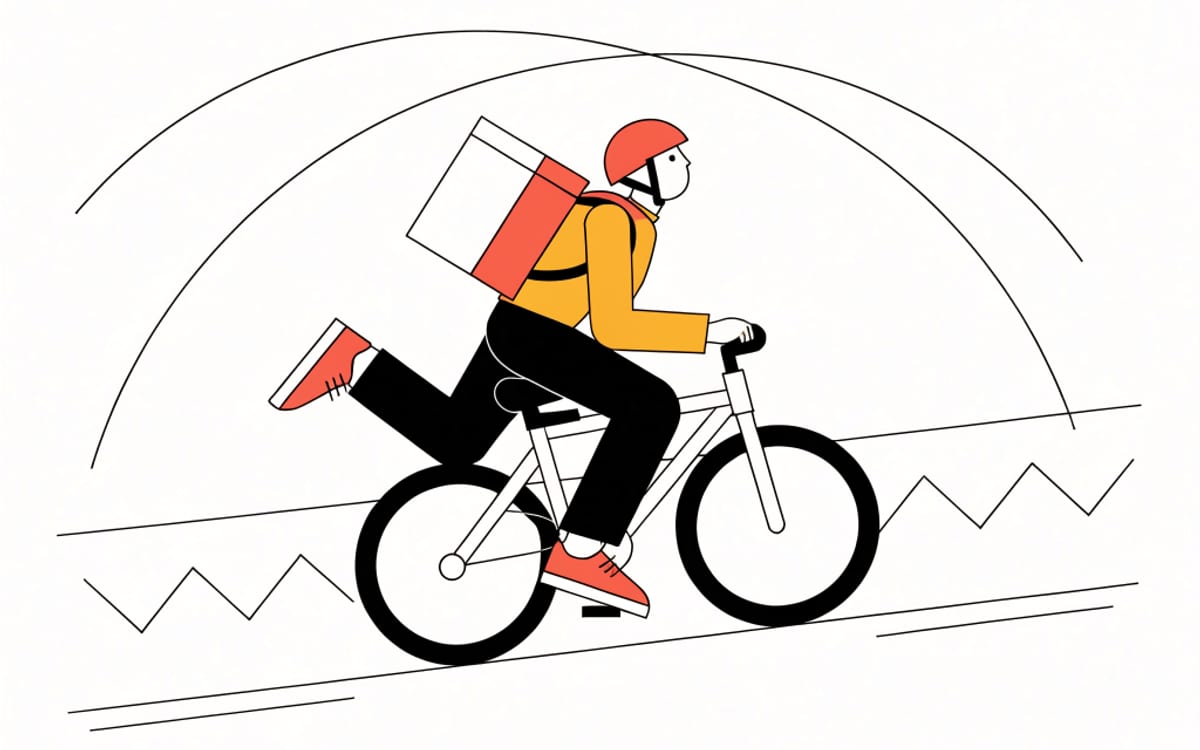
An example that shows what that means
Flat vector illustration of a bicycle courier crossing a bridge, three colours, plenty of empty space.
What we offer here
Straight from the catalogue, so this list never goes stale. The price is the provider’s published rate with our markup on top, and it is on the button before you run anything.
Questions
Why is it so cheap?
It is a fast, light model. The provider charges a fraction of a cent per image, and the Studio passes that on with the same markup as every other model.
Can I use my brand colours?
Yes. Set a palette and a background colour in the settings.
Is it good enough for a final image?
For icons, thumbnails and flat illustration often yes. For a hero photograph, use it to find the idea and render the final on a heavier model.
Alternatives
Compare
Guides with Recraft 4.1 Flash
Next
Sources
Try Recraft 4.1 Flash in the studio
Compare them on your own prompt instead of on a demo. You start with 1,000 free credits.
Get early access