
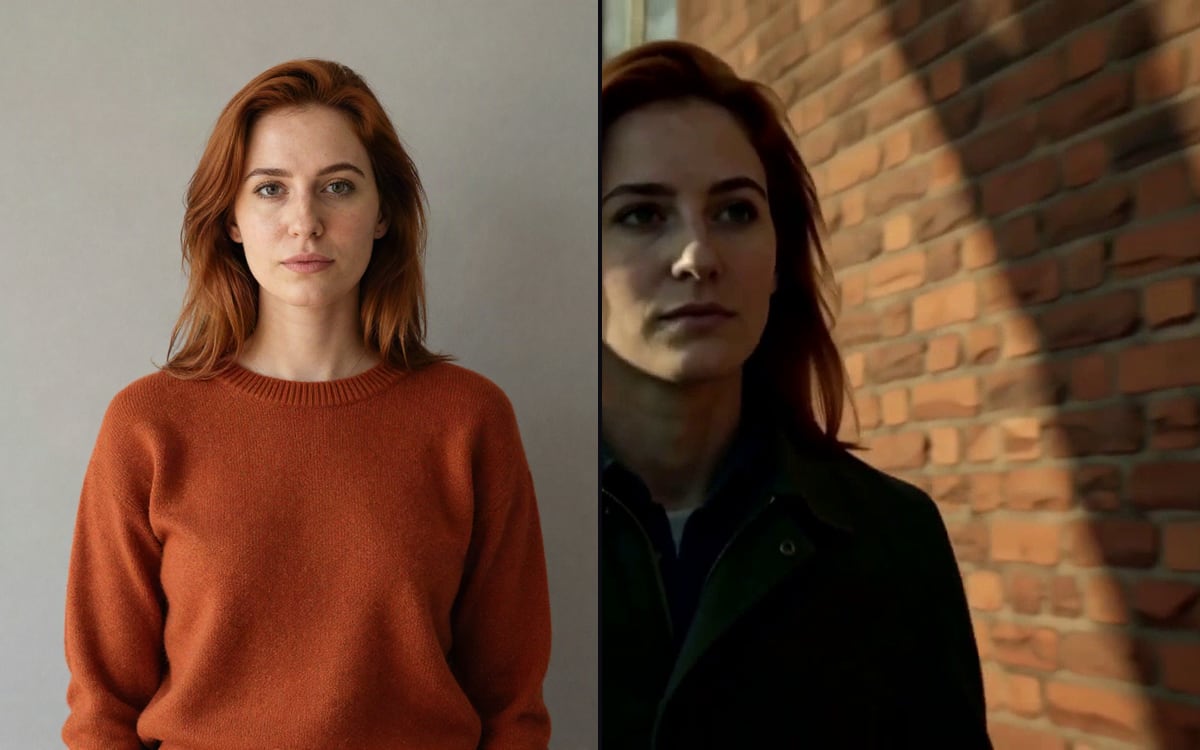
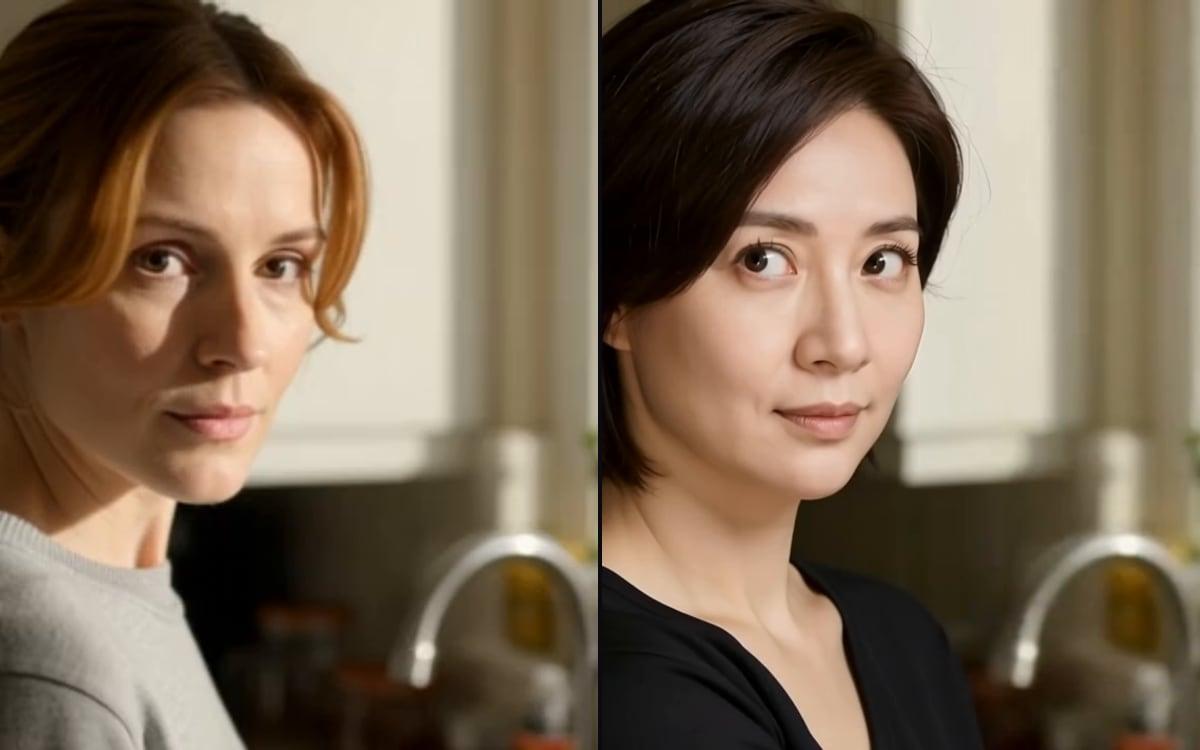
How it works
- 1Confirm you have permissionOnce, before the first run. A recognisable face is personal data, and the right to it belongs to the person in the picture.
- 2Bring the clip and the faceThe video you want changed, and one clear photo of the face that goes in.
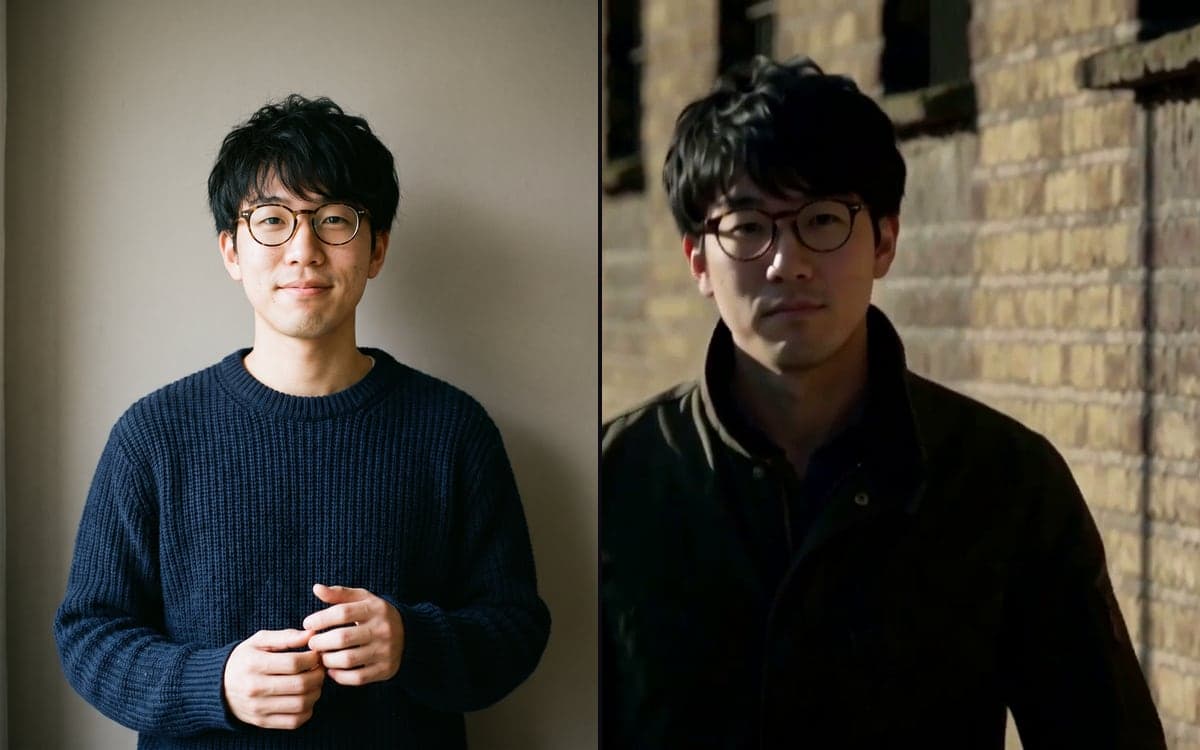
- 3Run itNo prompt. The model finds the face in the footage and replaces it.
What people make with it
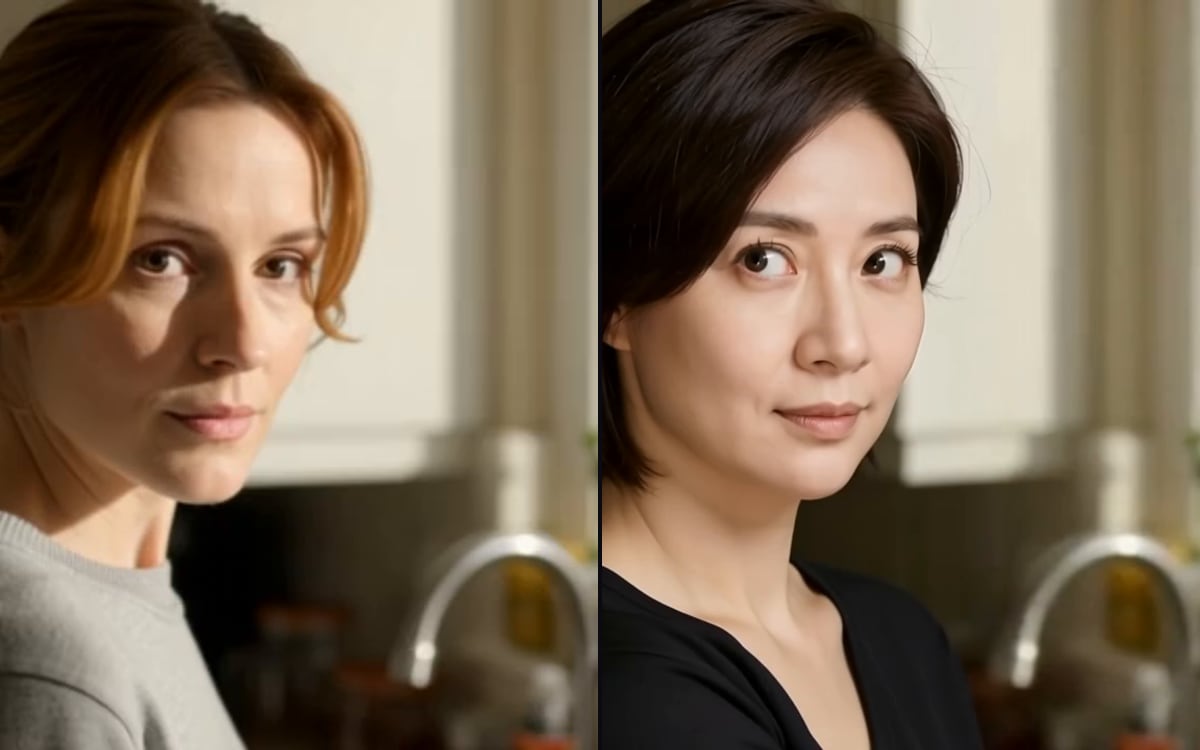
Bring the file, get the result
Pick the tool, drop in your image or clip and it is done. You start with 1,000 free credits.
Get early accessGood to know
Under European law a recognisable face is personal data, and the portrait right sits with the person shown, not with whoever holds the file. We ask once and record that you confirmed it. We do not record who they are.
The provider charges double above five seconds. The Studio measures your clip before it runs, so the price on the button is the price for your clip.
There is no image-to-image face swap in our catalogue. The providers that offer one publish no price, and a model without a published price does not go in.
Questions
Why do I have to confirm something first?
Because this is the one tool where you work with someone else’s likeness. We record that you said you have their agreement, once. We do not record who they are.
Can I use it on a well-known person?
No. A famous face does not come with permission attached, and a recognisable person in a clip they never agreed to is the case that goes wrong fastest.
What does it cost?
A flat amount per run, by resolution, and double for a clip over five seconds. The Studio measures your clip and shows the amount before you run.

Bring the file, get the result
Pick the tool, drop in your image or clip and it is done. You start with 1,000 free credits.
Get early accessAlso in the studio
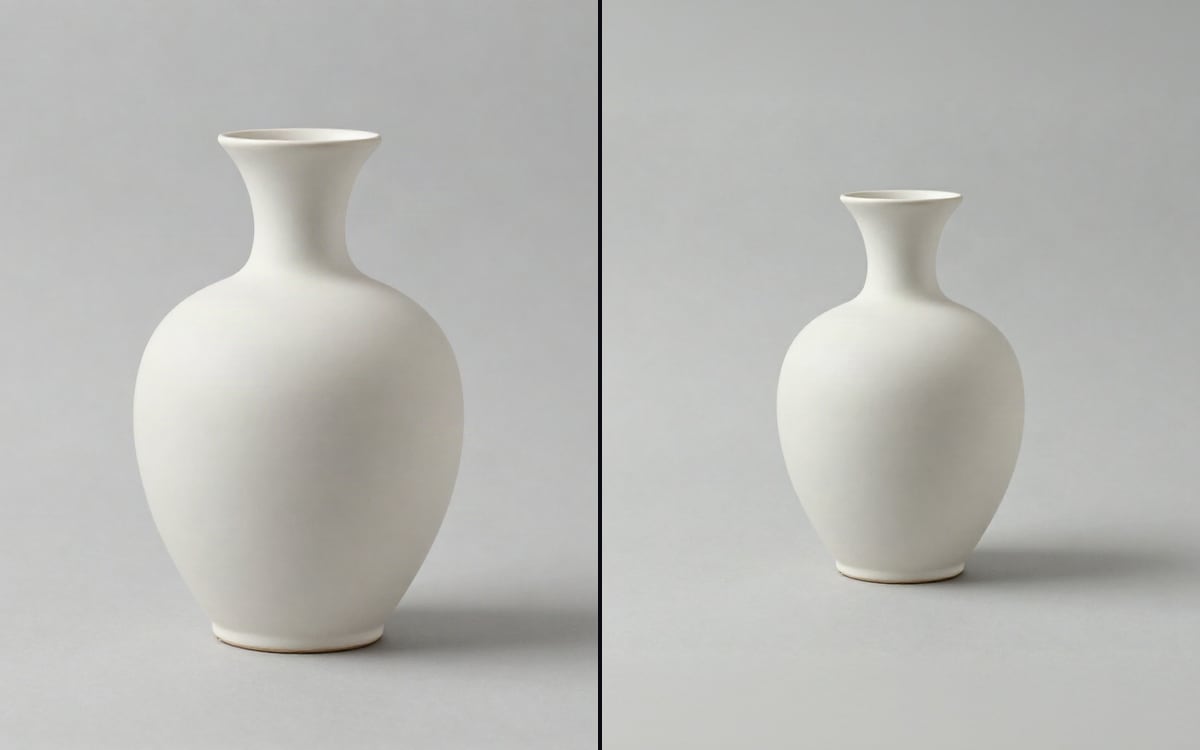 Expand imageWiden a picture beyond its edges. Pick the shape you need, no prompt required.
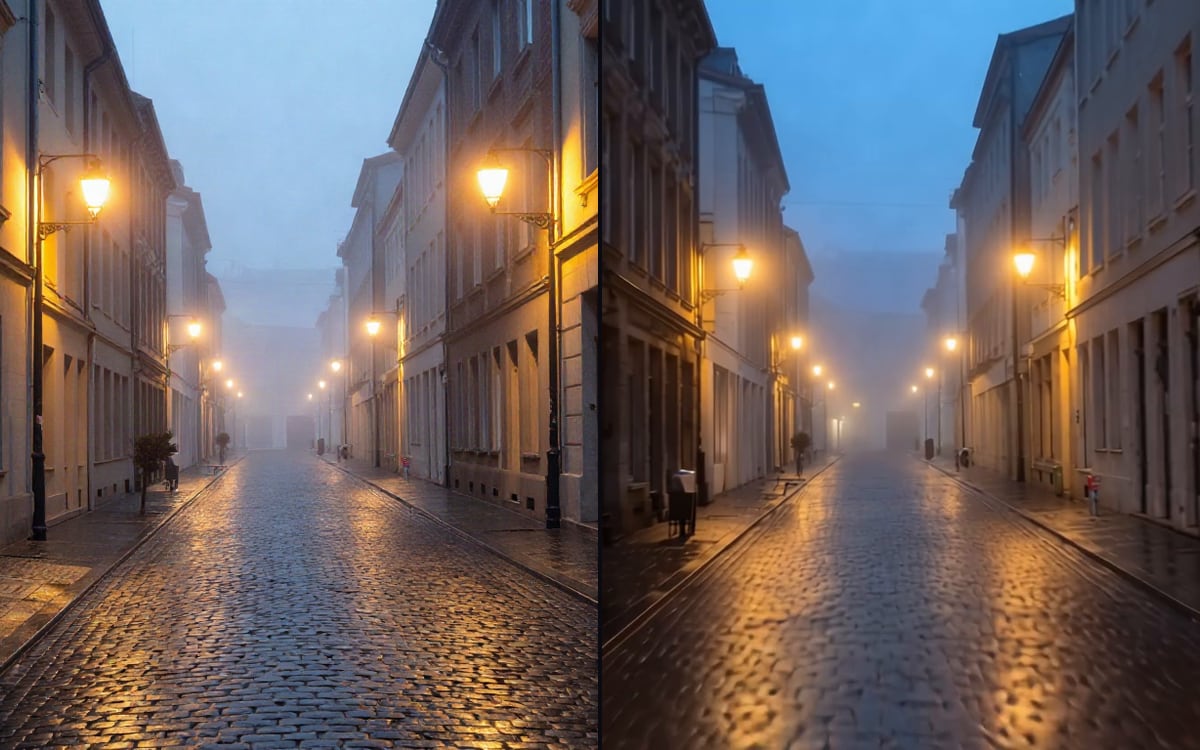 Transition between two framesGive a first frame and a last frame, and get the clip that runs between them.
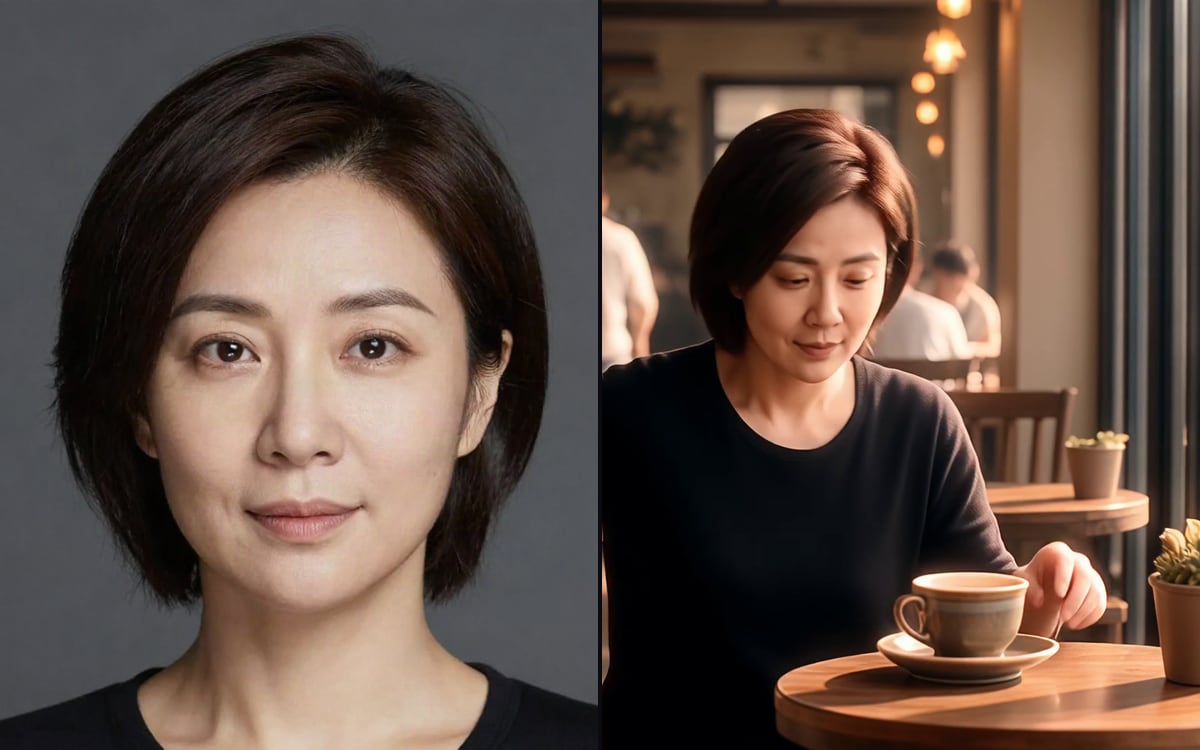 Keep the same characterReference images that carry one person, product or place across a whole sequence.
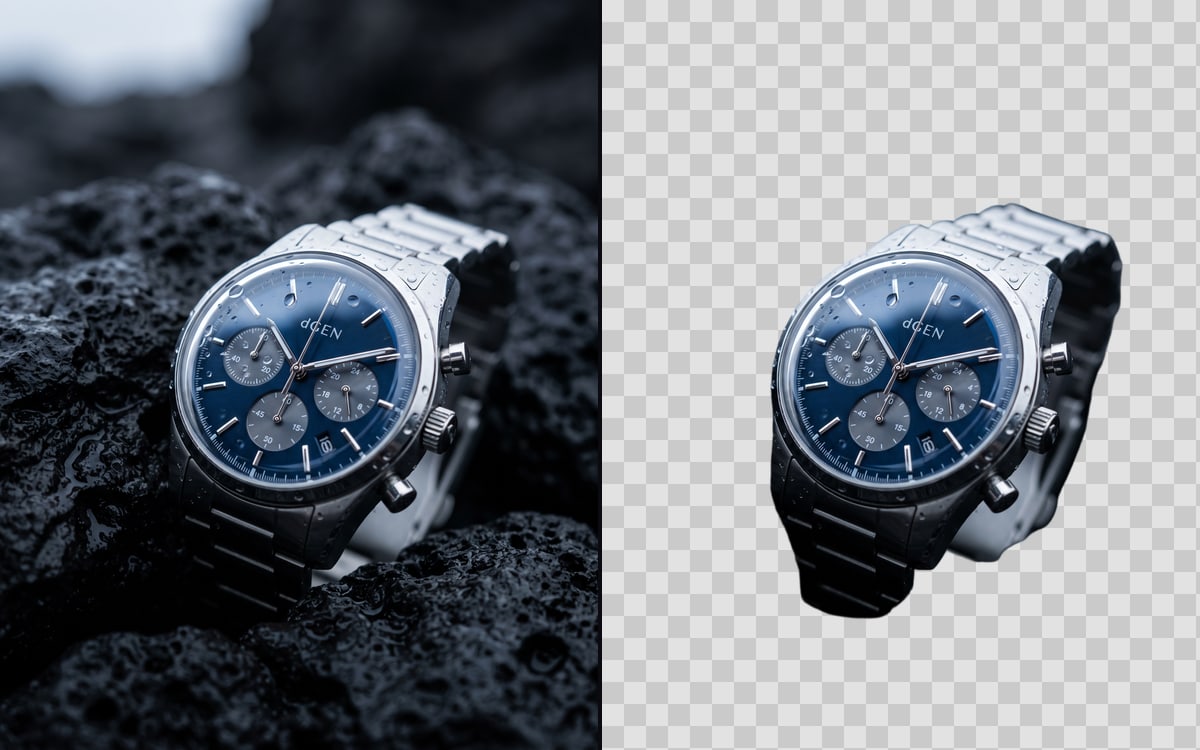 Remove an image backgroundCut the subject out of a photo and leave the background transparent.
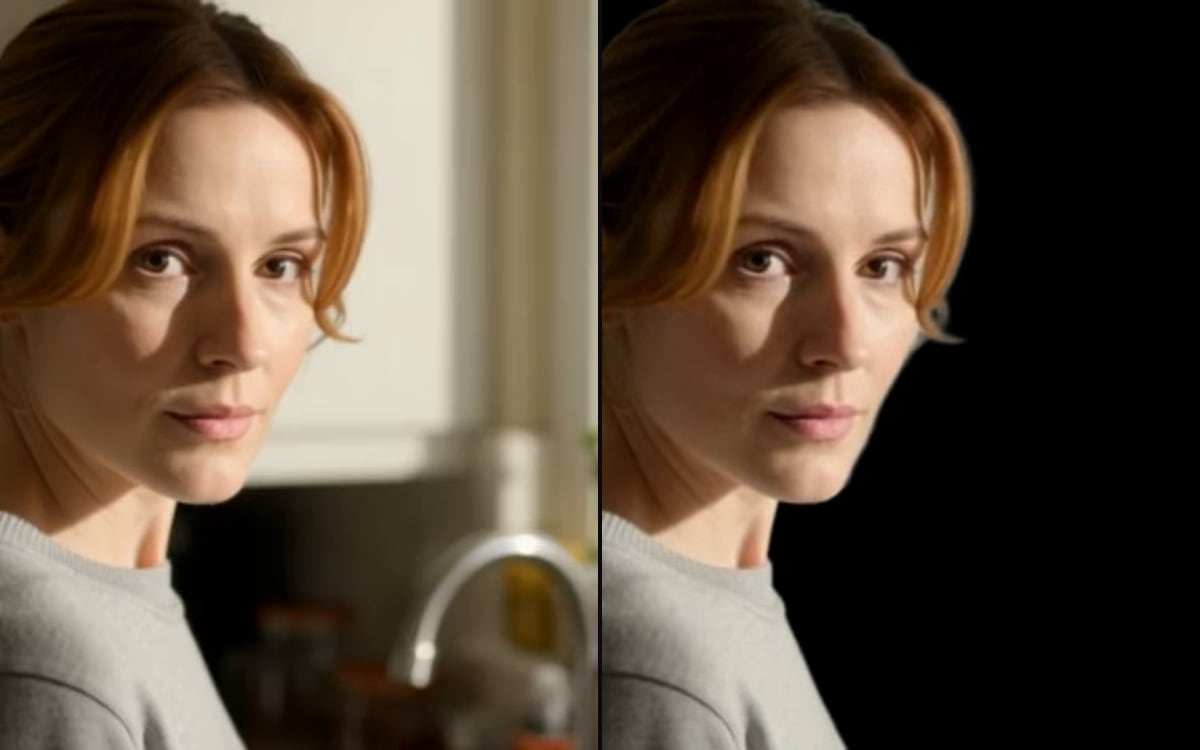 Remove a video backgroundCut the subject out of a clip and leave the background transparent.
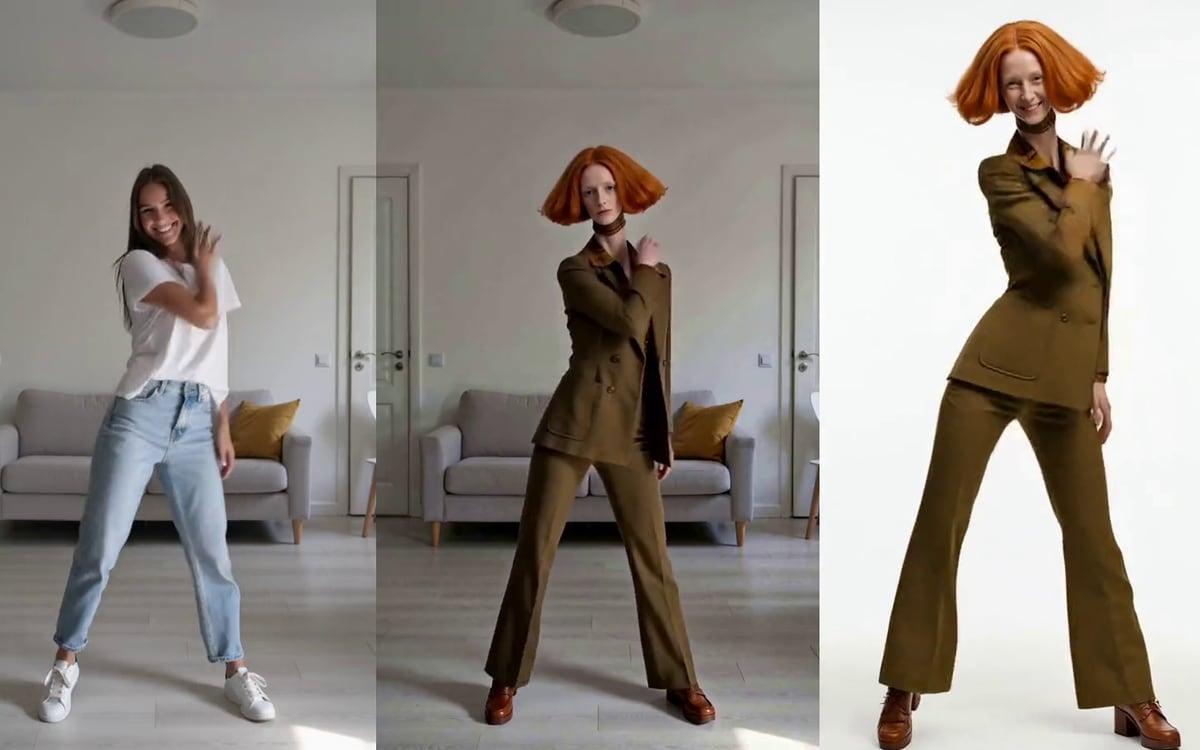
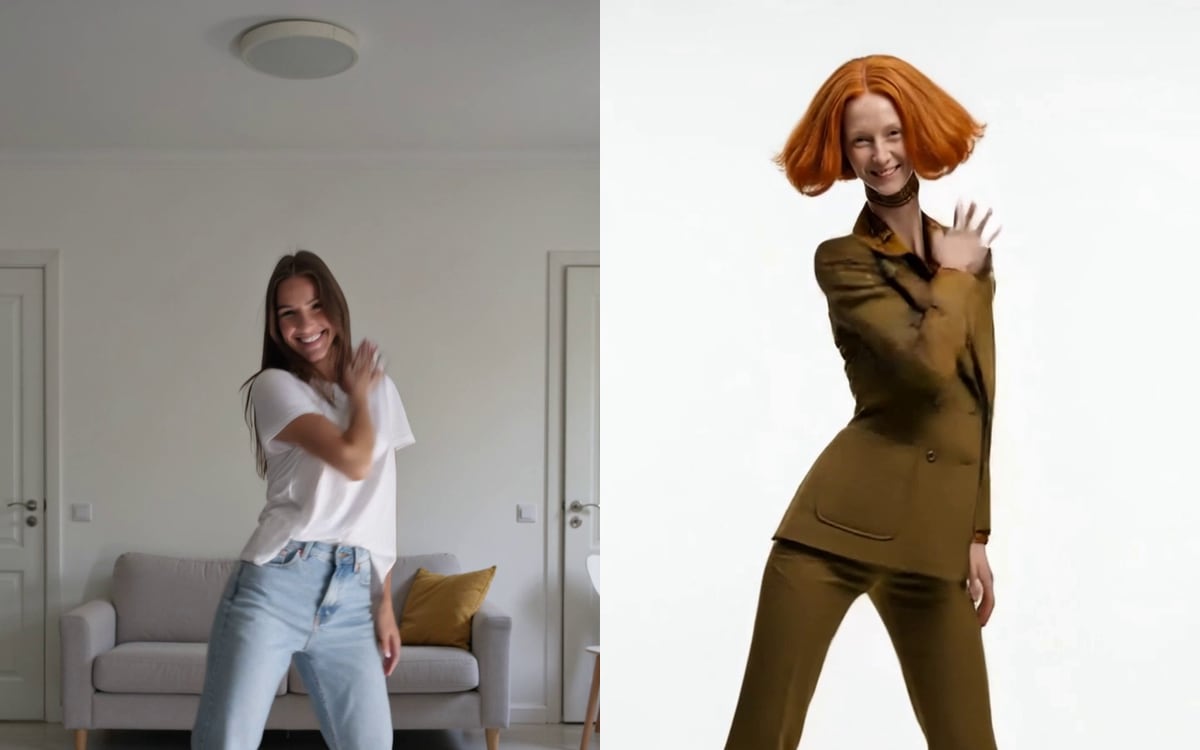 Make your character move like youFilm a move once, and your character does it: the same steps, the same timing.
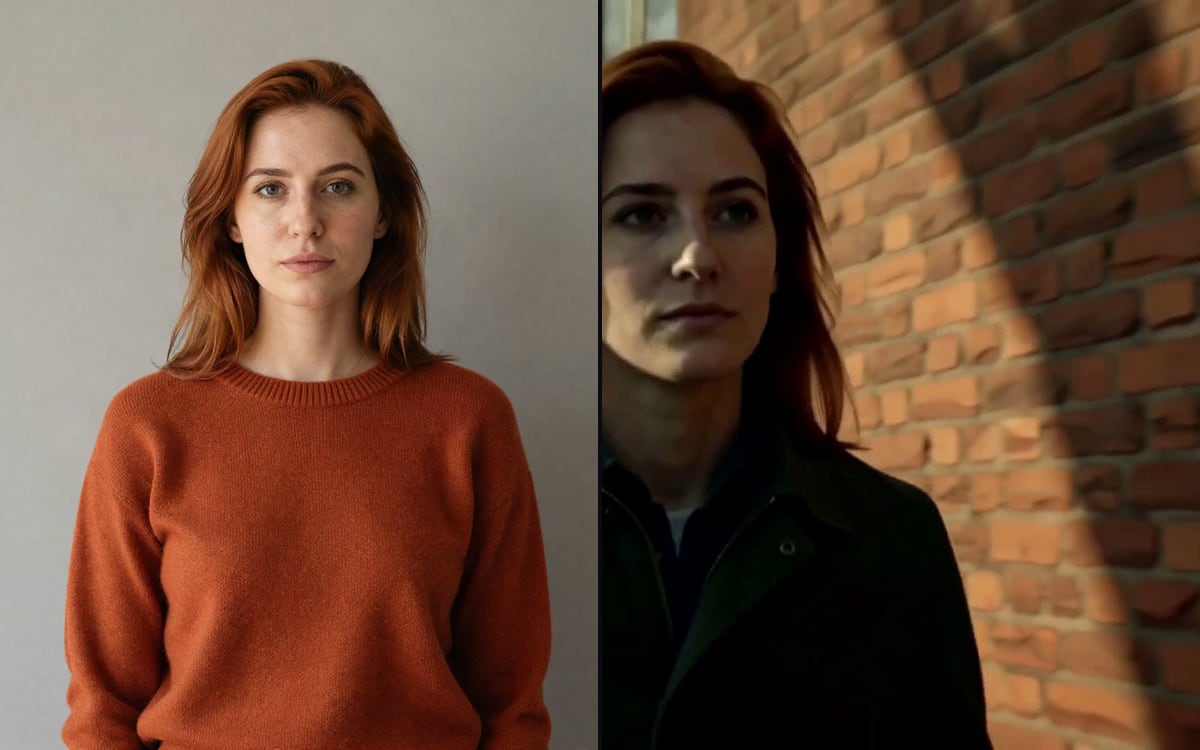 Recast a videoSwap the person on screen for someone in a photo. The motion, the cuts and the sound stay.
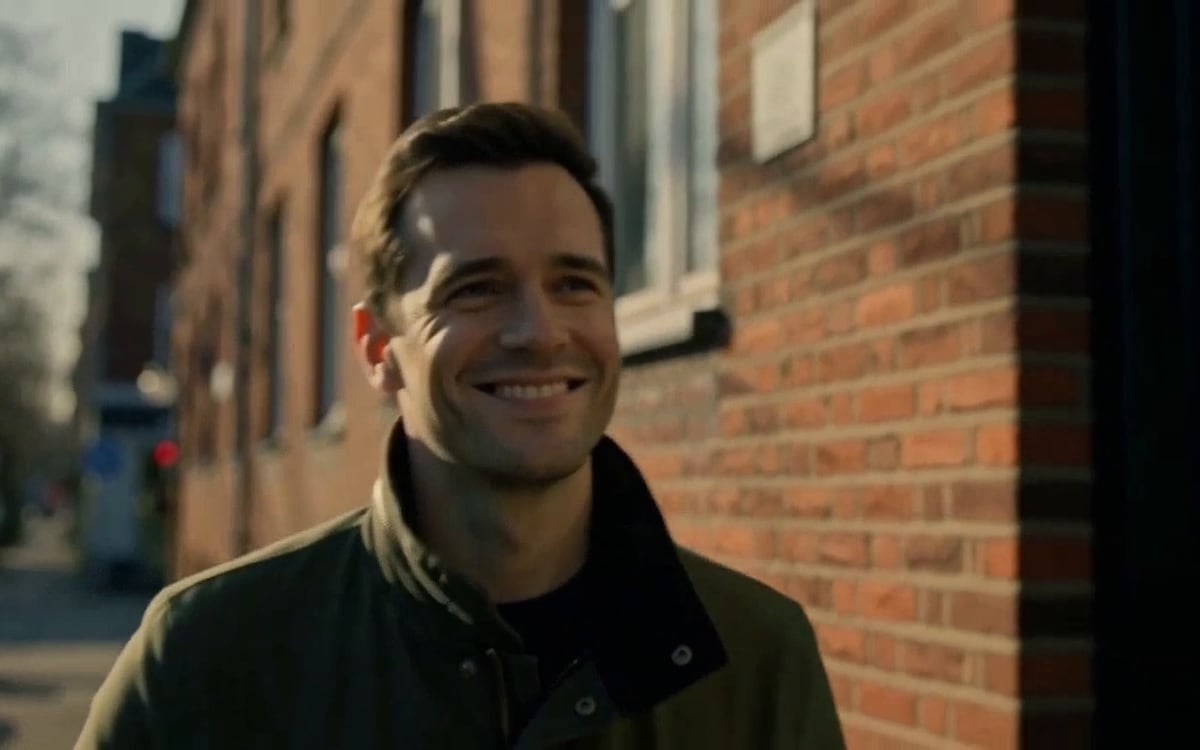 Extend a videoMake a clip longer. Describe what happens next and the video carries on in the same style.
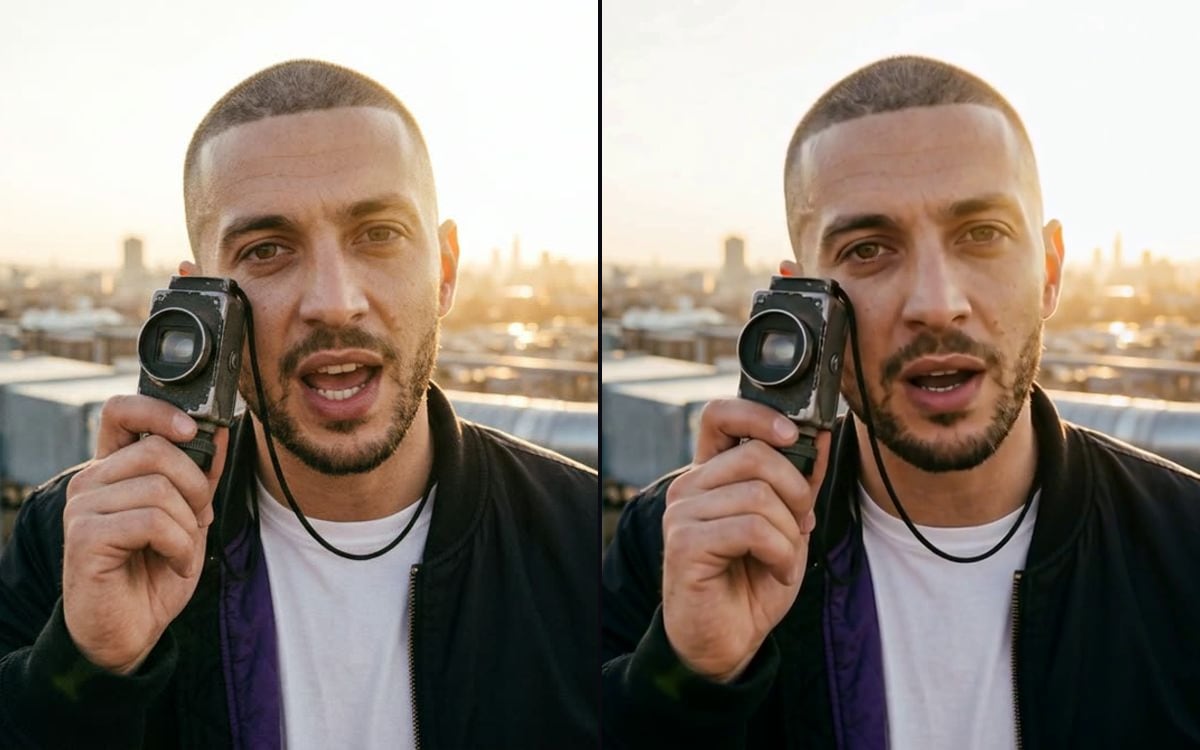 Make a photo talkGive a face in a photo your audio. The lips follow the words.