
Tool
Remove an image background
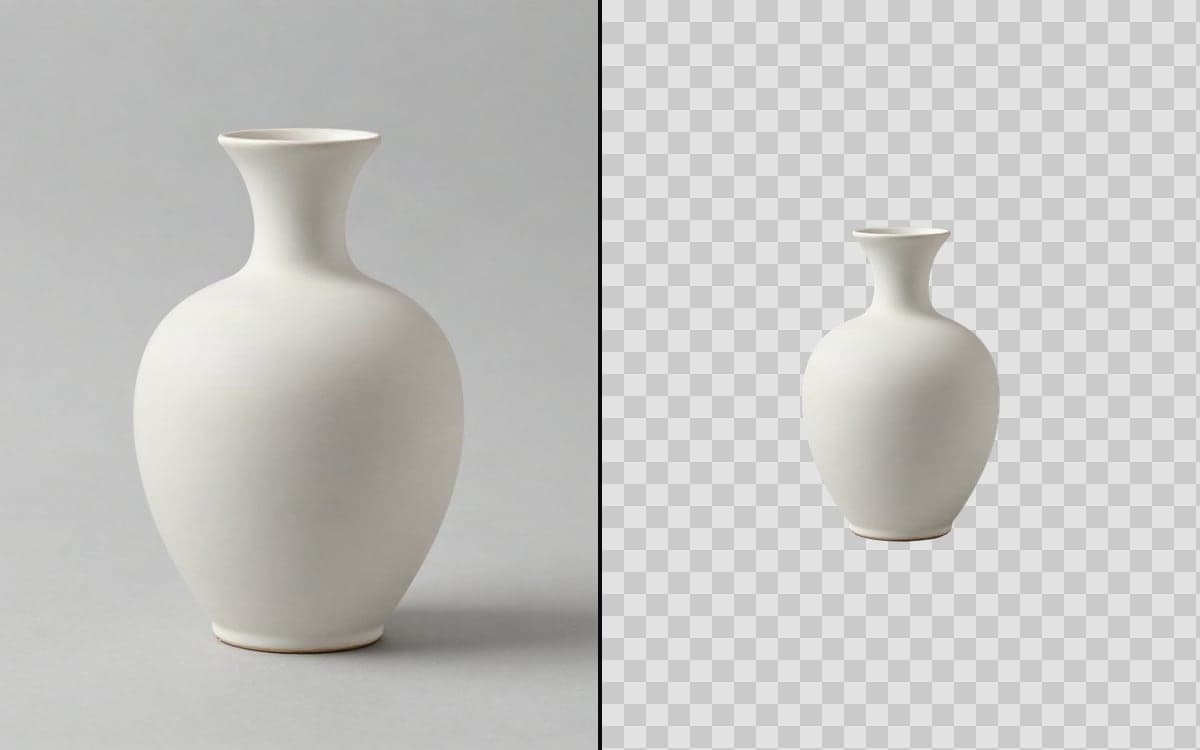
Cut the subject out of a photo and leave the background transparent. One image. The same image with the background gone, as a transparent PNG.
How it works
- 1Bring your imageA photo, a product shot, or something you generated here.
- 2Let it runNo prompt, no settings. The model finds the subject and cuts it loose.
- 3Use it anywhereDrop it on a colour, another photo, or straight into a layout.
What people make with it
One photo becomes every background your shop, your ads and your deck need.
Cut once, then put them in whatever scene the campaign asks for.
A transparent PNG sits on top of anything without a white rectangle around it.
Get early access
The studio opens in stages. We let people in in the order they signed up, and you start with 1,000 free credits.
Claim your spotGood to know
Nothing is being invented here, only separated, so this is one of the cheapest things in the studio.
A clean edge against a busy background is where any cut-out model has to guess. Fine strands and transparent objects are where you will see it.
Questions
What do I get back?
A PNG with a transparent background, so it drops onto anything without an edge.
Does it work on video?
There is a separate tool for that, Remove a video background. A clip is priced per second, an image per image.
Start making it yourself
The studio opens in stages. We let people in in the order they signed up, and you start with 1,000 free credits.
Get early access