
A different person in the same video
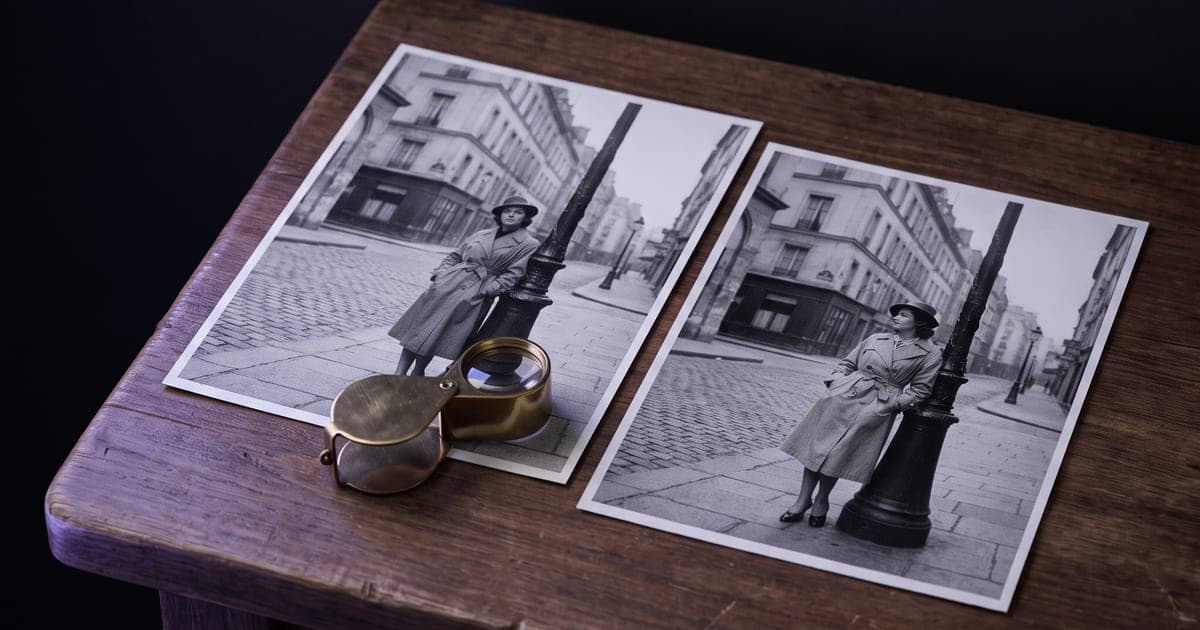
Film once, cast as often as you like. The motion, the cuts and the sound stay exactly as they were.
1 min read · last checked
What changes and what stays
Recast replaces the people in a video with the people in your photos. Everything else is the original: how they move, where the camera goes, when the cuts fall, and the soundtrack.
That is the difference with generating a new clip. A prompt gives you a new performance every time. Recast keeps the one you already approved and only changes who gives it.
What to bring
The video, up to 30 seconds, with no single shot longer than 15 seconds. And one clear photo per new person, up to four. A face looking roughly towards the camera, in even light, works best.
With more than one person in the clip, add one sentence that says who becomes whom. With one person, you can leave the prompt empty.
The first run asks you to confirm that the people in your photos agreed to it. A recognisable face is personal data, and the right to it belongs to them.
What it costs
You pay per second of output, and the output is as long as your video. The Studio measures the clip when you upload it and shows the exact amount on the button. 1080p costs half again as much as 768p.
For a first look, run 768p. When the casting is right, run the final at 1080p.
Read next
Put this guide to work
The studio opens in stages. We let people in in the order they signed up, and you start with 1,000 free credits.
Get early access