Kandinsky 6
Best forCinematic clips from long prompts, and steady video upscaling
Learn more dGEN Visual StudioMCP & AI AgentSign in
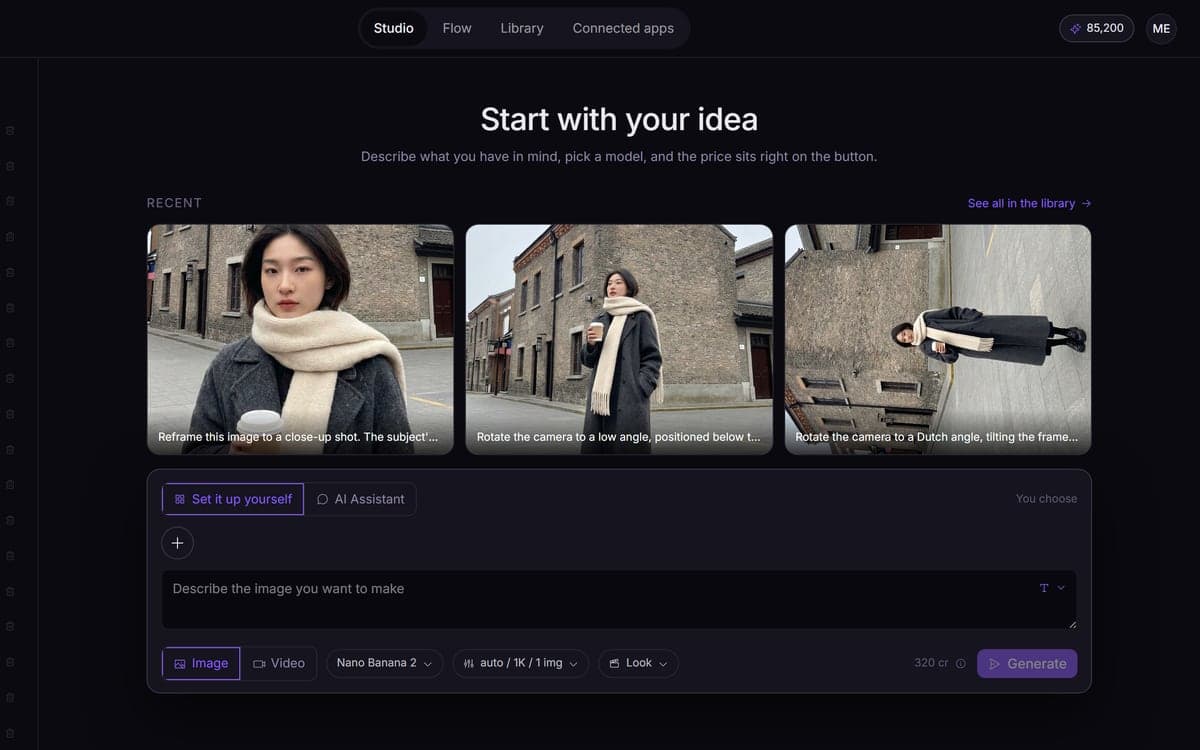
The all-in-one platform to generate and edit high-resolution images and videos with top-tier AI models. Maintain brand consistency using custom LoRAs, co-create with an intelligent AI assistant, or construct reusable node-based visual workflows for creators and autonomous AI agents via MCP.
 Nano Banana Pro
 Veo 3.1
 GPT Image 2.5
 Kling 3.0
 Seedance 2.5Seedream 5
 FLUX 3
 MiniMax H3
Watch the trailer
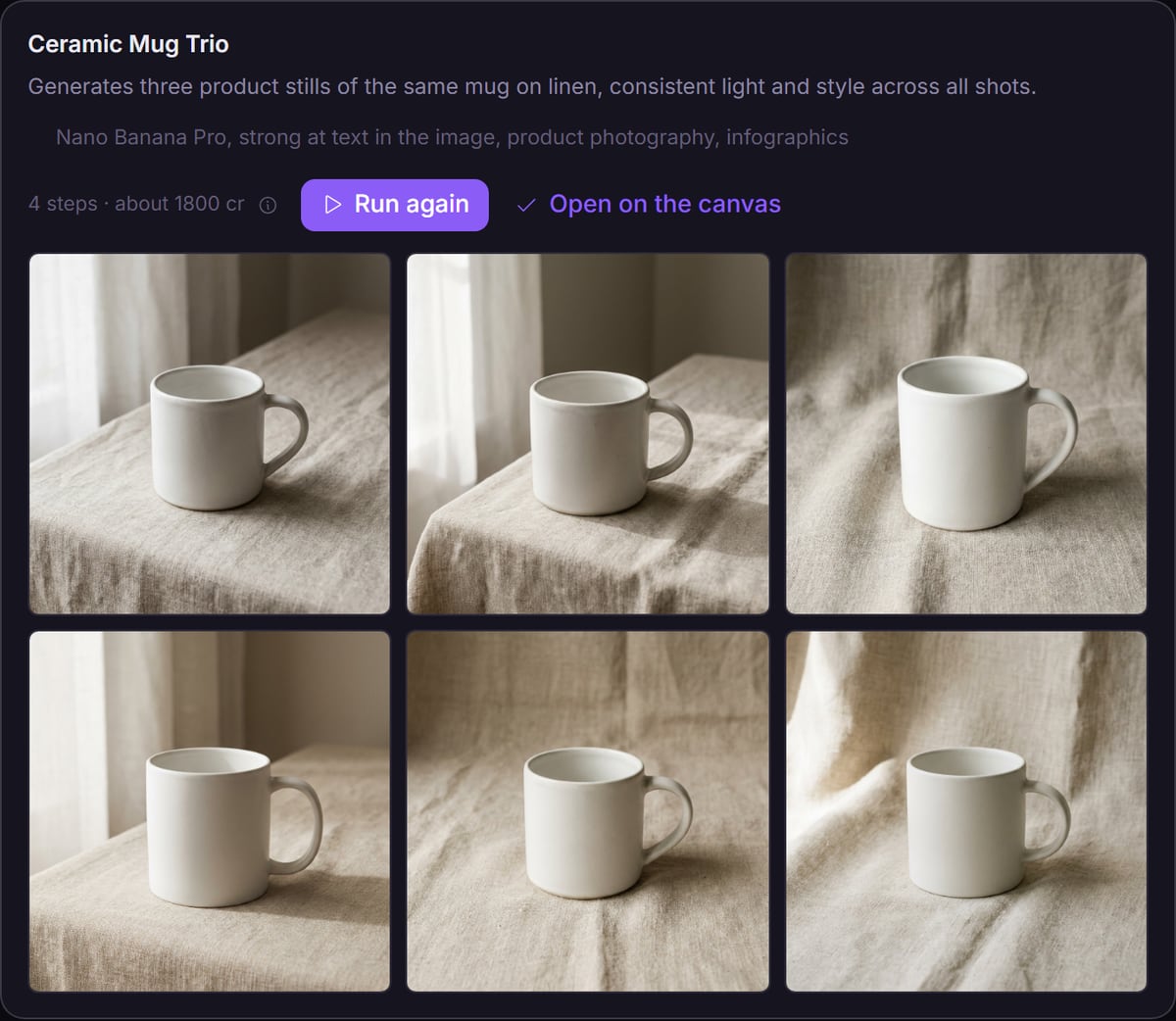
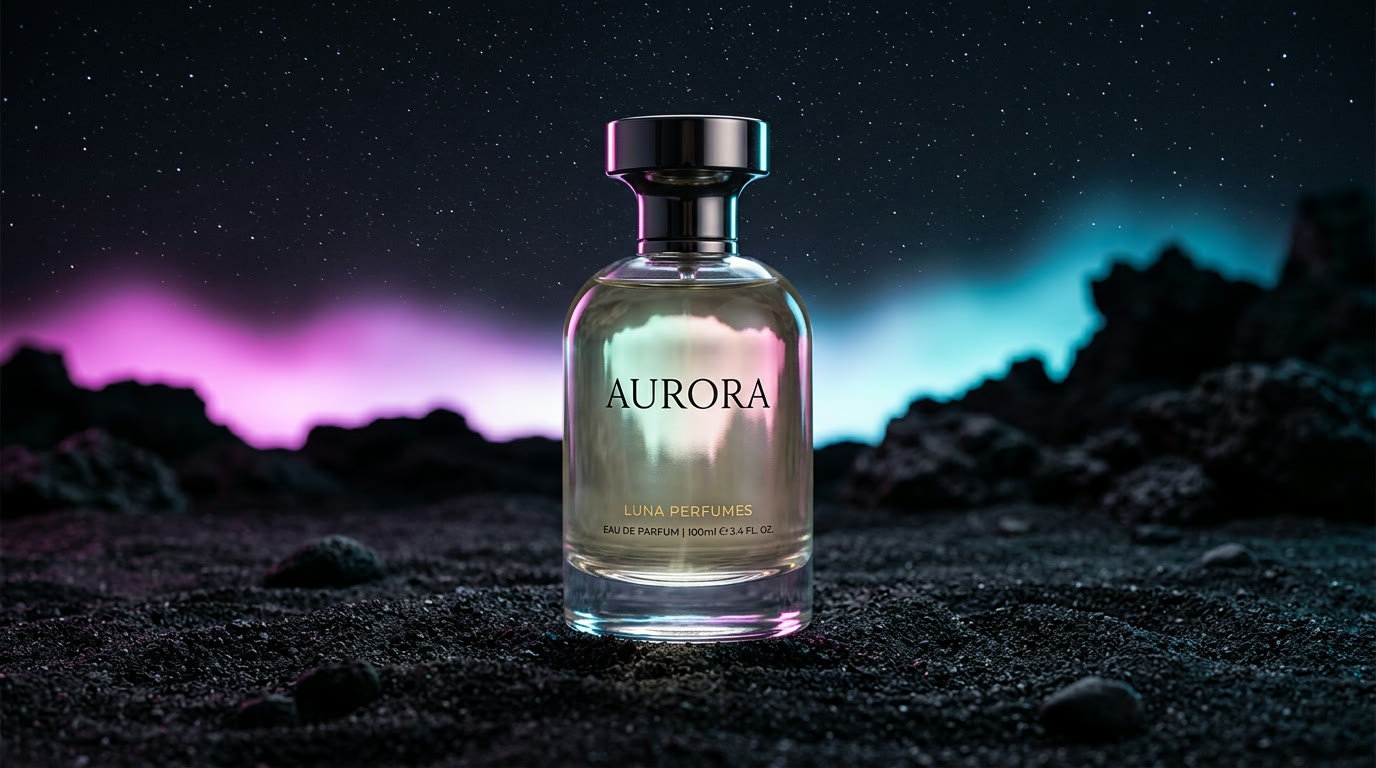 AI Image GeneratorProduct shots, ads and edits from a prompt, a photo or your own LoRA.AI Video GeneratorTurn an idea or a still into a cinematic clip, with sound where the model makes it.
 AI AssistantSay what you need. Name a model or let it choose one, and it writes the prompts.dGEN FlowBuild a workflow once, then run it for every product, client or campaign.
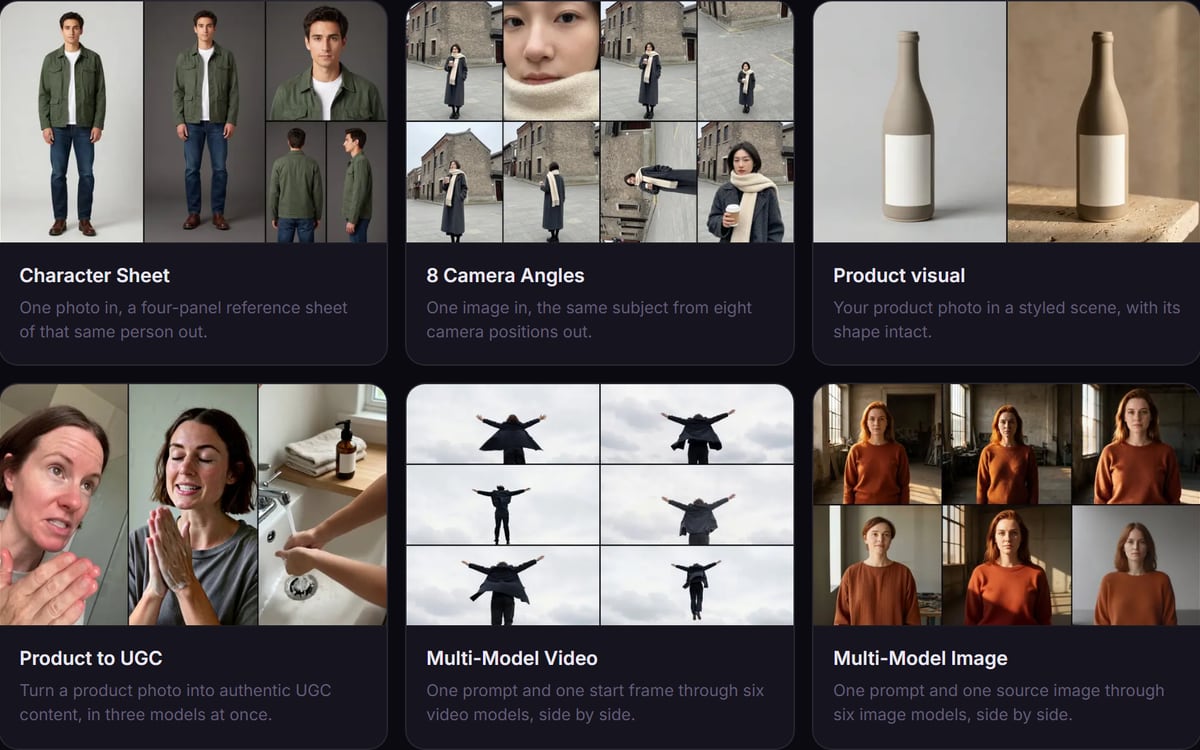 Tools & TemplatesTemplates and one-click tools that already do the job. Change the input and run.
 MCP & AI AgentLet Claude or your own agent run the studio while you do something else.
Made in the studio
Fantasy, film, product and fashion, all made in this studio. Hover a clip to play it.
Models
Pick the model that is strongest at what you are making, and switch the moment a better one lands. One studio, one balance, no subscription per lab.
Best forCinematic clips from long prompts, and steady video upscaling
Learn moreBest forCheap drafts, icons and flat illustration in your colours
Learn more
Best forProduct and clothing photos for a webshop
Learn moreBest forA character that keeps its look and voice across clips
Learn moreBest forRecasting, extending and lip-syncing footage you already have
Learn more
Best forShots that run from your start frame to your end frame
Learn moreBest forClean cut-outs for product photos
Learn moreBest for4K stills and long clips from one family
Learn moreBest forBigger images, and backgrounds out of video
Learn more
Best forCheap video drafts, with sound when you need it
Learn moreBest forCoherent motion from a prompt, no start image needed
Learn moreBest forTurning a photo into a moving shot
Learn moreFeatures
One good image is luck. Forty that belong together, on a deadline, is a studio.
Pick a camera move, a lens and a light. The studio writes the prompt.
Say what you want in your own words. Name a model or let it pick one, and it sets the rest up.
One prompt, five results side by side. Pick the winner instead of guessing.
Describe your piece once and every shot comes back in the same style.
One reference image, or your own LoRA, holds through the whole sequence.
Vertical, wide or square. The studio sets it up on the model you chose.
Save how you work as a pipeline and run it for the next client unchanged.
Connect Claude over MCP and it generates while you do something else.
Open a template that already does the job. Change the prompt and run it.
Storyboard in stills first. Approve the frames, then shoot the video.
The cost sits on the button. If a run breaks on our side, the credits come back.
Everything lands in your library, searchable by prompt and by model.
In the studio
Type a prompt, describe the job, build a pipeline, or hand it to an agent. Nothing is locked behind the way in that you pick.
Why dGEN
Fair pricing, work you can repeat, and your files stored in Europe. Built in the Netherlands by dGEN Labs.
Most platforms sell monthly credits that lapse. Here you buy a pack once and keep what you do not use.
Every run shows its cost on the button. If it breaks on our side, the credits come back.
There is no subscription and no monthly minimum. A quiet month costs you nothing.
Most tools stop at one prompt. A Flow keeps the whole pipeline, so the next batch is one click.
Connect Claude or your own agent over MCP. It runs the studio with the permissions you give it.
Your files and account are stored in the EU. We do not train models on your work, and you can use it commercially.
Guides
The model is rarely the problem, the prompt is. These guides show you what to say, which model to say it to, and what it costs.
Pricing
Buy a pack once and use it whenever you like. You pay per run, and the price is on the button before you press it.
All prices exclude VAT. Estimates use Nano Banana for images and 5‑second Kling 2.5 Turbo clips. Every model shows its own price before you run it.
If a run breaks on our side or at the provider, you get every credit back. How refunds work
FAQ
One studio for AI images and video, with 141 models: 17 for images, 24 for editing and 100 for video. Use the generator, let the assistant set it up, or save a workflow on the canvas and run it again.
You buy credits in packs, starting at €15 excluding VAT, and pay per run. The price is on the button before you start. There is no subscription, and credits you buy do not expire.
If something breaks on our side or at the provider, you get every credit back. If a model refuses a request it had already started, you pay only what that attempt cost us and the rest comes back.
Yes. We claim no ownership of what you make, and every model in the studio is licensed by its provider for commercial use. We checked all of them.
You are free to use what you make. Whether it is also protected by copyright depends on how much of your own creative work goes in: under European law, an image made purely from a prompt may not be. Your own photo, style or edits strengthen your position.
Get early access
The studio opens in stages. We let people in in the order they signed up, and you start with 1,000 free credits.
We use your address only to let you in, and for nothing else. You are on the list once you confirm the email.