
Start and end frames
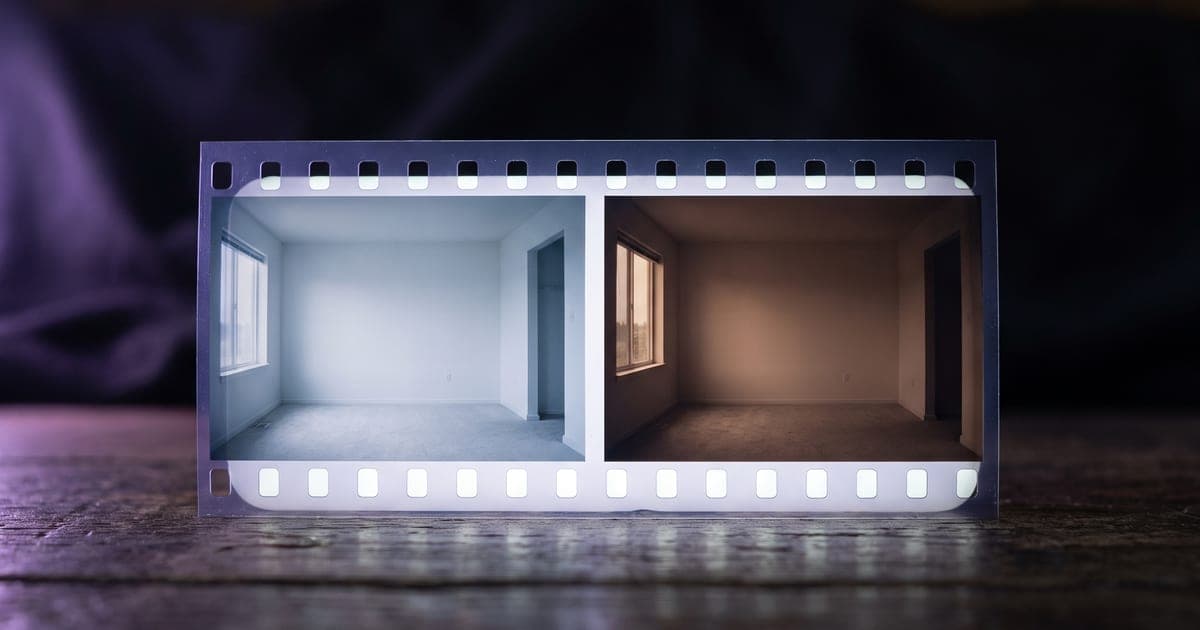
Hand a model both ends of a movement and it fills in the middle. Here is when that beats a prompt.
2 min read · last checked
Two stills in, the move between them out
A start frame is the picture the clip begins on. An end frame is where it is heading. Give a model both and you have described the movement without writing a word about it, which is useful because movement is the hardest thing to put into a sentence.
This is the ingress to reach for when the two ends matter more than what happens in between: a room before and after a restyling, a product turning to face you, a face going from neutral to laughing.
Not every model takes both
Some models read a start frame and decide the ending themselves. Some take both. A few take only the pair and cannot be run from a prompt alone. The studio shows the ports a model actually has, and moves you to a variant that reads what you attached.
If you attach an end frame to a model that has no port for it, you get told, rather than having it quietly dropped. A reference that goes missing without a word is the expensive kind of mistake: the run is paid for and the result is not what you asked for.
The two frames should come from the same world. Two stills with different light, a different lens or a different room give the model a contradiction to resolve, and it resolves it by inventing a cut.
Where the frames come from
Both can be made in the studio, on an image model, before the video runs. That is the cheap half of the job: an image costs a fraction of a clip, so it is worth getting the two ends right before you pay for the movement between them.
On the canvas this is one pipeline. An image generator feeds the start frame, a second feeds the end frame, and a video generator reads both. Build it once and the next product goes through the same shape.
Read next
Put this guide to work
The studio opens in stages. We let people in in the order they signed up, and you start with 1,000 free credits.
Get early access