
Two different things called audio
A model that generates its own audio makes the sound and the picture together, so a door closing lands on the frame where the door closes. A model that takes an audio reference works to a track you supply, which is a different job and a different result.
Both are useful and they are not interchangeable. If you want ambience and effects that belong to the shot, you want the first. If you have a voice-over and the mouth has to match it, you want the second.
Saying what it sounds like is part of the prompt
On a model that makes its own audio, naming the sound is not an afterthought, it is half the shot. "The latch clicks and the room goes quiet" describes something the model can actually produce.
Leave it out and it will invent something anyway. What it invents is usually generic, because that is what is left when nothing was asked for.
It changes what a run costs
Several models price audio separately: the same second of video costs more with sound on than with sound off, sometimes twice as much. On those models the switch is a price decision, not just a quality one.
The studio works the amount out from the settings you actually chose and puts it on the button. If you turn audio off, the number moves before you press anything.
Silent is a legitimate choice. A lot of video is watched without sound, and a clip that was never given audio is cheaper than one that was and then muted.
Which models make their own sound
Several families here generate audio in the same run as the picture. They differ in what they are best at, so pick by the kind of sound the shot needs.
- Kling 4.0, where your character speaks in its own voice, across several shots in one run.
- Kling 3.0, cinematic video up to 15 seconds with native audio.
- LTX 2.5 and Gemini Omni Flash 1.2, which make video and audio together from a shot brief, a frame or a reference.
- Wan 3.0, with its own audio on top of start and end frames.
- PixVerse V6, where sound is optional, so you can draft silent and switch it on for the final.
Write the sound the way a sound designer would
Separate the layers in your prompt: what you hear in the room, what happens on screen, and whether anyone speaks. "Rain against the window, a kettle starting to whistle, then the click of the latch as the door closes. No music." Each sound is tied to something the camera can see.
If a character speaks, put the line in quotes and say how it is said: "She says, quietly and without looking up, I knew you would come back." Short lines land better than long ones; one sentence per shot is a good rule.
Say "no music" when you do not want any. Many models add a soundtrack when nothing in the prompt rules it out, and it clashes with the music you add in your edit.
Adding sound to a clip that has none
Made the picture on a silent model, or filmed it yourself? Run it through Mirelo SFX 2. It reads the clip and adds effects that land on what happens in the picture, with no prompt needed. That is how we added sound to our own logo reveal intro.
For a voice, ElevenLabs reads your text aloud, and the lip-sync models put a mouth on it. For music, Mureka 9.5 and MiniMax Music 3 make a song from your lyrics, and Lyria 3.5 makes music from a description. On the canvas, the Audio generator node takes a prompt, lyrics or a video to score.
Mistakes that make sound feel wrong
Three that you hear immediately.
- Asking for a sound with no source on screen. A crowd cheering in an empty room makes the viewer look for the crowd.
- Dialogue that is longer than the clip. The model either rushes the words or cuts them off.
- Keeping generated music under your own track. Two soundtracks fight; ask for no music, or switch sound off and add your own.
Draft silent, finish with sound
On a model where sound has its own rate, the cheapest way to find the right shot is to leave it off. Draft the motion and the framing silent, and switch sound on only for the run you intend to keep.
Then listen with headphones before you publish. Generated audio can carry a hiss, a word that does not quite form, or an effect that lands a frame late, and phone speakers hide all three.
Questions
Does turning sound on cost more?
On 10 video models it does: they charge a separate audio rate, sometimes doubling the price per second. On the others the provider states that sound costs nothing extra. The button shows the amount with your choice included.
Can the model make a character speak a line I write?
Yes, on models built for it. Kling 4.0 gives each character its own voice. Put the line in quotes in the prompt, keep it short, and say how it is spoken. For an exact recording, use your own audio and a lip-sync model instead.
Can I add music after the clip is made?
Yes. Make the music separately with a music model in the studio, or use your own track, and combine them in your editor. Ask the video model for no music, so the two do not clash.
Read next
 Gemini Omni Flash 1.2Makes the sound in the same pass as the picture.
 Credits and what things costWhere the number on the button comes from.
 From an idea to a clipThe four ways a video model can be started.
 Voice, sound and musicThe audio models on their own.
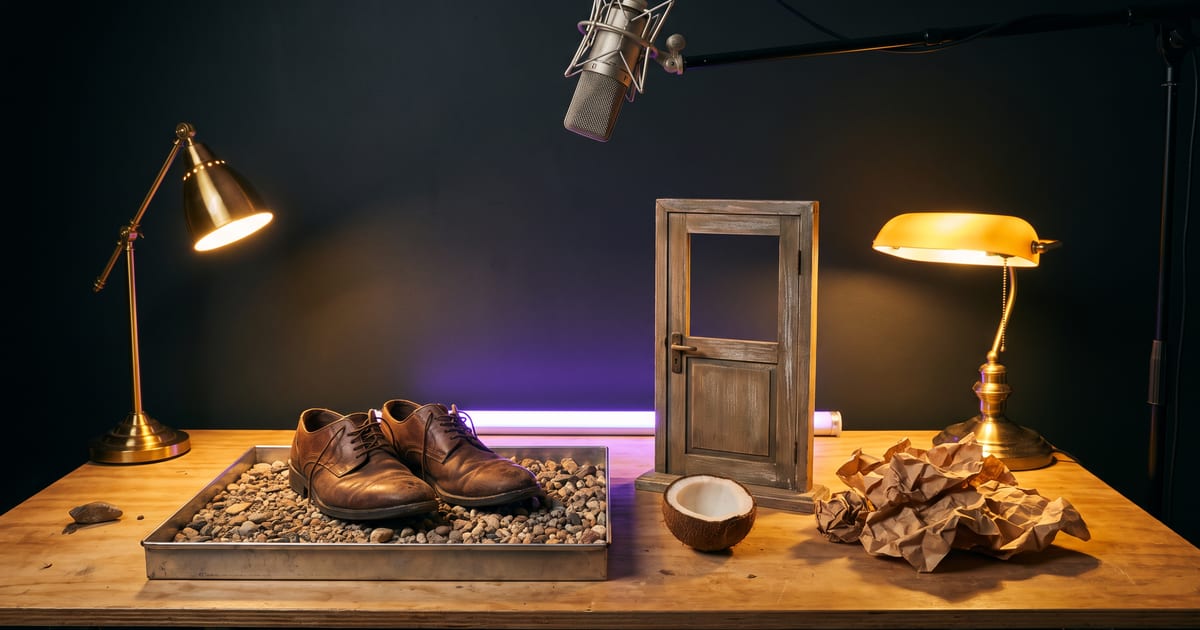 Video with soundOn the blog.
 Mirelo SFX 2Effects added to a clip that has none.
 Kling 4.0Characters that speak in their own voice.

Put this guide to work
Open the studio and try what you just read. You start with 1,000 free credits.
Get early access