
COMPARE
Which AI model, side by side
Two AI models side by side: what each does best, where it falls short, and what a run costs here. Every comparison is between models you can run in this studio.
Video models
 Kling vs Seedance: which AI video model to usePick Kling 3.0 for one longer cinematic shot with sound and a named character it keeps. Pick Seedance for several shots that belong together in one clip and for big movement.
 Kling vs Hailuo (MiniMax H3): AI video comparedPick Kling 3.0 for long cinematic shots with sound and a character it keeps. Pick MiniMax H3 (Hailuo) when you want to draft cheaply at 480p and finish the same shot in 4K.
 Seedance vs Hailuo (MiniMax H3): which is betterPick Seedance for a sequence of shots with big movement in one clip. Pick MiniMax H3 (Hailuo) to control both ends of a shot and to go from cheap drafts to 4K.
 Kling vs Wan 2.7: AI video models comparedPick Kling 3.0 for longer cinematic shots with sound and a character it keeps. Pick Wan 2.7 for coherent motion straight from a prompt, without a start image.
 Kling vs Gemini Omni Flash: AI video with soundBoth make sound with the picture. Pick Kling 3.0 for longer cinematic shots. Pick Gemini Omni Flash for a character that keeps its look and its voice across clips, and for cheap runs.
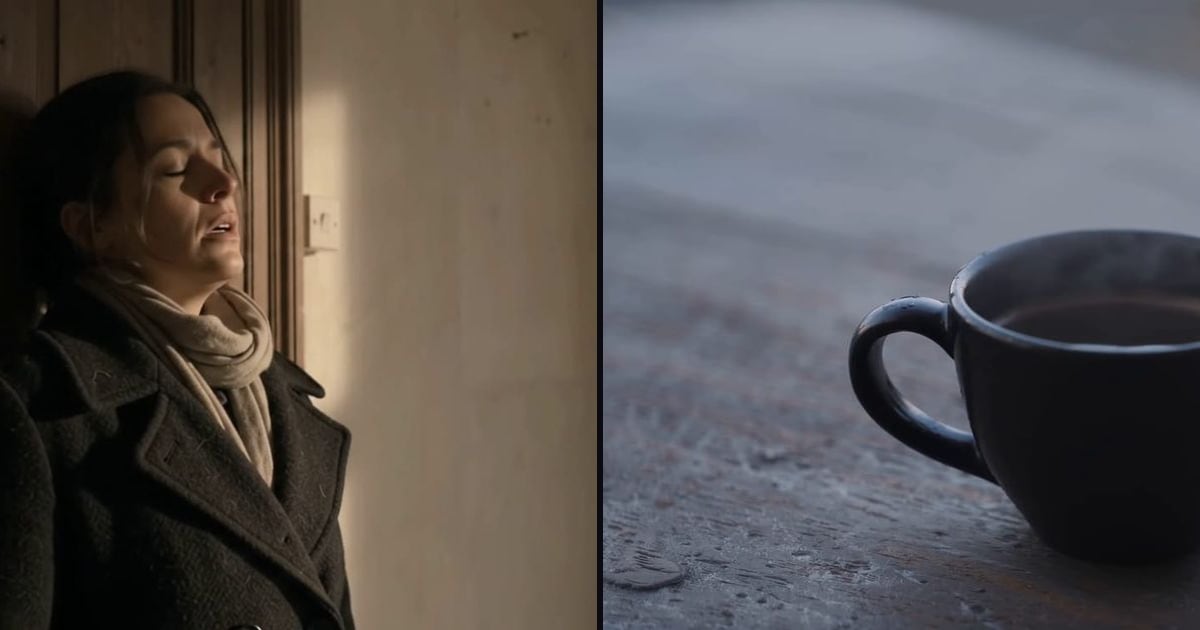 Gemini Omni Flash vs LTX 2.5: video and sound togetherPick Gemini Omni Flash for cheap exploring and a character that keeps its voice. Pick LTX 2.5 for the final pass of a shot you already found, written as a shot brief.
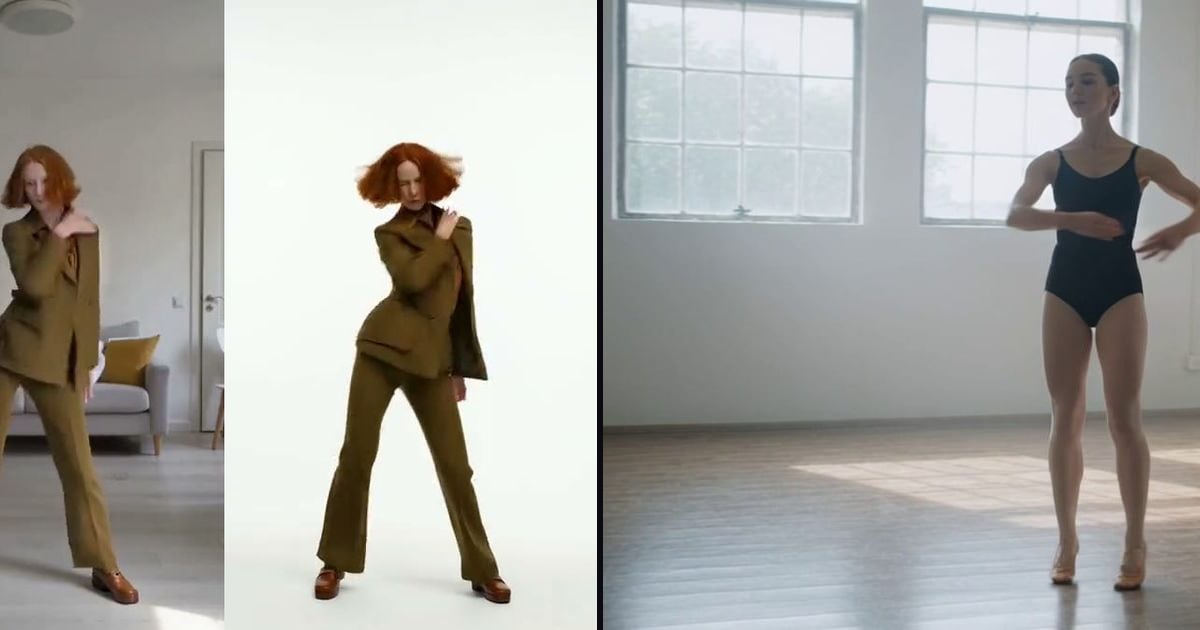 Wan 2.2 Animate vs Kling motion controlPick Wan 2.2 Animate to swap your character into a clip you filmed, cheaply, with your clip staying your clip. Pick Kling motion control to give the character from your photo the moves from your video.
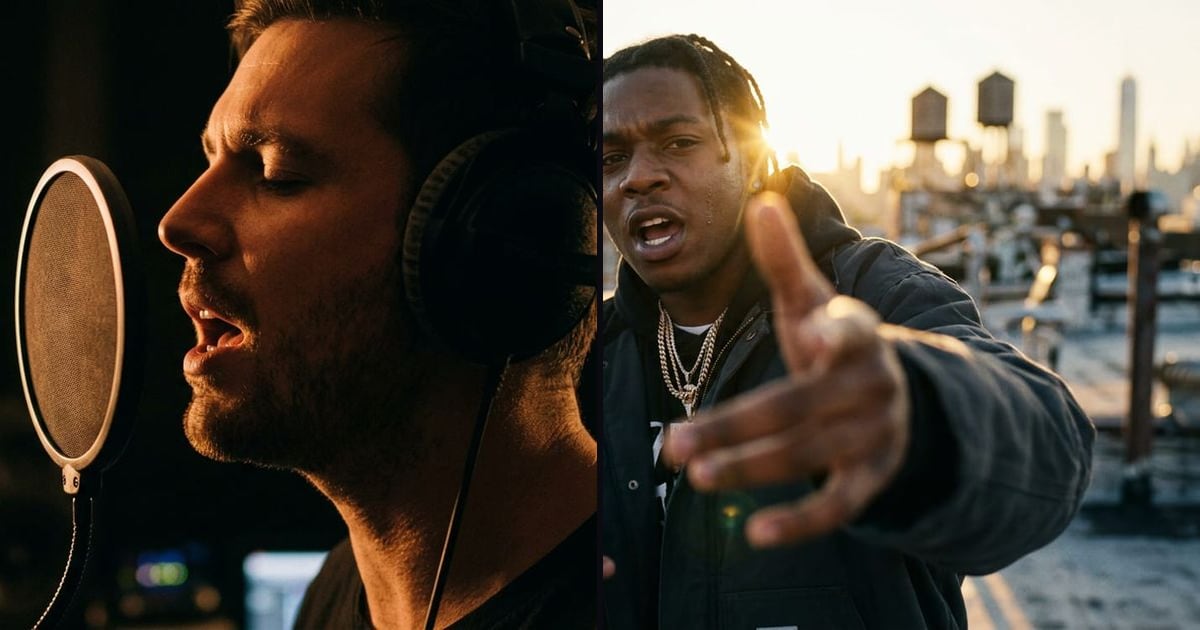 Sync Lipsync vs InfiniteTalk: AI lip sync comparedPick Sync Lipsync 2 for dubbing: the mouth on the audio frame by frame, the rest of your shot untouched. Pick InfiniteTalk for short talking clips where the head should move with the words.
Image models
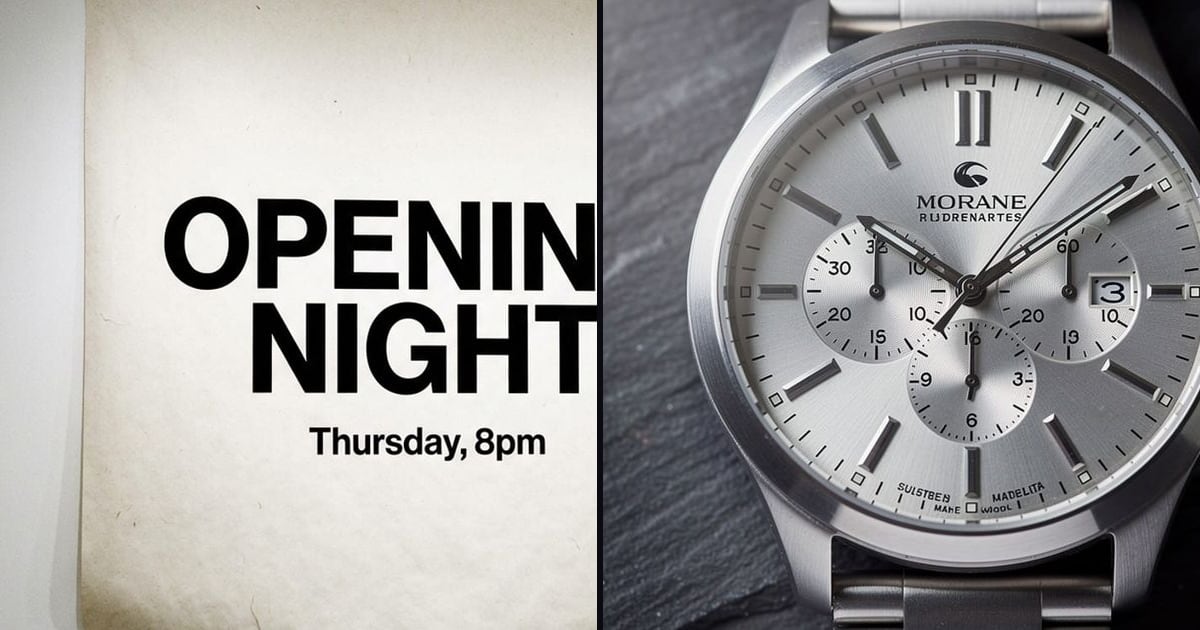 Nano Banana Pro vs FLUX.2: AI image models comparedPick Nano Banana Pro for text that has to be right and edits that behave like a camera. Pick FLUX.2 to match up to ten reference images and to run your own LoRA.
 Nano Banana Pro vs GPT Image: text and editsBoth set text well. Pick GPT Image 2.5 for a long, precise brief it reads to the end. Pick Nano Banana Pro for a cast that stays the same and edits that behave like a camera.
 Nano Banana Pro vs Nano Banana 2: which to usePick Nano Banana 2.1 for fast edits and quick rounds of changes. Pick Nano Banana Pro for text on a poster and for edits that have to hold across a series.
 Seedream 5 vs Nano Banana Pro: layouts and textPick Seedream 5 for dense layouts and infographics, and for type in many languages. Pick Nano Banana Pro for editing an image you have and a cast that stays the same.
 Ideogram vs GPT Image: AI images with readable textPick Ideogram for posters, logos and edits that leave the rest alone, at one price whatever the size. Pick GPT Image 2.5 for a long, precise brief with text you do not want to fix.
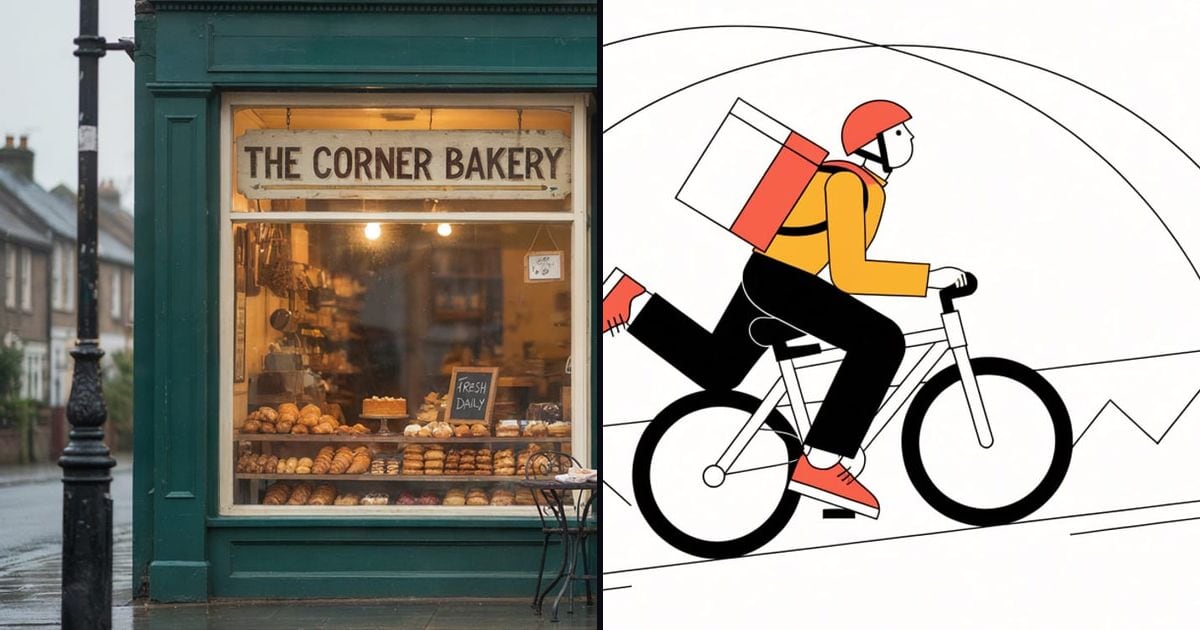 Ideogram vs Recraft: AI design images comparedPick Ideogram when the text has to read: posters, logos, packaging. Pick Recraft 4.1 Flash for cheap drafts, icons and flat illustration in your own colour palette.
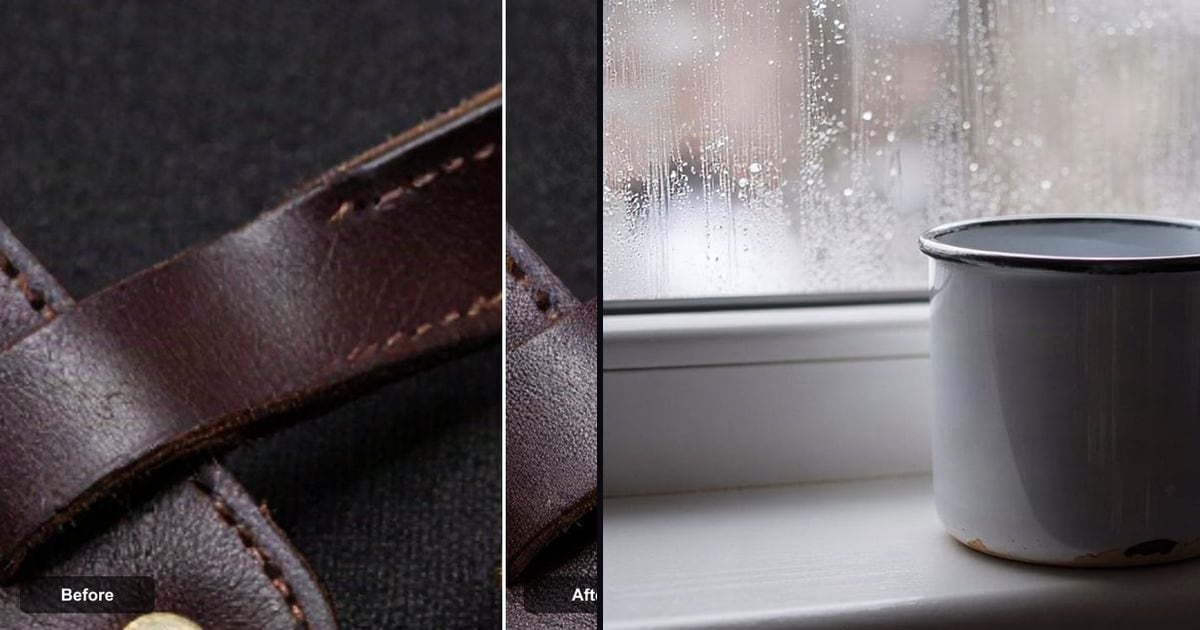 Topaz vs a fast AI upscaler: which to usePick Topaz for finished work that goes to print or a big screen: bigger, not different. Pick the fast upscaler for a quick, cheap clean-up when print size is not the goal.
Looking for one model? See all AI models, or read which model for which job.
Run any of them in one studio
The studio opens in stages. We open access in the order people signed up, and you start with 1,000 free credits.
Get early access