
Sync Lipsync 2
by Sync Labs
Your video, your audio, the mouth exactly on it.
What it is
Sync Lipsync 2 takes a video you already have and an audio file, and redraws the mouth so it matches the audio, frame by frame. Everything else in the shot stays as it was: the camera, the movement, the light.
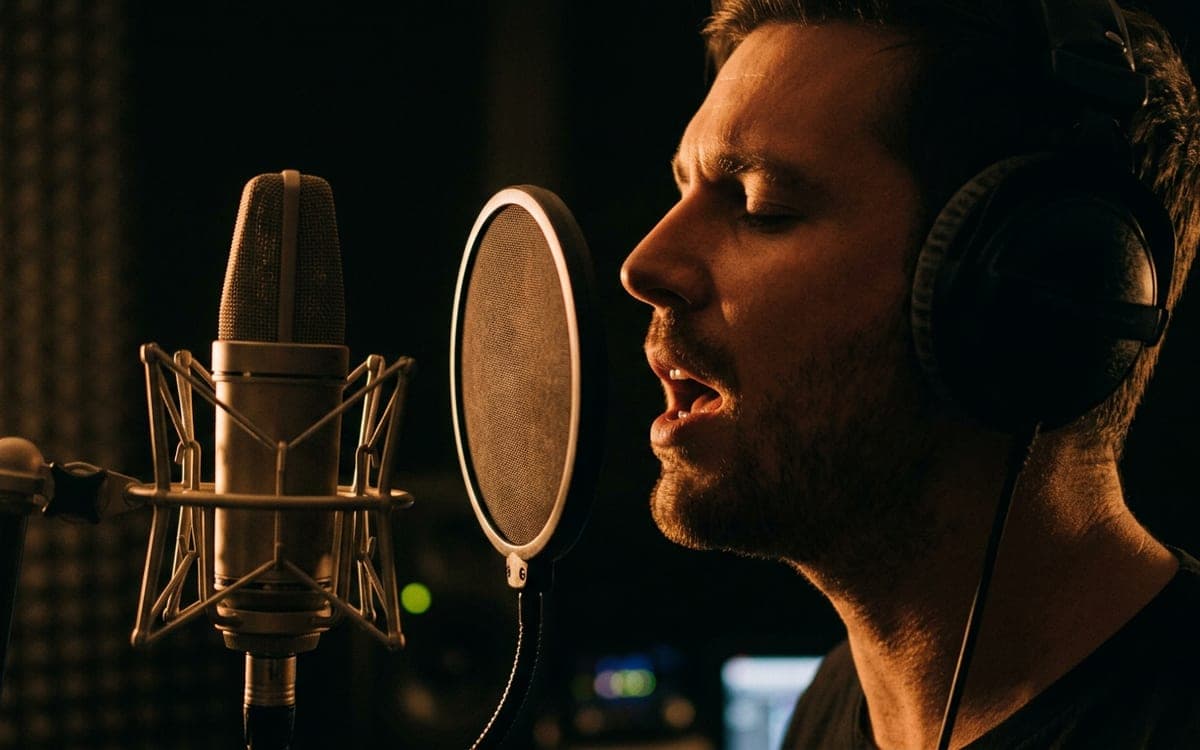
That makes it the last step for a music video or a dub. Make the performance first, with the camera move and the energy you want, then put the exact vocal on it. The timing comes from the audio itself, so it lands on the beat.
Pro keeps more of the face: it is made for "preserving unique details like natural teeth and unique facial features".
What it is good at
The mouth follows the audio you give it. Cut the audio to exactly the part that is sung, and the shot is in sync with your track.
Camera, movement and light stay. Only the mouth changes, so you can use the performance you already liked.
It is priced per minute of video. The Studio measures your video and your audio and shows the amount before you run.
Where it struggles
- It needs a face it can see. A wide shot with a small face, or a face turned away, gives little to sync.
- The price follows the longer of your video and your audio, because the result can be as long as either, depending on how the two are matched.
- You change what someone appears to say, so the Studio asks you once to confirm that the people involved agreed.
What we offer here
Straight from the catalogue, so this list never goes stale. The price is the provider’s published rate with our markup on top, and it is on the button before you run anything.
Questions
What is the difference between Sync Lipsync 2 and Pro?
Pro keeps more facial detail, such as teeth and the shape of the mouth, and costs about two thirds more per minute.
Why not use the lip sync inside a video model?
A video model invents the mouth and the shot at the same time, and its timing can drift from your track. Sync Lipsync works on a finished shot with your exact audio, so the timing comes from the audio.
How do I keep it on the music?
Give it the part of the vocal that belongs to the shot, cut from your track at the same moment. The result is as long as that audio and starts where it starts, so it drops back into your edit on the same second.
Next
Sources
Try Sync Lipsync 2 in the studio
The studio opens in stages. We let people in in the order they signed up, and you start with 1,000 free credits.
Get early access