
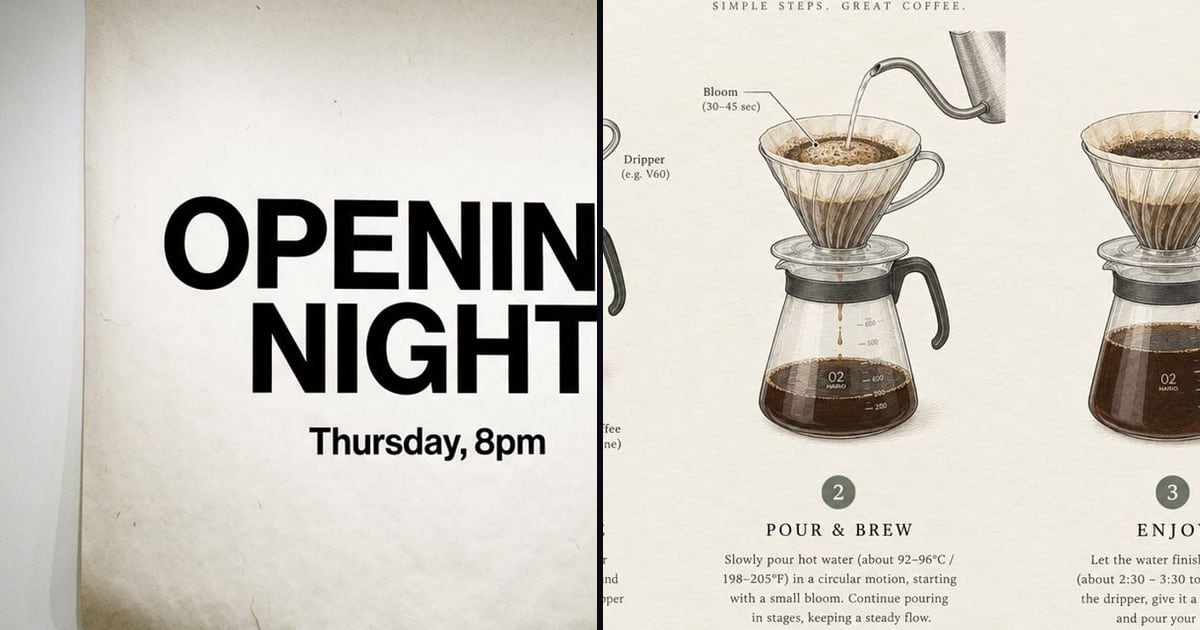
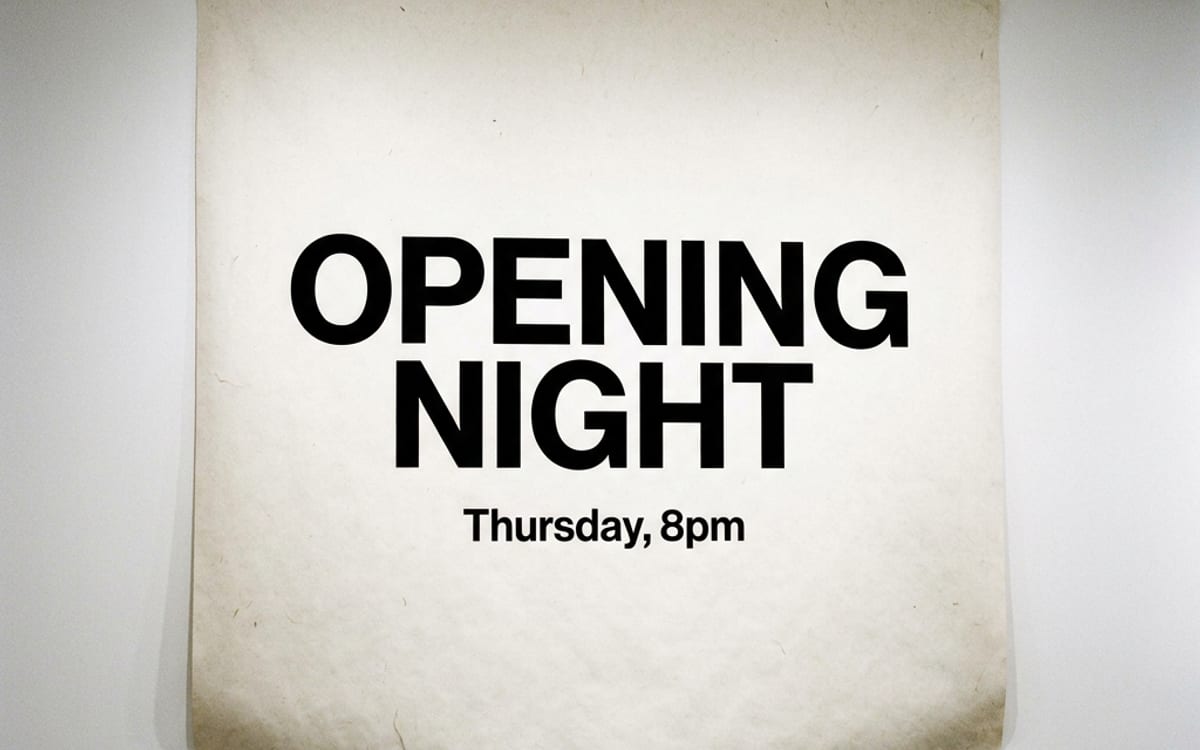
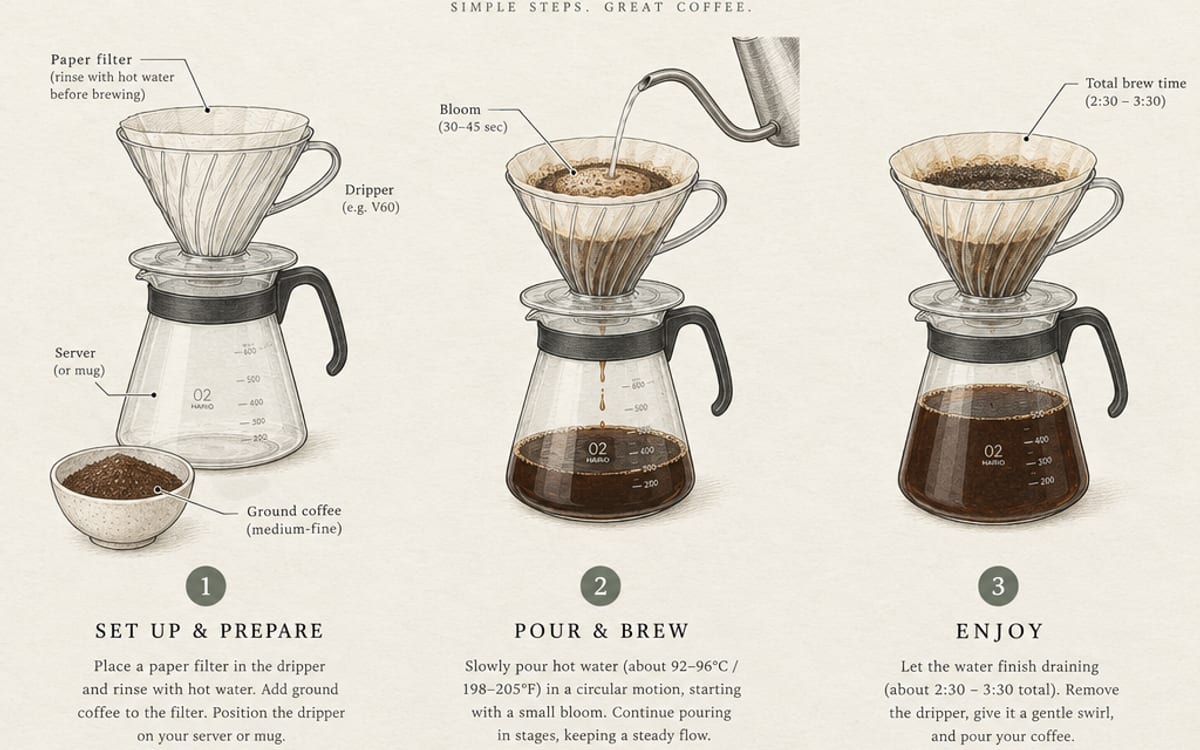
Side by side
 Nano Banana Pro |  GPT Image 2.6 | |
|---|---|---|
| Made by | Google DeepMind | OpenAI |
| Best for | Posters, packaging and ads where the text has to be right | Long, precise briefs and text you do not have to fix |
| Price here, from | Editing 300 cr · Image 300 cr | Editing 108 cr · Image 108 cr |
| Strong at | Text that survives a client review · A cast that stays the same · Editing that behaves like a camera · It knows what things are | Text you do not have to fix · It reads the whole brief · Change one thing, leave the rest · Large and flexible output |
| Variants in the studio | 2 | 4 |
Prices are in credits at the default settings, worked out the same way as the button in the studio. Every run shows its own price before you press it.
Which one to pick
Where each falls short
Nano Banana Pro
- Google names the limits itself: small faces, accurate spelling and fine detail are where visual and text fidelity slip.
- Its real-world knowledge is "extensive but not infallible", particularly for anything data-driven, do not treat a generated chart as a source.
- Advanced edits such as masked editing or a major lighting change can come out looking unnatural.
GPT Image 2.6
- Dimensions must be multiples of 16 on both edges, and total pixels have to land between 655,360 and 8,294,400. The Studio only offers sizes that satisfy that, so you will not run into it, but it is why the size list is what it is.
- The quality setting sets the price, and the step is not small: max costs about eight times low. Choose it deliberately rather than leaving it.
- The price is an estimate, because the model is billed per token. We measured every quality level on the largest size, so the amount on the button is the top of the range.
Questions
Is GPT Image the model inside ChatGPT?
GPT Image 2.6 is OpenAI's image model. Here you run it directly with its settings, priced per image, next to the other models.
Why does the GPT Image price change so much?
Its quality setting has five levels, and max costs about eight times low. The reasoning setting costs nothing extra. The studio shows the price before you run.
Which edits better?
Both change one thing and leave the rest. Nano Banana Pro is the one to pick for edits that move the camera or the light like a photographer would.
Read on
Try Nano Banana Pro and GPT Image 2.6 side by side
Compare them on your own prompt instead of on a demo. You start with 1,000 free credits.
Get early access