
COMPARE
Sync Lipsync 2 vs InfiniteTalk
Pick Sync Lipsync 2 for dubbing: the mouth on the audio frame by frame, the rest of your shot untouched. Pick InfiniteTalk for short talking clips where the head should move with the words.
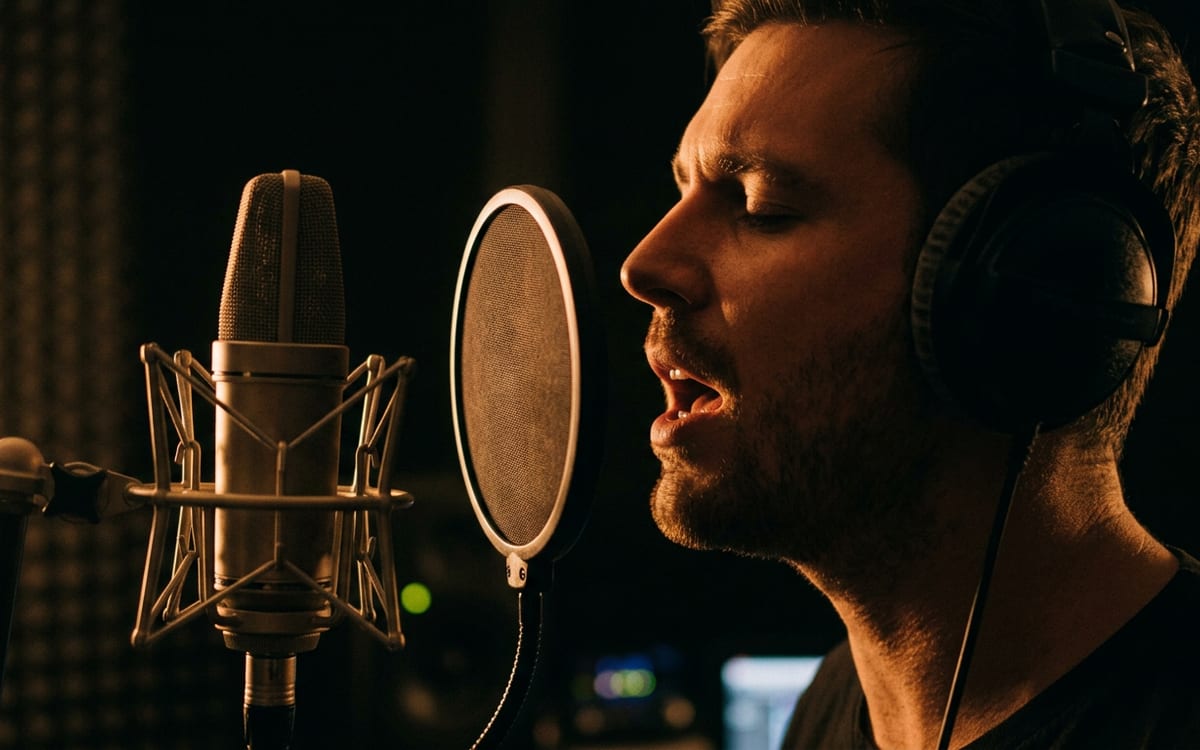
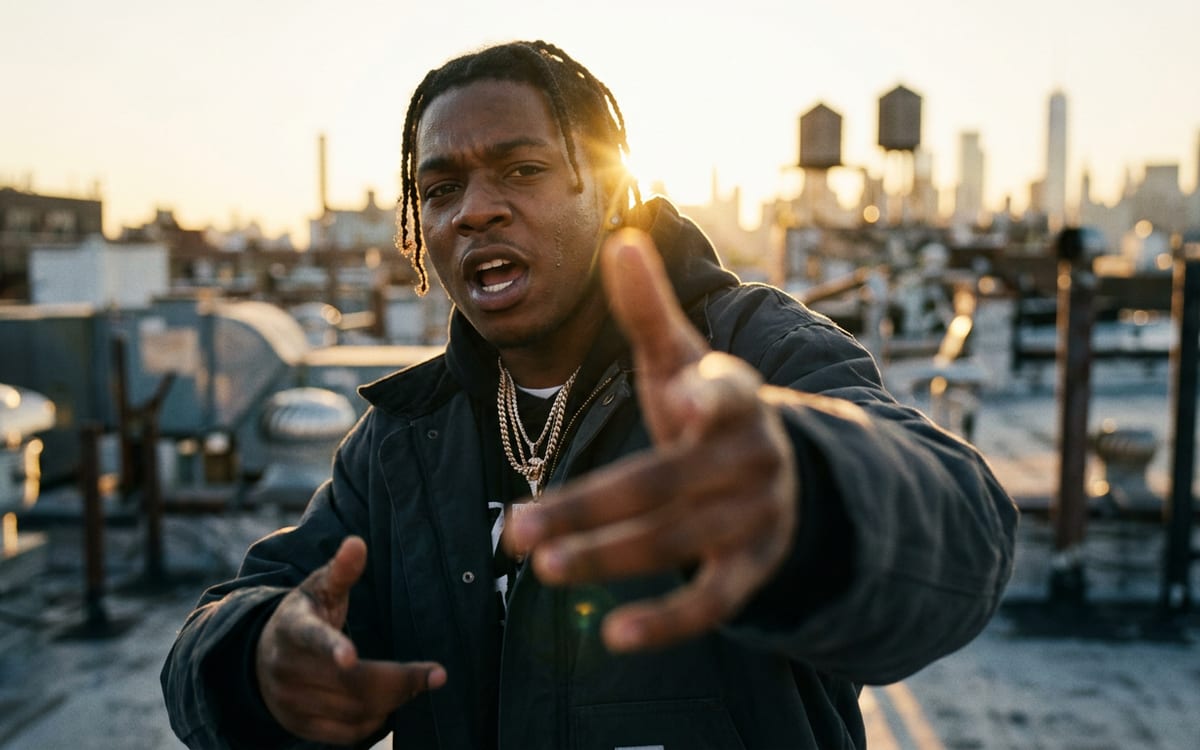
Side by side
 Sync Lipsync 2 Sync Lipsync 2 |  InfiniteTalk InfiniteTalk | |
|---|---|---|
| Made by | Sync Labs | MeiGen-AI |
| Best for | Dubbing: a new voice on footage you already have, the mouth on the audio frame by frame | Short talking clips where the head should move with the words |
| Price here, from | Video 1,000 cr | Video 7,500 cr |
| Strong at | On the beat, from the first frame · Keeps your shot · Priced on the clip | The whole face on the vocal · Keeps your shot · The length is set for you |
| Variants in the studio | 2 | 1 |
Prices are in credits at the default settings, worked out the same way as the button in the studio. Every run shows its own price before you press it.
Which one to pick
Where each falls short
Sync Lipsync 2
- It needs a face it can see. A wide shot with a small face, or a face turned away, gives little to sync.
- The price follows the longer of your video and your audio, because the result can be as long as either, depending on how the two are matched.
- You change what someone appears to say, so the Studio asks you once to confirm that the people involved agreed.
InfiniteTalk
- One run takes up to 9.6 seconds of audio. Cut a longer vocal into pieces of one or two lines, which is how a music video is edited anyway.
- At 720p it costs twice as much as at 480p, and clips longer than 3.2 seconds cost a quarter more. The amount is on the button before you run.
- It makes the whole frame again, at up to 720p. The picture comes out softer than the video you put in, and on long or fast lines the face can move in ways the original did not. Try one piece before you run a whole track.
Questions
Which is better for a music video?
For a close-up performance line by line, InfiniteTalk gives the head movement. To put a vocal on footage you shot, Sync Lipsync keeps your picture.
Why does Sync charge for the longer of the two?
The result can be as long as your video or your audio, whichever is longer, so the price follows that length.
Do I need permission?
Yes. You change what someone appears to say or sing, so the studio asks you once to confirm the people involved agreed.
Read on
Try Sync Lipsync 2 and InfiniteTalk side by side
The studio opens in stages. We open access in the order people signed up, and you start with 1,000 free credits.
Get early access