
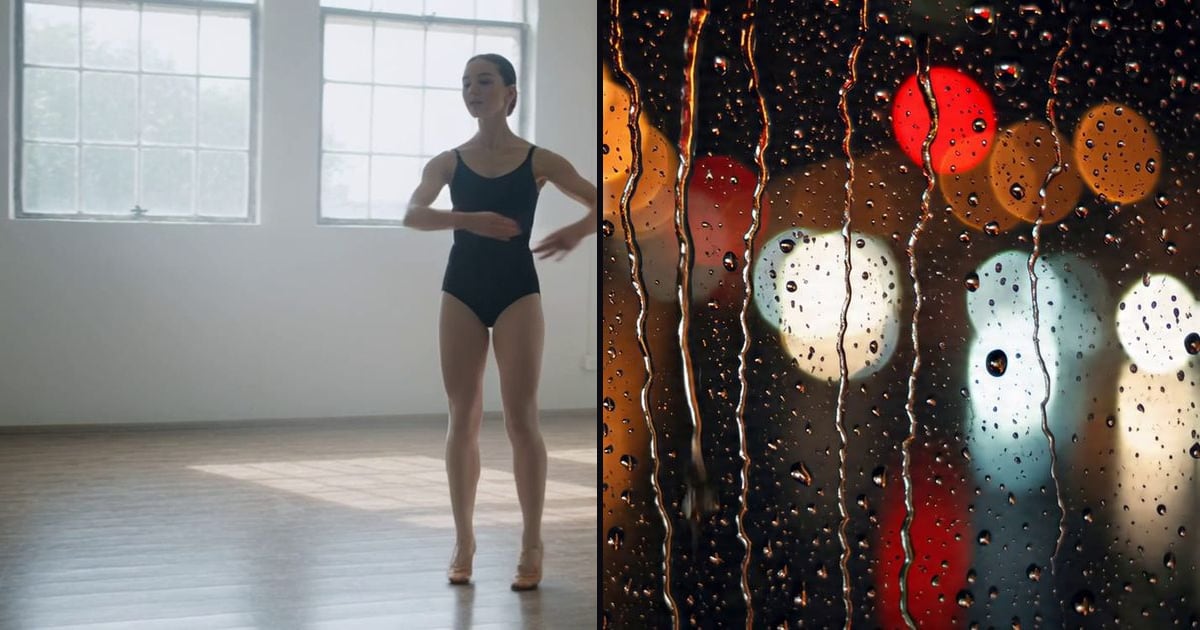

Side by side
 Kling 3.0 |  MiniMax H3 | |
|---|---|---|
| Made by | Kling AI | MiniMax |
| Best for | Cinematic clips up to 15 seconds with a recurring character | Video from cheap 480p drafts to 4K finals |
| Price here, from | Editing 56 cr · Image 56 cr · Video 421 cr | Video 540 cr |
| Strong at | Fifteen seconds, not five · Name a character and keep it · Several scenes in one run · Sound that comes with it | One model, four price points · First frame, last frame · The frame follows your image |
| Variants in the studio | 36 | 9 |
Prices are in credits at the default settings, worked out the same way as the button in the studio. Every run shows its own price before you press it.
Which one to pick
Cheap drafts, then a sharp final: MiniMax H3MiniMax H3 runs from 480p drafts to 4K finals on one model, four price points.
Steering where a shot ends: MiniMax H3MiniMax H3 takes a first frame and a last frame.
Sound with the picture: Kling 3.0Kling 3.0 generates audio natively in the same pass.
A longer single shot: Kling 3.0Kling runs to fifteen seconds per generation.
Where each falls short
Kling 3.0
- Audio language support is Chinese and English natively. Other languages are auto-translated to English, so a clip in Dutch is not something to plan around.
- Voice binding works for video elements, not image elements.
- The aspect ratio comes from your start image rather than a setting, so the frame is decided before you generate, not during.
MiniMax H3
- MiniMax publishes no list of limitations, so none is invented here.
- Because the aspect ratio follows your input image, the shape is decided before you generate. Crop the still first if the frame matters.
- The jump from 768p to 2K roughly doubles the rate. The Studio shows the amount for each before you run.
Questions
Is MiniMax H3 the same as Hailuo AI?
MiniMax makes both the Hailuo app and the H3 video model. In this studio you run the model itself, from 480p up to 4K.
Which is cheaper?
The 480p tier of MiniMax H3 is the cheap way to explore. The exact price of every variant of both is on this page and on the button before you run.
Does the aspect ratio follow my image?
For both, the shape comes from your start image. Crop the still to the shape you want before you generate.
Read on
All about Kling 3.0Cinematic video up to 15 seconds, with native audio and named elements.All about MiniMax H3A frontier video model that runs from 480p drafts up to 4K.Run both on the same inputRun one prompt and one start frame through six AI video models at once and compare the clips side by side. Find the best model for your shot before you scale.Kling vs Seedance: which AI video model to useSeedance vs Hailuo (MiniMax H3): which is betterKling vs Wan 2.7: AI video models comparedKling vs Gemini Omni Flash: AI video with sound

Try Kling 3.0 and MiniMax H3 side by side
Compare them on your own prompt instead of on a demo. You start with 1,000 free credits.
Get early access