

 by Google DeepMind
What it is
Nano Banana 2.1 is the fast tier of Google DeepMind's Gemini image family. It "generates images from text prompts, with output resolutions up to 4K, adjustable aspect ratios, and optional web search grounding". It is the model to reach for when you need ten good options this afternoon rather than one perfect one tomorrow.
What you get from the Gemini family comes along: multimodal understanding, so you can hand it an image and tell it what to change in words; conversational refinement, where you keep adjusting instead of starting over; and real-world knowledge, so the results follow real-world logic instead of looking plausible from a distance.
In this studio it is the default for images, and it carries two settings most models do not have: how hard it thinks before it draws, and whether it may look something up on the web first.
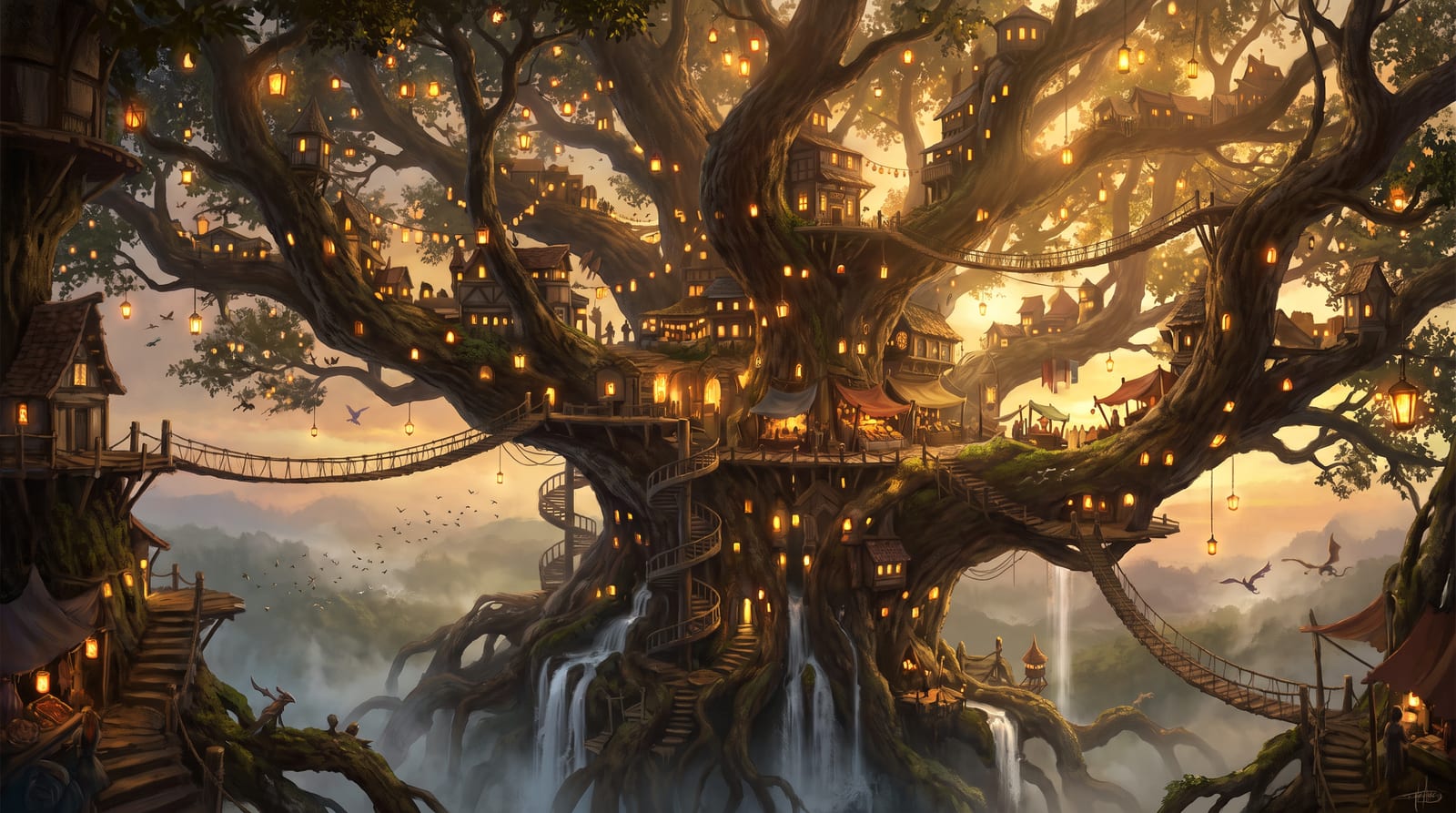
Made with Nano Banana 2.1 in this studio









What it is good at
The whole point of the Flash tier. Ten variations of a concept beats one careful attempt, because you only recognise the right one once you have seen the wrong ones.
Upload something and describe the change in plain words. Google calls it multimodal understanding; in practice it means you stop rewriting the whole prompt to move one thing.
A reasoning depth you set yourself. On a long brief with hard requirements, turning it up is the difference between a picture of your words and a picture of your intent.
Optional web search, so a prompt about something real is answered with something real. Off by default, and the Studio shows what turning it on costs.
Where it struggles
- Google publishes no list of limitations for the Flash tier, so we are not inventing one. What we can tell you is what we measured while curating it.
- It defaults to 1K. If you have compared this model somewhere else and thought the results looked sharper there, resolution is usually the reason, 2K and 4K are one click away in the settings.
- Reasoning depth and web search both carry a surcharge from the provider. Both are off or low by default, and both are visible on the button before you run.
- For text on a poster or a diagram, and for edits that have to hold across a series, the Pro tier is the better tool.
- Version 2.1 drops the 0.5K setting that version 2 had. The smallest output is now 1K.
How to prompt it
Write more than you think you need. This family rewards detail: the subject, the setting, the light, the finish. If the brief is long or has hard requirements, raise the reasoning depth, that setting exists precisely for prompts that are more instruction than description.
An example that shows what that means
A weathered brass compass lying open on a folded nautical chart, morning light raking across from the left so the engraving catches, shot from directly above with a 50mm lens at f/5.6, the chart's ink slightly faded, a faint coffee ring at the edge of the frame, neutral photographic colour.
What we offer here
Straight from the catalogue, so this list never goes stale. The price is the provider’s published rate with our markup on top, and it is on the button before you run anything.
Questions
How is this different from Nano Banana Pro?
Speed against precision. This is the Flash tier, built to iterate. Pro handles text on posters and diagrams better, and is stronger on edits that have to hold across a series.
What happened to Nano Banana 2?
Version 2.1 replaced it in the Studio. Flows you built with version 2 open with 2.1, at the same price per image.
My results looked better on another platform. Why?
Nine times out of ten it is resolution. This model defaults to 1K here because that is what the provider specifies. Switch it to 2K in the settings and compare again.
What does the thinking level do?
It sets how much the model reasons before generating. On a long brief with hard requirements it visibly helps. It costs a little more, and that is shown before you run.
Can it edit an image I already have?
Yes. Attach it as a reference and describe the change. The Studio switches to the edit endpoint automatically when you do.
Alternatives
Compare
Guides with Nano Banana 2.1
Next
Sources
Try Nano Banana 2.1 in the studio
Compare them on your own prompt instead of on a demo. You start with 1,000 free credits.
Get early access