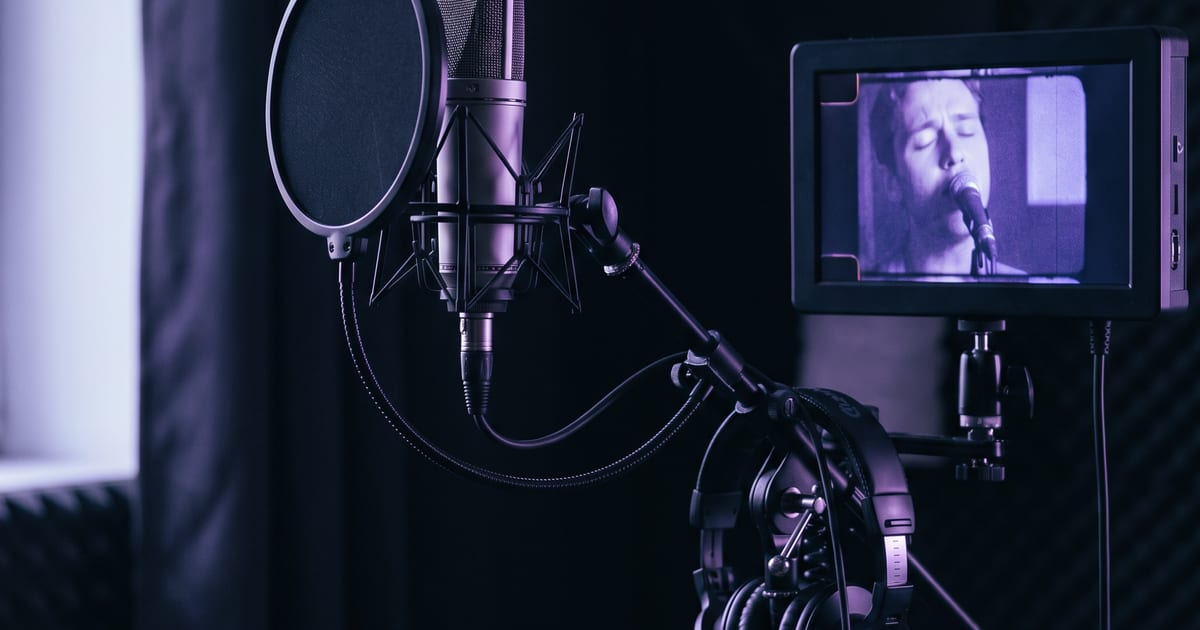
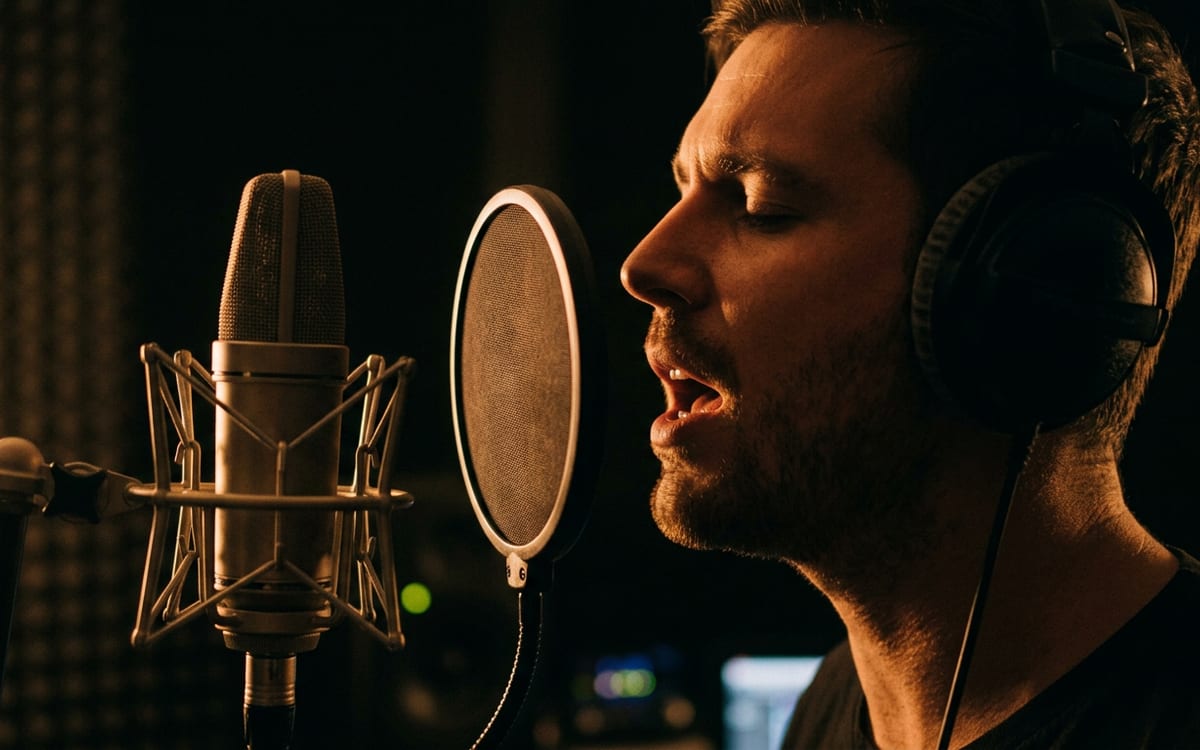
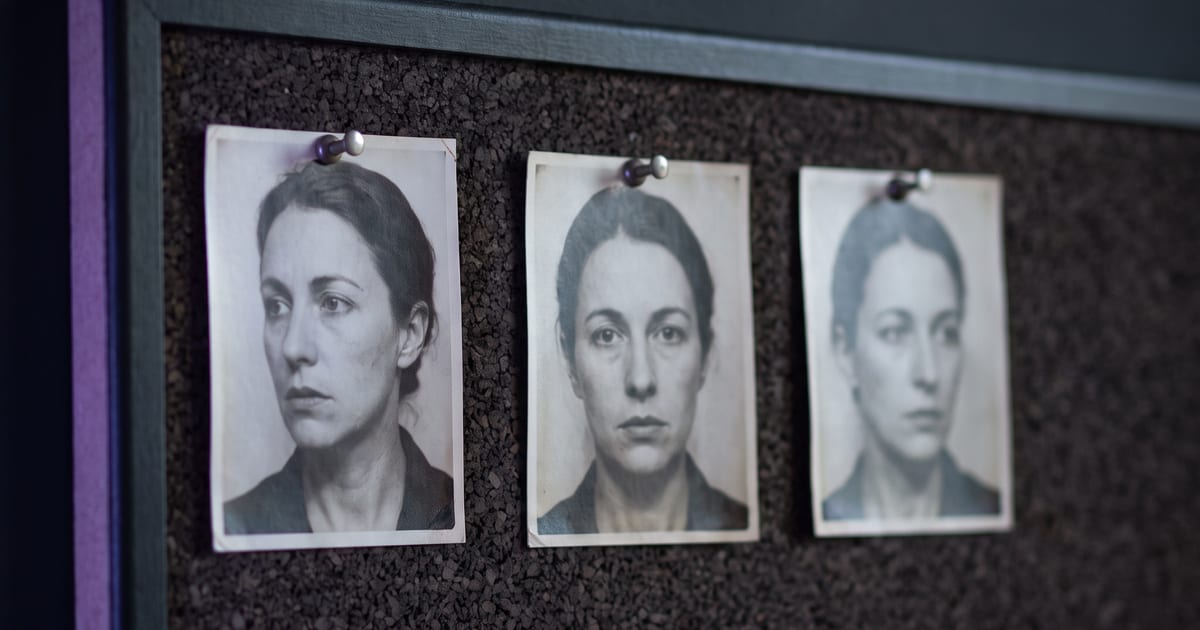
How it works
- 1Cut the vocal per linePieces of 5 to 15 seconds. A dry vocal without the beat syncs best.
- 2Approve a close-up stillChest up, mid-gesture, in the place you choose. It costs a few cents.
- 3Run the performanceThe artist raps or sings your line into the lens, moving, with the camera moving too.
- 4Put the mouth on itThe lip-sync pass matches the mouth to your vocal, frame by frame.
- 5Cut it on the beatPlace every clip at the second its line starts, and it stays in sync.
Ways to make it
Your MP3 and a photo of the artist
The artist performs your vocal in a scene you describe. Add the lip-sync step after it and the mouth lands on every word.
Template: Music video performance
Your video and your MP3
Keep the footage you have and put your vocal on it. The mouth follows the audio; the camera, the light and the movement stay.
Template: Lip sync on your video
Lip sync is in beta. It works best on a close, front-facing face with the mouth in view. On a wide shot, a fast turn or a hand near the mouth it can slip, so check every take.
One photo and your MP3
The face in your photo sings or raps the line, in one step. The clip is exactly as long as your audio.
Template: Sing or talk from a photo
Lip sync is in beta. It works best on a close, front-facing face with the mouth in view. On a wide shot, a fast turn or a hand near the mouth it can slip, so check every take.
A character sheet of your artist
Build the artist in dGEN Influencer and make the sheet once, then use it as the reference for every shot, so the same face and outfit come back in every scene. Send the shots where the artist sings through lip sync.
Template: AI influencer sheet
Your MP3 and a prompt or a still
Give the video model your track as audio and describe the shot. Good for the shots between the lines: the crowd, the city, the effects.
Any idea, and your track at the end
Make your shots with any video model, cut them on the beat in your editor, and use lip sync only on the shots where the artist sings.
What people make with it
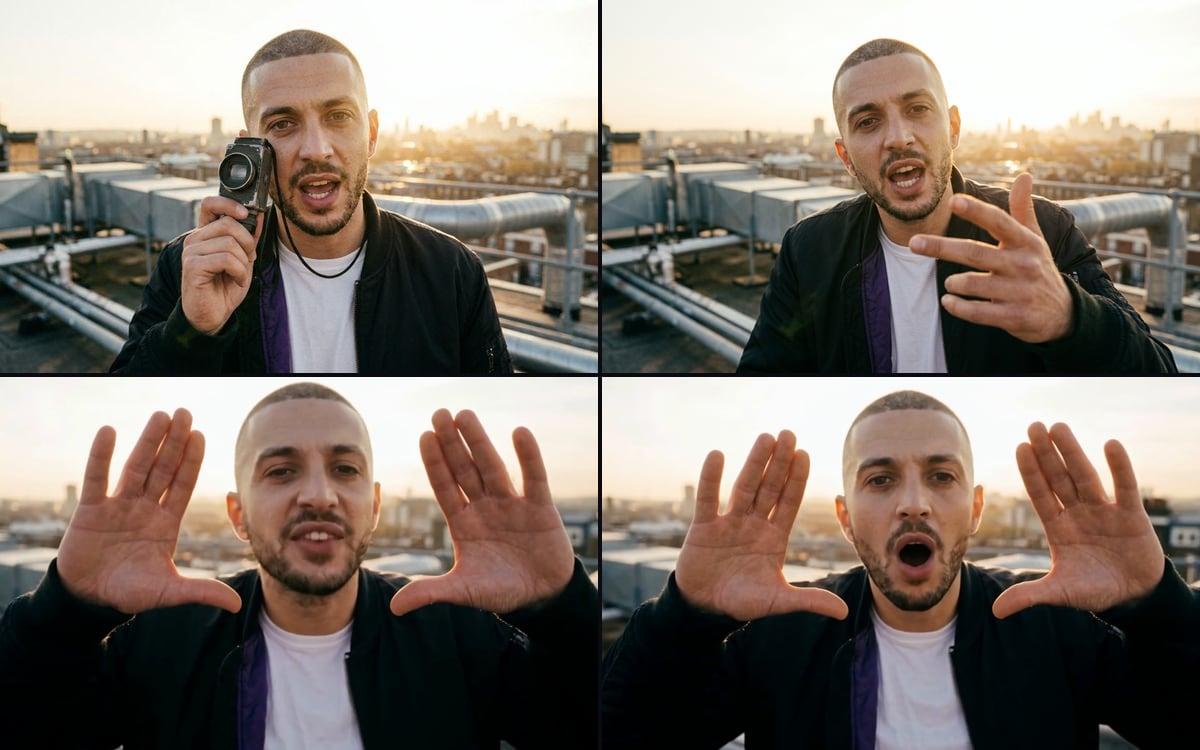
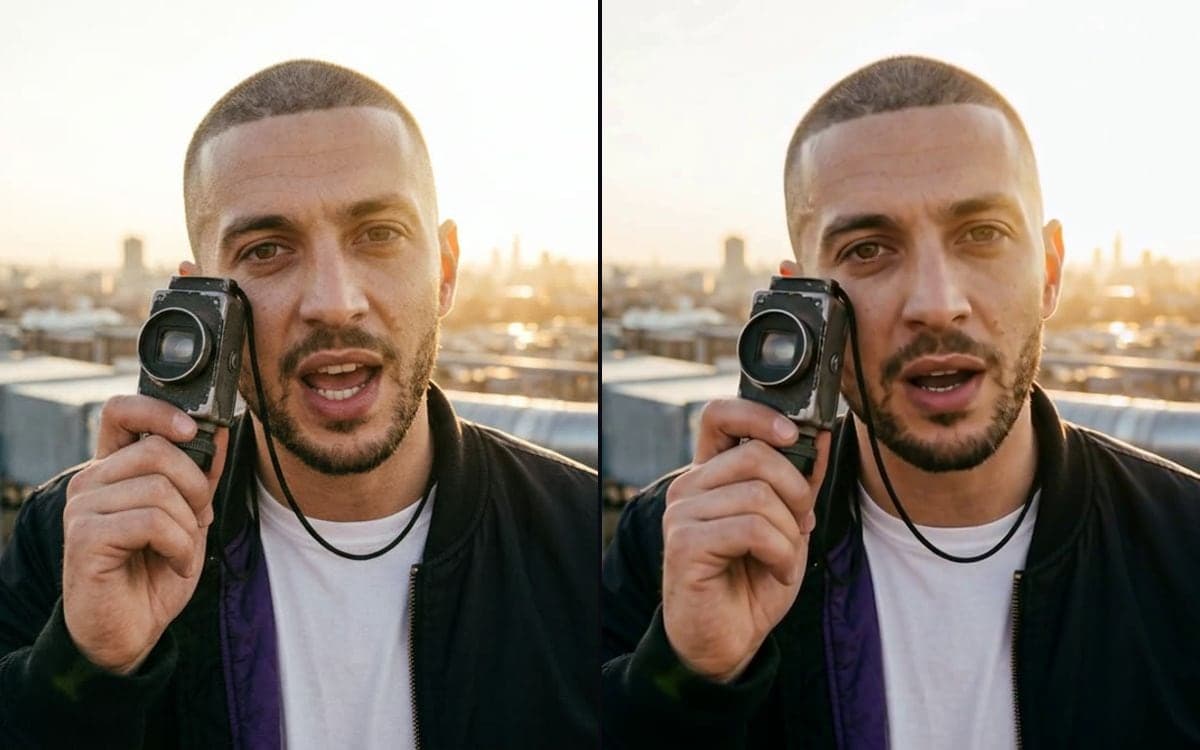
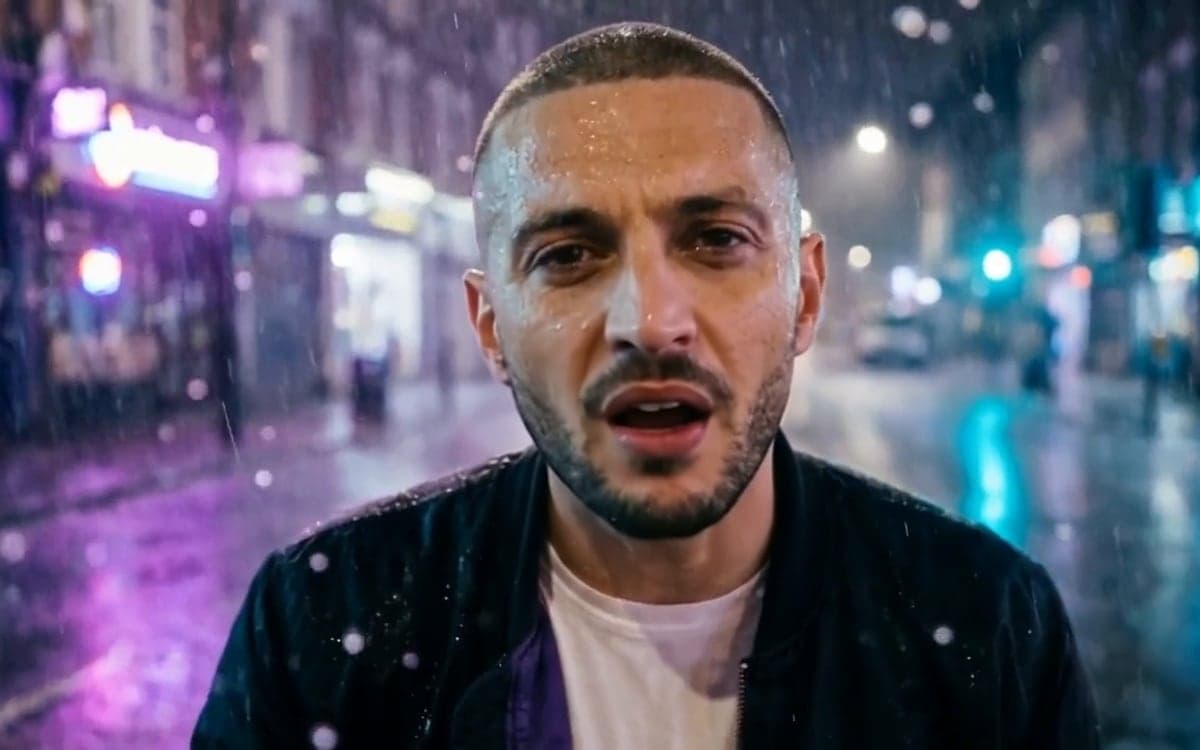
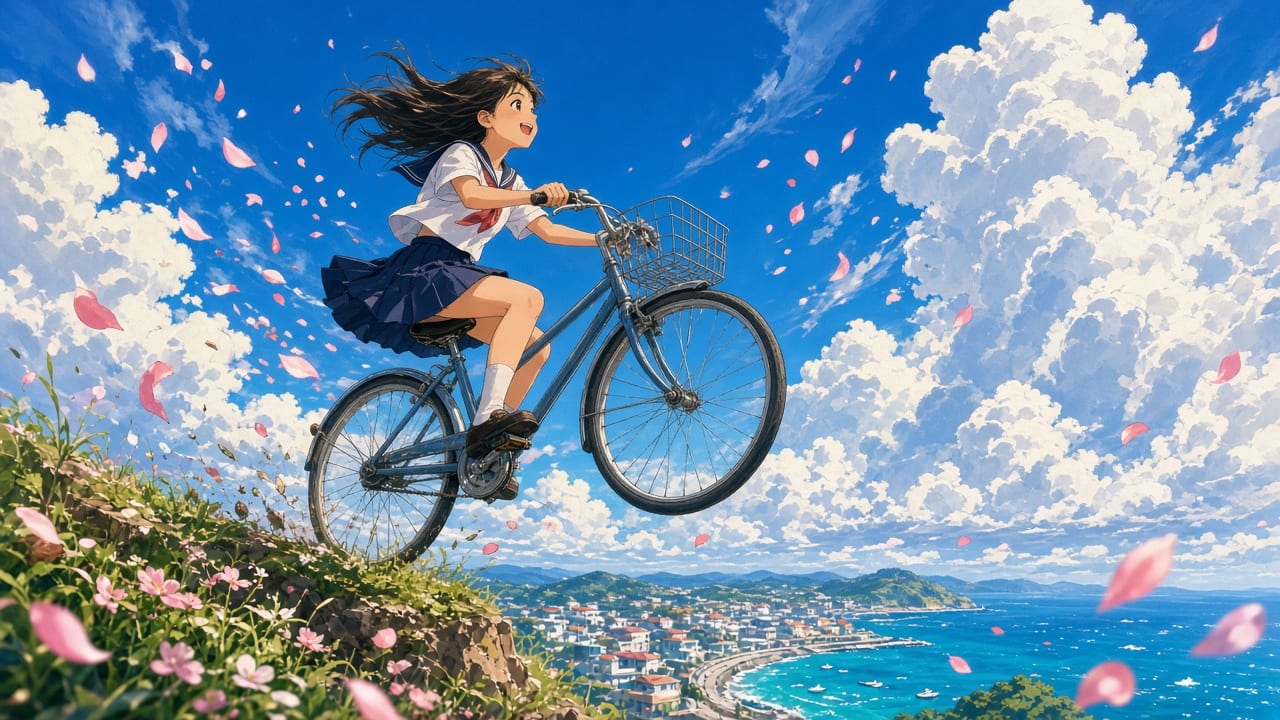
Make the video for your next release
Your products, your faces, your style, on every top model in one studio. You start with 1,000 free credits.
Claim your spotGood to know
The performance is the expensive step, so it only runs on a frame you like.
It follows the length of your line and the resolution you pick.
Use your own face, an invented one, or someone who agreed to it.
Every model in the studio is licensed for commercial use.
Questions
Does the mouth really follow my vocal?
Yes. The last step matches the mouth to your audio frame by frame, and the clip is exactly as long as your vocal piece.
Do I have to work line by line?
No. You can also make a singing shot from one photo, put your vocal on footage you already have, or make the picture first and lip sync only the shots where your artist sings. Each has its own template, and you pick the model on every step.
Does the studio make the music?
No. You bring your track; the studio makes the picture. A dry vocal without the beat gives the best lip sync.
Can I use my own artist?
Yes, with a clear photo of their face, or an invented artist you create in the studio first.
How long can one shot be?
Up to 15 seconds per vocal piece. A full track is built from one shot per line or two.
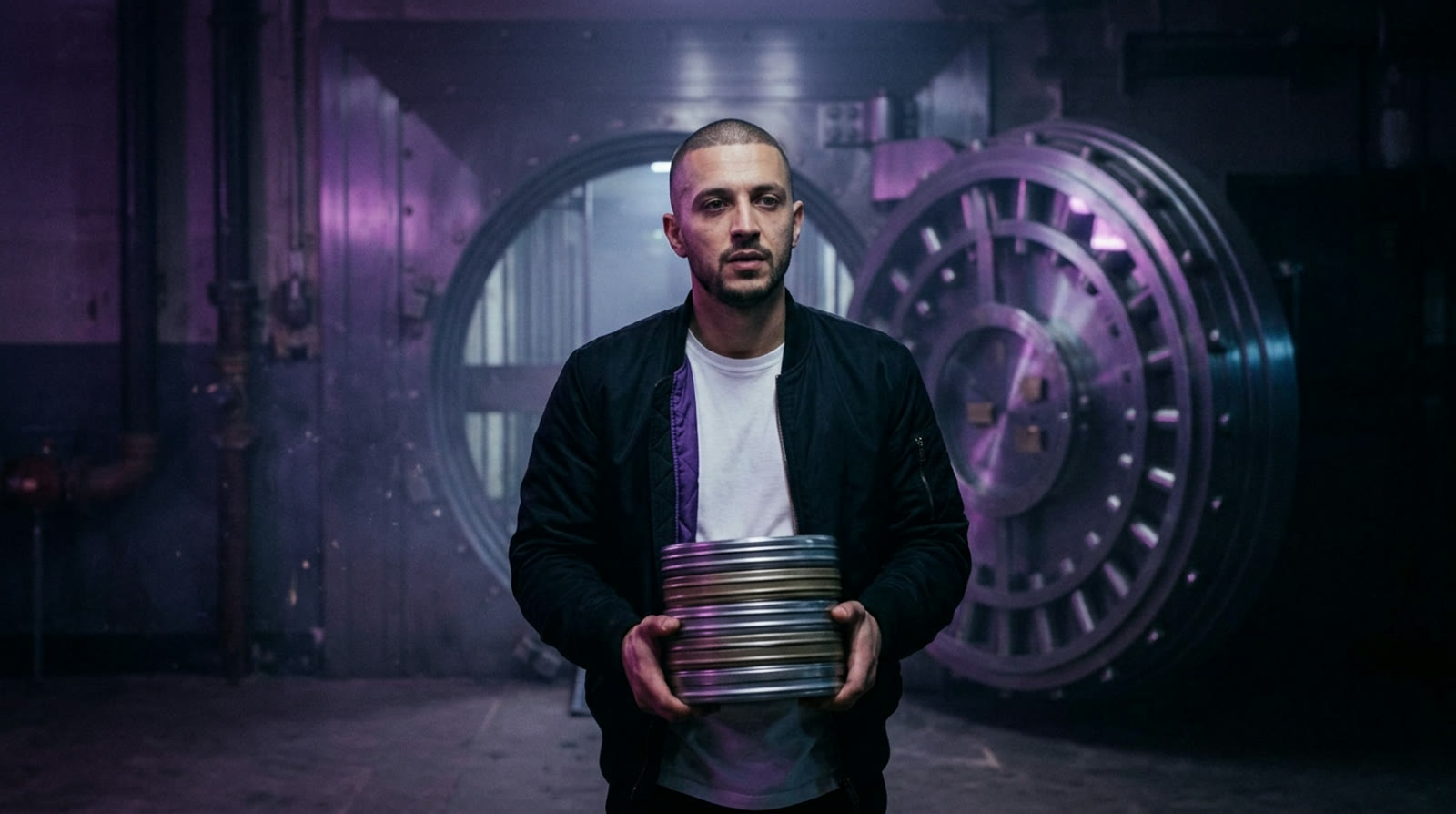
Make it for your own brand
Your products, your faces, your style, on every top model in one studio. You start with 1,000 free credits.
Get early access