
COMPARE
Wan 2.2 Animate vs Kling 3.0
Pick Wan 2.2 Animate to swap your character into a clip you filmed, cheaply, with your clip staying your clip. Pick Kling motion control to give the character from your photo the moves from your video.
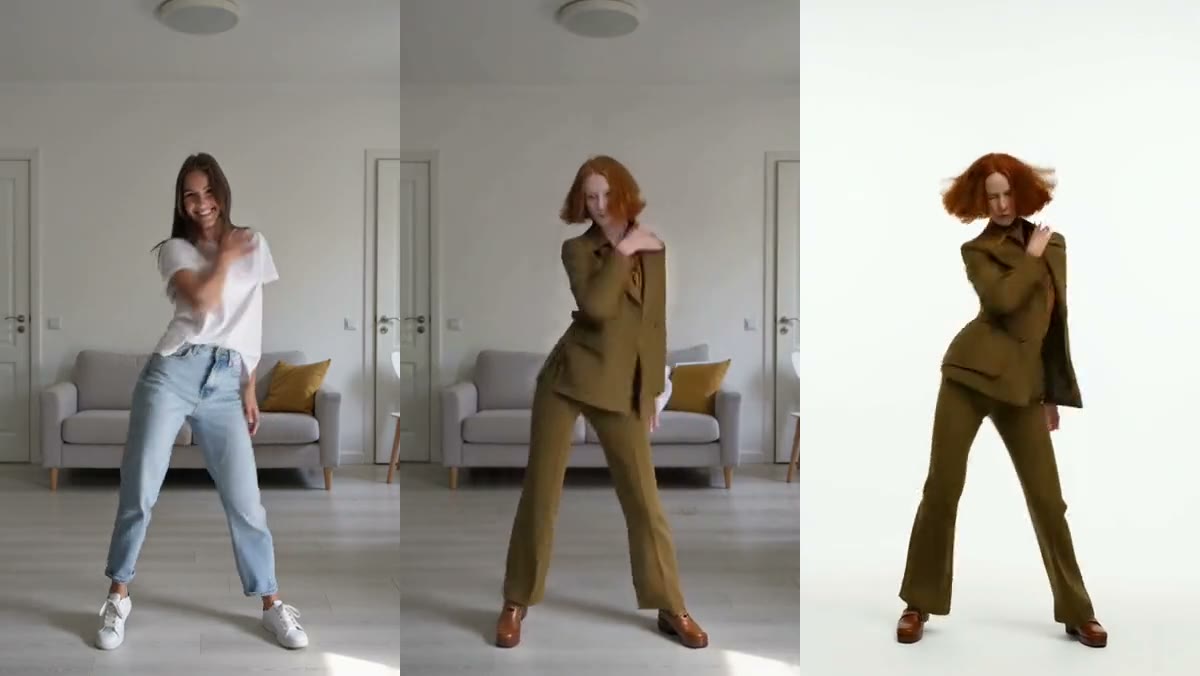
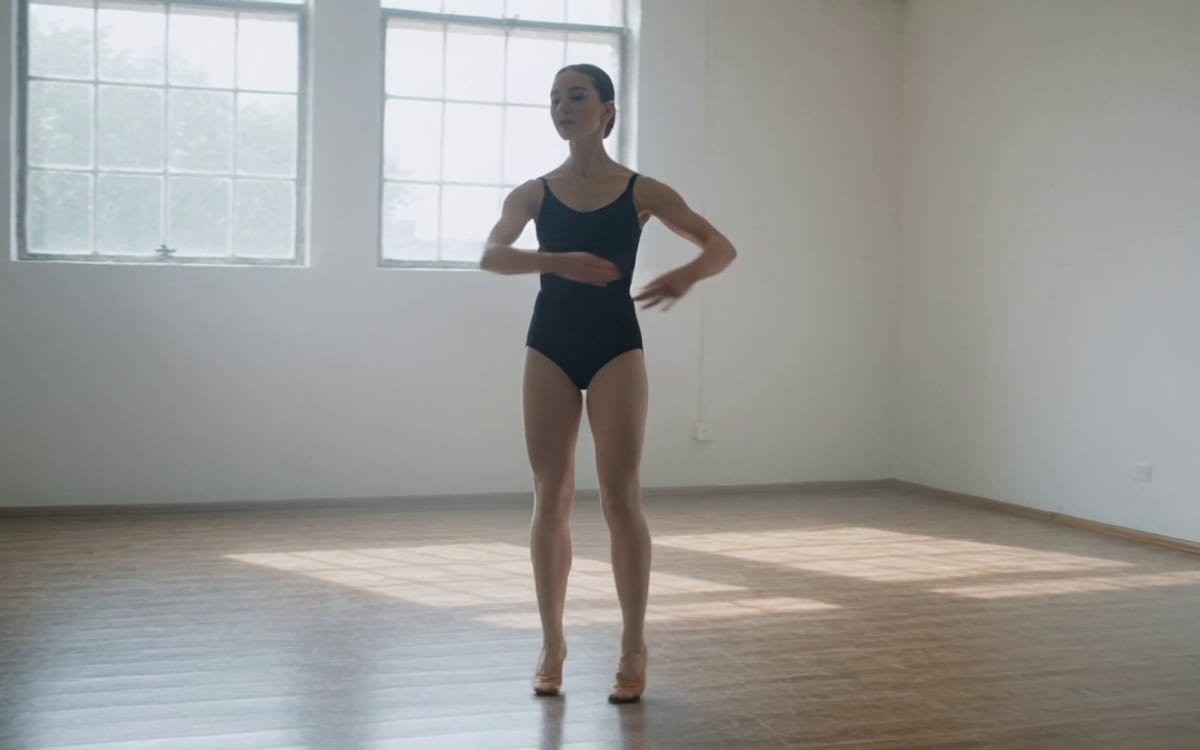
Side by side
 Wan 2.2 Animate Wan 2.2 Animate |  Kling 3.0 Kling 3.0 | |
|---|---|---|
| Made by | Alibaba | Kling AI |
| Best for | Swapping a character into your own clip, at a low price | Cinematic clips up to 15 seconds with a recurring character |
| Price here, from | Video 800 cr | Editing 112 cr · Image 112 cr · Video 841 cr |
| Strong at | Your clip stays your clip · The moves come along exactly · Low cost per try | Fifteen seconds, not five · Name a character and keep it · Several scenes in one run · Sound that comes with it |
| Variants in the studio | 2 | 36 |
Prices are in credits at the default settings, worked out the same way as the button in the studio. Every run shows its own price before you press it.
Which one to pick
Where each falls short
Wan 2.2 Animate
- It holds a face and an outfit, but unusual proportions can soften: in our test a character with a very long neck came out with a shorter one. For a character with an extreme shape, Recast held it better.
- At most 720p. For sharper results, upscale the clip after.
- Only use clips you filmed yourself or have the rights to, and faces of people who agreed to it. The first run asks you to confirm.
Kling 3.0
- Audio language support is Chinese and English natively. Other languages are auto-translated to English, so a clip in Dutch is not something to plan around.
- Voice binding works for video elements, not image elements.
- The aspect ratio comes from your start image rather than a setting, so the frame is decided before you generate, not during.
Questions
Which footage can I use?
Only clips you filmed yourself or have the rights to, and faces of people who agreed to it. The studio asks you to confirm once.
Does Wan Animate keep odd proportions?
It holds a face and an outfit, but unusual proportions can soften: in our own test a very long neck came out shorter. For a character with an extreme shape, Recast held it better.
Is there a ready-made flow?
Yes, the motion control tool and the Recast template both start from your clip and a photo.
Read on
Try Wan 2.2 Animate and Kling 3.0 side by side
The studio opens in stages. We open access in the order people signed up, and you start with 1,000 free credits.
Get early access