
The best image to video AI for your photo
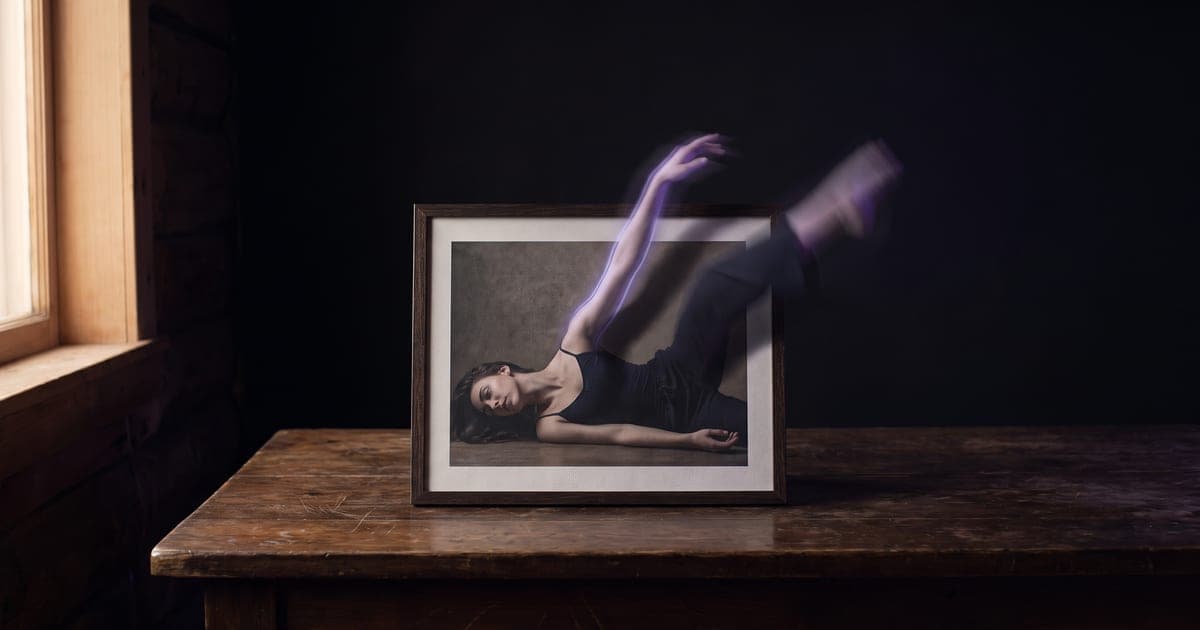
Turning a photo into a moving shot: which AI model holds your image best, steers the ending, or tests ideas cheaply.
1 min read · last checked
The frame follows your image
Image to video starts from your picture, and with most models the shape of the clip comes from that picture rather than from a setting. Crop the still to the shape you want before you generate, because that decision is made before the model runs.
The best result from one photo: Kling 3.0
Kling 3.0 Pro is the top tier of the Kling family for image to video: cinematic visuals, fluid motion and sound in the same pass, up to fifteen seconds.
Deciding where the shot ends: Wan 3.0 or MiniMax H3
Give the model both ends of the movement and it fills in the middle. Wan 3.0 takes a start and an end frame and makes its own audio. MiniMax H3 takes a first and last frame too, and drafts cheaply at 480p before a final at up to 4K.
Testing ideas cheaply
When you are still finding the shot, a cheap model is the right tool.
- Vidu, with cheap 360p drafts and 4K with sound at the top.
- Pika 2.2, which turns a still into a shot with camera and subject moving together.
- PixVerse V6, with four resolutions and sound when you want it.
Read next
Put this guide to work
The studio opens in stages. We open access in the order people signed up, and you start with 1,000 free credits.
Get early access