
InfiniteTalk
by MeiGen-AI
Your video, your vocal, the whole performance on it.
What it is
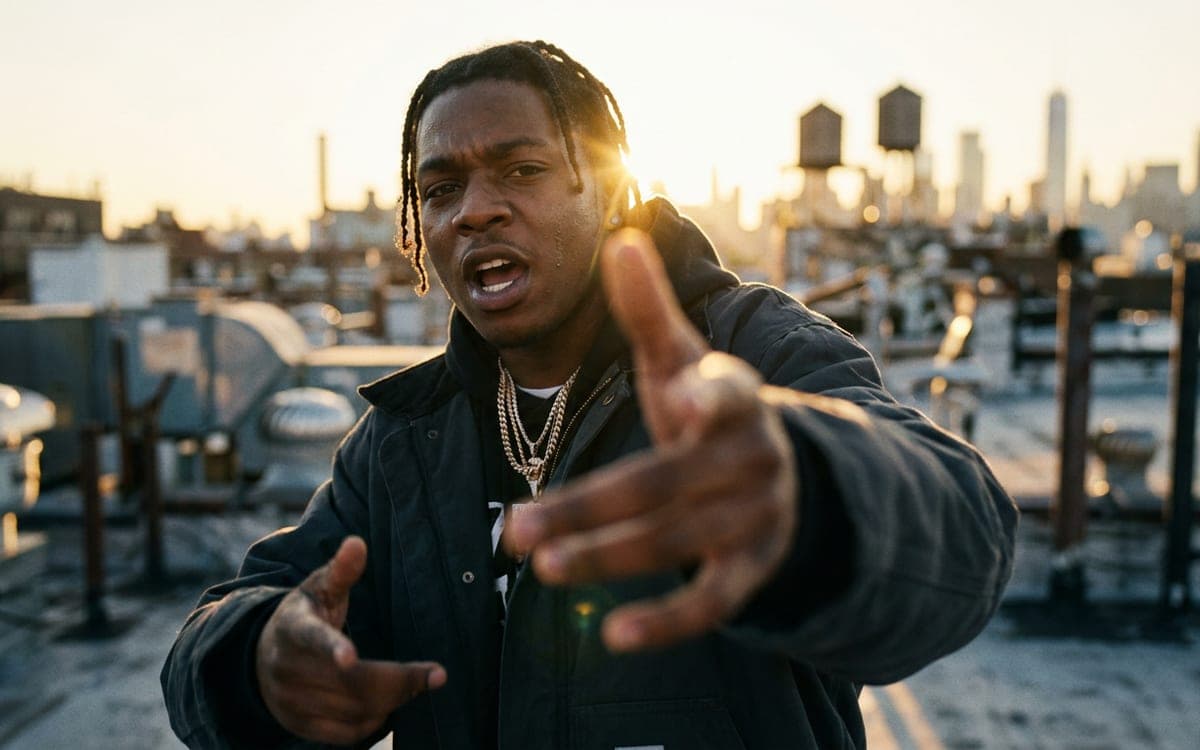
InfiniteTalk takes a video you already have and a piece of audio, and performs the person again on that audio. Not only the mouth: the expression, the head and the shoulders move with the words, while the camera, the scene and the movement of the shot stay.
That is what makes a rap or a song look sung instead of dubbed. A model that only redraws the mouth leaves the rest of the face on its own rhythm, and that reads as pasted on.
Its makers describe it as audio-driven video generation for talking video, from an image or from a video.
What it is good at
Mouth, jaw, eyes and head follow the audio together, so fast rap and held notes both look natural.
Give it the performance you liked, and it keeps the framing, the camera move and the scene.
The Studio measures your audio and sets the length of the clip from it, so the result ends where the vocal ends.
Where it struggles
- One run takes up to 9.6 seconds of audio. Cut a longer vocal into pieces of one or two lines, which is how a music video is edited anyway.
- At 720p it costs twice as much as at 480p, and clips longer than 3.2 seconds cost a quarter more. The amount is on the button before you run.
- It changes how someone appears to speak or sing, so the Studio asks you once to confirm that the people involved agreed.
What we offer here
Straight from the catalogue, so this list never goes stale. The price is the provider’s published rate with our markup on top, and it is on the button before you run anything.
Questions
What is the difference with Sync Lipsync?
Sync Lipsync redraws the mouth area and leaves the rest of the face as it was. InfiniteTalk performs the face, head and body again on the audio. For a new voice on existing footage, Sync Lipsync is enough; for a performance that has to look sung, use InfiniteTalk.
Do I need to cut my track?
Yes, into pieces of at most 9.6 seconds. Use the vocal without the beat if you can, and place each clip in your edit at the second its line starts.
Which resolution should I pick?
Try a line at 480p first. When the performance is right, run the final at 720p.
Next
Sources
Try InfiniteTalk in the studio
The studio opens in stages. We let people in in the order they signed up, and you start with 1,000 free credits.
Get early access