
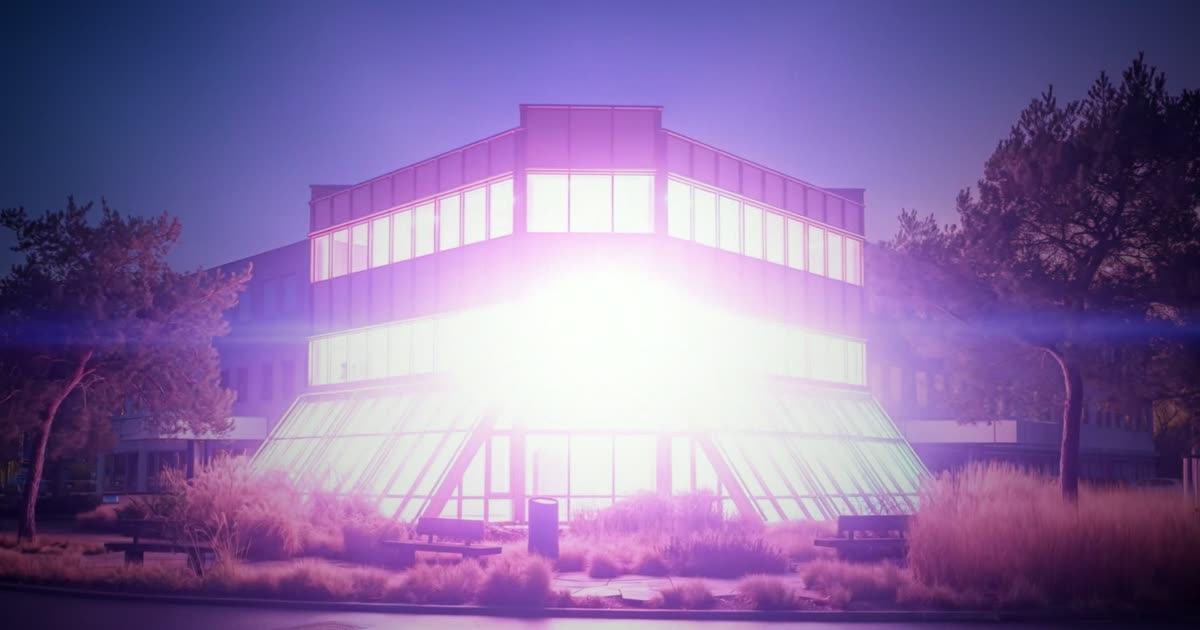
An intro nobody else has
A stock logo sting looks like everyone else. Your own building, office or shop is yours alone. Light it up, let it flicker, and have it turn into your logo, and the first seconds of every video say who you are.
We made the intro of dGEN Labs this way, from one photo of our office in Veldhoven. The template Building to logo reveal runs the same steps on your photo and your logo.
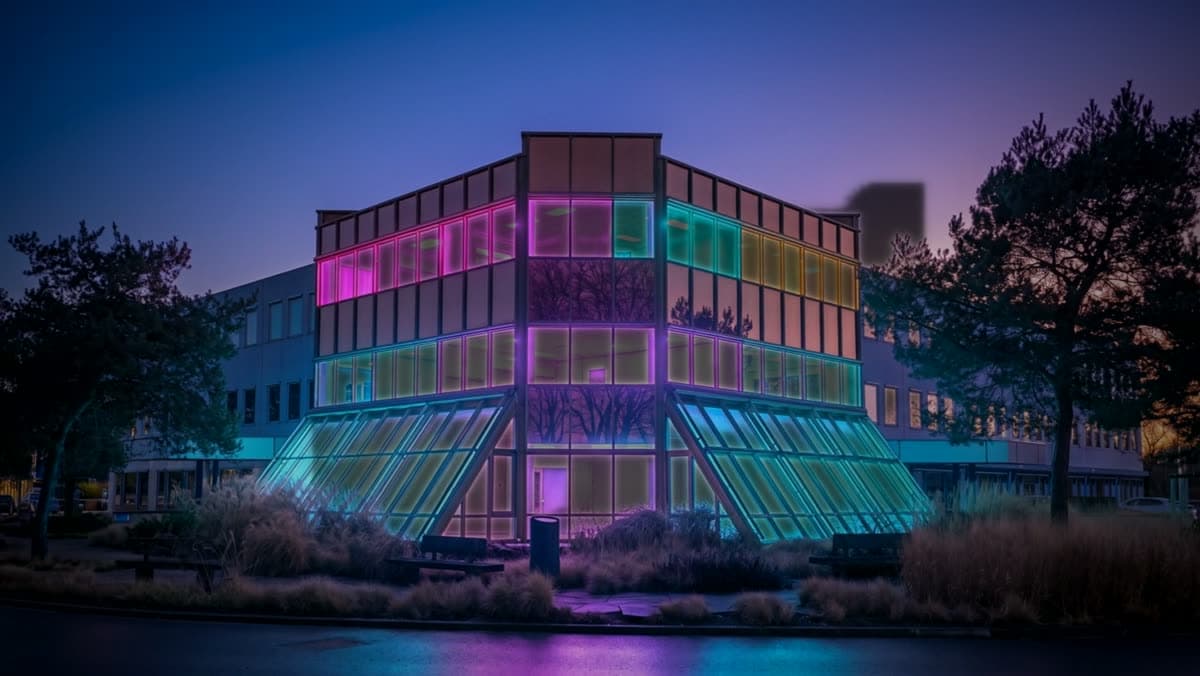
Start from a photo at dusk
Take the photo at blue hour, with the lights on inside. The model builds the whole reveal on that light: windows that already glow can swell, flicker and burst. A daytime photo gives it nothing to work with.
Stand straight in front of the building with some sky above it and some ground below, and shoot in landscape. The building in the middle gives the burst a centre, and that is where your logo will appear.
No photo at dusk? Make one: drop your daytime photo in an image node and ask for the same building at blue hour with the lights on. Approve it before you run the reveal.
Make the end frame first, and the logo lands clean
The video model morphs from your photo to the frame you give it as the end. Give it your logo alone on black, and the building dissolves into light and the logo comes out of it. Give it a logo on a busy background, and half a building stays in the last frame.
The template does this step for you: your logo goes in, and an image model puts it on pure black with a soft glow in its own colours. Check that the logo is still exactly yours before you go on. This step costs a few hundred credits, the reveal is the expensive one.
Write the light, in the order it happens
Describe the reveal as a sequence: the camera pushes in, the lights in every window swell, they flicker like failing tubes, then one surge floods the frame and the logo takes shape in the glow. The model follows that order through the clip.
Keep the clip at 7 seconds. The lights need time to build; in a 5 second clip the burst comes before anything has happened. In our run the burst came at about 6 seconds and the logo at 6.5.
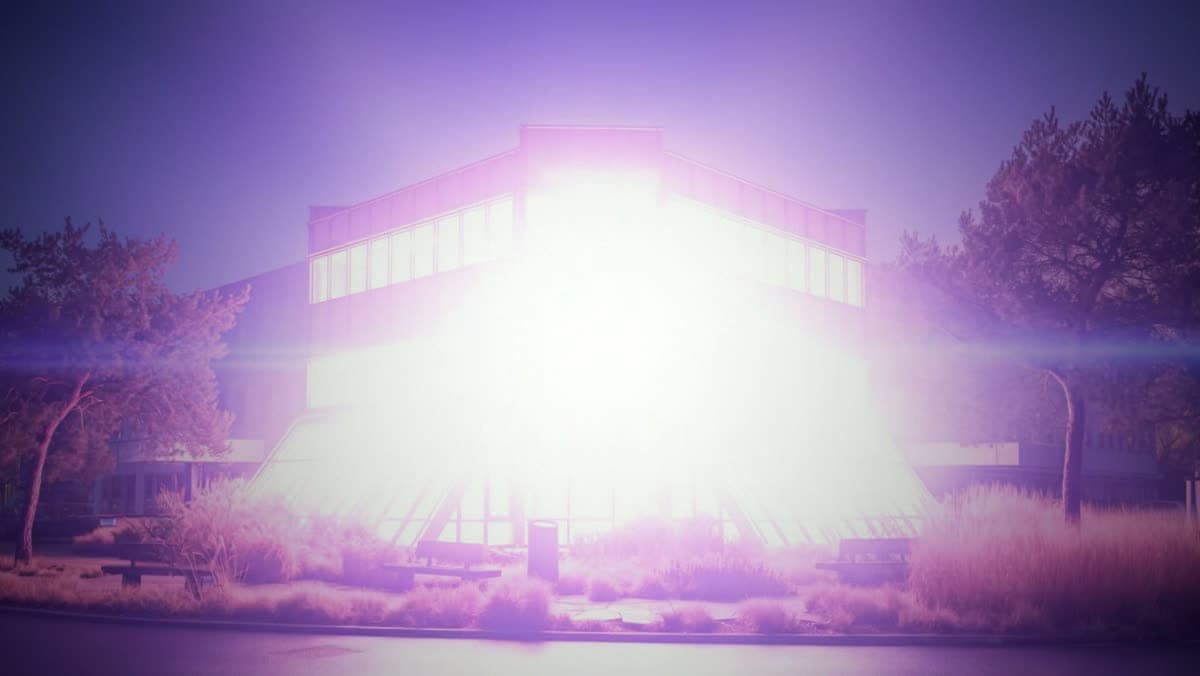
Finish it in your editor
The template gives you the reveal itself. In our own intro we added three things in the edit: a hold on the logo with our name in white under it, sharper flickers on the beat, and sound.
For sound, run the clip through Mirelo SFX 2 in the studio: it adds effects that match what happens in the picture, no prompt needed. A deep hit on the moment the logo appears does the rest.
An image model can soften the fine details of a busy logo. For a logo that must be exact to the pixel, cut to your real logo file in the last half second of the clip, the way we did.
For Reels and Shorts: the same reveal, vertical
Widen your photo to 9:16 first with Expand image: more sky above, more street below, the building untouched. Set the end frame to 9:16 as well, and run the reveal on those two. The building is smaller in a vertical frame, so let the camera push in.
What one reveal costs
Our run of the template cost 1,868 credits: about 300 for the end frame and 1,568 for a 7 second reveal on Kling O3 Pro. The exact amount is on each button before you press it.
Read next
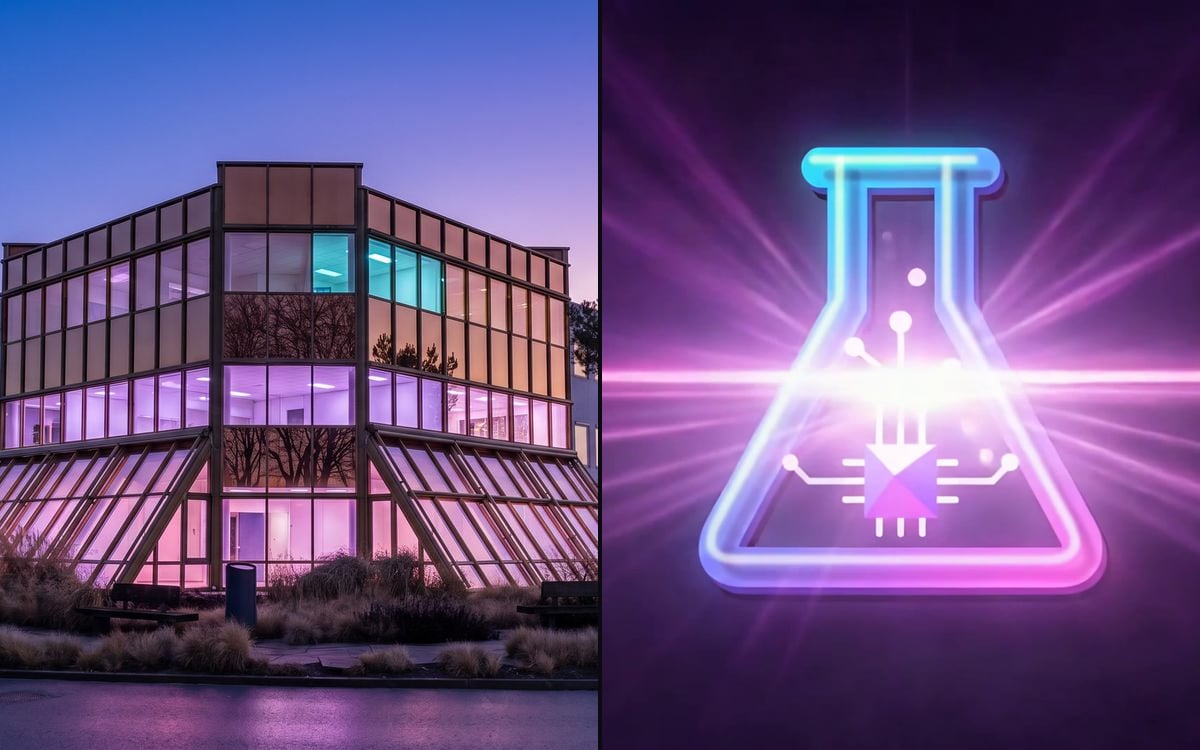 Template: Building to logo revealYour photo and your logo, ready to run.
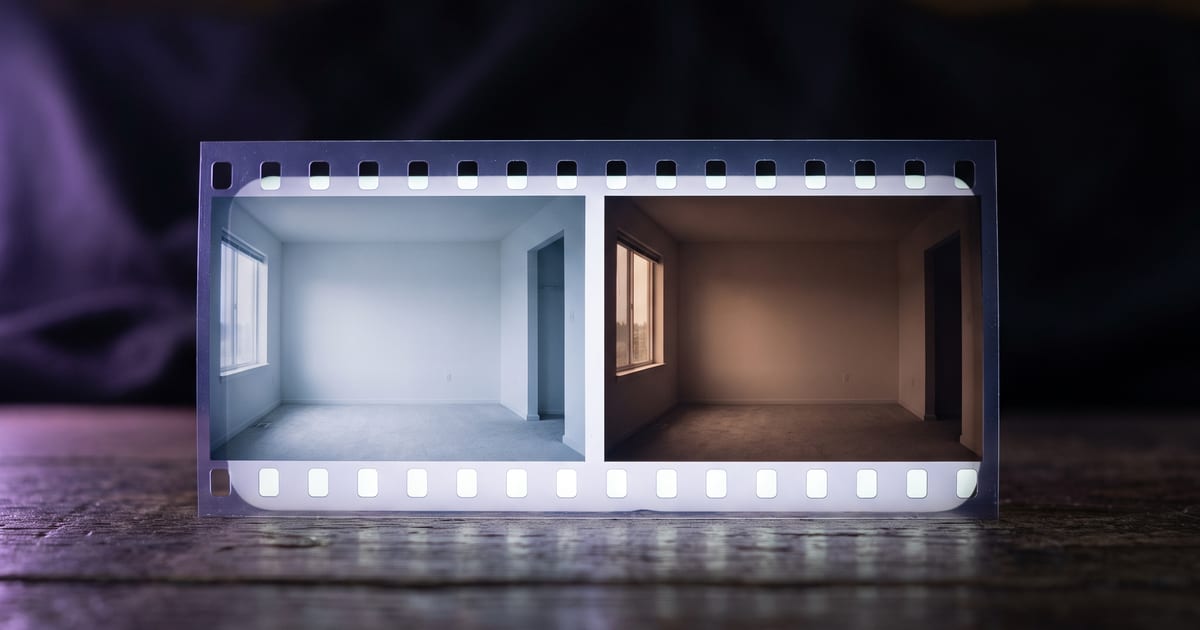 Start and end framesHow a clip morphs from one frame to another, and how to steer it.
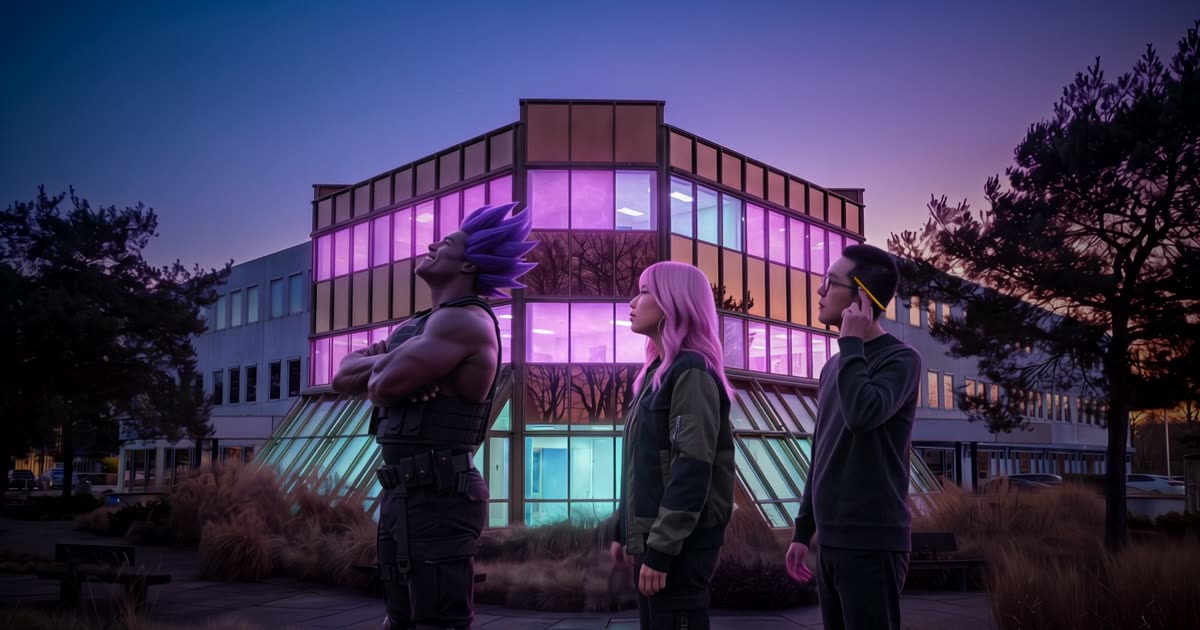 Your cast in the revealThe same intro, with your own characters walking up to the building.
 Sound made with the pictureWhen the model makes the sound, and when you add it after.
 Expand imageWiden your photo to 9:16 before the vertical reveal.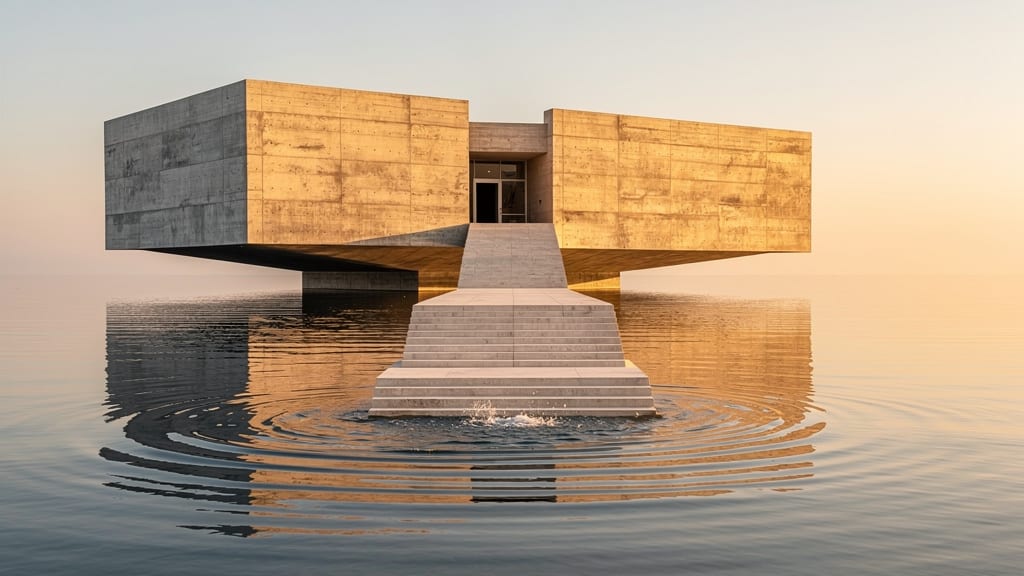
Put this guide to work
Open the studio and try what you just read. You start with 1,000 free credits.
Get early access