
 by Bria
What it is
Bria FIBO 2.0 is the newest generation of FIBO. Its makers describe the generator as "strongest on reasoning and knowledge-heavy prompts, the ones that need real understanding, not just a style match".
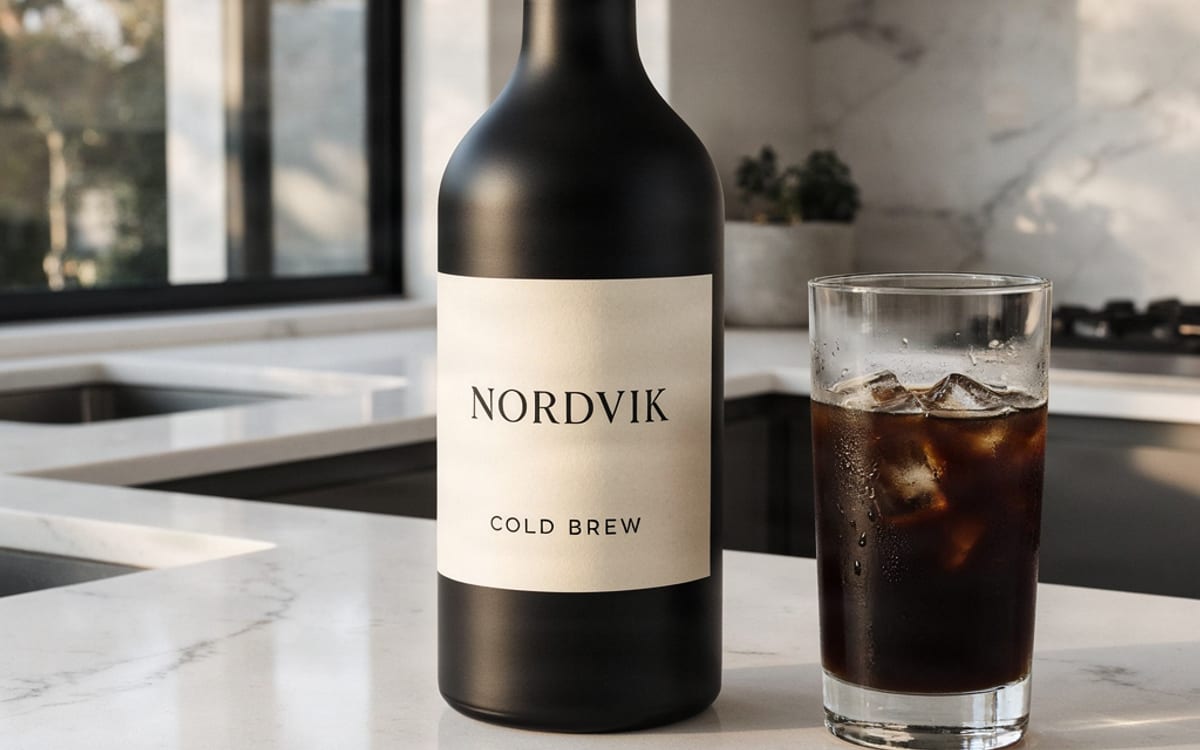
The edit model "makes targeted, instruction-based edits from up to four images": background swaps, product restaging, "keeping the product true to the original".
Both are "trained only on licensed data, with clear commercial rights". For a brand that has to answer where an image came from, that is the reason to pick it.
What it is good at
Trained only on licensed data, with clear commercial rights. The answer when a client asks where an image came from.
Built for prompts that ask for knowledge or reasoning, not only a look.
Refer to each image by its number in your instruction: put the bottle from image 2 on the table from image 1.
Background swaps and restaging that keep the product true to the original.
Where it struggles
- Bria publishes no list of limitations for FIBO 2.0 yet, so none is invented here.
- Images come out at about one megapixel. For print sizes, upscale the result afterwards.
- In an edit, images are referred to by position: the first image you add is image 1. Name them in that order.
How to prompt it
For a new image, write what has to be true, not only how it should look: what the object is, where it stands, what the text says. For an edit, name the images by number and say what changes and what stays.
An example that shows what that means
Place the bottle from image 1 on a sunny wooden picnic table in a park, keep the label exactly as it is.
What we offer here
Straight from the catalogue, so this list never goes stale. The price is the provider’s published rate with our markup on top, and it is on the button before you run anything.
Questions
FIBO 2.0 or FIBO Edit?
FIBO 2.0 for new images and for general edits. FIBO Edit stays for two jobs it is built for: your product in someone's hand, and your clothes on a person.
Can I use the results commercially?
Yes. Bria trains FIBO 2.0 only on licensed data, with clear commercial rights.
How many images can one edit use?
Up to four. Refer to them by number in your instruction, in the order you added them: image 1 is the first.
Alternatives
Guides with Bria FIBO 2.0
Next
Sources

Try Bria FIBO 2.0 in the studio
Compare them on your own prompt instead of on a demo. You start with 1,000 free credits.
Get early access