

Who it is for
For companies, shops and studios that want their own building in the intro of every video, without a 3D artist.
How it works
- 1Bring your building and your logoOpen the template and drop your own file in. Everything else is already set up for you.
- 2Press run2 steps run in order, on Nano Banana Pro, Kling 3.0. Each step shows its price before it runs.
- 3Keep the best oneEverything lands in your library. Change one step and run it again for the next product, client or scene.
What comes out
Made in this studio, with this template.
What you get, and how to use it
Drop a photo of your building, shop or office, ideally at dusk with the lights on, and your logo. The end frame puts your logo on black; approve it before you run the reveal, the expensive step. The reveal runs from your photo to that end frame. Keep the length at 7 seconds: the lights need time to swell before the burst.
The AI models in it
Questions
What does the Building to logo reveal template cost?
You pay per step you run, in credits that never expire. Every step shows its price on its button before you press it. If a step fails before the model has made anything, you get every credit back.
Can I change the models or the prompt?
Yes. A template becomes an ordinary flow the moment you open it. Every model, prompt and setting stays yours to change, and you can save it as your own.
Which AI models does it use?
Nano Banana Pro, Kling 3.0.
More templates
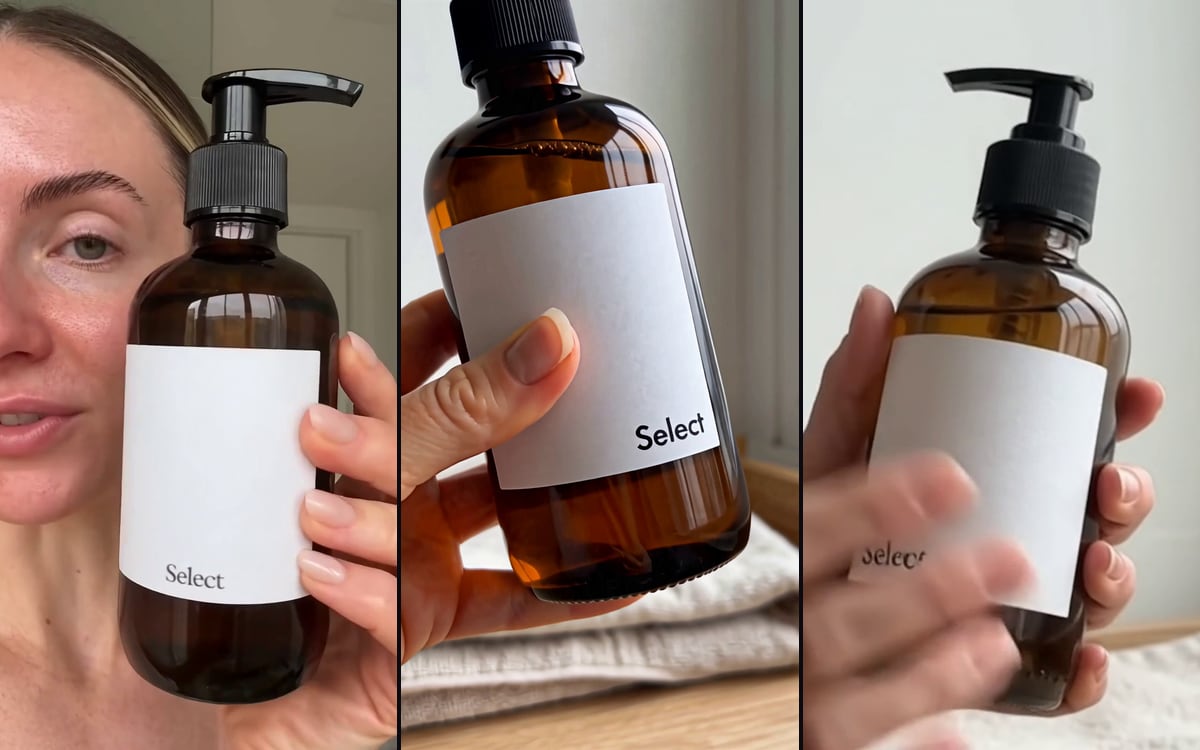 Product to UGCTurn a product photo into authentic UGC content, in three models at once.
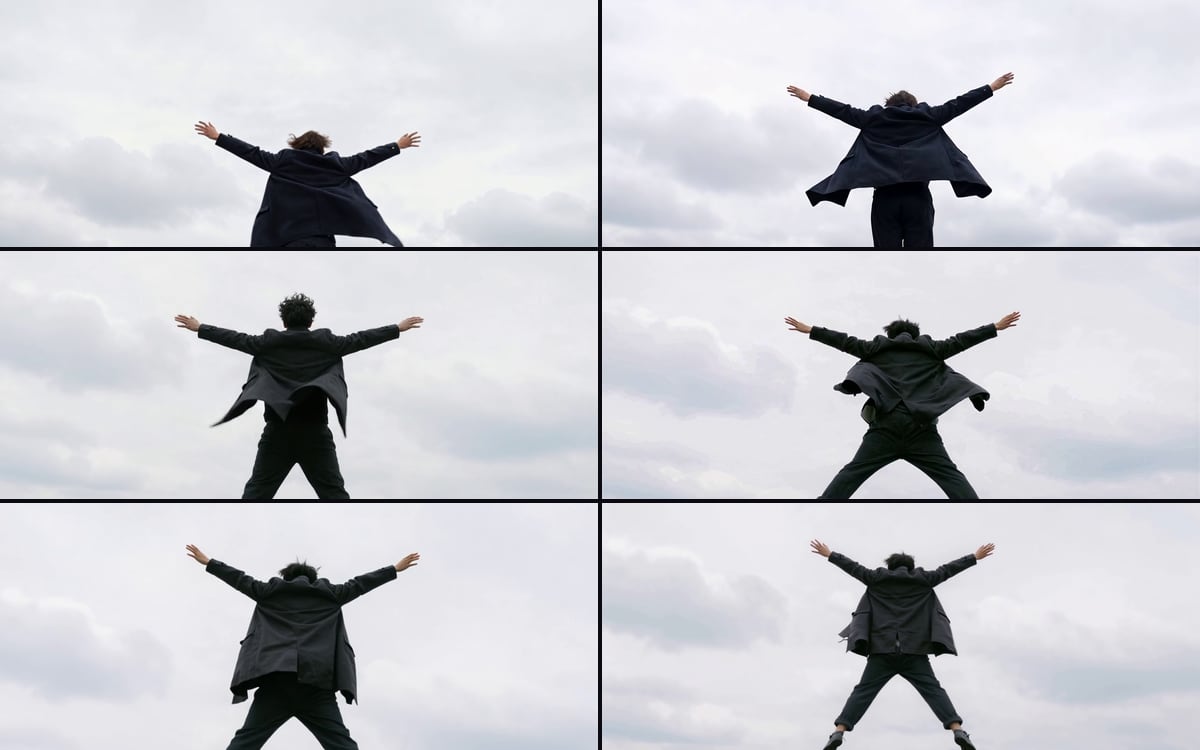 Multi-Model VideoOne prompt and one start frame through six video models, side by side.
 Your first ReelYour AI influencer in a 10-second vertical Reel or Story: a hook, a scene and its signature gesture, with sound.
 Your character says itYour character says your line in its own voice, lips in sync, in a new scene. Pick the character, write the line, done.
Start from Building to logo reveal
Pick one, swap in your own product or face and press run. You start with 1,000 free credits.
Get early access