
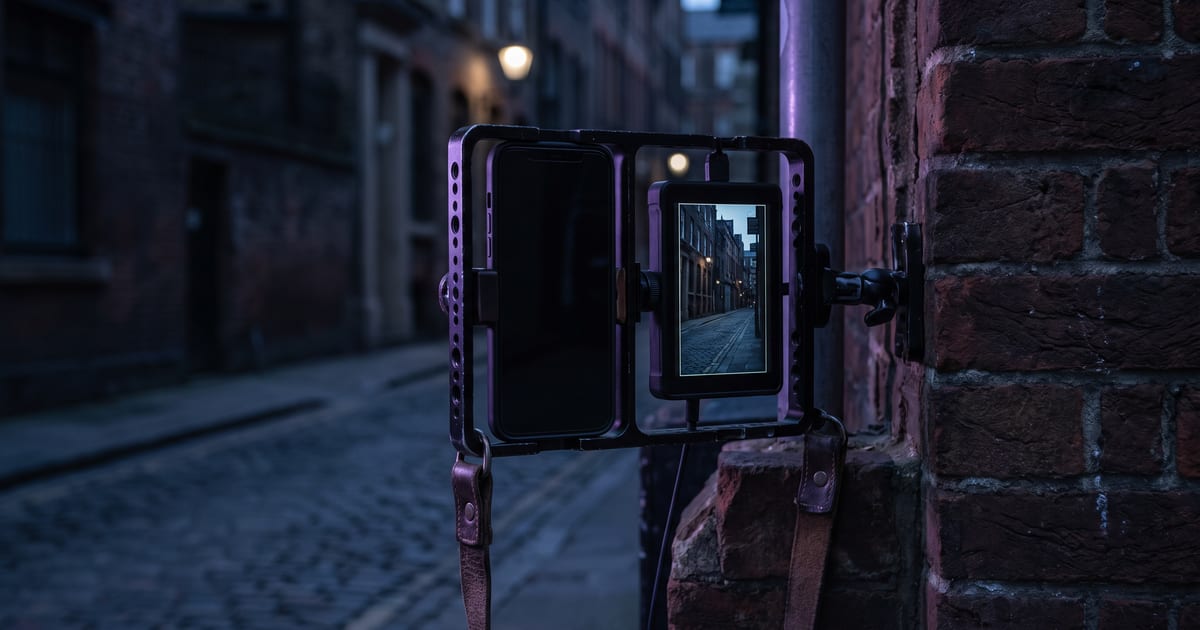
Choose 9:16 first
Cropping a 16:9 clip to vertical loses most of the picture. Choose 9:16 in the model settings before you make it, so the model composes for a tall frame.
Frame for a phone
- One subject, close: a face, a product, a hand.
- The subject in the middle third, away from the edges where buttons and captions sit.
- Movement up and down works better than side to side.
The first second
On a vertical feed people decide in a moment whether to keep watching. Start with movement or a face, not with an empty establishing shot.
Text and captions
Add captions in your editor or on the platform, not in the prompt. Leave space at the top and bottom for them.
Questions
Do all video models support 9:16?
Most do. Each model page lists its shapes.
How long should a clip be?
Short: a few seconds per shot, cut together into a longer video if you need one.
Read next


Put this guide to work
Open the studio and try what you just read. You start with 1,000 free credits.
Get early access