
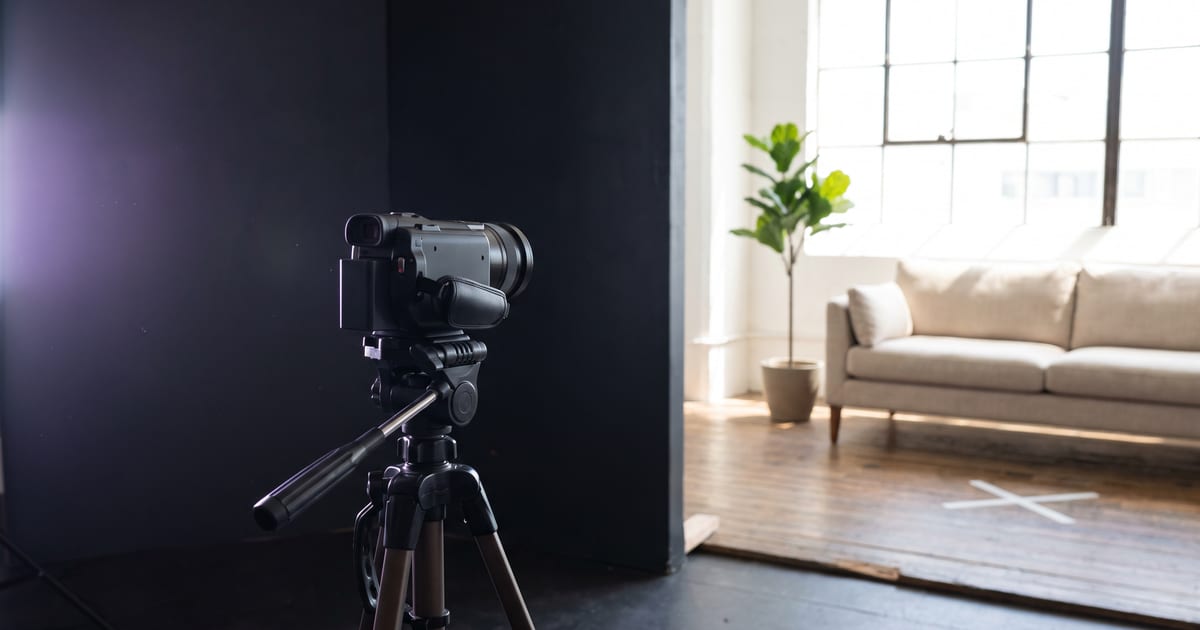
What recast does
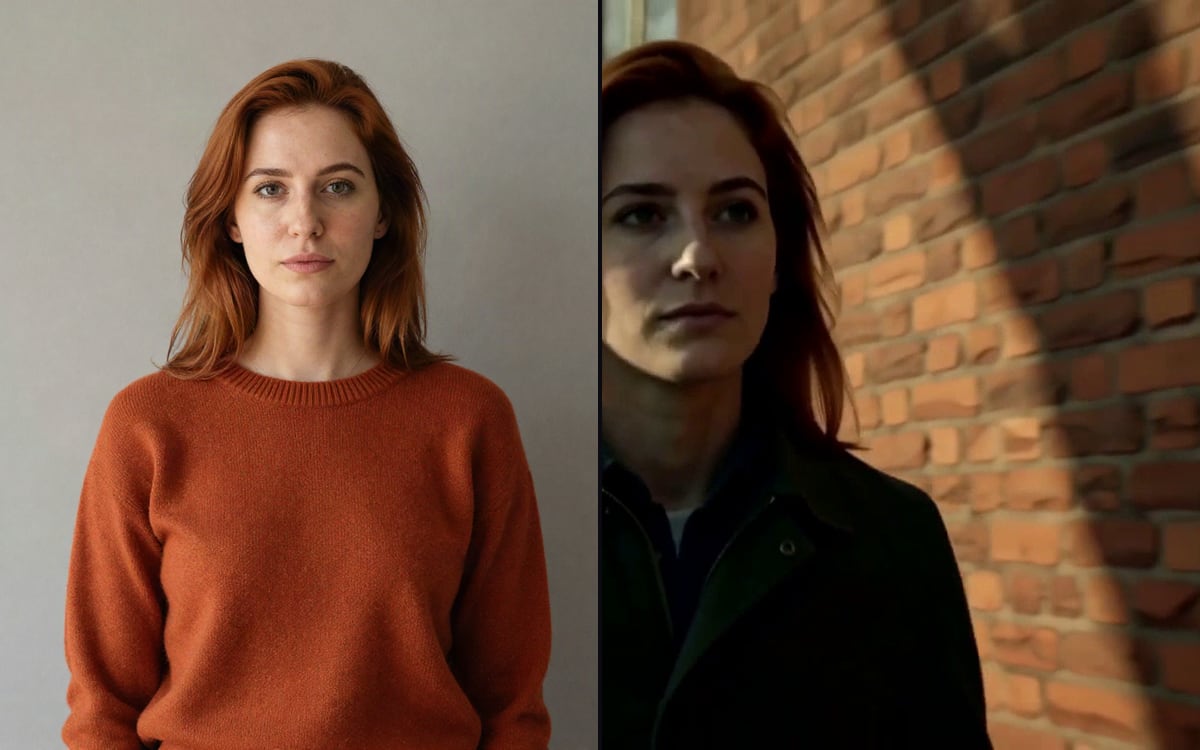
Recast takes a clip you filmed and replaces the person in it with your character. The room, the light and the camera movement stay as they were. It is the quickest way to get a character into a real place without describing that place in a prompt.
Recast or motion control?
Both start from your own clip, but they keep different things:
- Recast keeps the scene and changes the person.
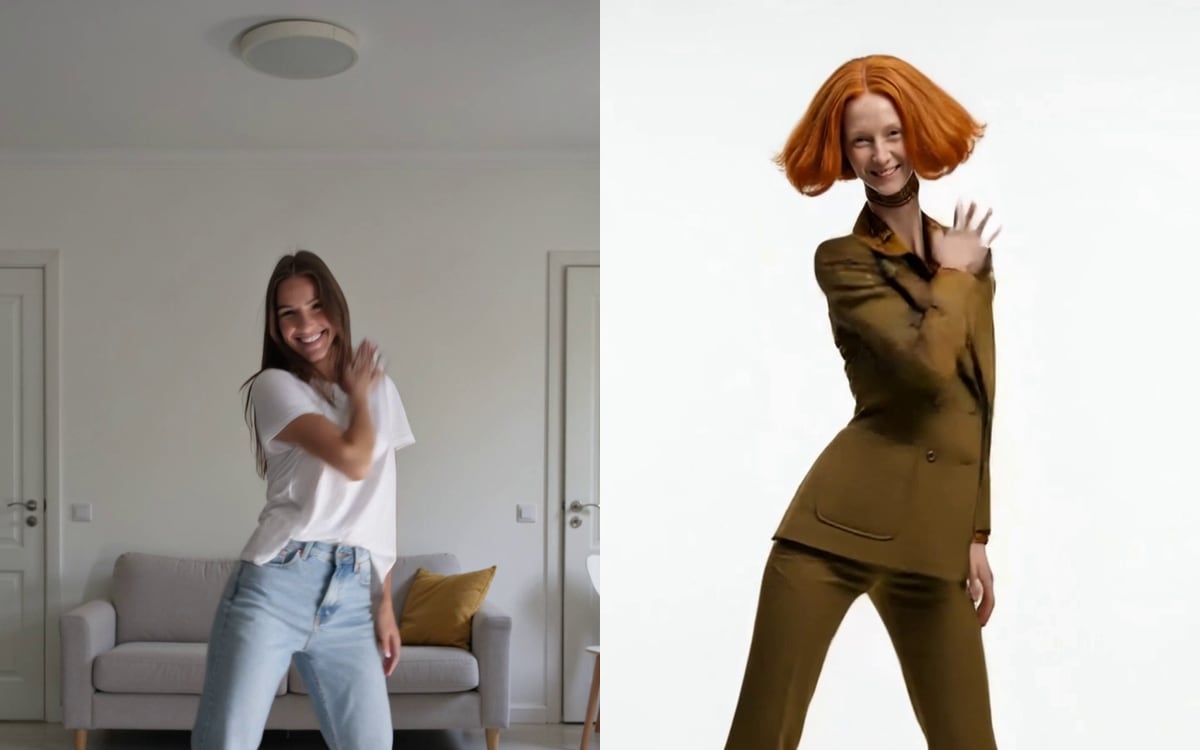
- Motion control keeps the moves and puts the character in its own setting.
- Film in the place you want to see: recast. Film the moves you want: motion control.
Getting a good result
Film steady, with one person clearly in view and good light. A clip where the person is half out of frame or in deep shadow gives the model little to work with. Keep it short: the price follows the length of the clip.
Only use clips you filmed or have the rights to, and only faces that are yours, invented, or from someone who agreed. The studio asks you to confirm that once before the first run.
Questions
Does the sound of my clip stay?
That depends on the model and its settings. The model page shows which ones keep the original sound.
Can I recast more than one person?
Some models handle more than one person in a clip. The model page says what each one can do.
Read next
Try it in the studio
Open the studio and try what you just read. You start with 1,000 free credits.
Get early access