
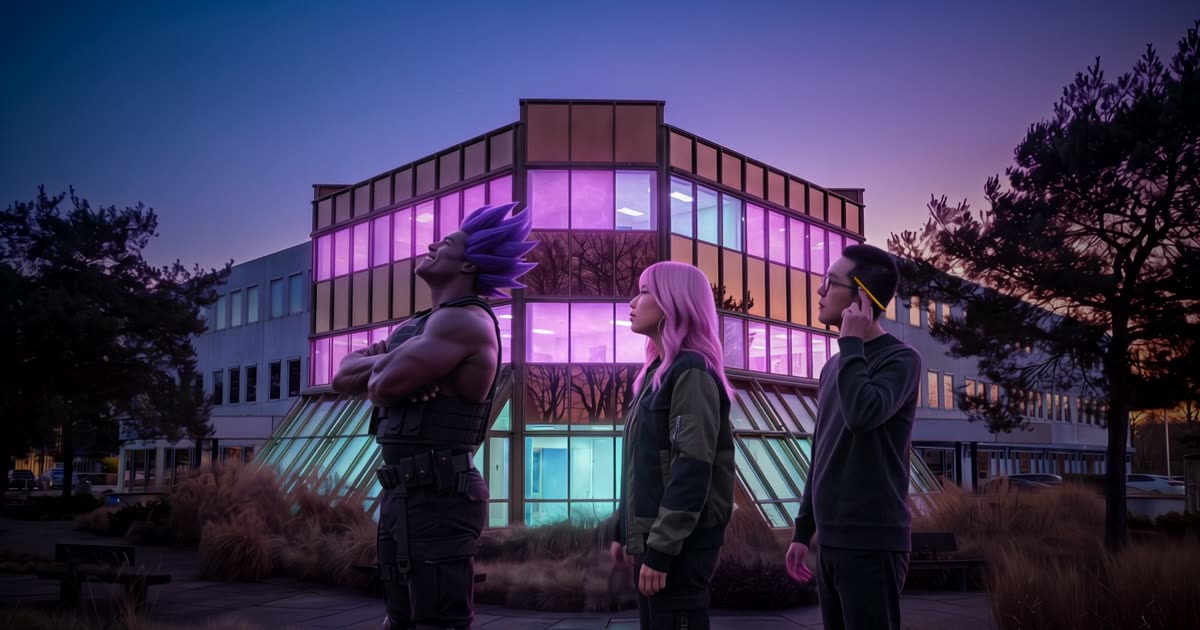
Your faces in front of your building
Put the characters people know from your posts in the intro, in front of your real building. They walk up, stop, look at the lights, and then everything turns into your logo.
This is the second intro of dGEN Labs, with three of our characters from dGEN Influencer: Rex Voltage, Lola Reyes and Kenji Park. The template Logo reveal with your characters runs it on your building, your cast and your logo.
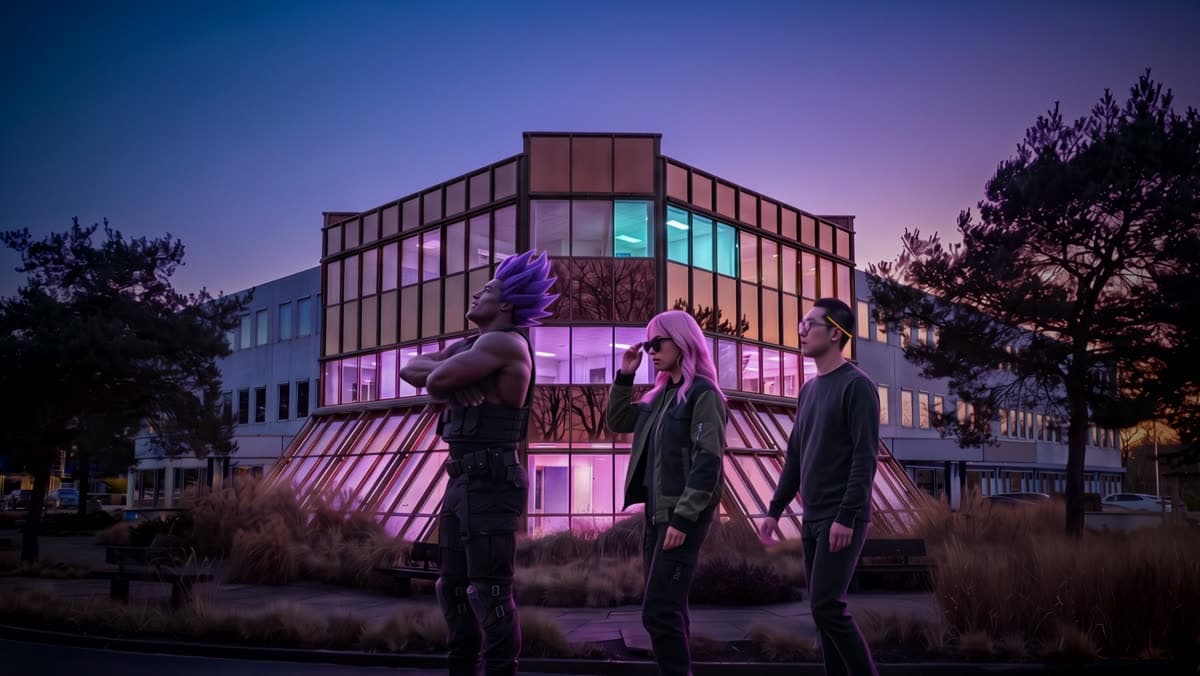
Use full-body photos, and keep the cast real
Give every character as a full-body photo: the start frame needs their whole figure, shoes included, to put them on the road at the right size. The full body from dGEN Influencer is made for exactly this.
Pick people who look like people. A drawn mascot in a group of real-looking characters pulls the others along: in one of our runs a man turned into a cartoon the moment the light burst. Keep a mascot for an intro of its own.
Give every character their own moment
Write one action per character, each at its own time, with words like first, then and last. Without that, all three walk the same steps and turn their heads on the same frame, and it looks like a dance.
Use the gesture you gave each character in dGEN Influencer. In ours, Rex stops first and cracks his knuckles, Lola lowers her sunglasses to look over them, and Kenji taps his pencil against his temple and looks up last.
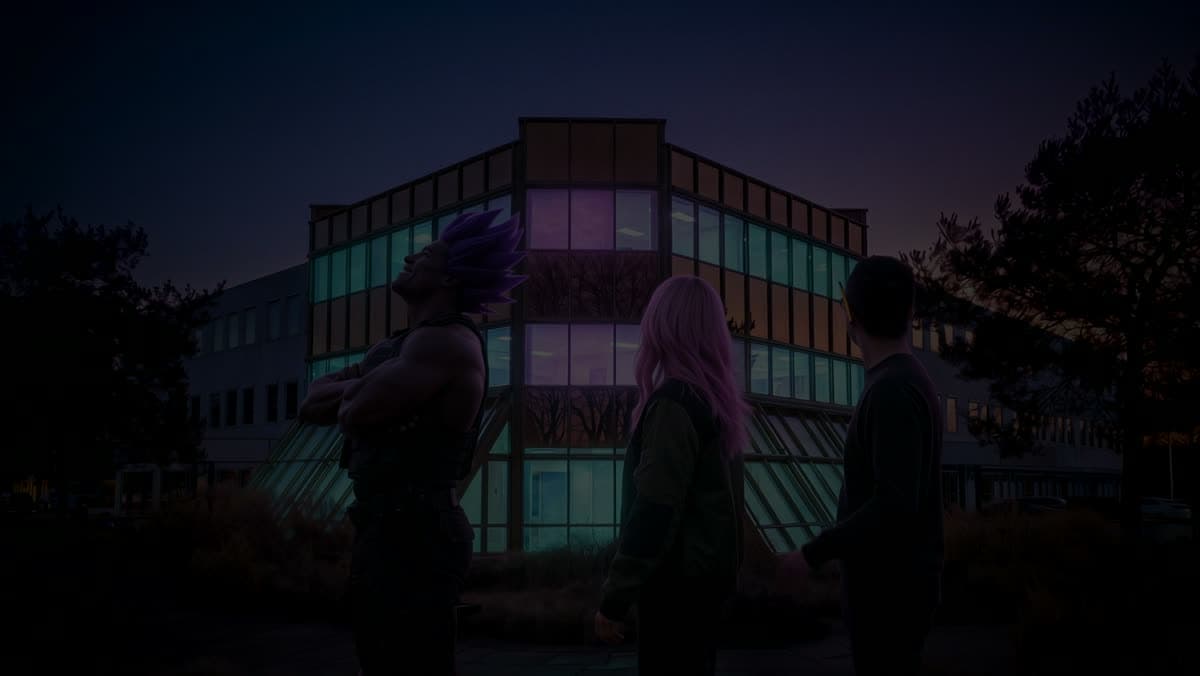
Kling 4.0 for people that look filmed
The template runs the reveal on Kling 4.0. It keeps faces and skin real through the whole clip, moves people the way people move, and makes the sound in the same run.
Ask for live action in the prompt: shot on a cinema camera, real skin texture, natural motion blur, no animation. Without those words the burst of light can tip the shot into a rendered look.
Approve both frames, then run the reveal
The template makes two frames first: your building with your cast walking in it, and your logo on black. Check the start frame closely: the same faces, the same clothes, hands that make sense, and one building. Run it again if anything is off. Then run the reveal.
Use your own characters, invented ones, or people who agreed to it.
What one reveal costs
Our run of the template cost 3,890 credits: about 600 for the two frames and 3,290 for a 7 second reveal on Kling 4.0 at 1080p. The exact amount is on each button before you press it.
Read next
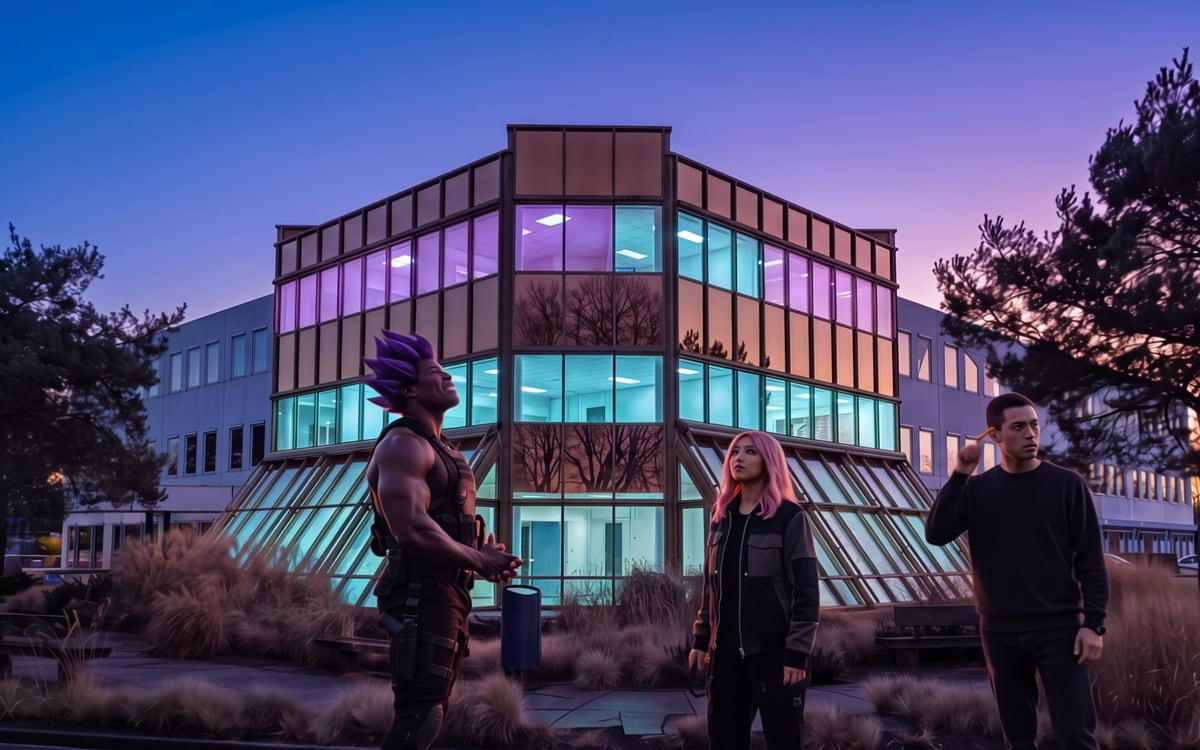 Template: Logo reveal with your charactersYour building, three characters and your logo, ready to run.
 Turn your building into a logo revealThe same intro without a cast, and how to finish it.
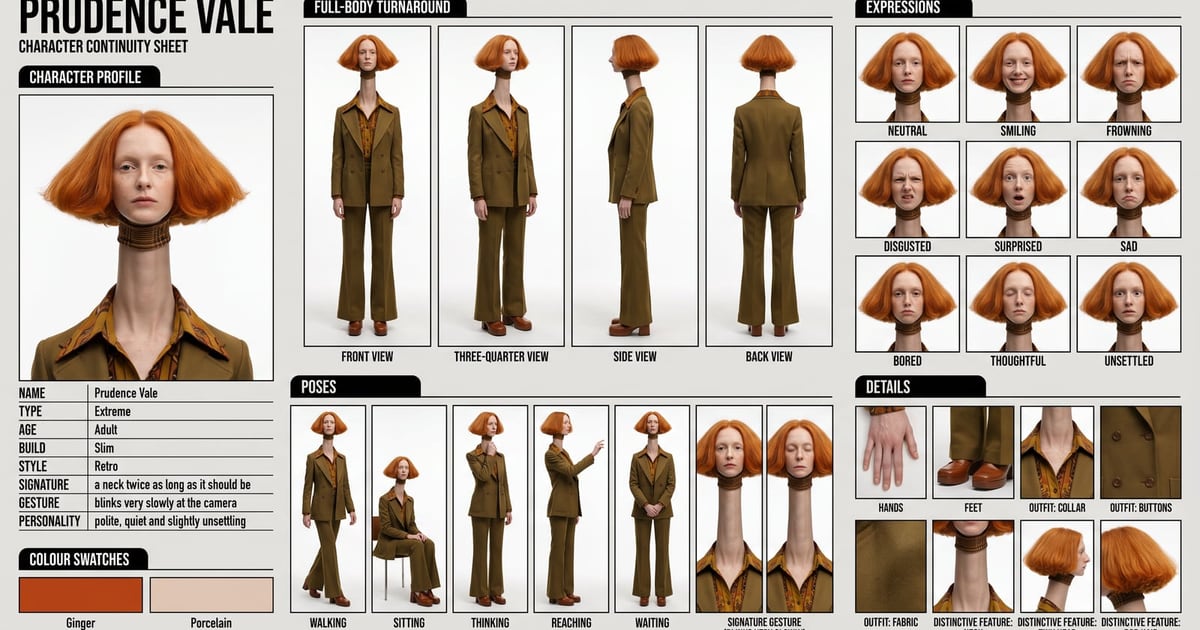 Build an AI influencerMake the characters first, with a full body for every scene.
 Kling 4.0The video model behind the reveal.
Put this guide to work
Open the studio and try what you just read. You start with 1,000 free credits.
Get early access