
Every top model for image and video. One AI studio.
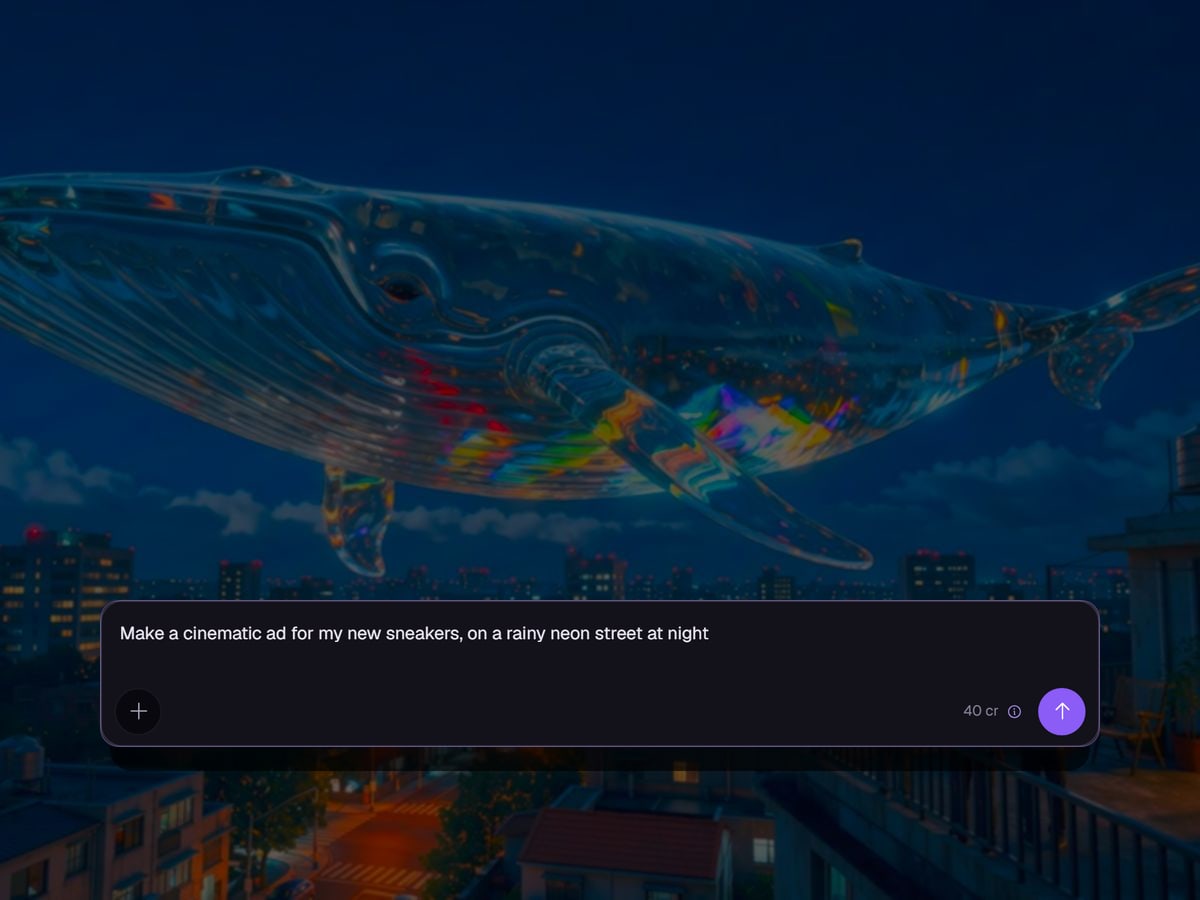
The all-in-one platform to generate and edit high-resolution images and videos with top-tier AI models. Maintain brand consistency using custom LoRAs, co-create with an intelligent AI assistant, or construct reusable node-based visual workflows for creators and autonomous AI agents via MCP.
Watch the trailer199 models, one balance
 Nano Banana Pro
 Gemini Omni Flash
 GPT Image 2.5
 Kling 4.0
 Seedance 2.5Seedream 5
 FLUX 3
 MiniMax H3
On every screen
Ask on the go, finish it at your desk
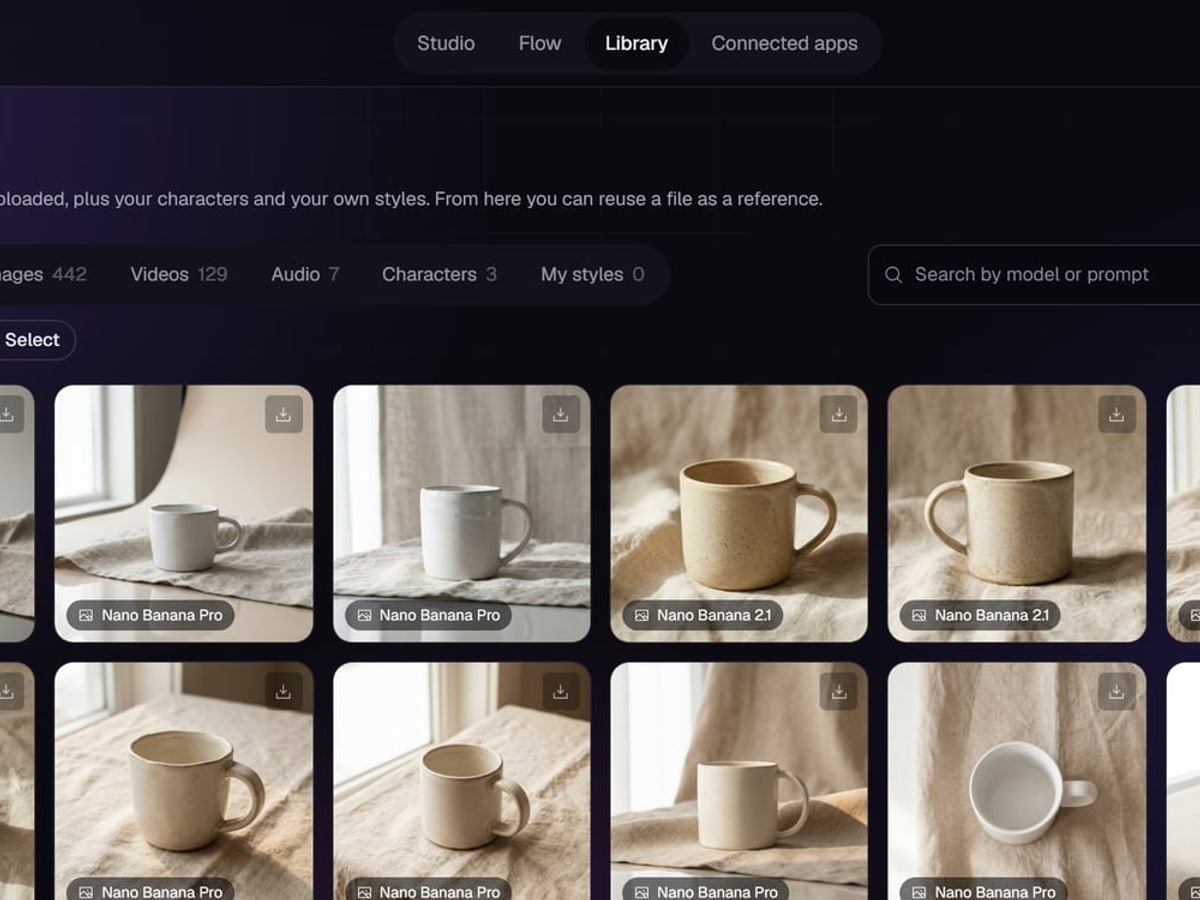
Ask the assistant for three product shots from your phone, and run its plan with one tap. The results are in your library when you sit down, ready to edit, reuse or turn into a video.
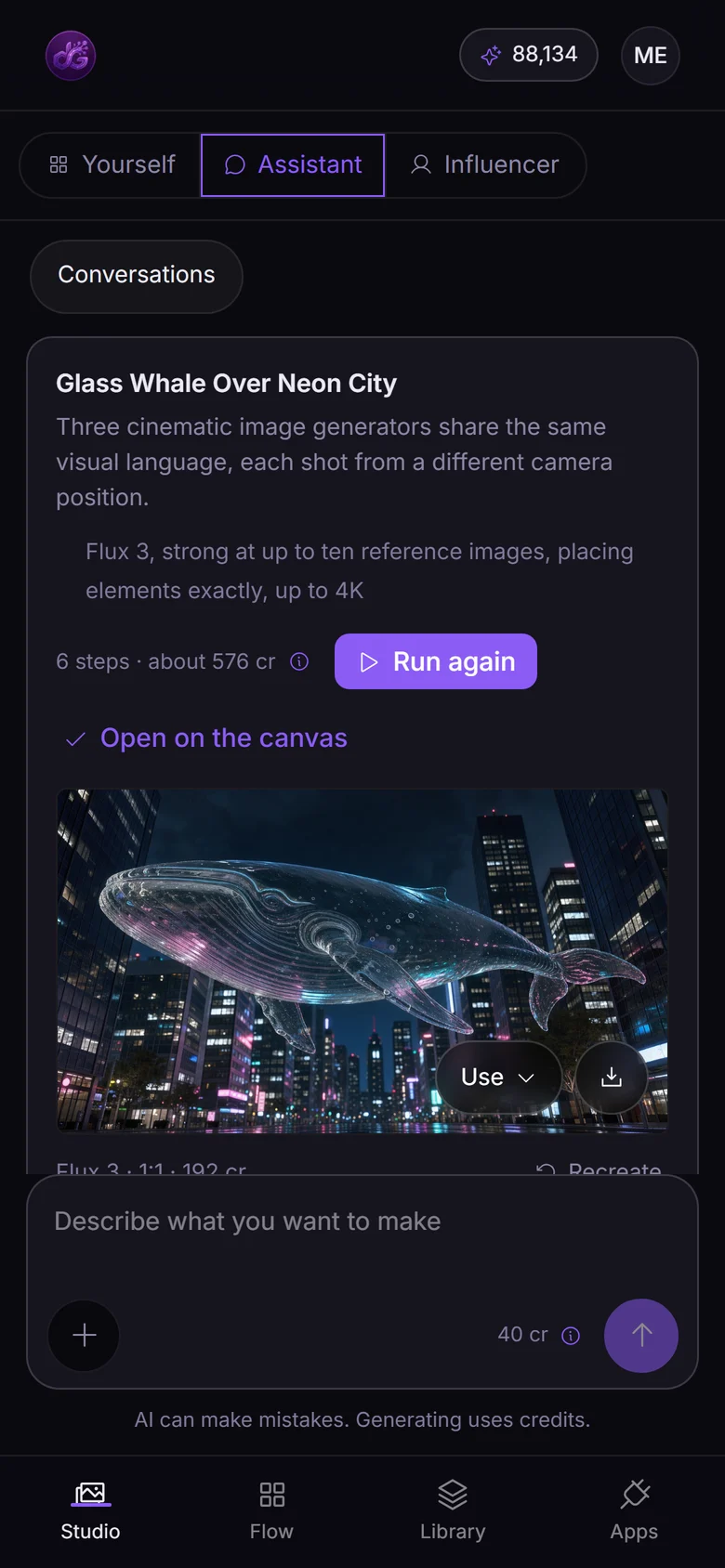
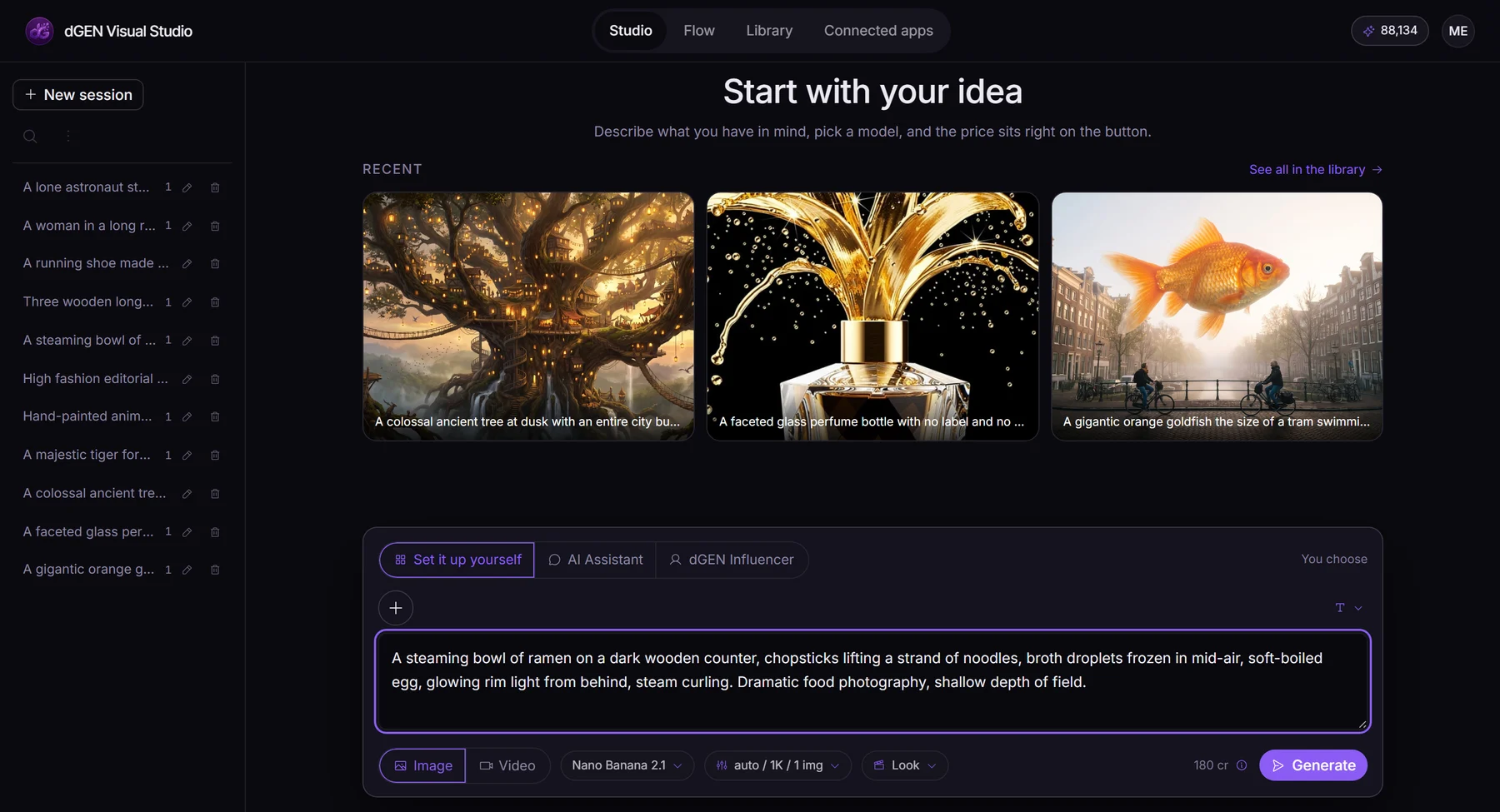
01 · In the studio
Create with leading Generative AI tools
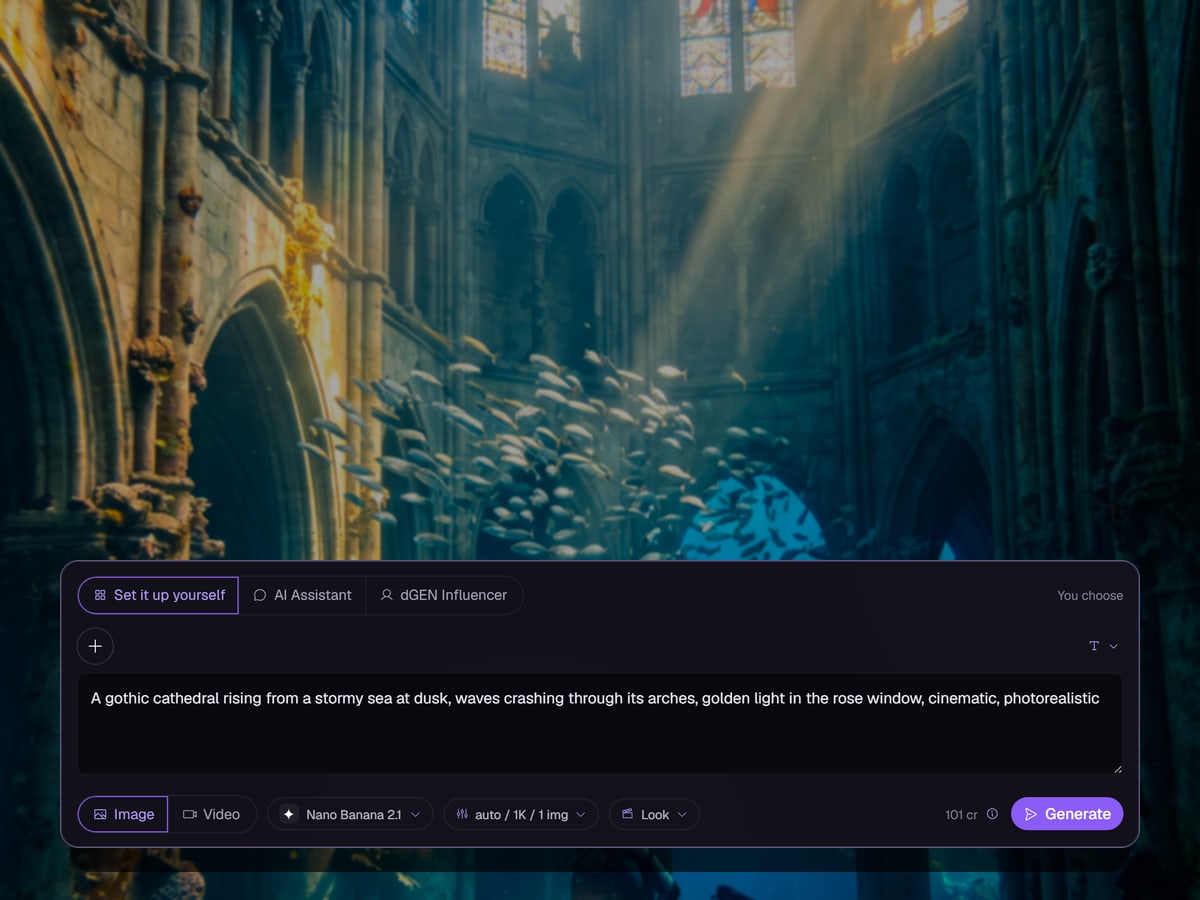
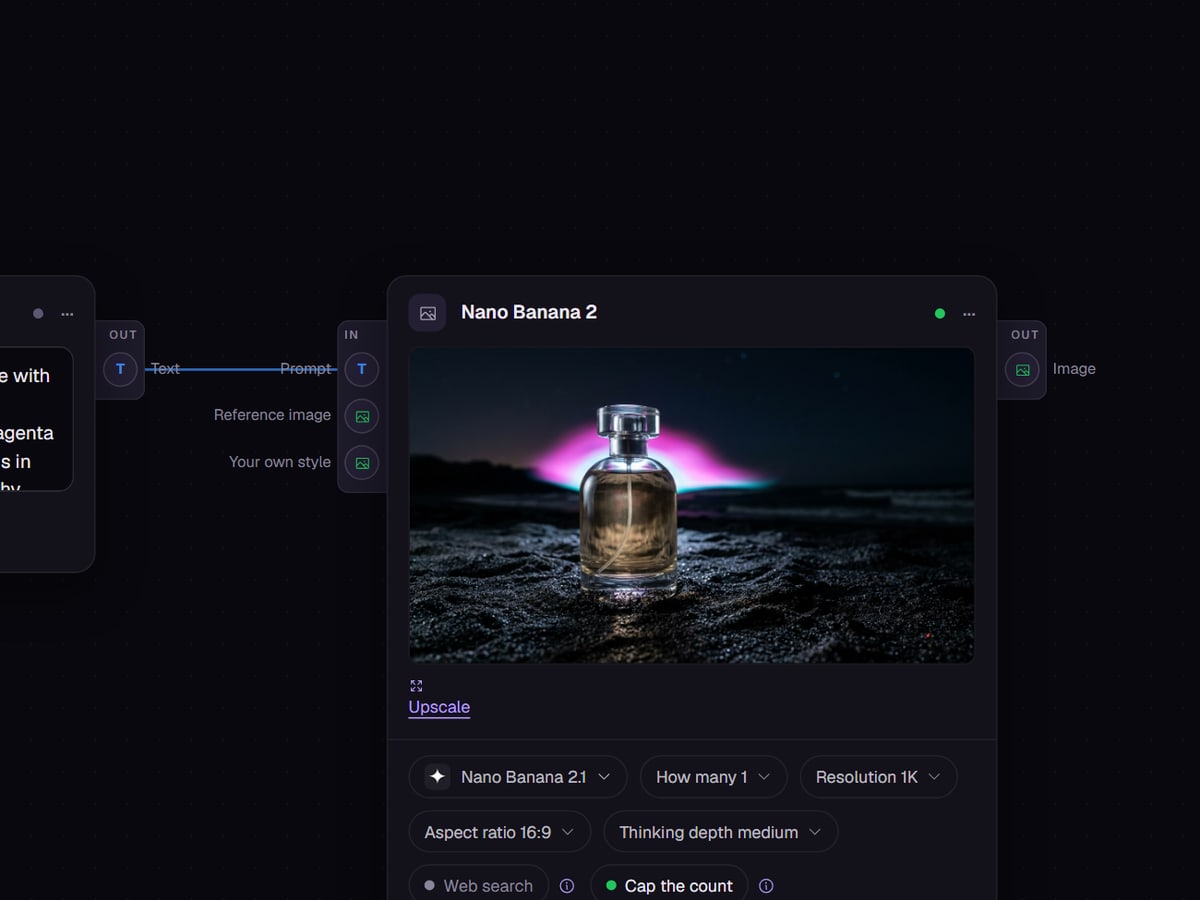
Type a prompt, describe the job, build a pipeline, or hand it to an agent. Nothing is locked behind the way in that you pick.
 AI Image GeneratorProduct shots, ads and edits from a prompt, a photo or your own LoRA.AI Video GeneratorTurn an idea or a still into a cinematic clip, with sound where the model makes it.AI AssistantSay what you need. Name a model or let it choose one, and it writes the prompts.dGEN FlowBuild a workflow once, then run it for every product, client or campaign.
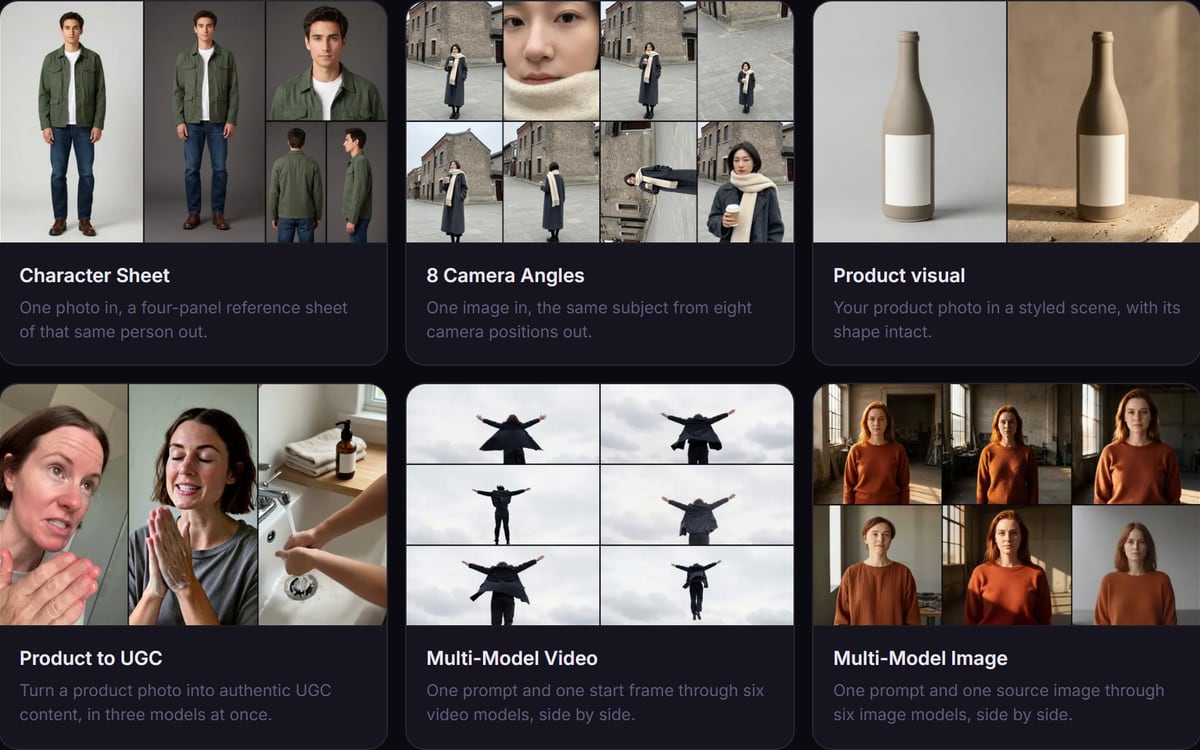 TemplatesReady-made flows that already do the job. Change the input and run.
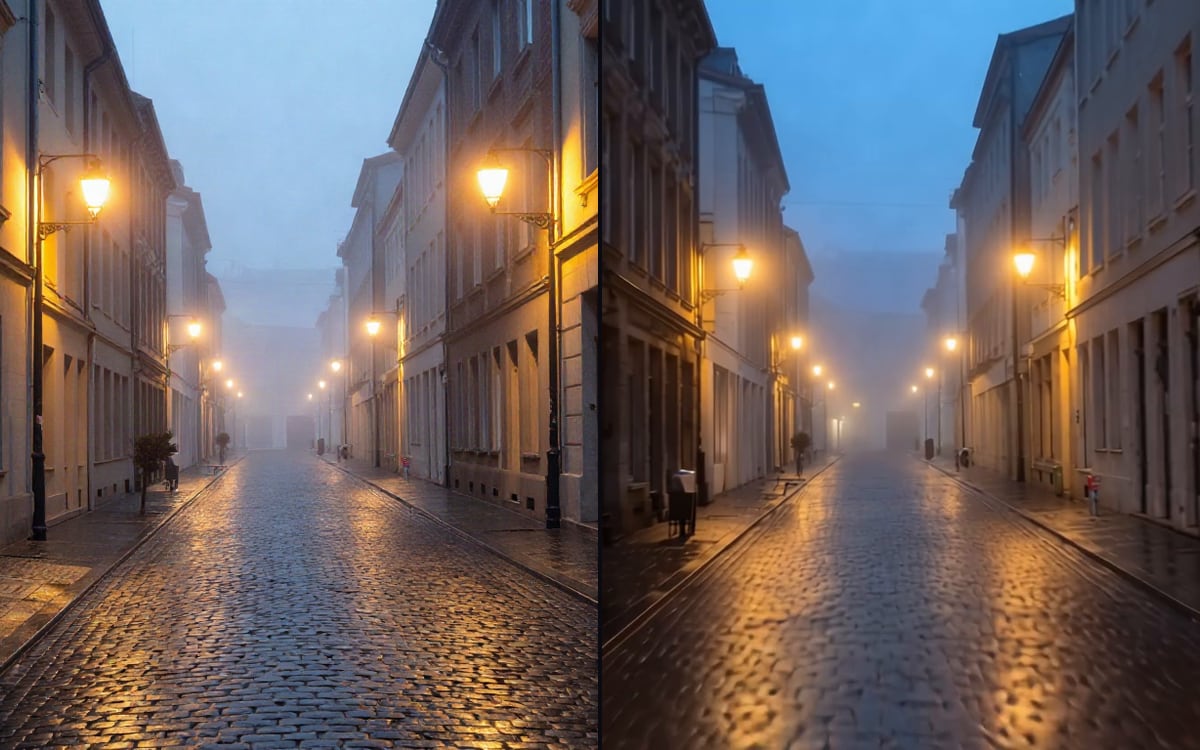 AI ToolsExpand an image, remove a background or swap a face in one click.
Inside the tools you use
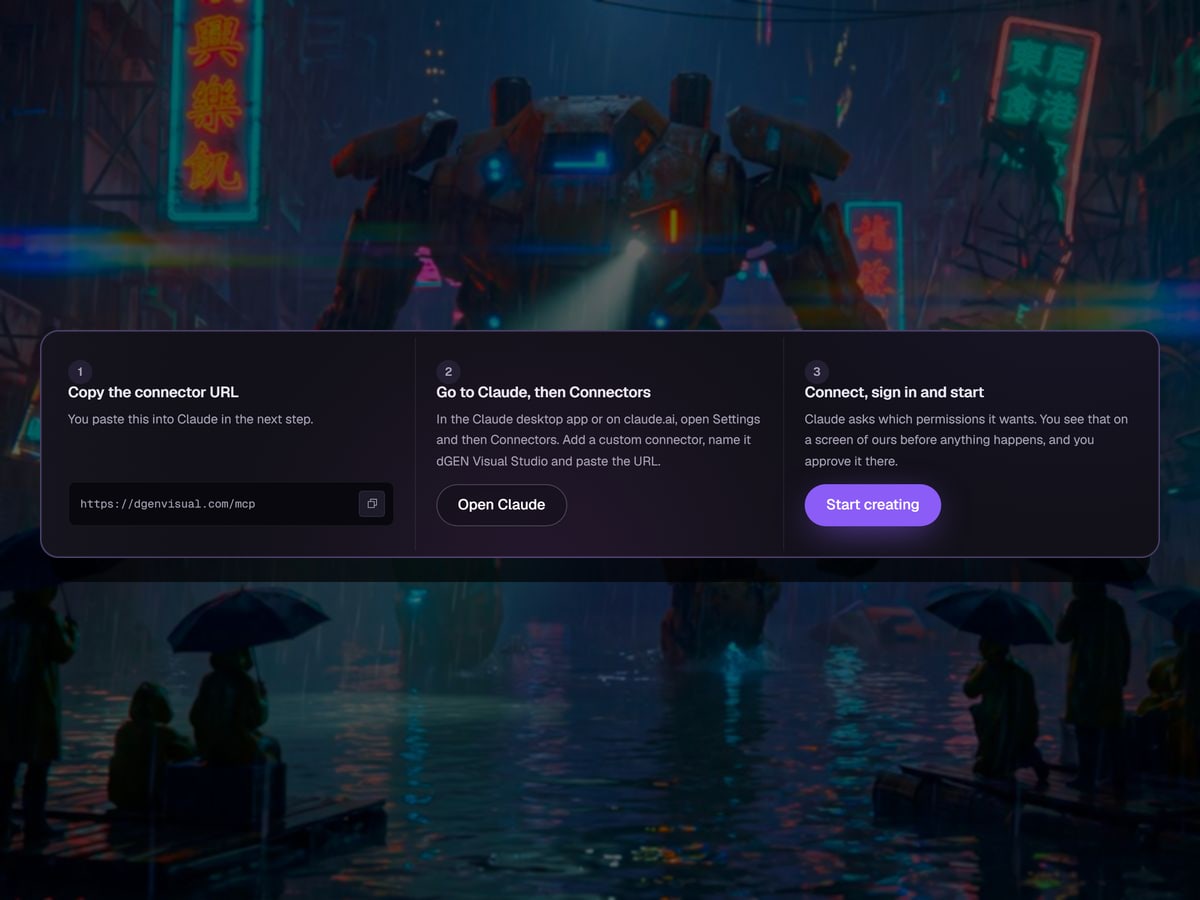
 dGEN Visual Studio MCP, now inside Claude, Claude Code and your own agent
02 · Videos
See what you can make
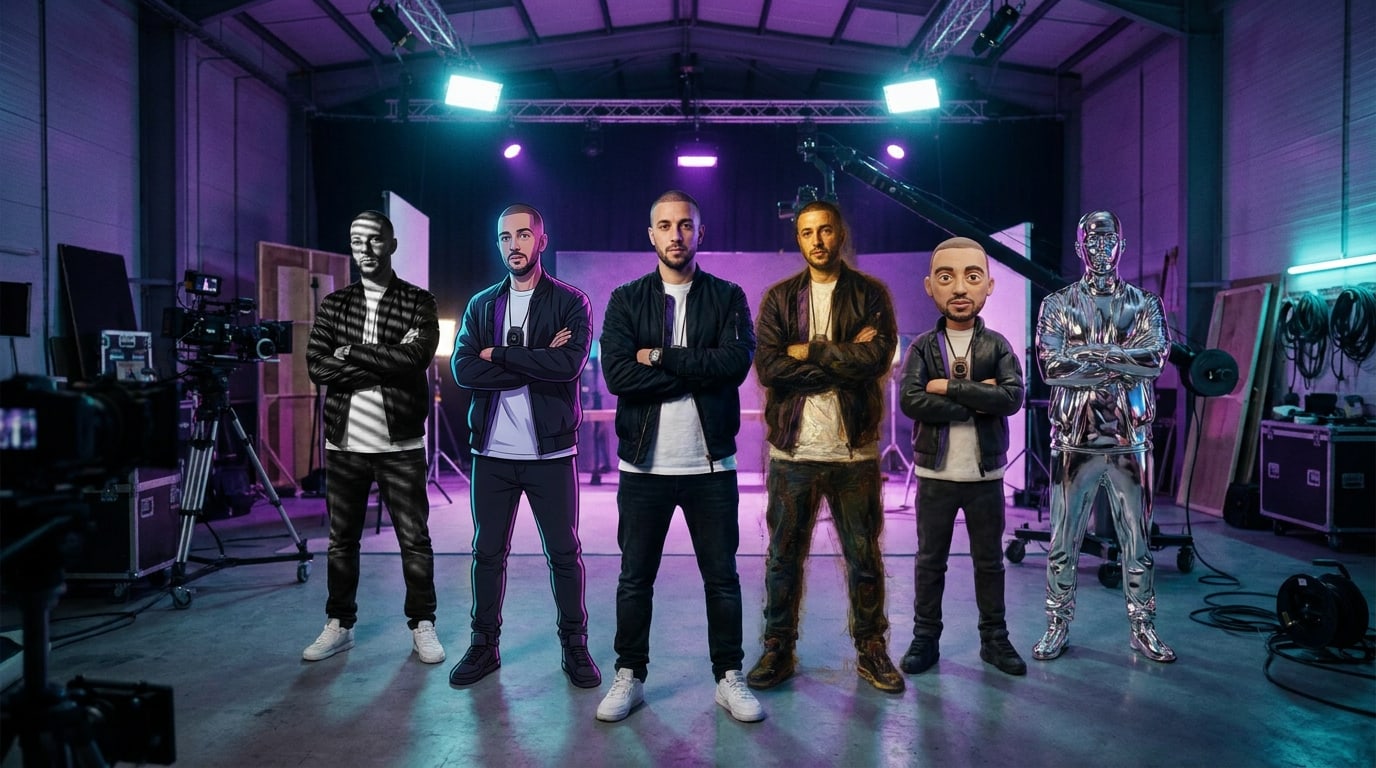
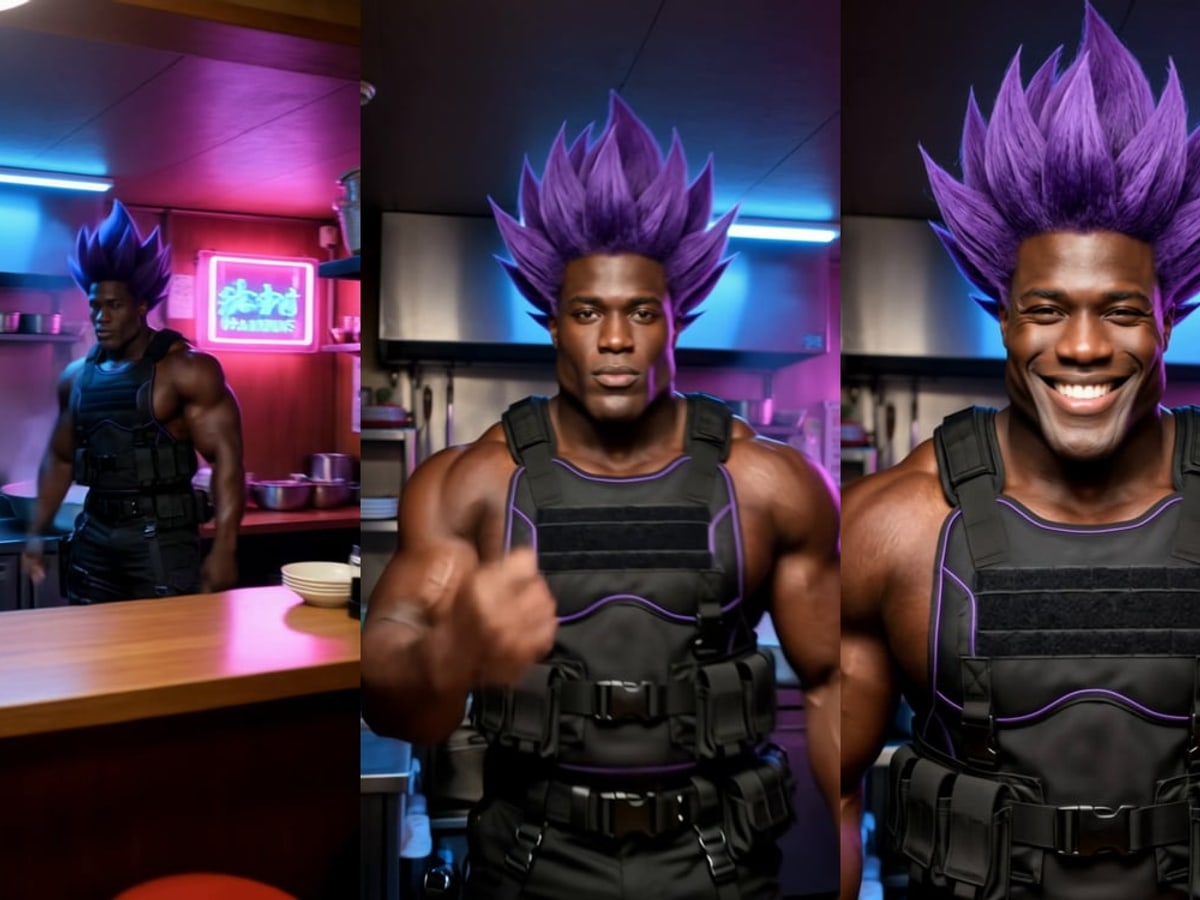
Our own AI influencers walk you through the whole studio in under a minute. Then meet four more who speak for themselves, in clips made with the studio.
03 · AI Models
The right model for every job
Pick the model that is strongest at what you are making, and switch the moment a better one lands. One studio, one balance, no subscription per lab.
FLUX 3Black Forest Labs' newest family: images up to 4K, and video with sound.MiniMax H3 MaxFast video, and a toolkit around it: recast, extend, insert, lip sync.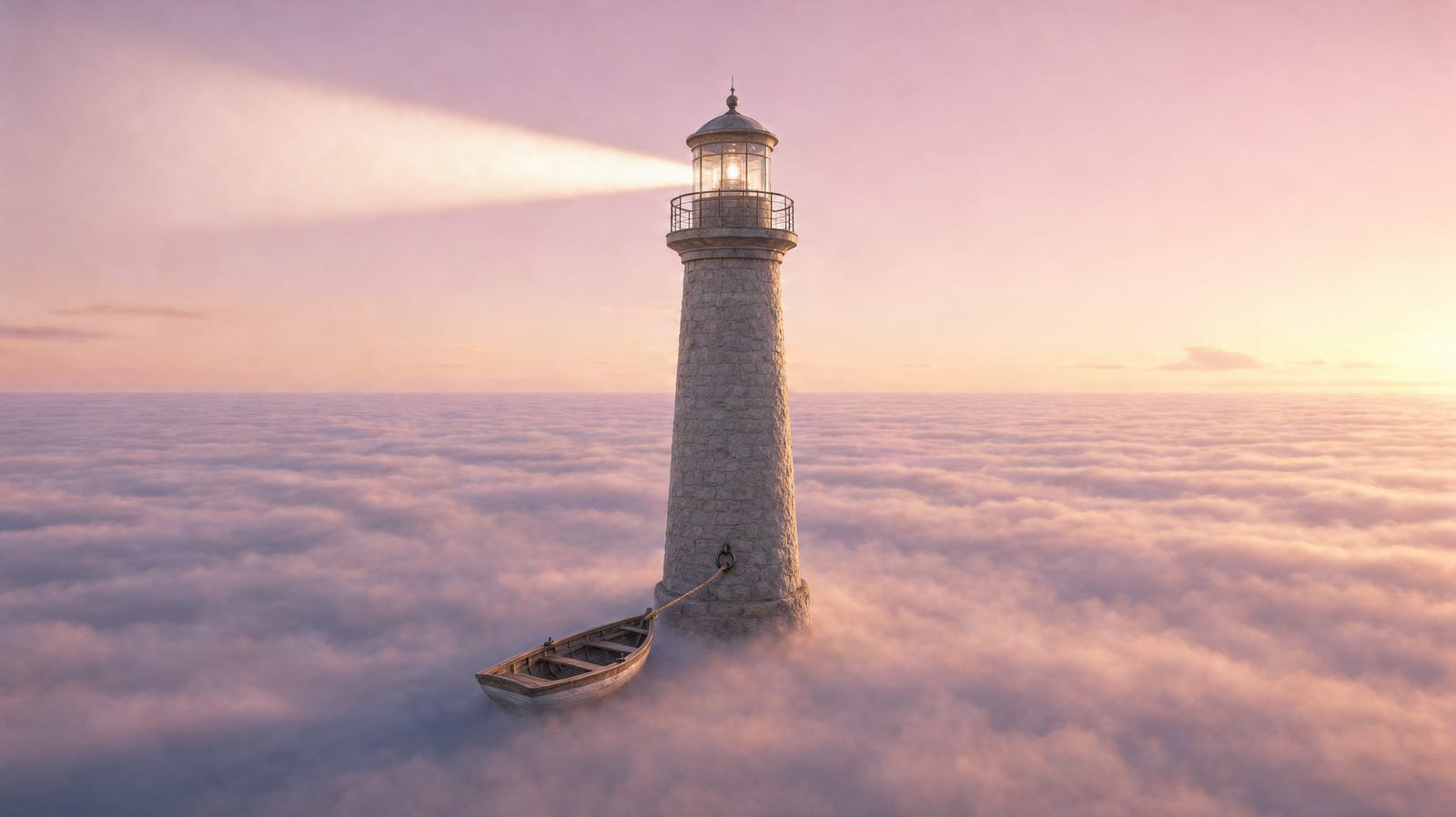
 Krea 3Fast, precise image edits that leave alone what you did not ask to change.Kandinsky 6Cinematic video from a long prompt, and an upscaler that keeps frames steady.
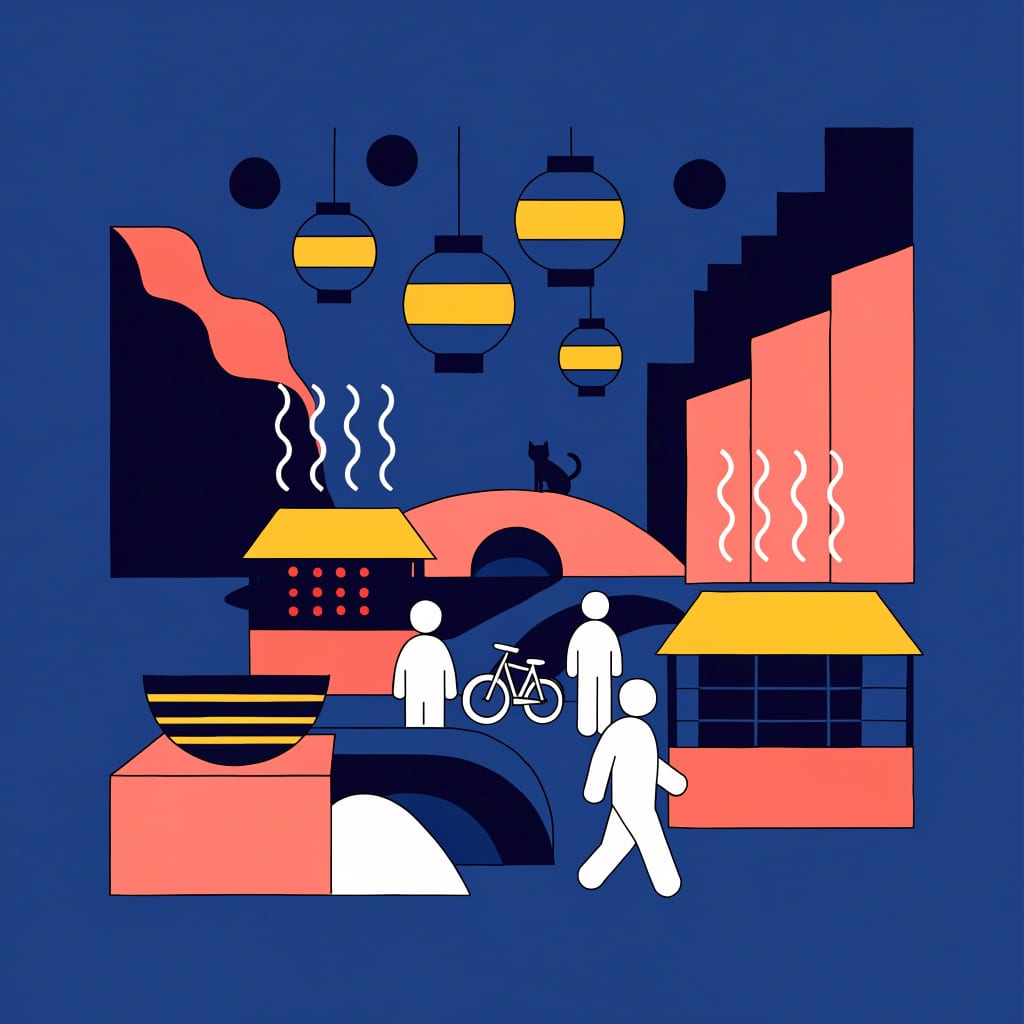
 Recraft 4.1 FlashImages for under a cent, with your own colour palette.Gemini Omni FlashVideo with sound made in the same pass, from a frame, a prompt or a reference.
 Wan 3.0Start and end frames, its own audio, and motion that stays coherent.
 PixVerse V6Four resolutions from cheap drafts to 1080p, with optional sound.
 ViduImage to video from cheap 360p drafts to 4K with sound in Q4.
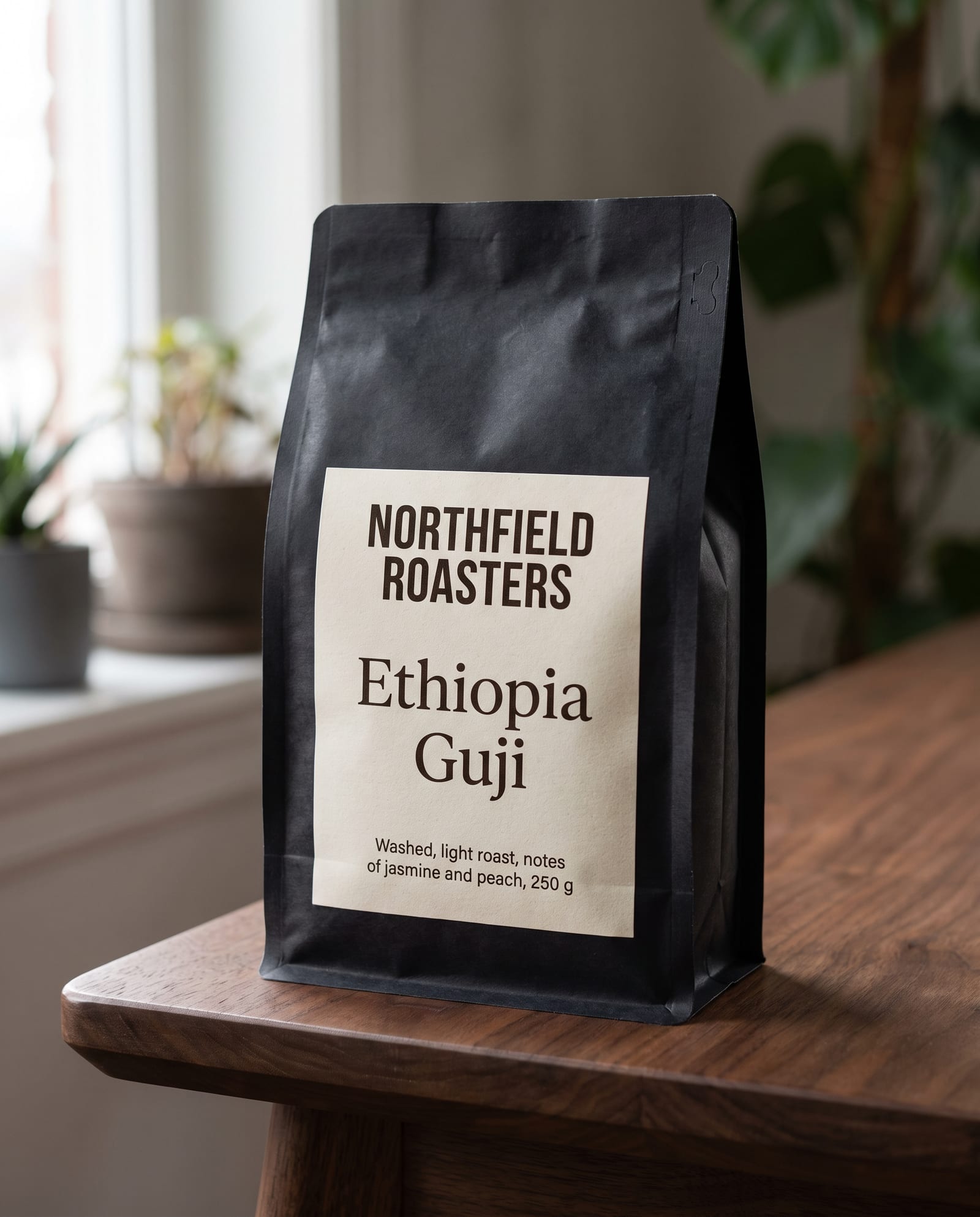 Nano Banana ProStudio-grade images with text that actually reads, up to 4K.SeedanceMulti-shot video from text or an image, in 1080p.
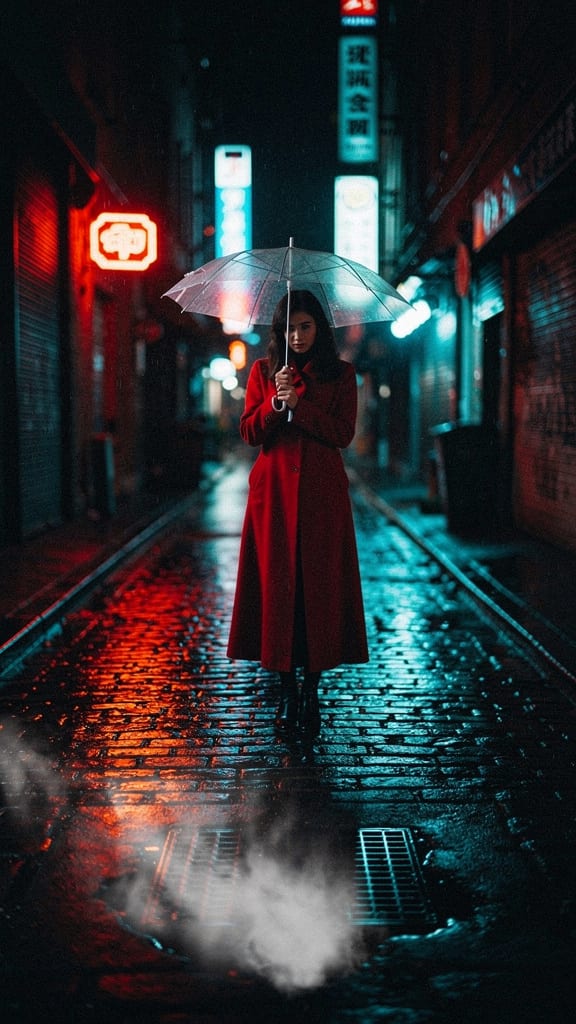 FLUX.2Production-grade images up to 4MP, with up to ten reference images.
04 · Why teams pick it
Everything you need to ship real work
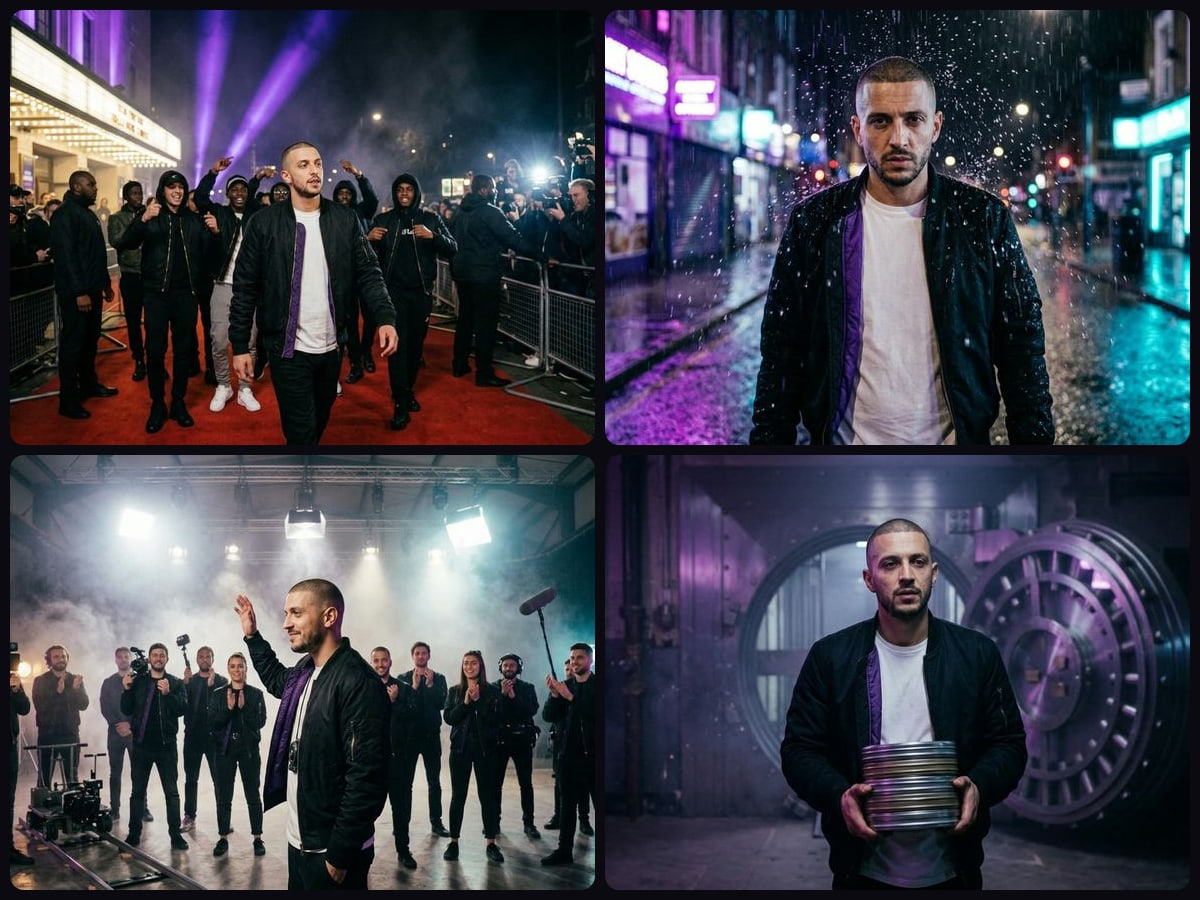
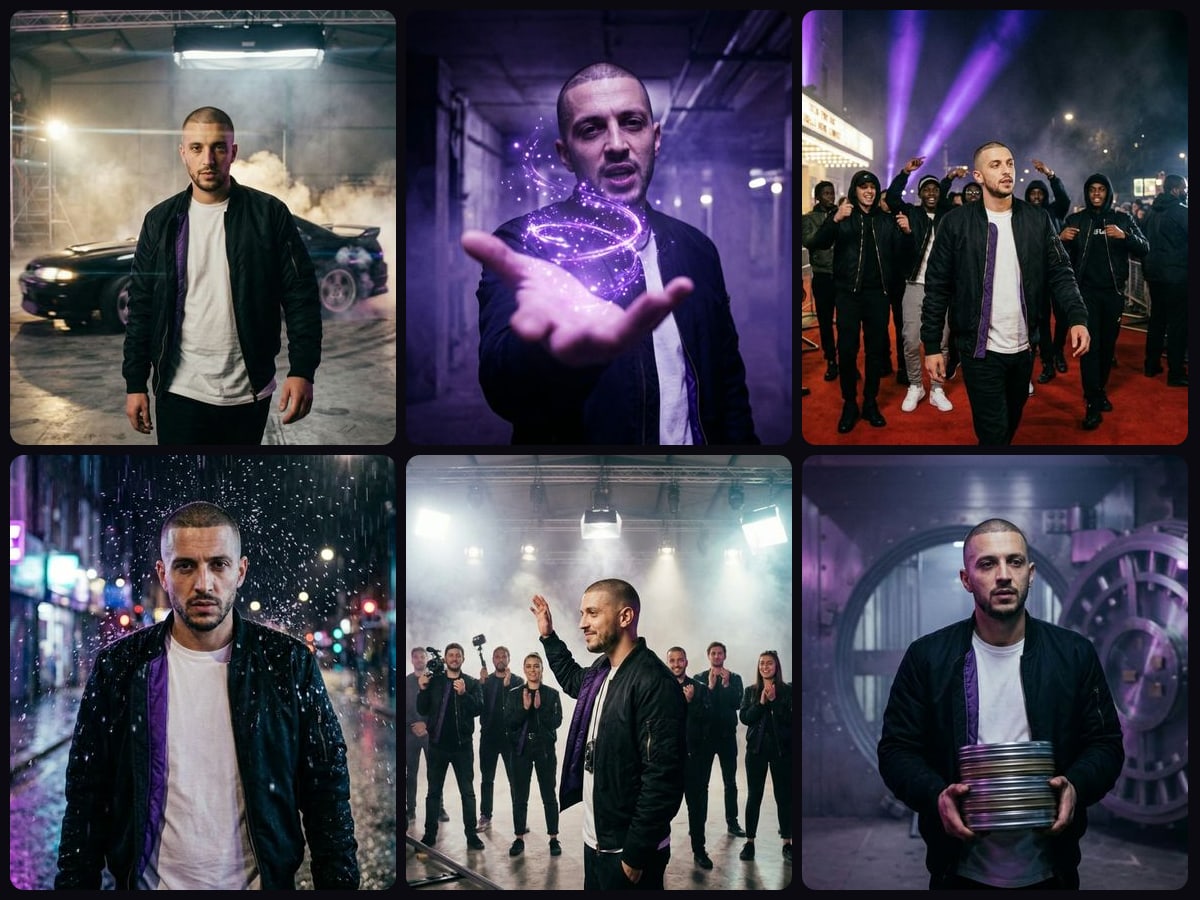
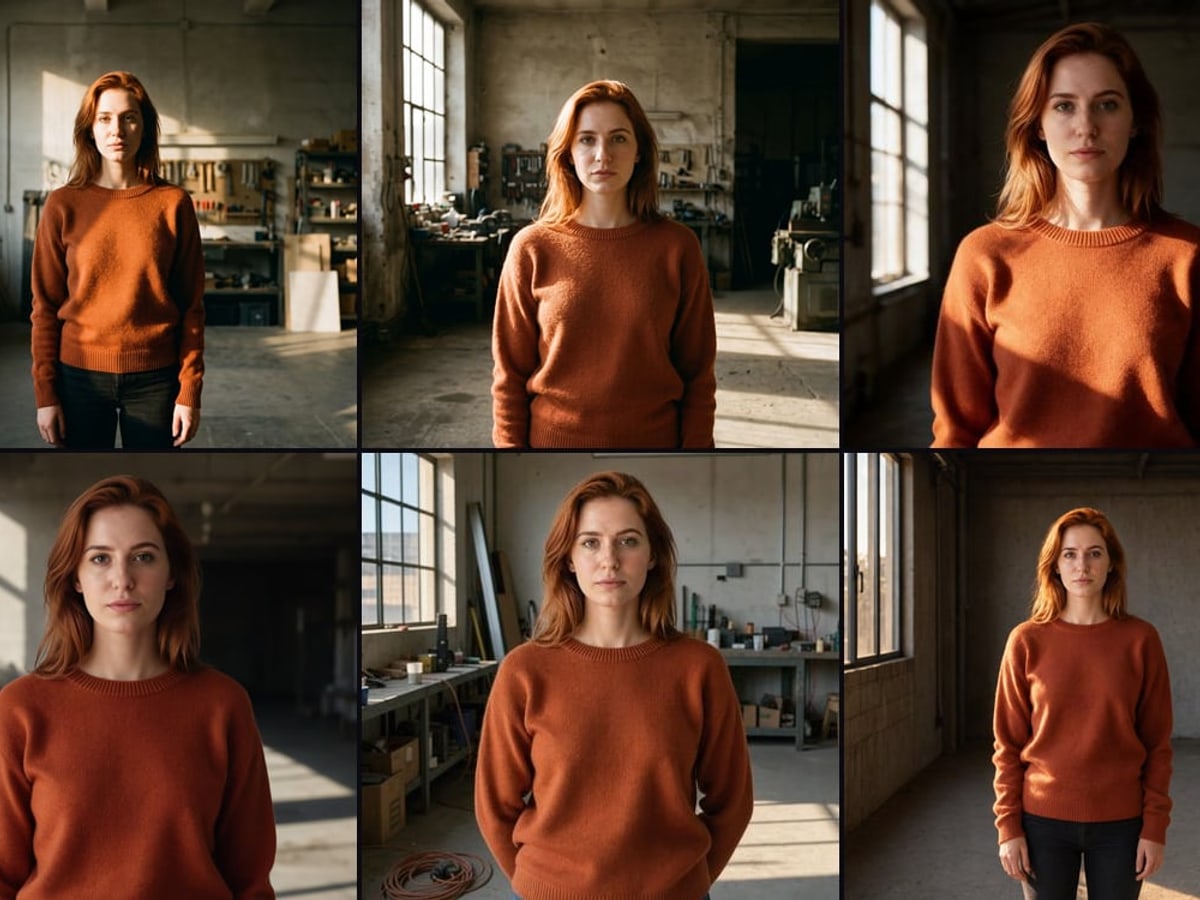
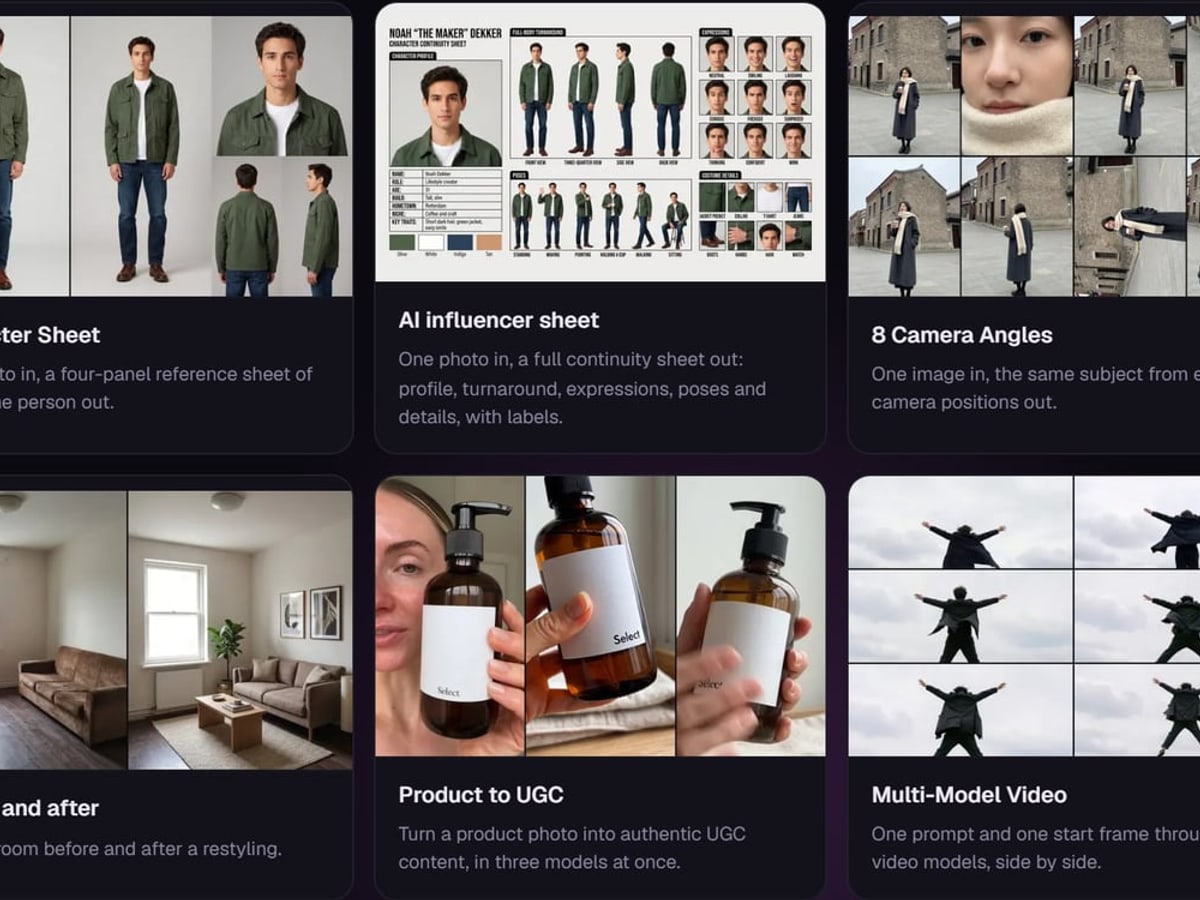
One good image is luck. Forty that belong together, on a deadline, is a studio.
05 · Made in the studio
See what comes out
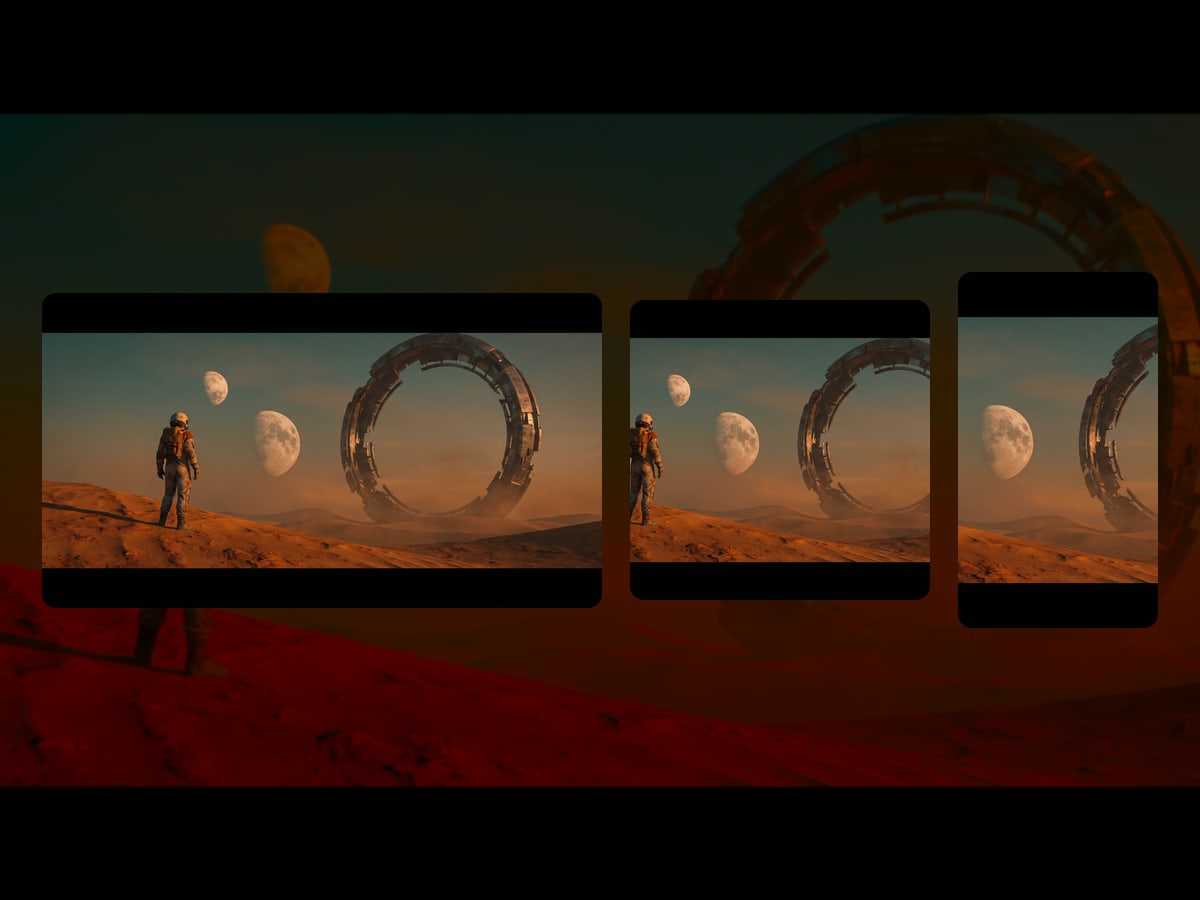
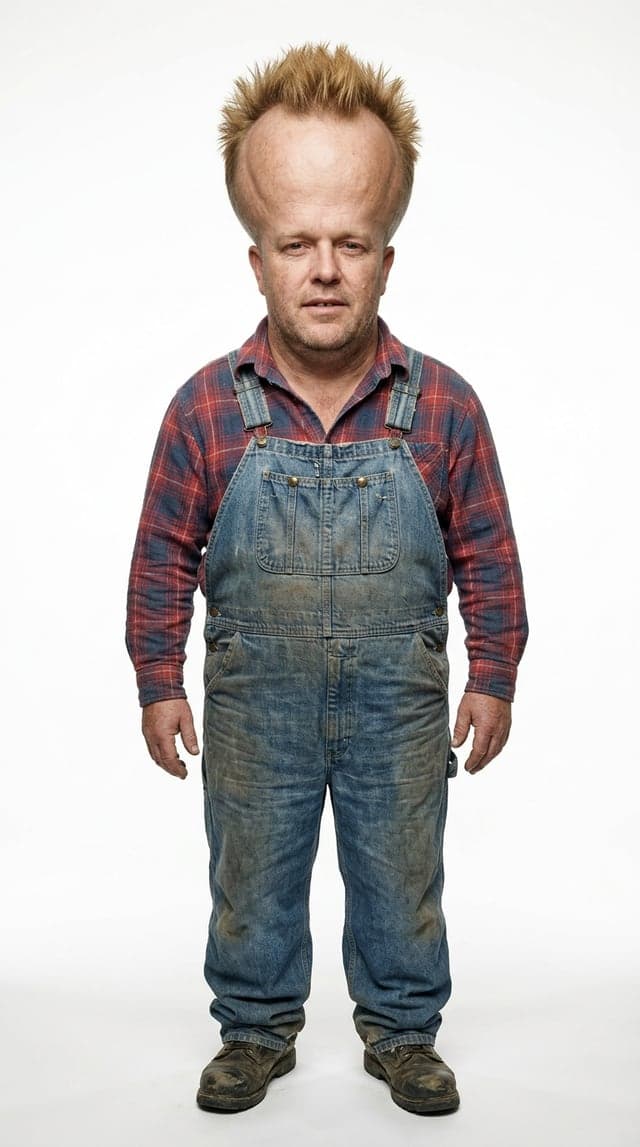
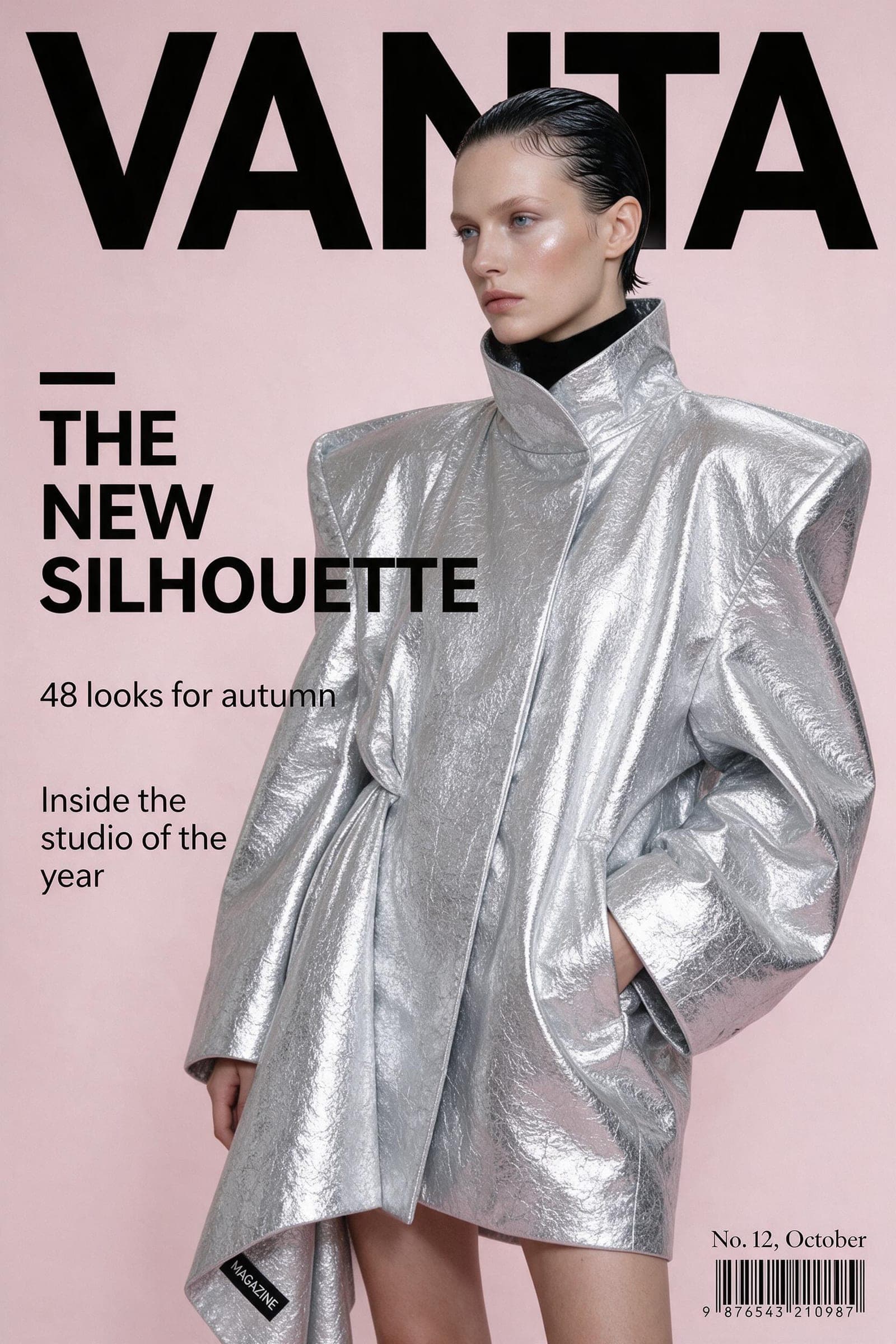
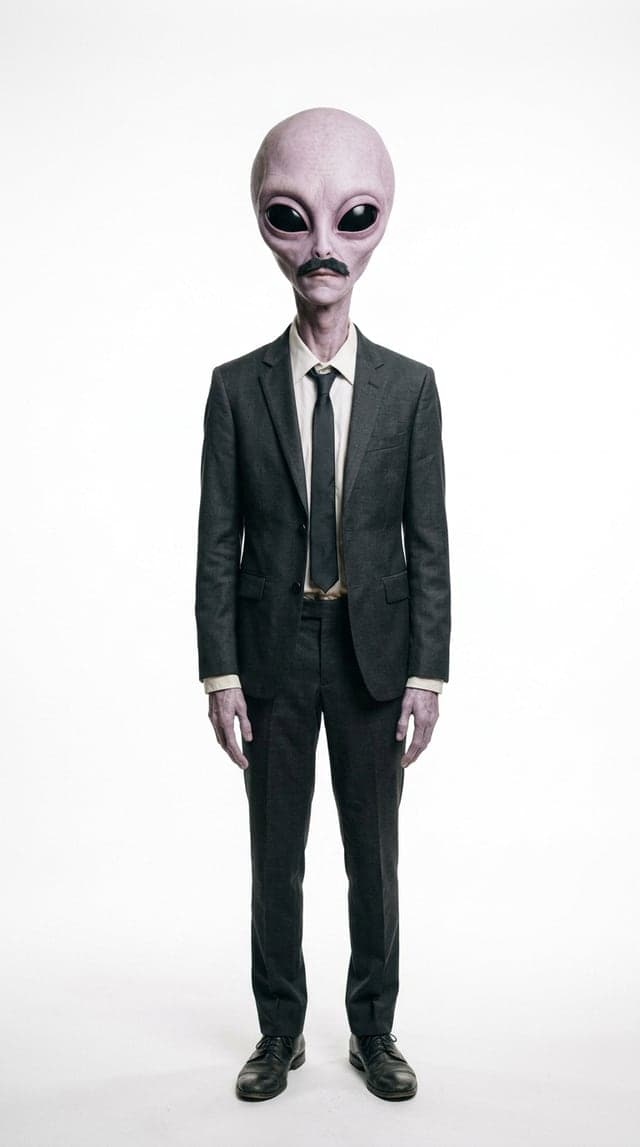
Fantasy, film, product, fashion and AI influencers, all made in this studio. Hover a clip to play it.
06 · Why this studio
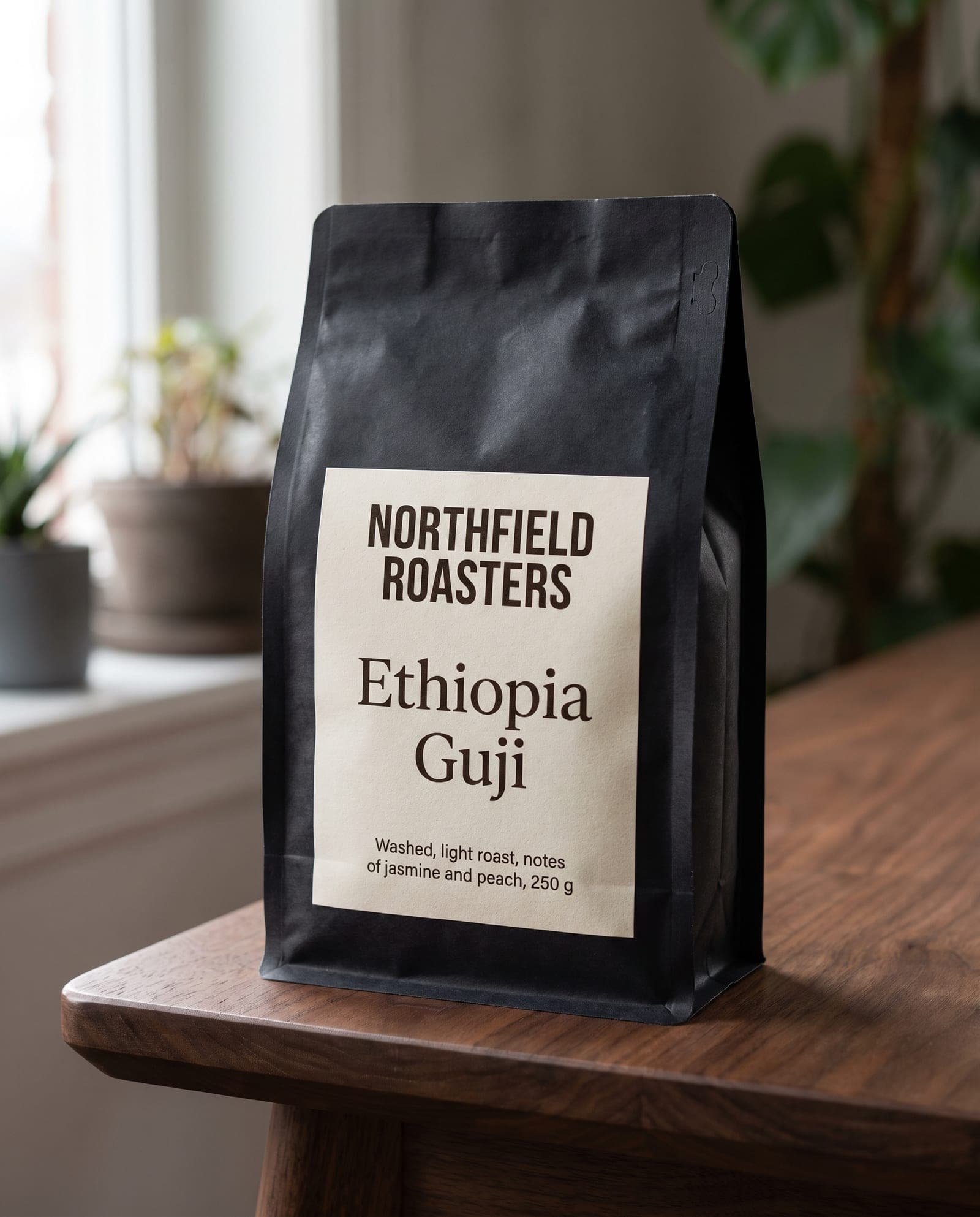
What most platforms do not give you
Fair pricing and your files stored in Europe. Built in the Netherlands by dGEN Labs.
Most platforms sell monthly credits that lapse. Here you buy a pack once and keep what you do not use.
There is no subscription and no monthly minimum. A quiet month costs you nothing.
Your files and account are stored in the EU. We do not train models on your work, and you can use it commercially.
07 · Guides
Get better results, faster
The model is rarely the problem, the prompt is. These guides show you what to say, which model to say it to, and what it costs.
 Make an image, then change itThe second attempt is usually an edit, not a new generation. Knowing which is which saves most of the cost.1 min readRead →
 From an idea to a clipThe four ways a video model can be started, and how to tell which one your idea needs.2 min readRead →
 How to write a prompt that worksThe same idea gets a different result on every model. This is why, and what to write instead.2 min readRead →
 The best AI model for every jobVideo, images, text in images, product photos, lip sync, upscaling: which AI model does each job best, and why.1 min readRead →
 From a sketch to a finished imageA rough sketch fixes the composition, the prompt adds the rest. How to use your own drawing as a reference, and what to describe.1 min readRead →
 Lip sync on your own track: what makes an AI music video workYour artist sings every line close up, with the mouth on the vocal. What to prepare, how to cut a song into shots and where it goes wrong.1 min readRead →
 Camera movement words for a video promptPush in, pull out, pan, orbit, handheld: the words that tell a video model how the camera moves, and why one move per clip is enough.1 min readRead →
08 · Pricing
Pay for what you make, and keep what you buy
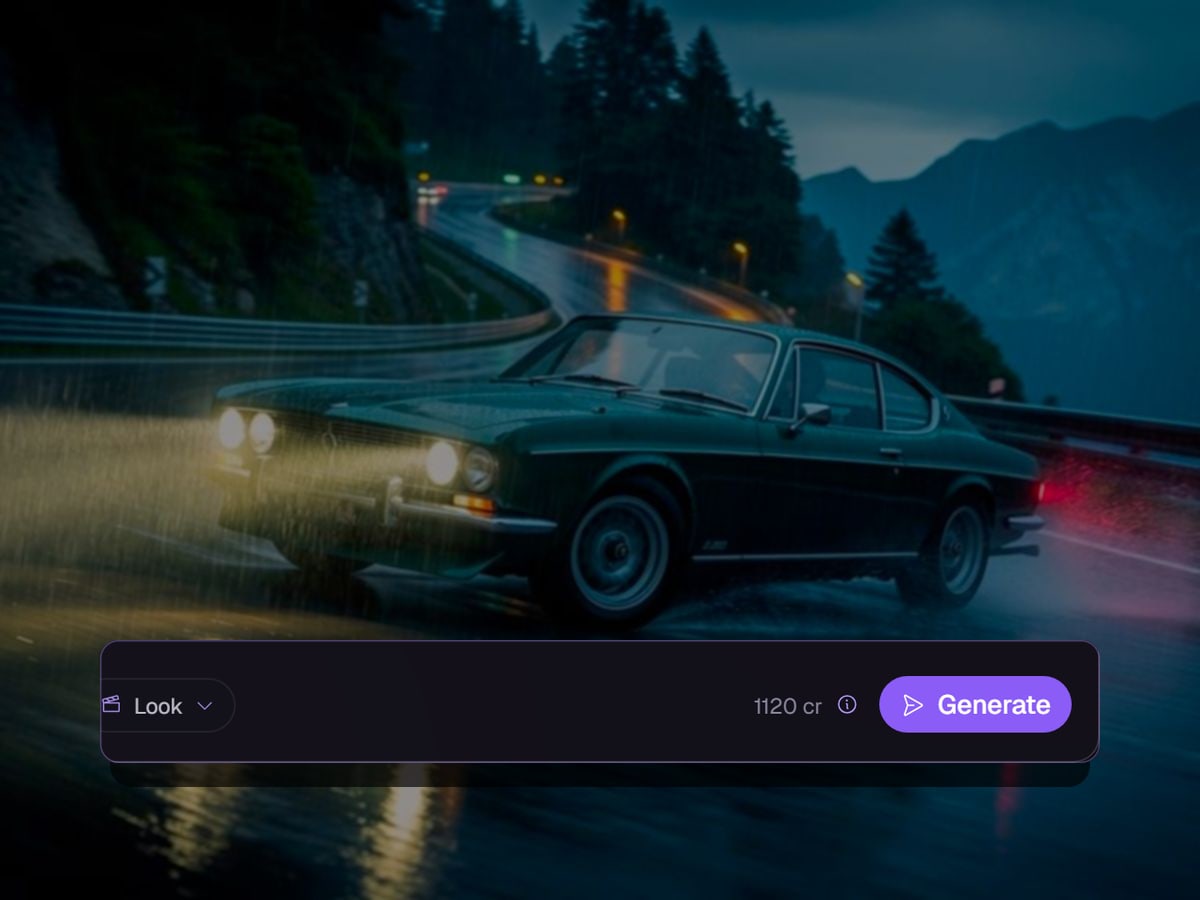
Buy credits once and they stay yours, with no subscription and no expiry date. Every run shows its price on the button before you press it, and it updates the moment you change the model, the length or the resolution.
If a run fails before the model has made anything, or through an outage, you get every credit back. How refunds work
About 515 images or 58 clips
Join the waitlistWhat is dGEN Visual Studio?
One studio for AI images and video, with 199 models: 27 for images, 35 for editing and 137 for video. Use the generator, let the assistant set it up, or save a workflow on the canvas and run it again.
What does it cost?
You buy credits in packs, starting at €15 excluding VAT, and pay per run. The price is on the button before you start. There is no subscription, and credits you buy do not expire.
What happens if a generation fails? Do I lose the credits?
If a run never reached the model, an outage stopped it, or it went wrong on our side, you get every credit back. If the model ran and refused your request, the run is paid for.
Can I use the results commercially?
Yes. We claim no ownership of what you make, and every model in the studio is licensed by its provider for commercial use. We checked all of them.
Do I own the copyright in what I generate?
You are free to use what you make. Whether it is also protected by copyright depends on how much of your own creative work goes in: under European law, an image made purely from a prompt may not be. Your own photo, style or edits strengthen your position.
Join the waitlist
The studio opens in stages, in the order people signed up. Leave your name and email address and we let you know the moment you can get in, with 1,000 free credits to start.
We use your address only to let you in, and for nothing else. You are on the list once you confirm the email.