
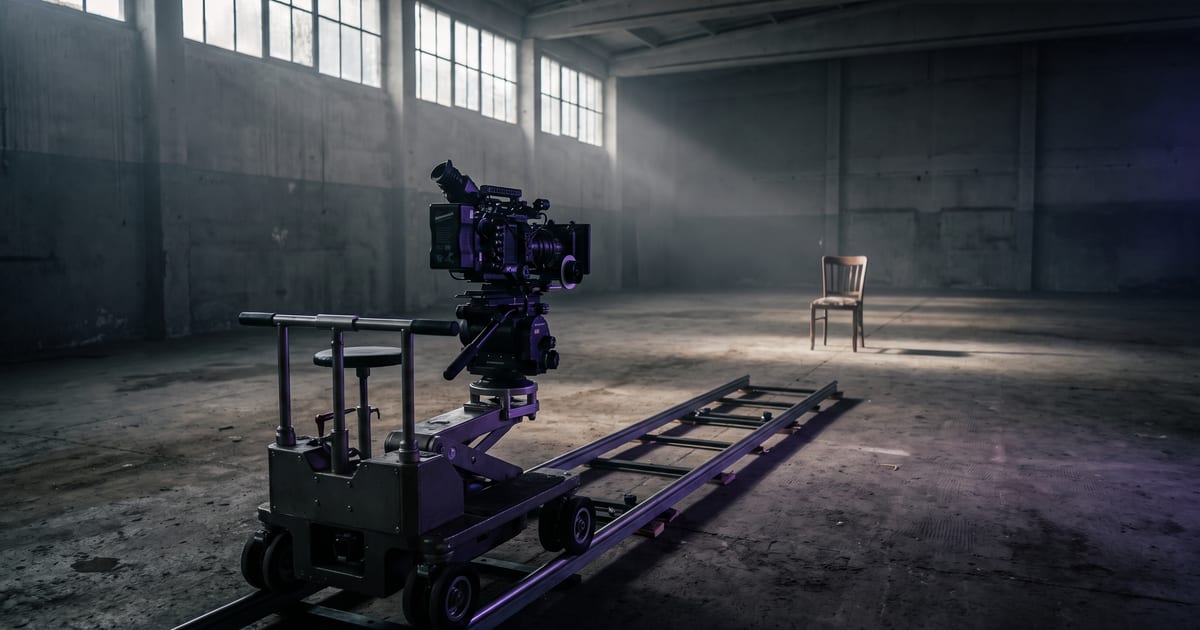
Say how the camera moves
Without a word about the camera, many models keep it still or drift a little. Naming the move gives the clip intent.
The moves
- Push in: the camera moves slowly towards the subject.
- Pull out: away from it, revealing more.
- Pan: the camera turns left or right.
- Orbit: the camera circles the subject.
- Handheld: a slight natural shake, like a phone.
- Static: the camera stays put, only the subject moves.
One move per clip
A short clip has room for one move. "Push in, then orbit, then pull out" in a few seconds gives a nervous clip. Make three clips and cut them instead.
Combine with speed
"Slow push in" and "fast push in" are different shots. Add the speed, and the lens if it matters: a wide lens for space, a long lens for a compressed, intimate look.
Questions
Do presets help?
Yes. Camera presets add tested wording to your prompt.
Does every model follow camera words?
Most do, some more precisely than others.
Read next


Put this guide to work
Open the studio and try what you just read. You start with 1,000 free credits.
Get early access