
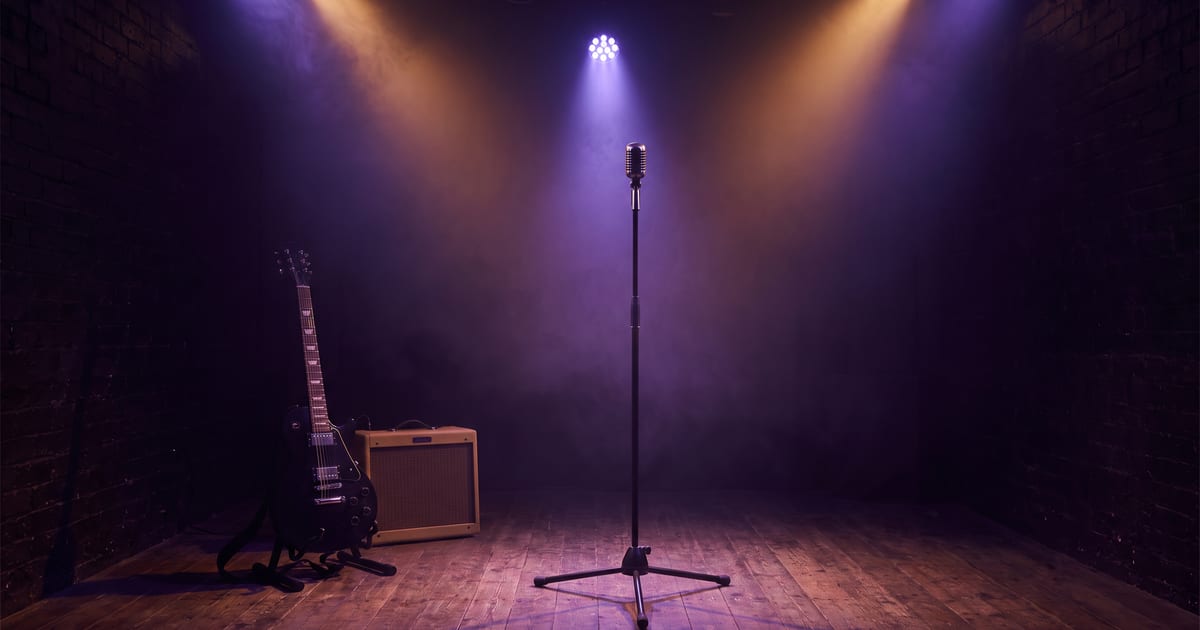
Start from the song
A music video follows the song, so start there. Split the track into short parts, one line or one bar each. Every part becomes one shot.
What to prepare
- A clean vocal or the full mix, cut per part.
- A character for the artist, saved with a sheet.
- A few settings that match the mood of the song.
Close up for singing, wide for the rest
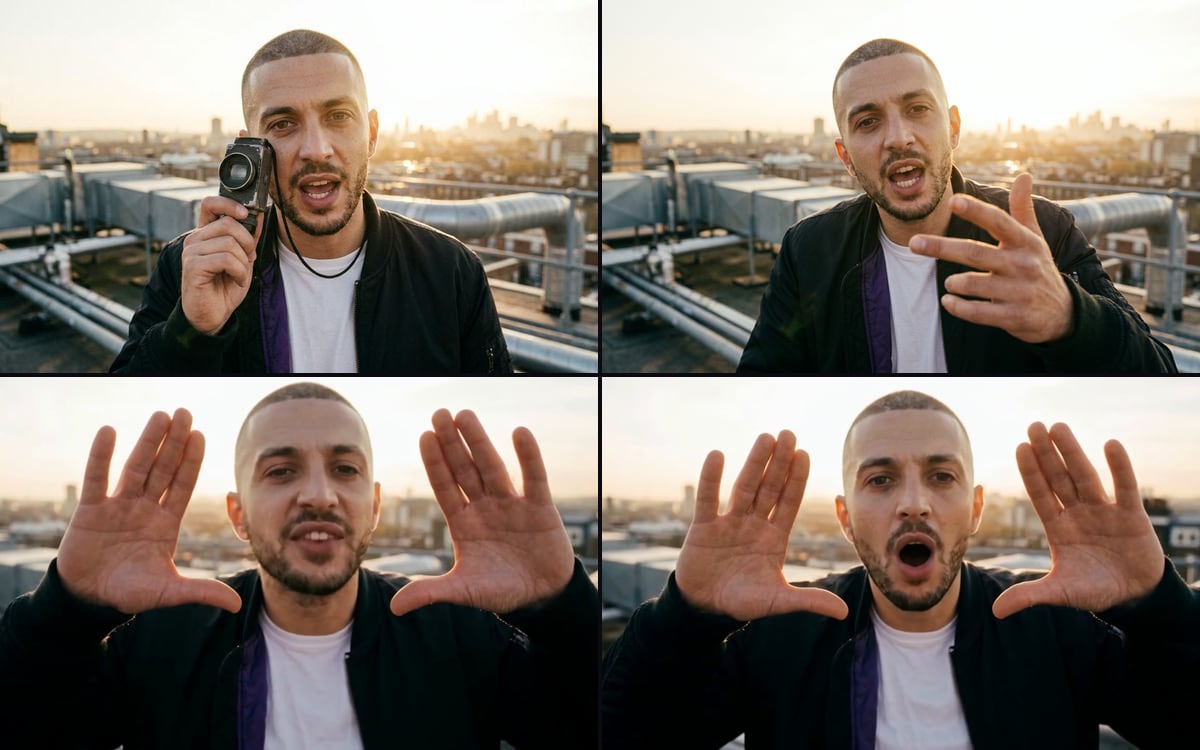
Lip sync looks best close up, where you see the mouth. Use wider shots without singing for the instrumental parts: a walk, a room, a detail. Alternating keeps it from feeling like one long take.
Where it goes wrong
Long parts drift: keep each shot short. Fast rap is harder to sync than a slow chorus. And check the mouth on every shot; a shot that is out of sync is better left out than kept.
Questions
Can I use a song I do not own?
Only music you have the rights to. Use your own track or one licensed for this use.
How long can a shot be?
Short shots work best for lip sync. The model page lists the maximum length.
Read next

Try it in the studio
Open the studio and try what you just read. You start with 1,000 free credits.
Get early access