
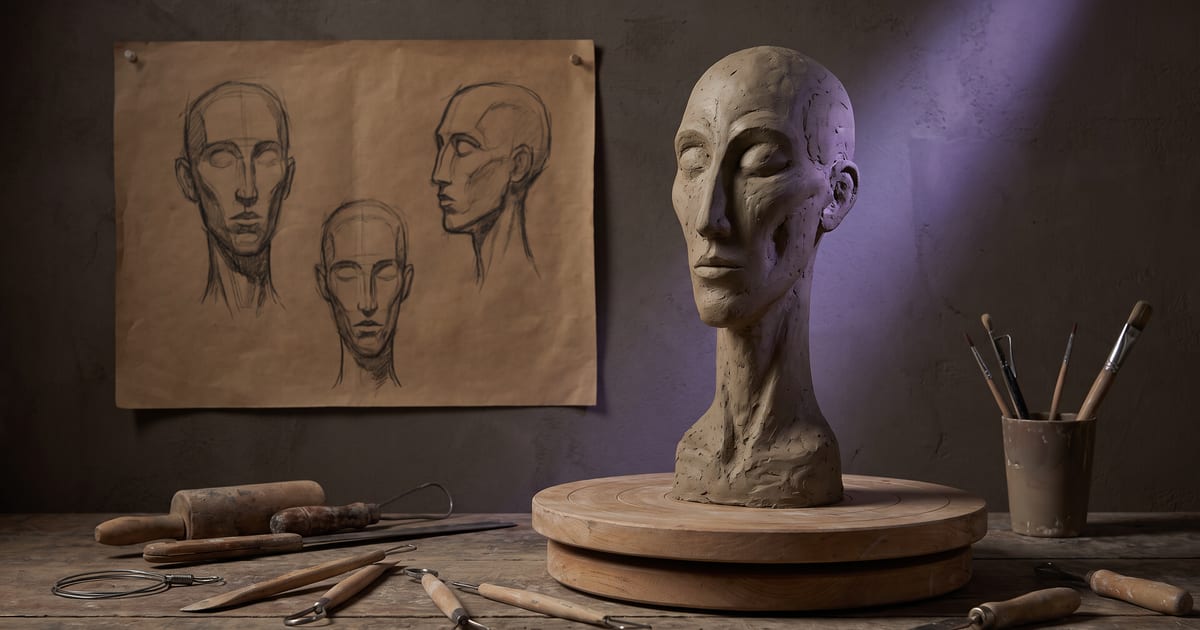
The problem with one portrait
A single portrait shows a face from one angle. Ask a model for that face from the side, laughing or in another light, and it has to guess. Guesses drift, and after a few images the person is someone else.
What a sheet adds
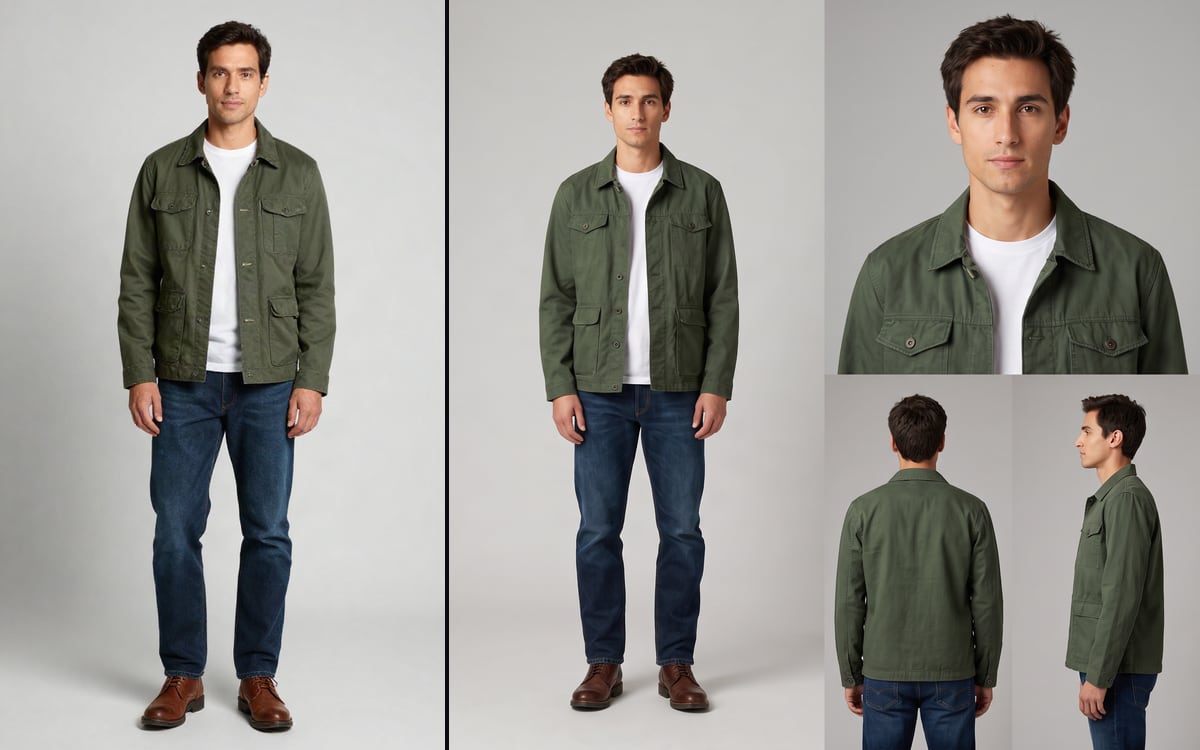
A character sheet puts the same person on one page from several angles, with a few expressions and poses. When you use the character later, the sheet goes along as a reference, together with the portrait and the full body.
- Front, side and three-quarter views.
- A few expressions.
- The full body in its usual clothes.
Make it last
The order matters: portrait first, then the full body from that portrait, then the sheet. Check the sheet before you save it. A sheet with a mistake in it, such as a different eye colour in one view, repeats that mistake in everything after.
Questions
Do I need a sheet for one image?
No. A sheet pays off when the character comes back in many images and clips.
Can I make a sheet from my own photo?
Yes, from your own face or one from someone who agreed.
Read next

Try it in the studio
Open the studio and try what you just read. You start with 1,000 free credits.
Get early access