
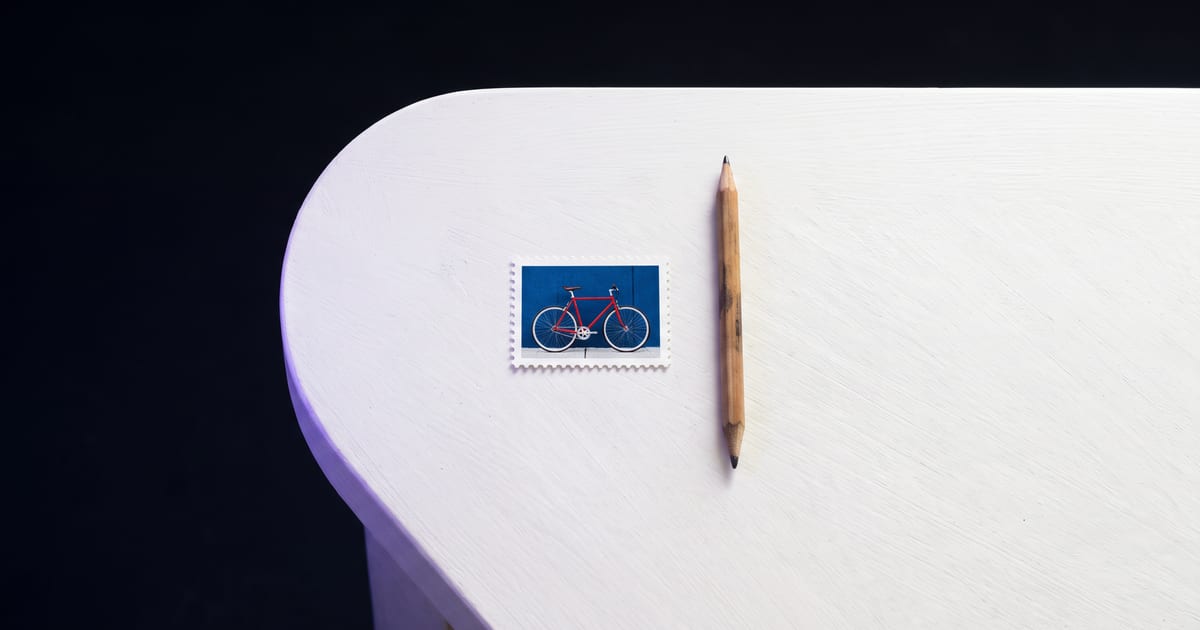
Design for small
Most people see your thumbnail tiny, on a phone, between others. What works full screen often turns to mush at that size.
Rules that hold
- One subject, large in the frame.
- Strong contrast between subject and background.
- A face with a clear expression, if a face fits.
- Empty space on one side for your title.
Add the text yourself
Make the image without text and add the title in your editor, in a font you control. Generated text is often close but not right, and in a thumbnail every letter counts.
Test at size
Shrink the thumbnail to the size of a fingernail and look again. If you cannot tell what it is, simplify.
Questions
Which format?
16:9 for YouTube thumbnails.
Can a model write the title in the image?
Some are good at text. Check the guide on text in images first.
Read next
Put this guide to work
Open the studio and try what you just read. You start with 1,000 free credits.
Get early access