
How it works
- 1Add your clipUpload it or pick one from your library.
- 2Pick the resolutionUp to 1080p or 4K, in the settings.
- 3Run itNo prompt. The price follows the length of the clip and the resolution, and is on the button.
What people make with it
Bring the file, get the result
Pick the tool, drop in your image or clip and it is done. You start with 1,000 free credits.
Get early accessGood to know
Per second
4K costs three times as much per second as 1080p. The credits are on the button before you start.
No new detail
This upscaler sharpens what is in the clip. It does not change faces or objects.
Questions
Does it keep the sound?
The clip keeps its length and motion. Check the result before you publish.
Should I make clips in 4K directly?
Often cheaper not to: make them smaller, keep the best one, and upscale that one.
Bring the file, get the result
Pick the tool, drop in your image or clip and it is done. You start with 1,000 free credits.
Get early accessAlso in the studio
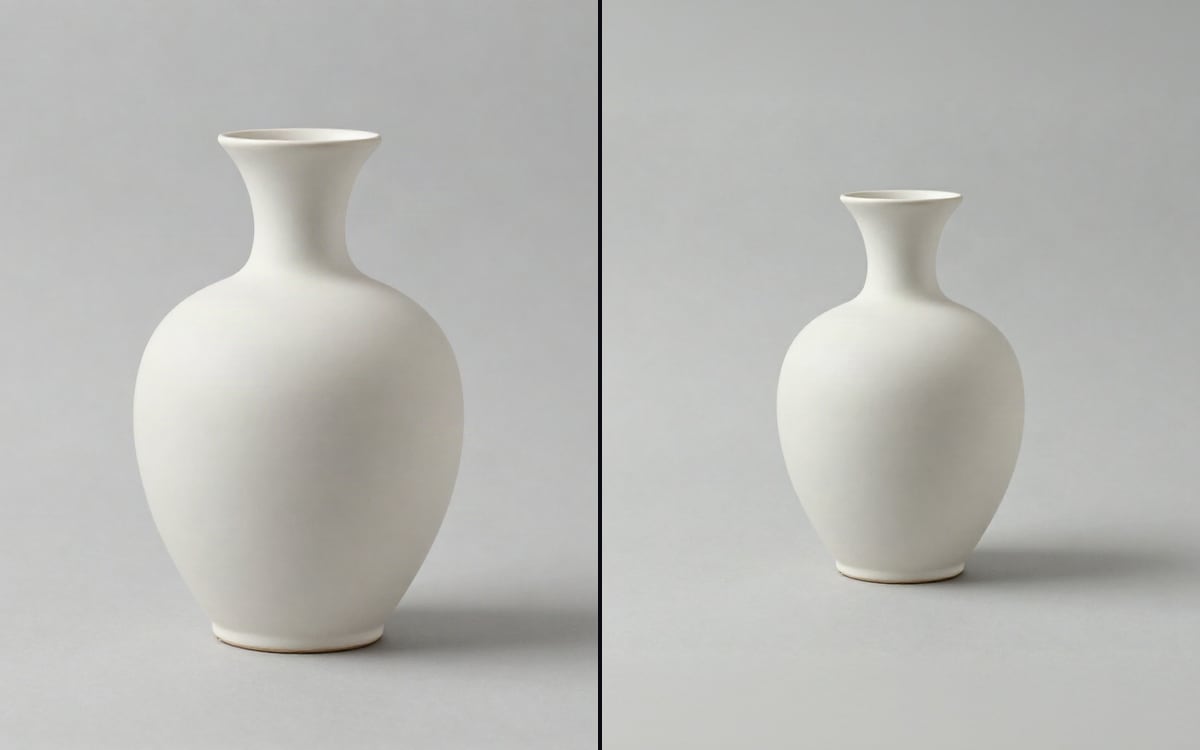 Expand imageWiden a picture beyond its edges. Pick the shape you need, no prompt required.
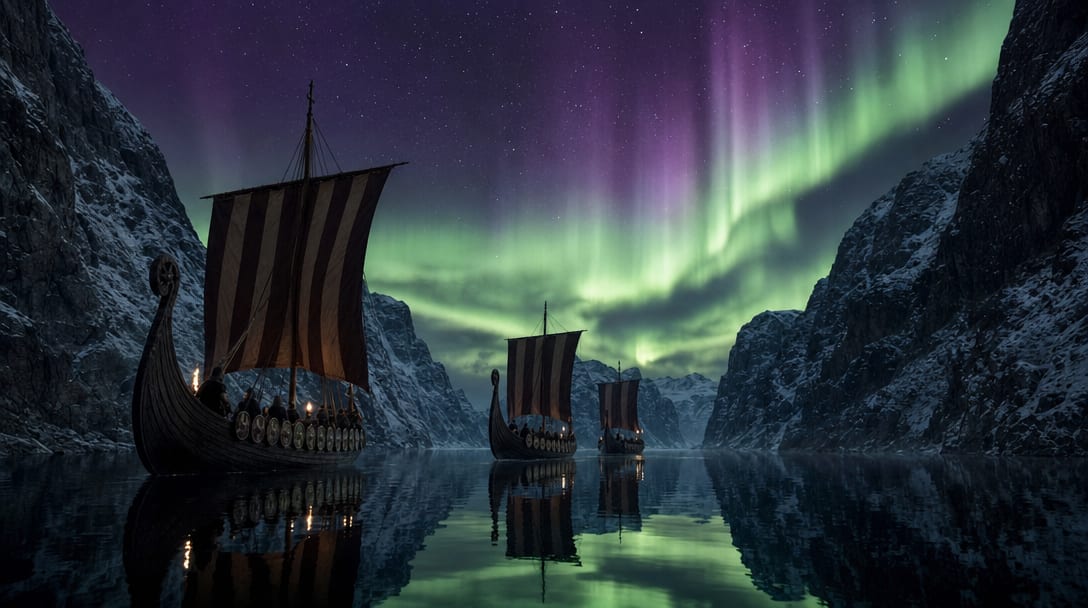
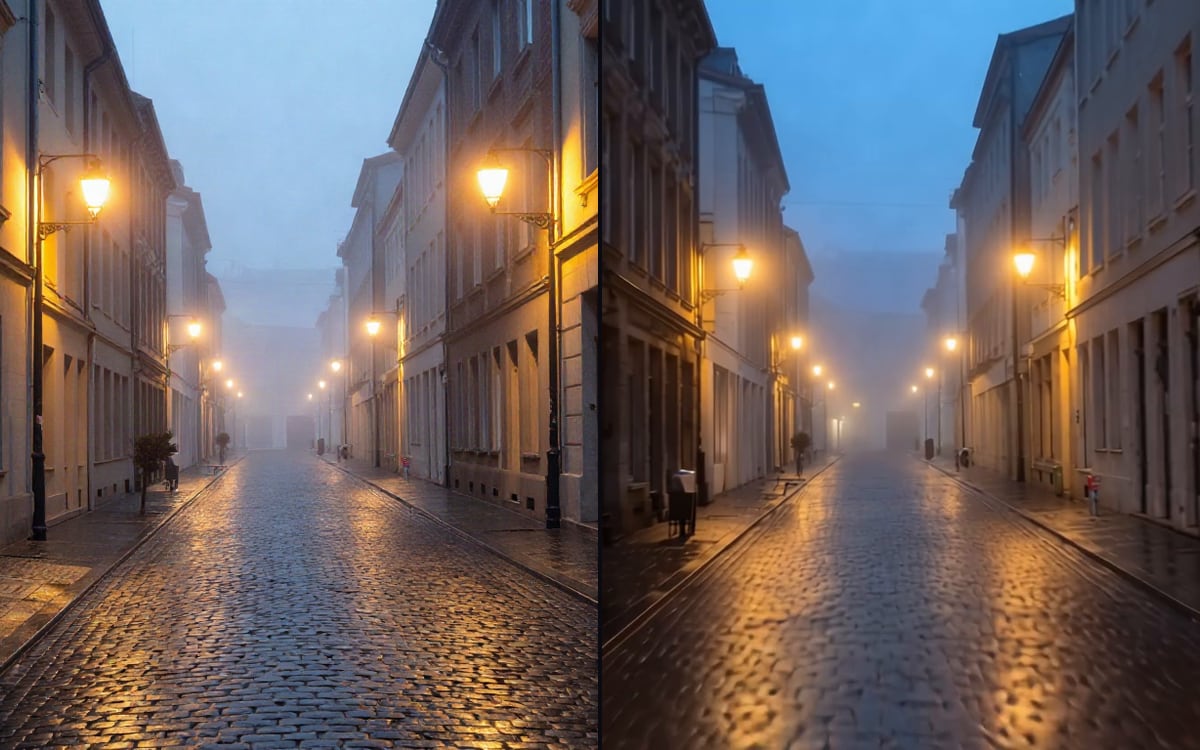 Transition between two framesGive a first frame and a last frame, and get the clip that runs between them.
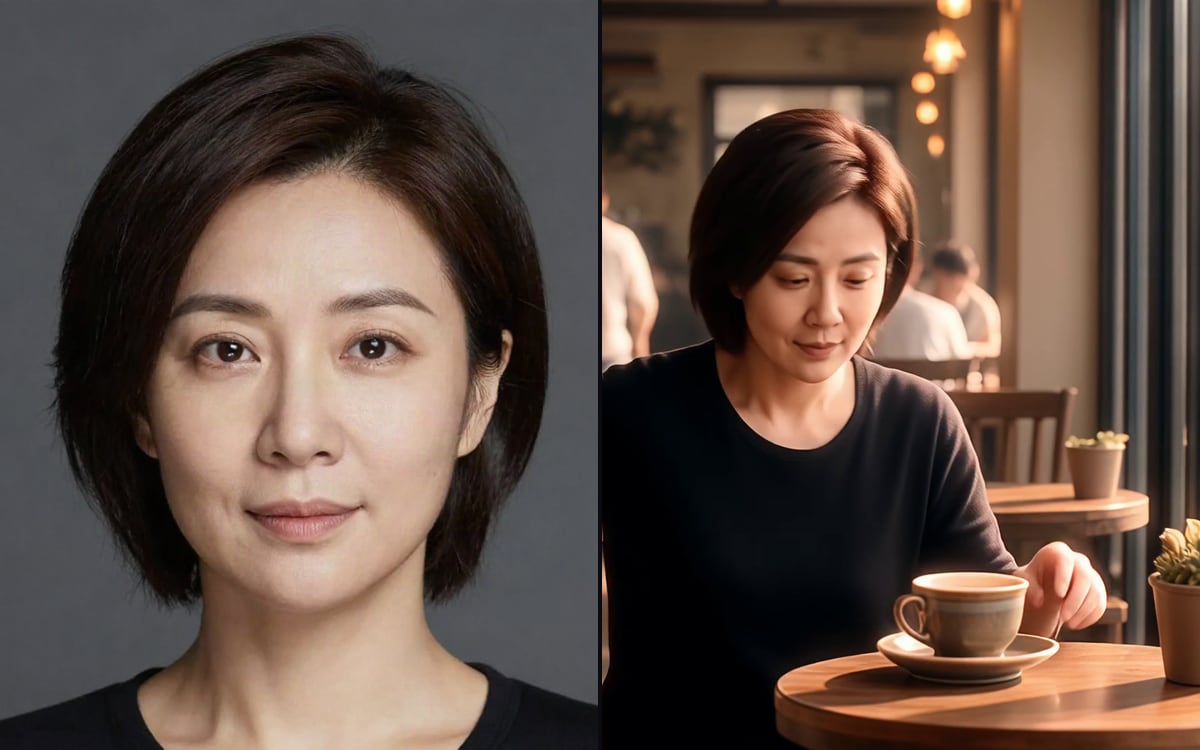 Keep the same characterReference images that carry one person, product or place across a whole sequence.
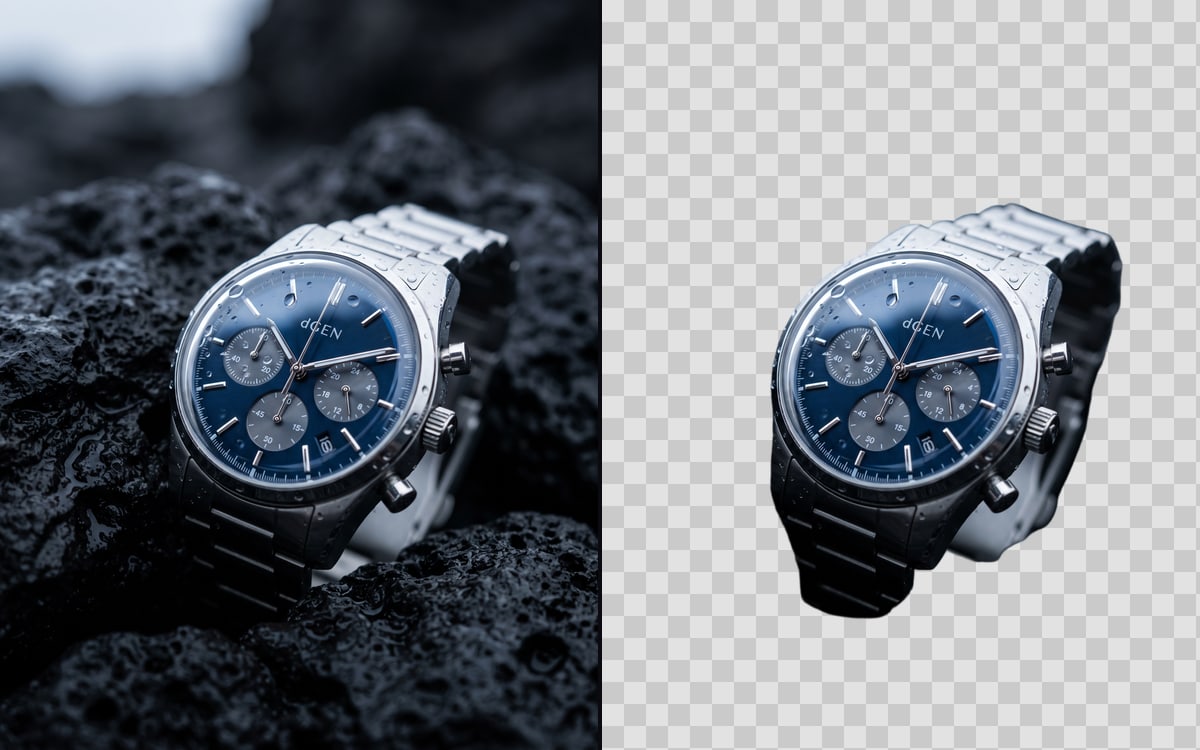 Remove an image backgroundCut the subject out of a photo and leave the background transparent.
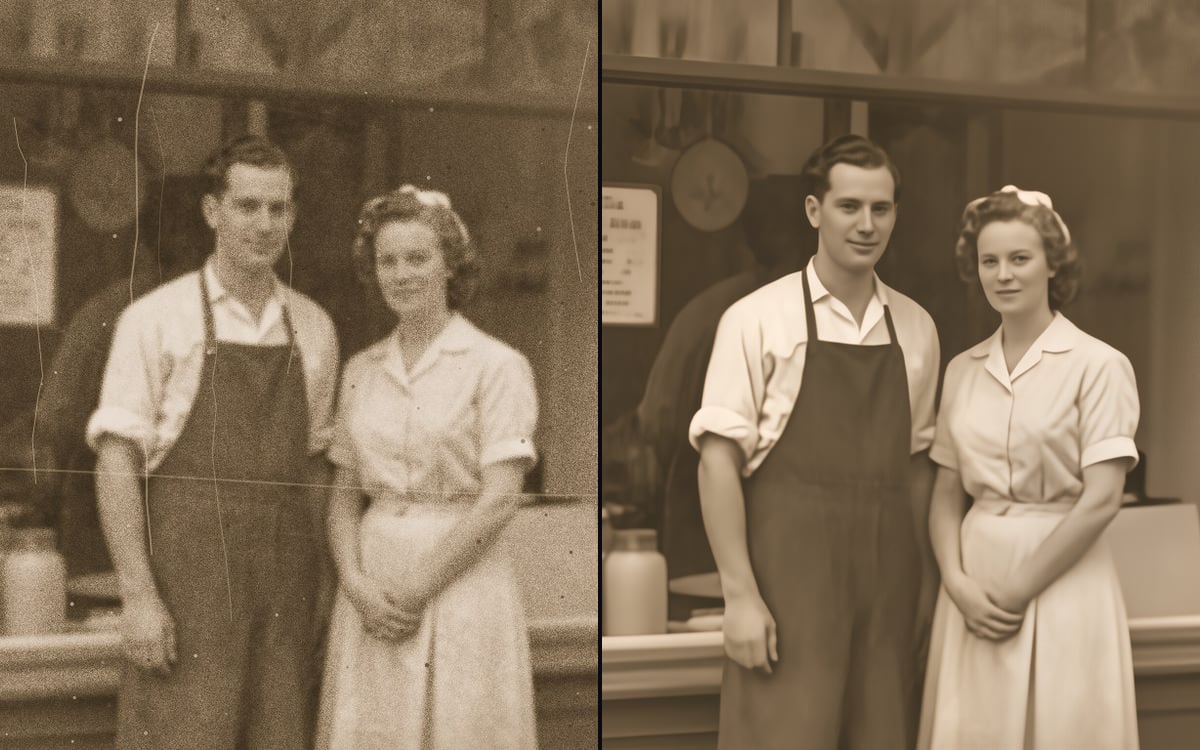 Restore an old photoBring back an old, scratched or faded photo, with the dust, spots and fine scratches taken out.
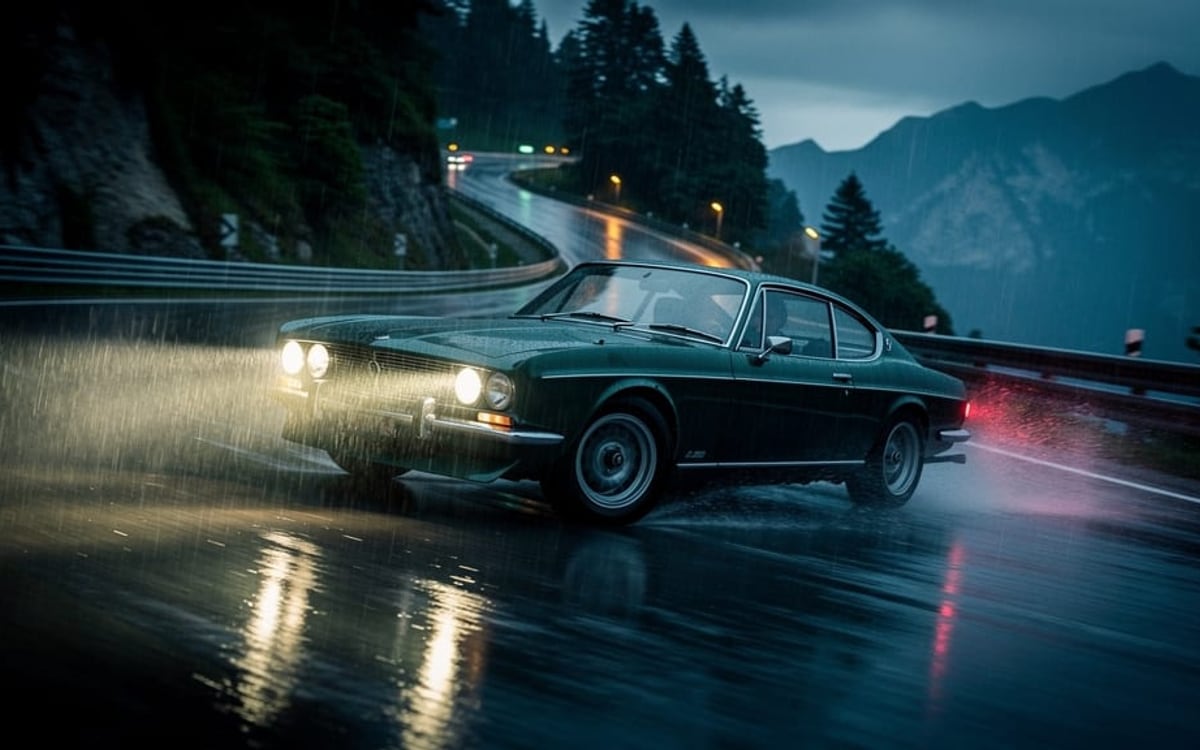 Add sound to a videoGive a silent clip sound effects that land on what happens in the picture.
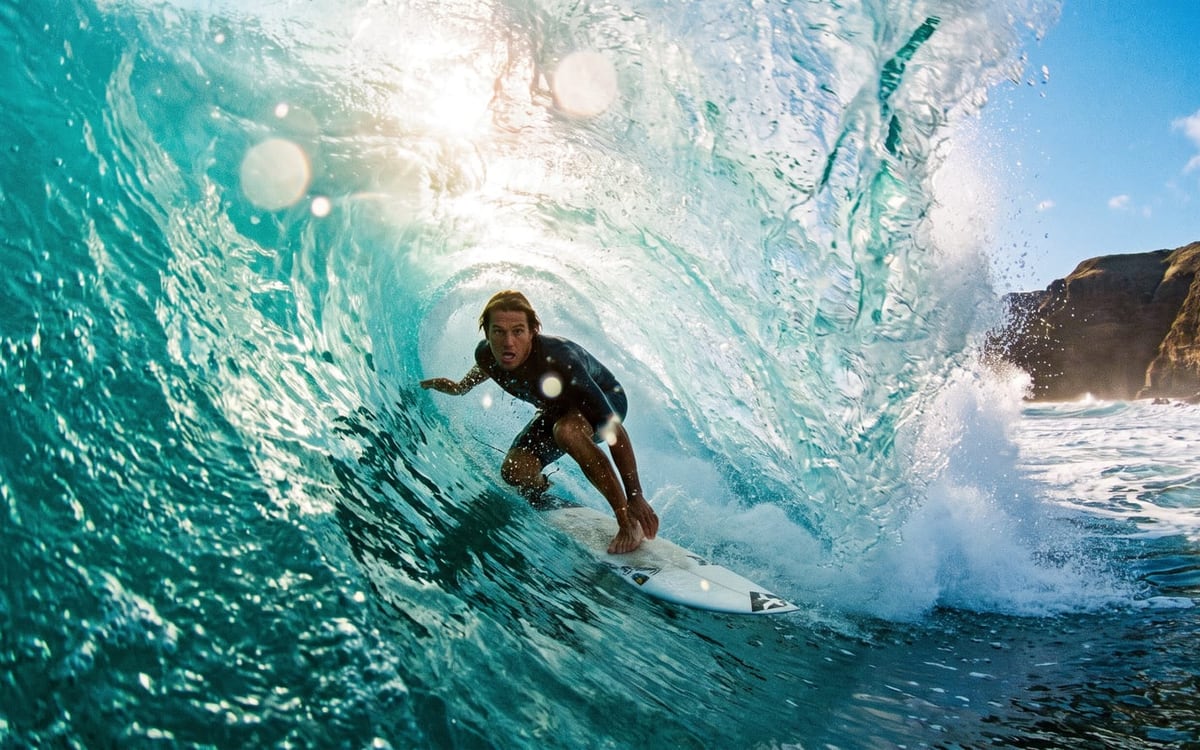 Add music to a videoMusic written to your clip, with the beats on the cuts, mixed in underneath.
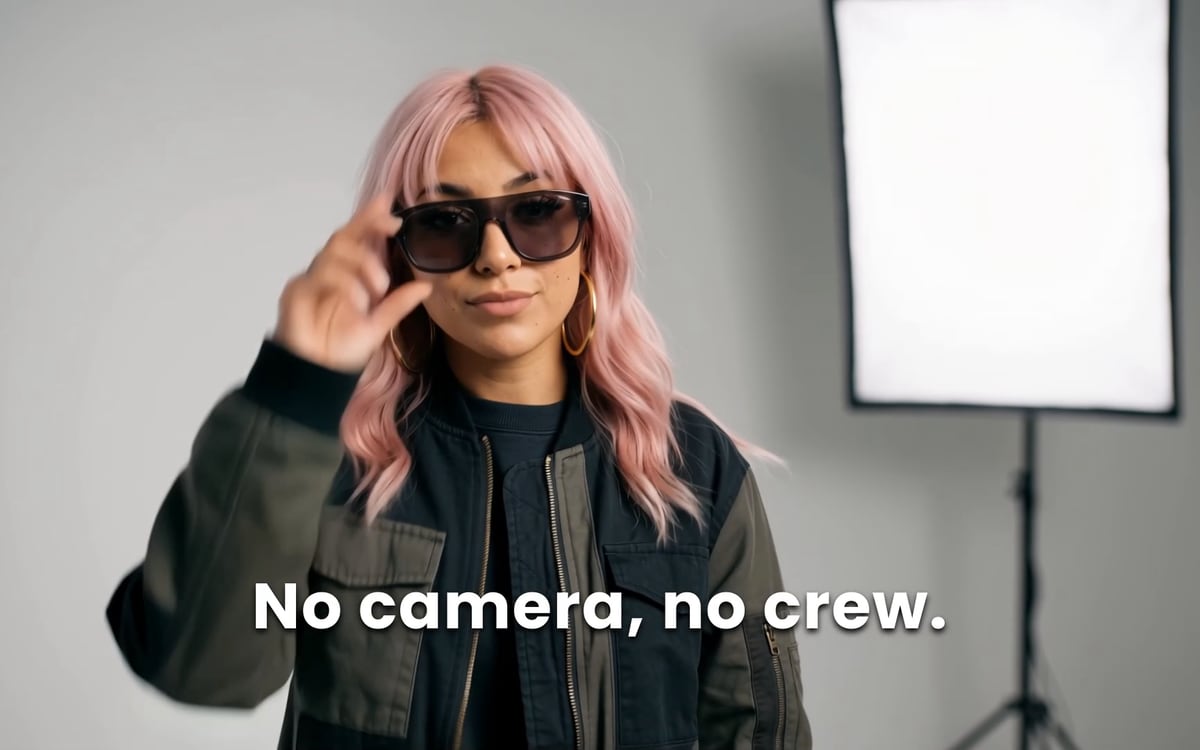 Add captions to a videoBurned-in captions for every word that is spoken, in a style that reads on a phone.
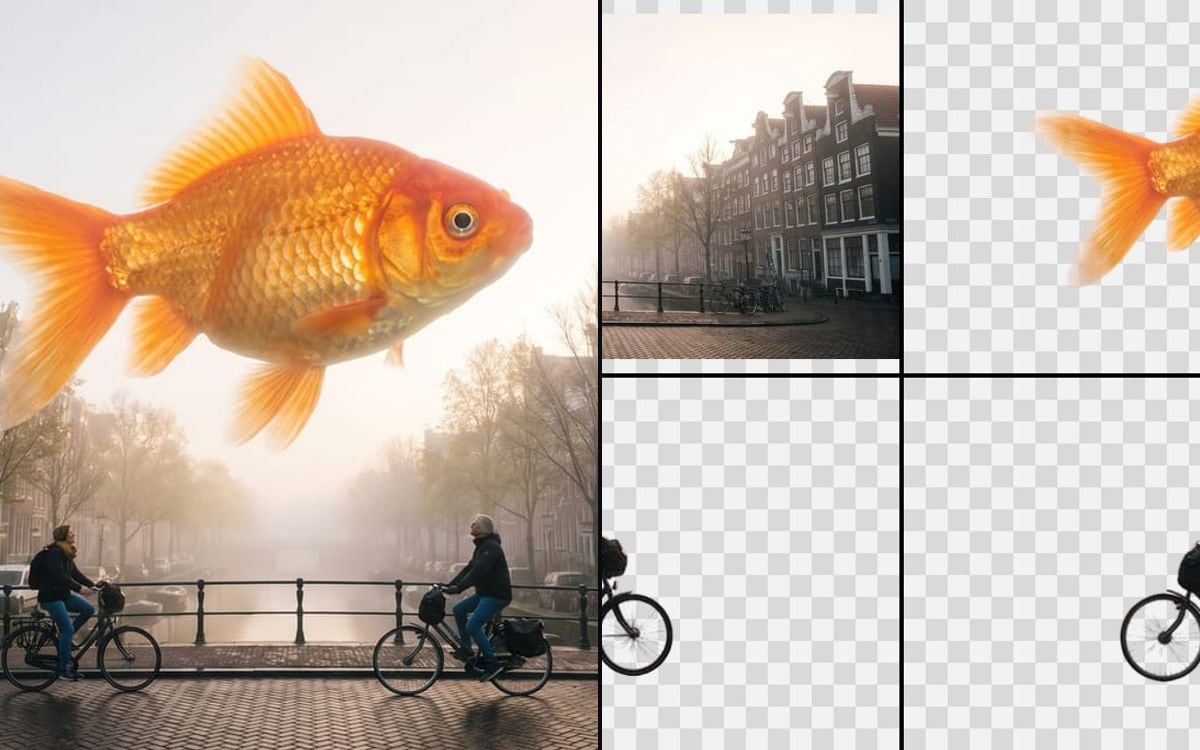 Split an image into layersGet the background and every object of a flat image as separate transparent layers.
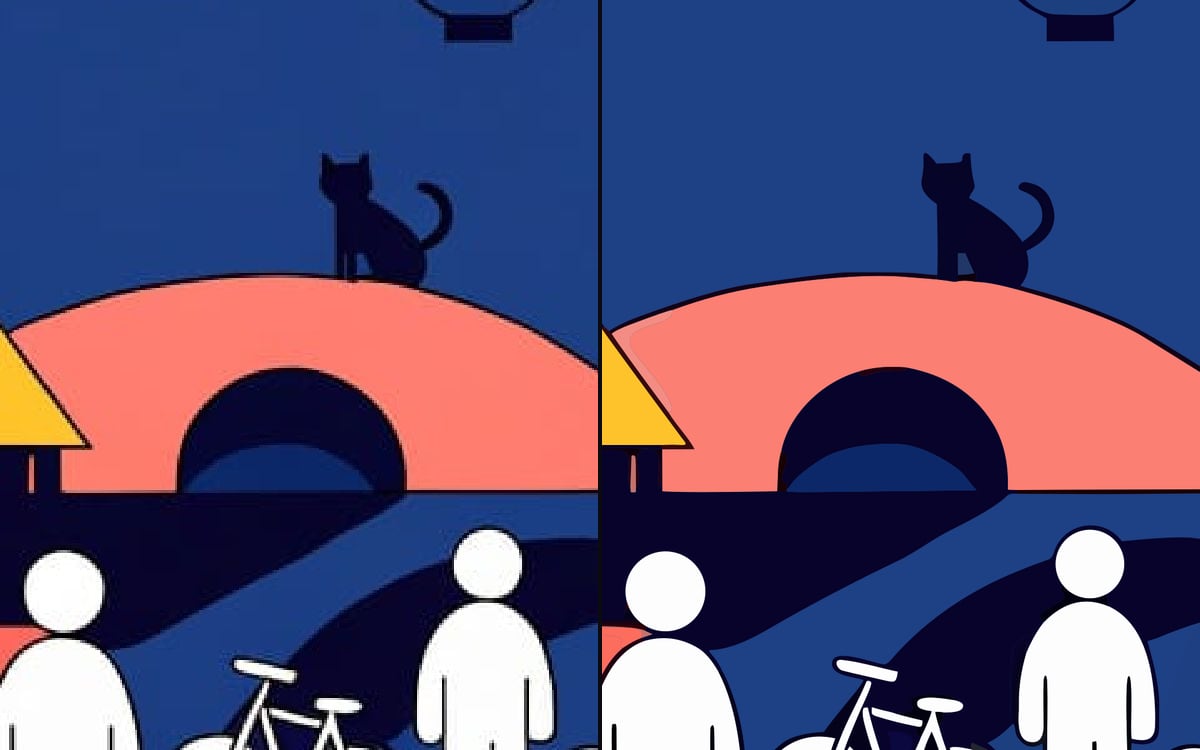 Vectorize an imageTurn a logo, icon or illustration into an SVG that stays sharp at any size.
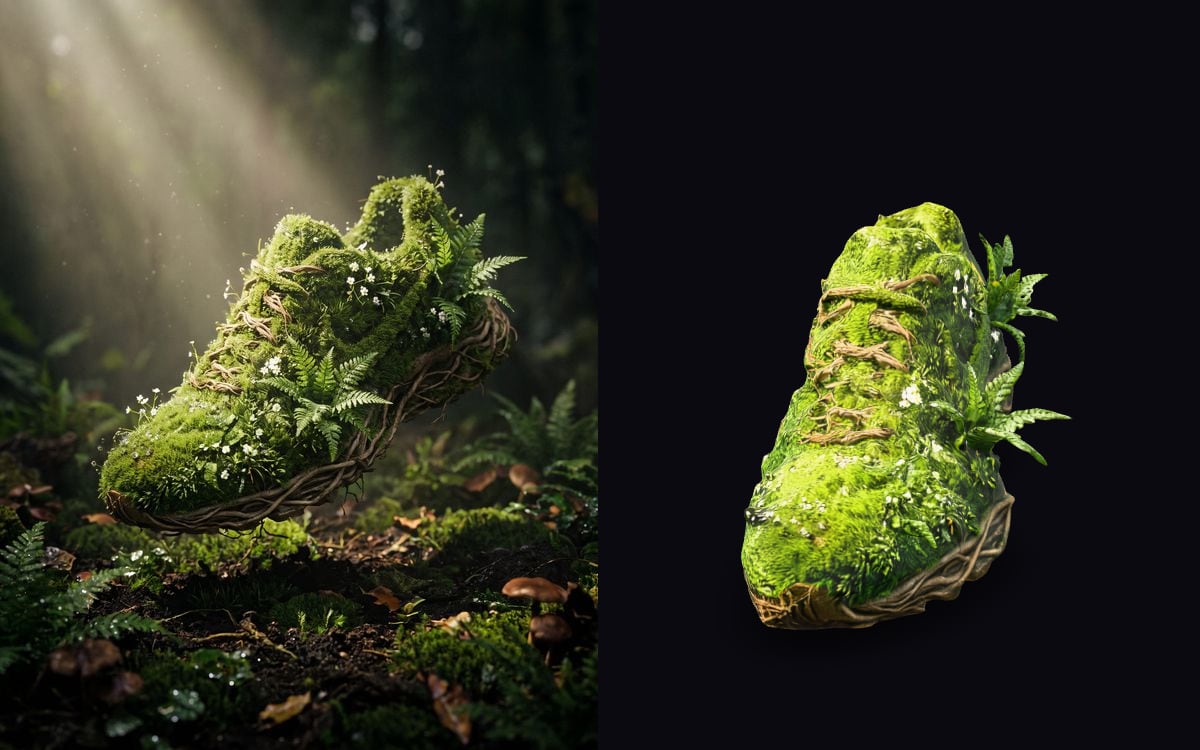 Turn an image into a 3D modelOne picture becomes a textured 3D model you can turn, use in a game or place in your room.
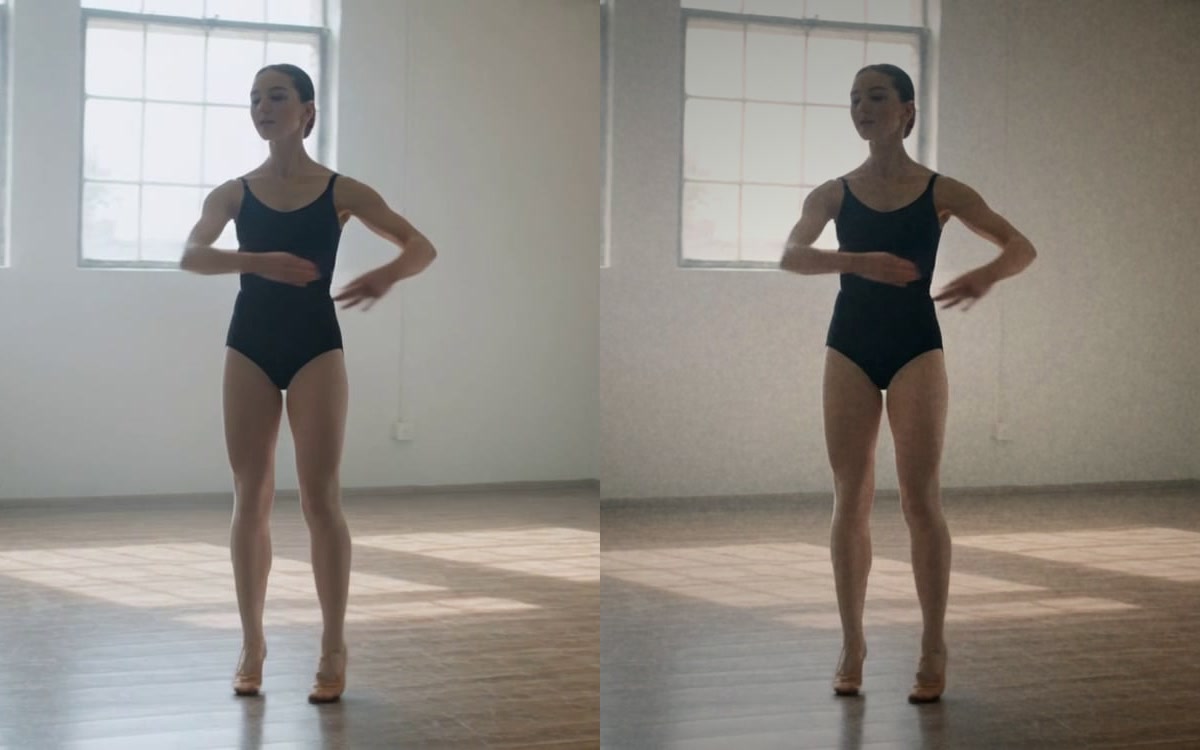 Finish an imageFilm grain, a vignette and a colour correction, so a generated image looks shot.
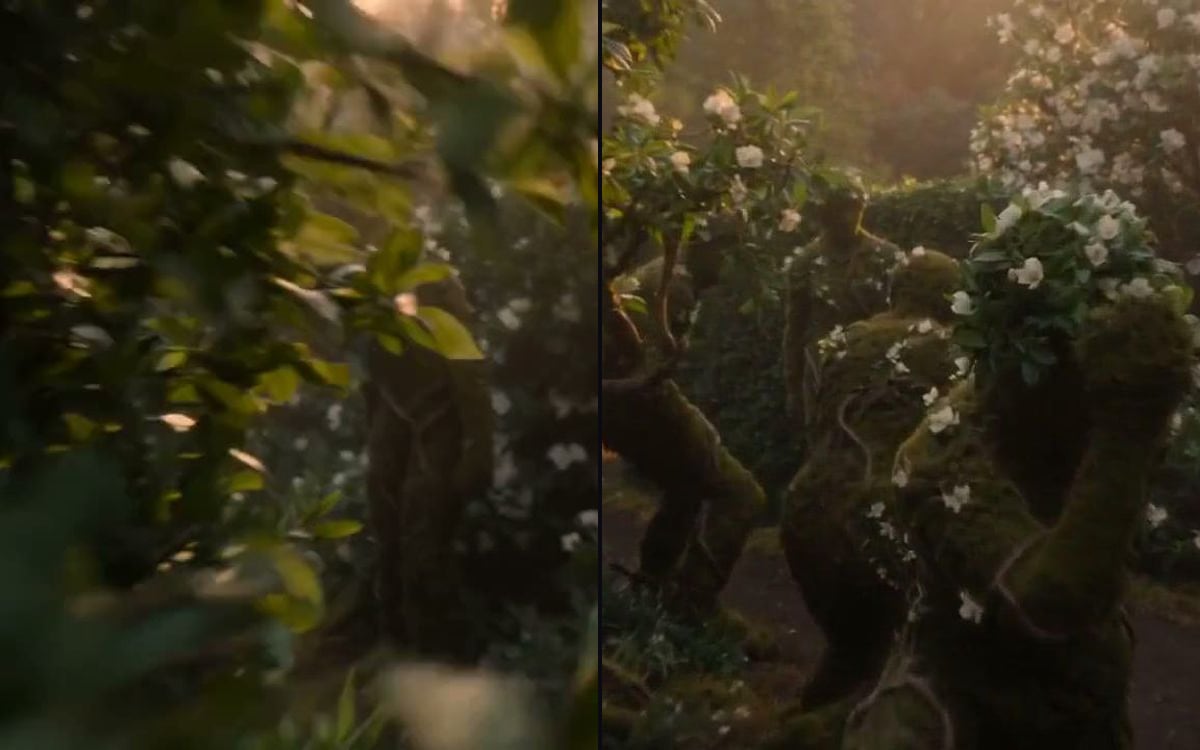 Get a frame from a videoKeep the first, middle or last frame of a clip as an image.
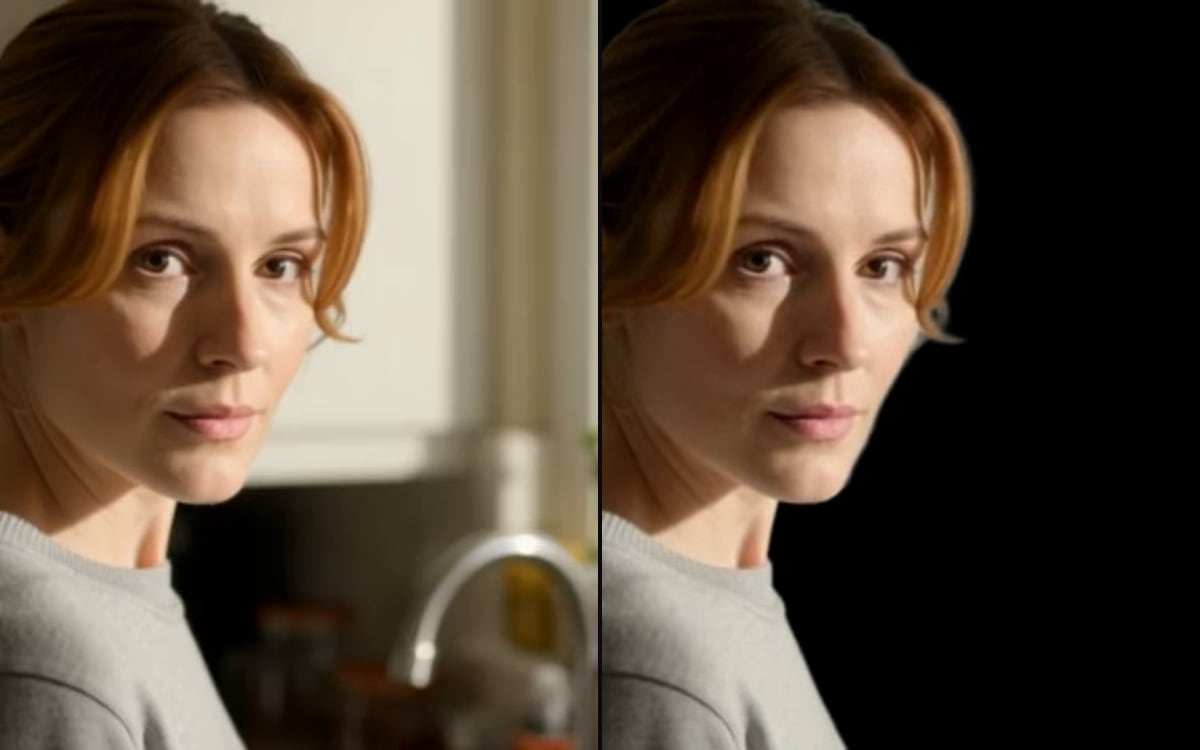 Remove a video backgroundCut the subject out of a clip and leave the background transparent.
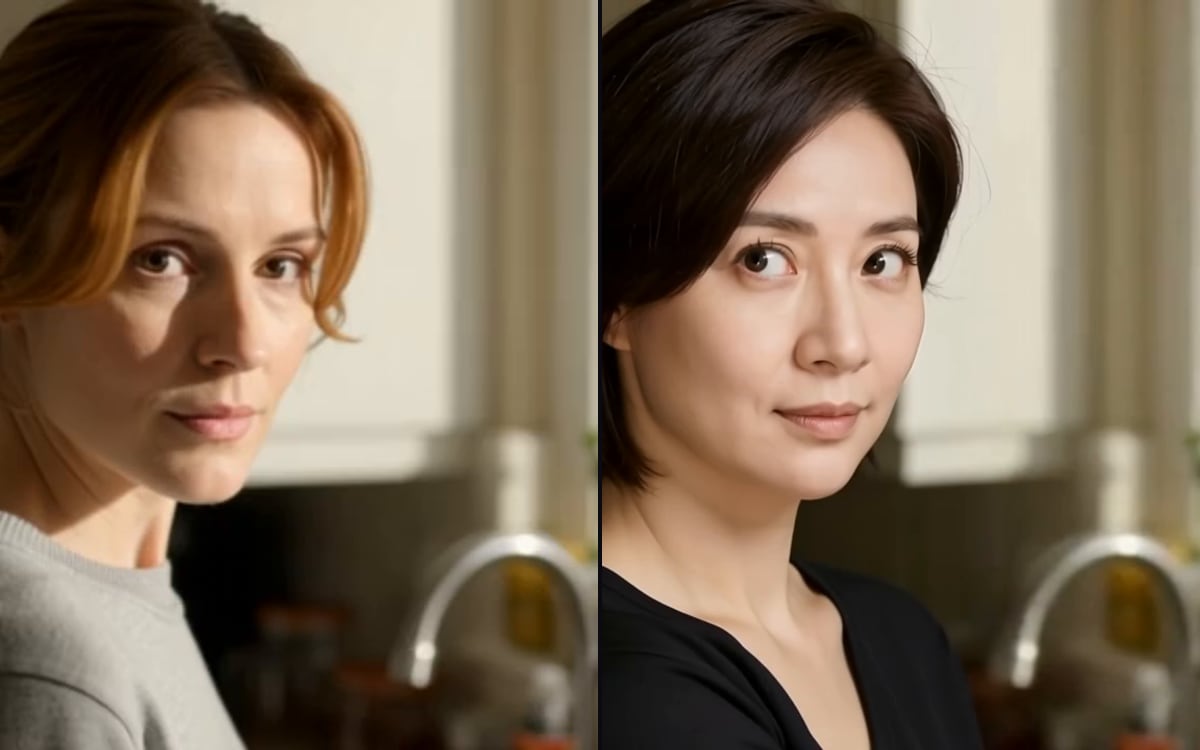 Face swap in a clipPut one face into an existing video. Only with permission from the person in the picture.
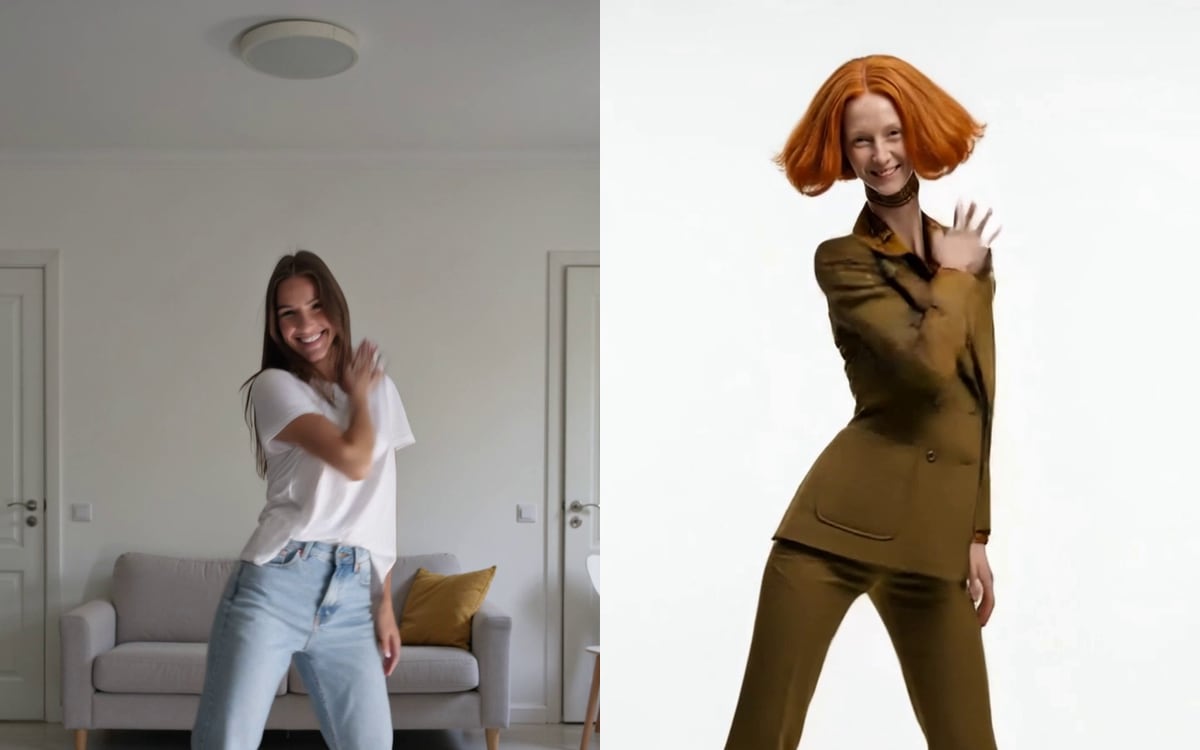 Make your character move like youFilm a move once, and your character does it: the same steps, the same timing.
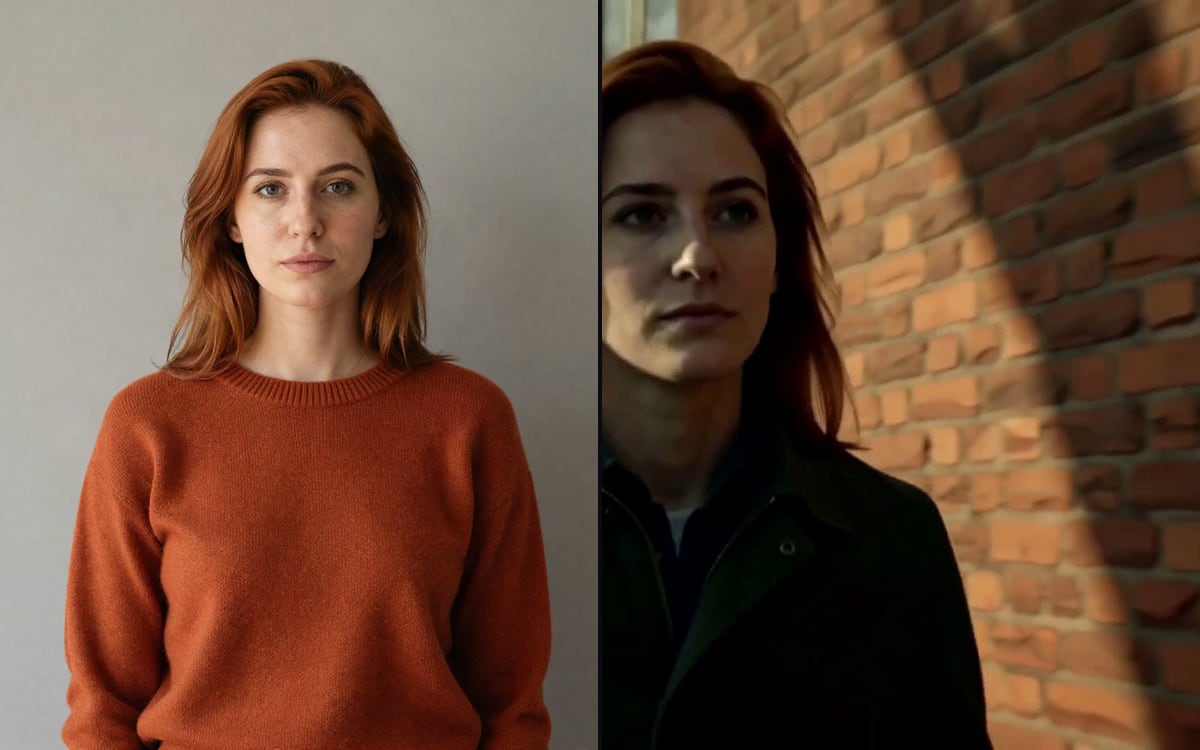 Recast a videoSwap the person on screen for someone in a photo. The motion, the cuts and the sound stay.
 Extend a videoMake a clip longer. Describe what happens next and the video carries on in the same style.
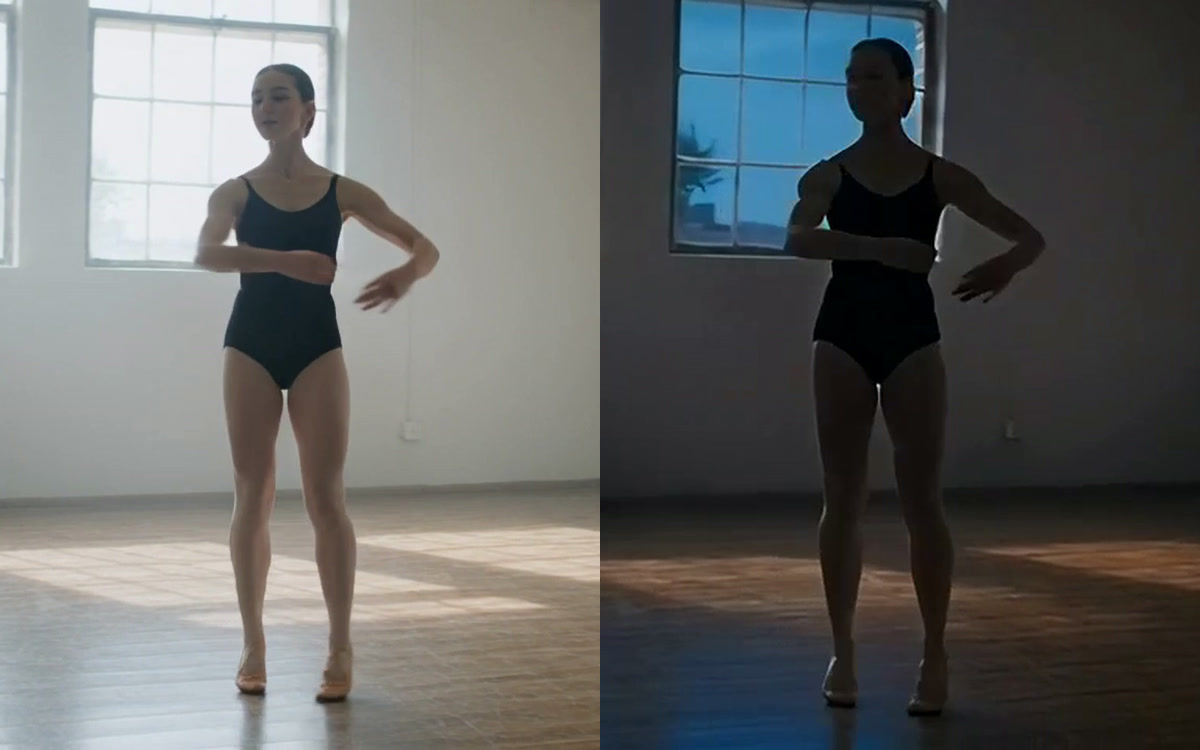 Change anything in a videoSwap a person, an outfit, a product or the whole look of a clip. The motion and the framing stay.
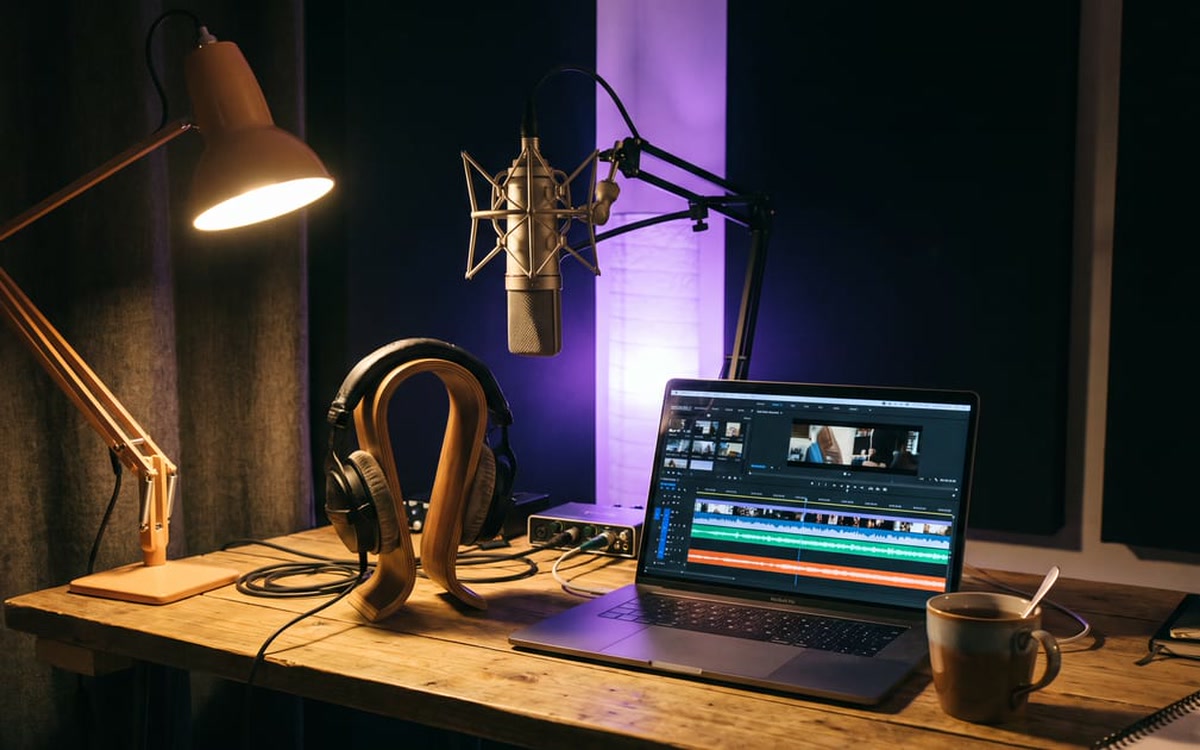 Change a voiceSay it once in your own voice and get it back in another. The timing and the emotion stay.
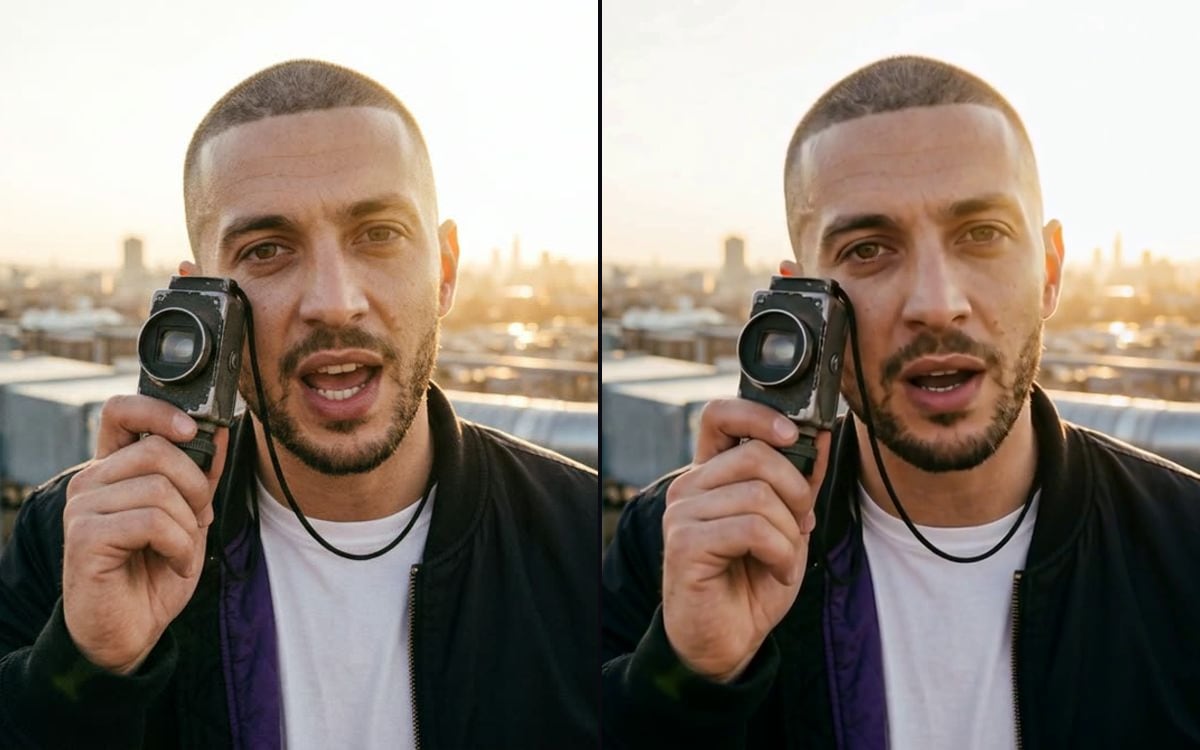 Make a photo talkGive a face in a photo your audio. The lips follow the words.
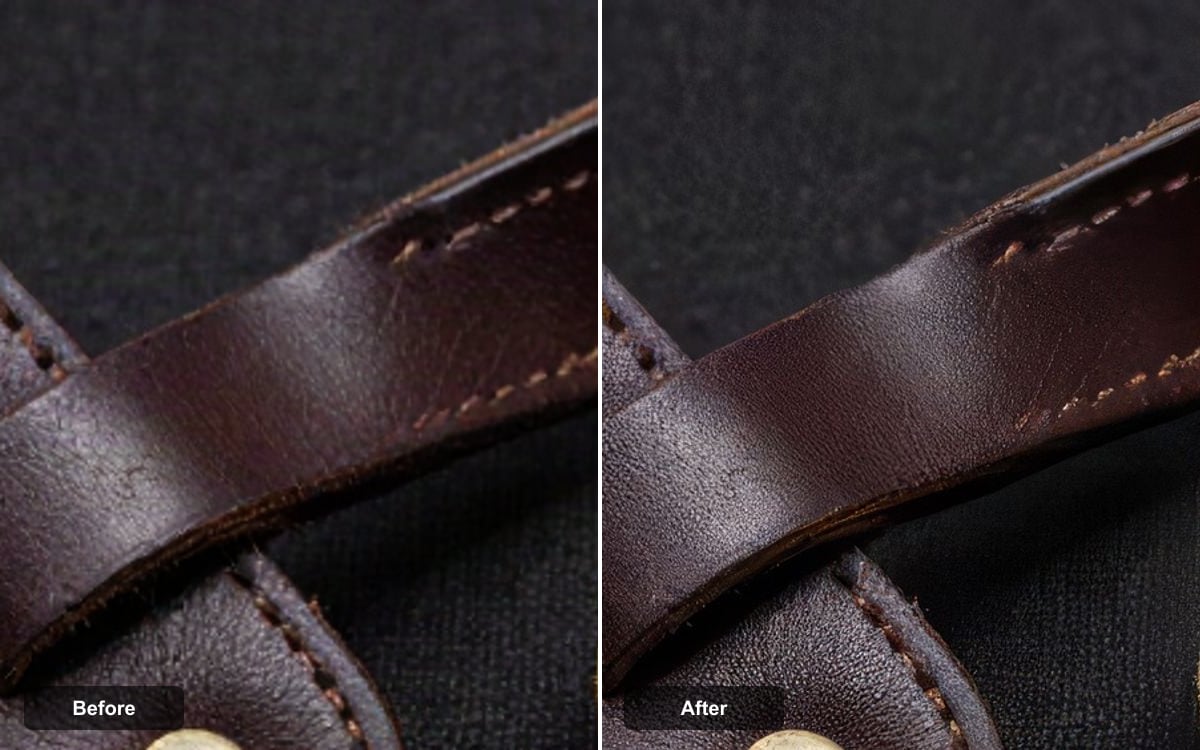 Upscale an imageMake an image bigger and sharper without changing what is in it.
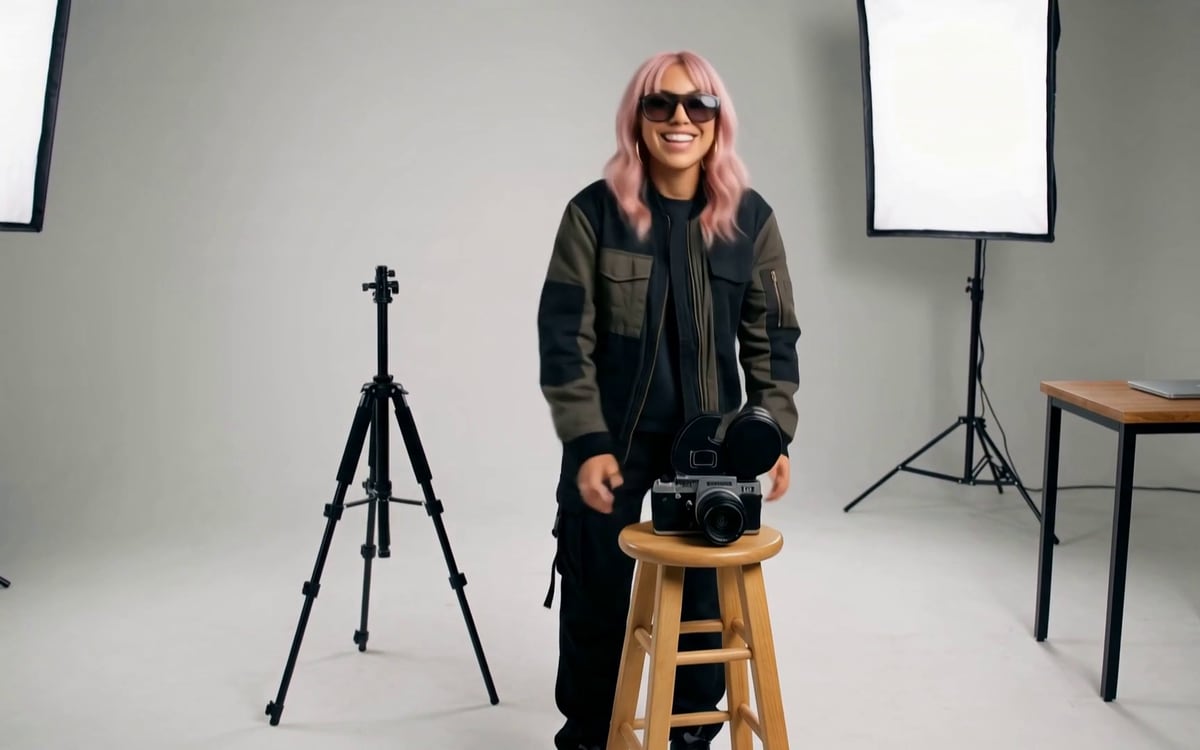 Translate a videoGet your video in another language, in the voices of the people speaking in it.
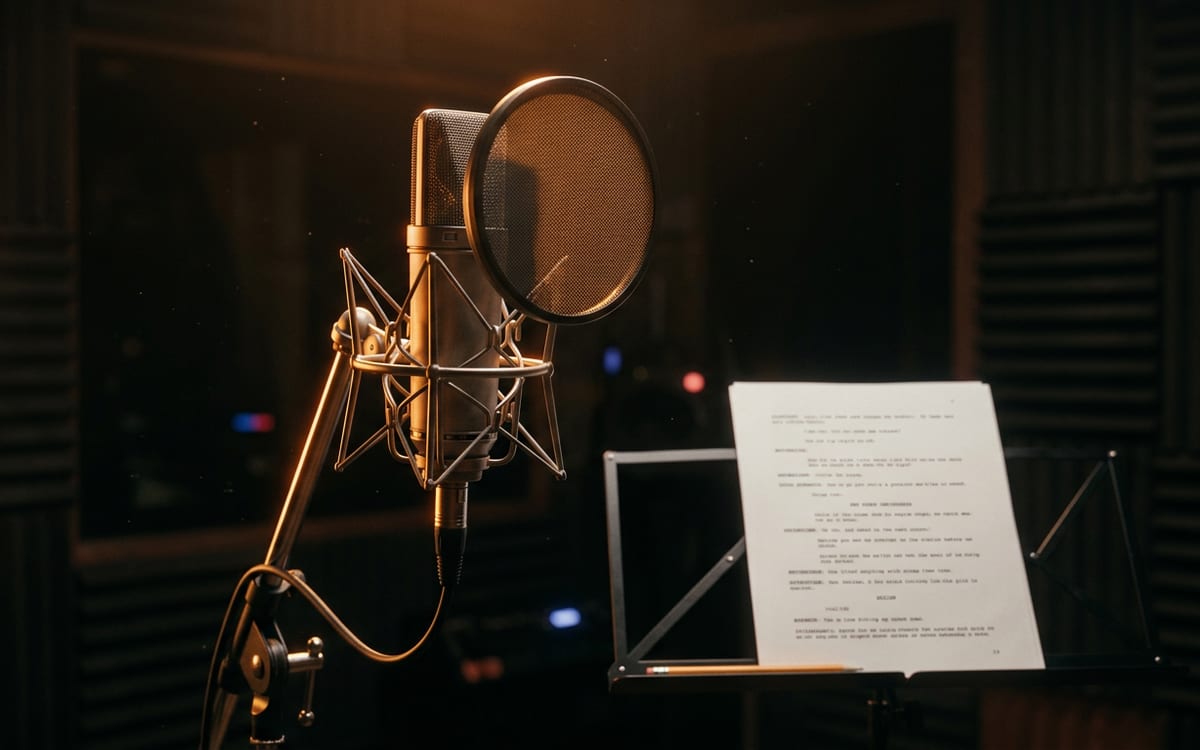 Isolate a voiceTake the noise, the music and the room out of a recording, and keep the voice.