
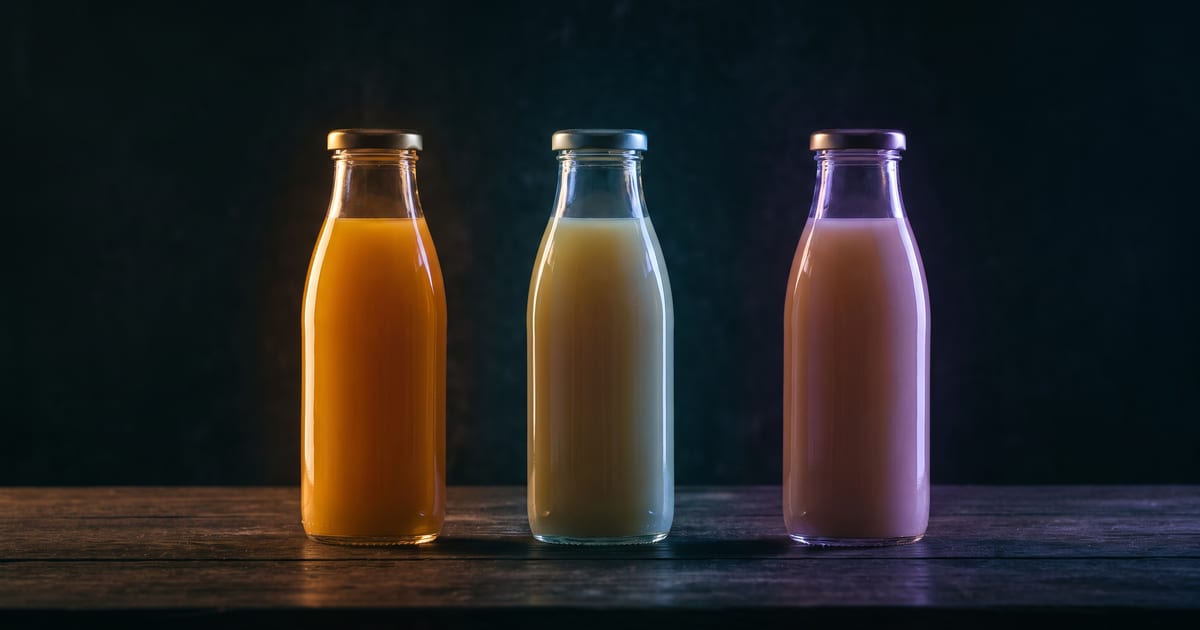
What AI video ads change
An ad used to be one shoot and one edit. If it did not work, you had spent the budget. AI video turns that around: you make several versions of the same ad, with a different opening, setting or person, and let the numbers decide which one gets the budget.
The skill is no longer making one perfect ad. It is making a small set of good ones that each test one idea.
Pick the format first
Decide where the ad runs before you make anything. Each placement asks for something else.
- Reels, TikTok and Shorts: 9:16, fifteen to thirty seconds, a person or a product in motion in the first second.
- Feed placements: 4:5 or 1:1, the message readable without sound.
- YouTube and connected TV: 16:9, room for a short story and a voice-over.
Three formats that work well
The product in use: a hand, a kitchen, a desk, the product doing what it does. Simple and believable, and the easiest to make well with AI because it is close to a photo.
A person talking to camera: a character introduces the product in its own voice. This is the UGC style, and it holds attention because it looks like the feed around it.
A short story in three shots: the problem, the product, the result. It needs a bit more planning, but it works on every placement.
Build a set, not a single ad
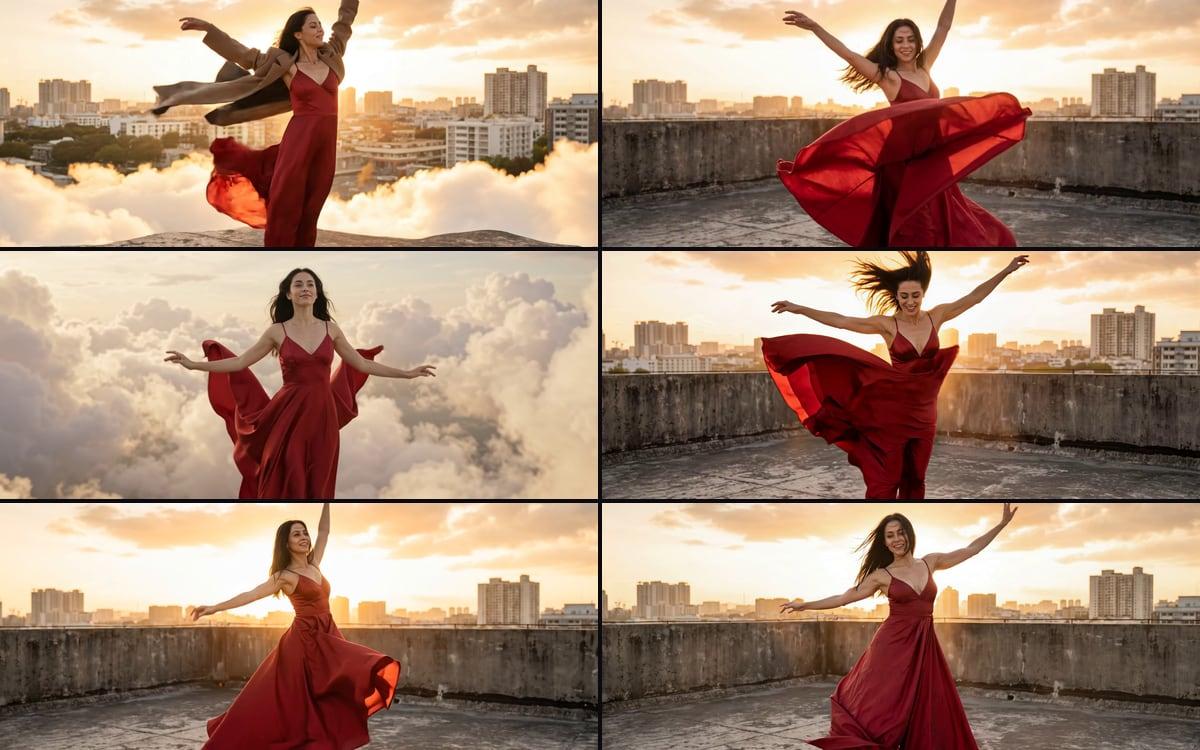
Start from one hero image of the product or scene. Every clip starts from that image, so the product and colours stay the same across versions. Then change one thing per version:
- Version A and B: a different opening shot.
- Version C: a different setting, same product and person.
- Version D: a person talking instead of a product shot.
What to test first
Test the first two seconds before anything else. Most viewers decide there whether they keep watching, so a better hook does more than a better ending. Once a hook wins, test the setting, then the call to action. Change one thing at a time; if you change three, you do not know which one worked.
Write for the sound-off viewer
Many people scroll with the sound off. An ad that only works with its voice-over loses them in the first second. Make sure the picture tells the story on its own: the product in use, a clear before and after, a face that reacts. If there is something the viewer must read, add it as captions afterwards in your editor, not as text inside the generated image, where it tends to come out garbled.
Then add sound for the viewers who listen: a voice that says the one benefit, or the natural sound of the scene. Several video models now make sound with the picture, such as the sizzle of a pan or the click of a lid, which makes a clip feel filmed instead of generated.
Keep the brand the same in every version
Versions that test different openings should still look like one brand. Write one style line with your colours, light and mood, and paste it into every prompt. Use the same product reference image in every clip, and if a person appears, make them once as a character and reuse them. Then the only thing that changes between versions is the thing you are testing.
- One style line in every prompt: colours, light, mood.
- One product reference image for every clip.
- One character per audience, reused across versions.
Check every clip before it runs
Look at each clip at full size. Hands, small text on packaging and logos are where generated video most often goes wrong, and a viewer notices a sixth finger faster than your message. Throw away a clip that is almost right and make it again.
Follow the ad rules of each platform. Several ask you to label realistic generated content, and none allow claims you cannot back up.
Where to start
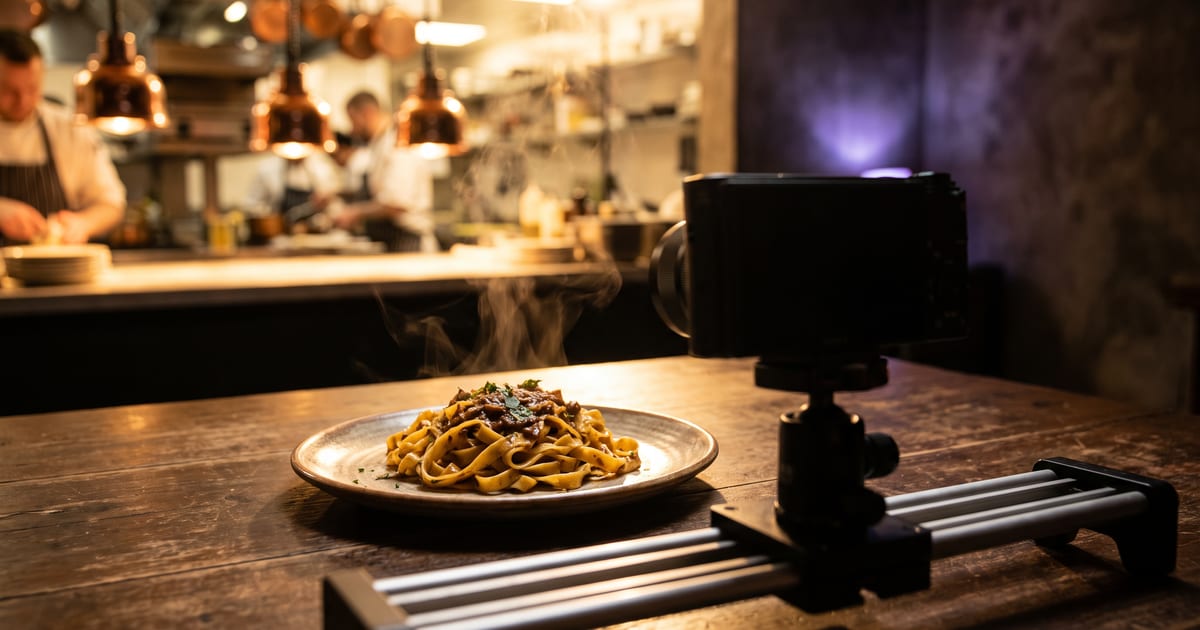
Make one hero image you are proud of, turn it into three vertical clips with a different opening, and run them side by side for a week. A short ad from three clips shows how to put the shots together, and the food commercial template gives a ready-made structure for a product that needs to look appetising.
Pick the model before you scale
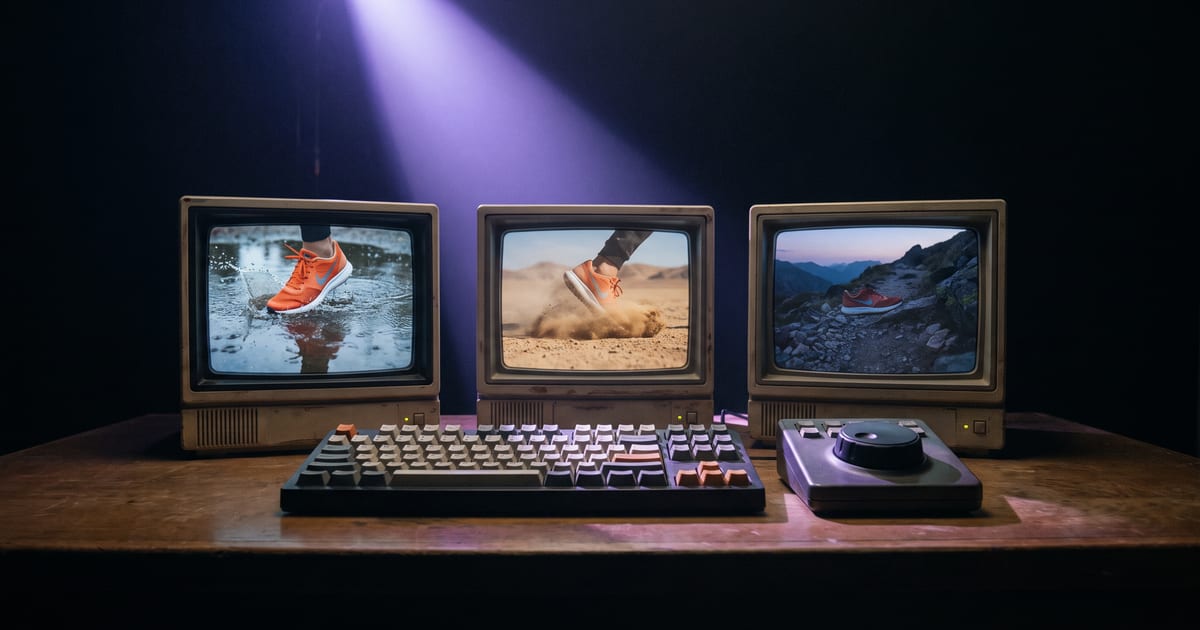
Video models read the same start frame differently: one leans on the camera, another on the movement of the person. Before you make a full set of versions, run your hero image through the Compare video models template. It sends one prompt and one start frame to six video models and puts the clips side by side.
You pay per model, so run two first. Use the one that wins for every version in the round, so the model is not one more thing that changes between ads.
Questions
Are AI video ads allowed on social platforms?
Yes. Follow each platform's rules on labelling realistic generated content and on claims.
How many versions should I make?
Three to five per round is enough to learn something without spreading the budget too thin.
Which aspect ratio should I use?
9:16 for Reels, TikTok and Shorts, 4:5 or 1:1 for the feed, and 16:9 for YouTube.
Can I add a voice-over?
Yes. Write the lines, pick a voice, and keep it short: thirty seconds holds about sixty to seventy spoken words.
How do I know which version won?
Look at how long people watched and how many clicked, per version, after the same budget and time. Change one thing per round so the winner tells you why.
Read next
Try it in the studio
Open the studio and try what you just read. You start with 1,000 free credits.
Get early access