
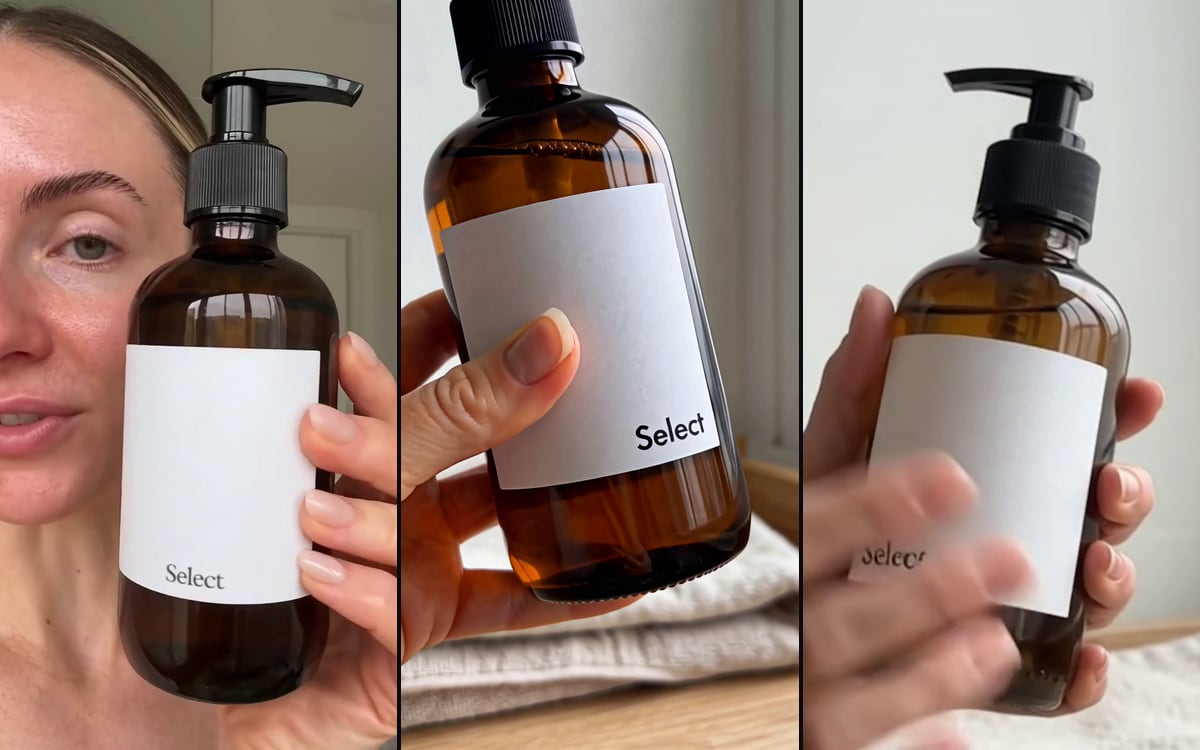
Who it is for
For e-commerce brands and agencies who test ad creatives and need UGC-style clips faster than creators can film them.
How it works
- 1Bring image of productOpen the template and drop your own file in. Everything else is already set up for you.
- 2Press run4 steps run in order, on Seedance, MiniMax H3, Gemini Omni Flash 1.2. Each step shows its price before it runs.
- 3Keep the best oneEverything lands in your library. Change one step and run it again for the next product, client or scene.
What comes out
Made in this studio, with this template. Turn the sound on.
What you get, and how to use it
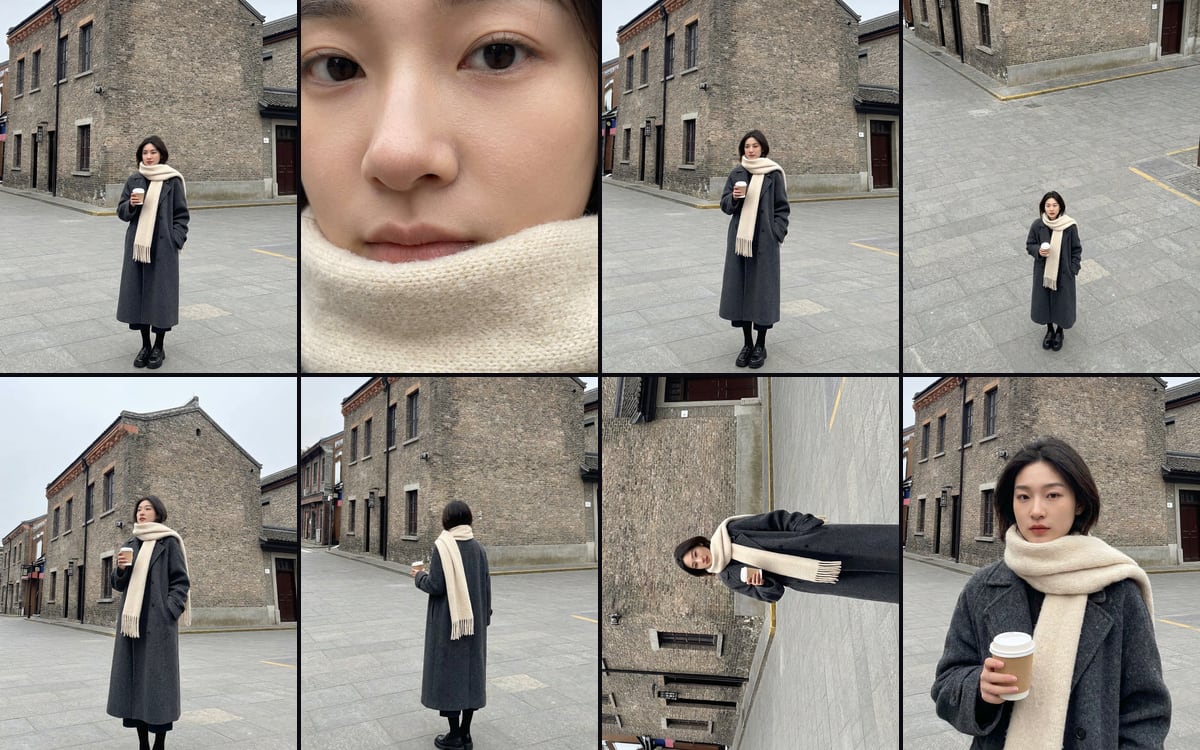
The assistant reads the product from that photo, casts someone who would realistically own it, and writes the clip as if that person filmed it on their own phone. You get the same idea through three video models, so you can pick the take that lands.
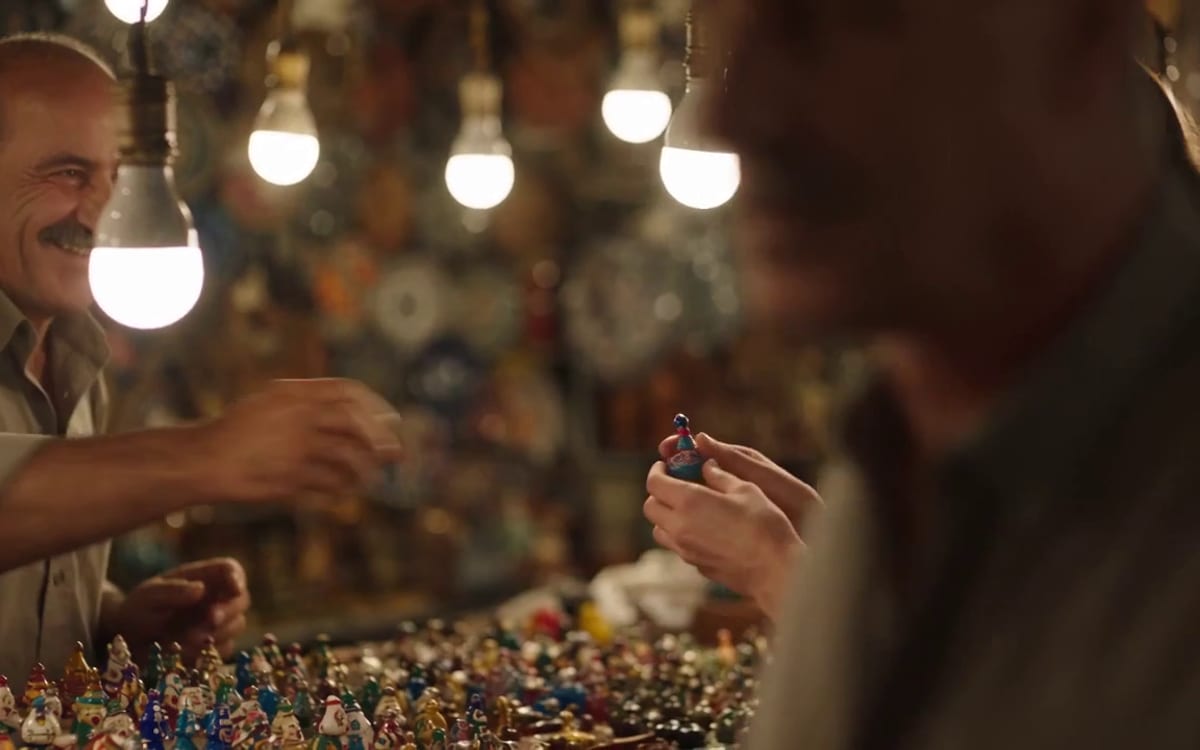
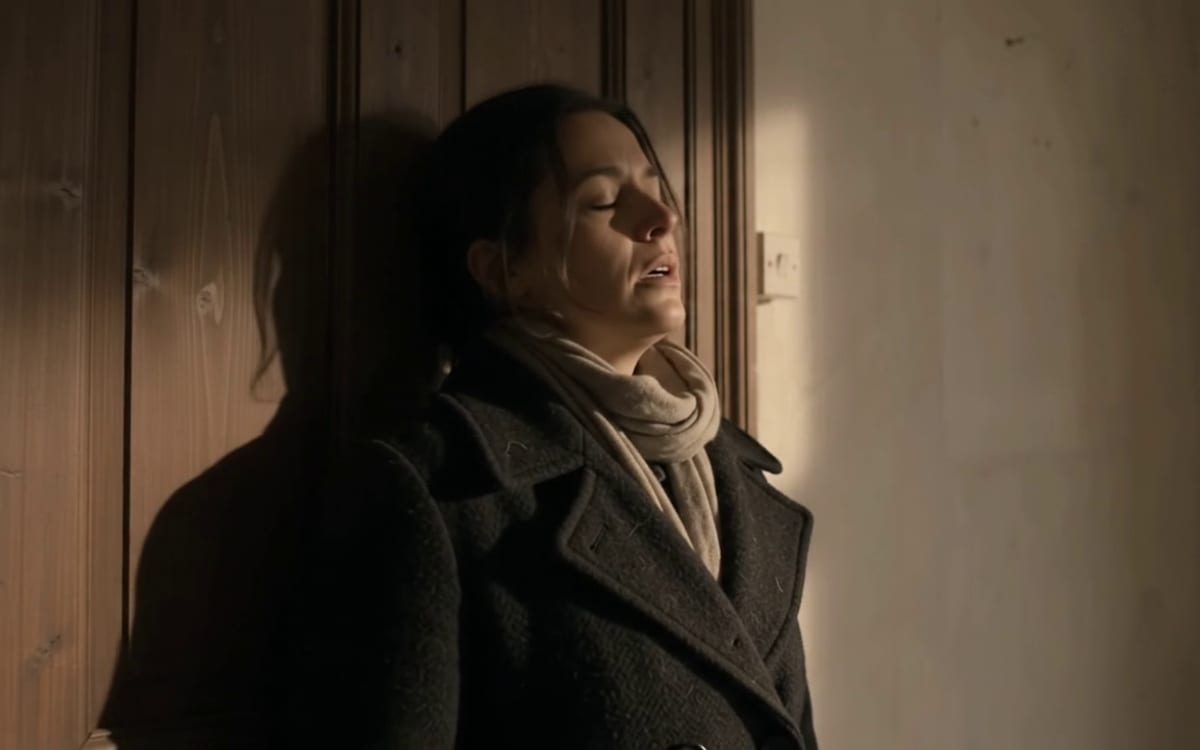
The three output videos. Same prompt, same product photo, three different models. You pay per model, so run one first if you only want a quick read.
The AI models in it

Questions
What does the Product to UGC template cost?
You pay per step you run, in credits that never expire. Every step shows its price on its button before you press it. If a step fails before the model has made anything, you get every credit back.
Can I change the models or the prompt?
Yes. A template becomes an ordinary flow the moment you open it. Every model, prompt and setting stays yours to change, and you can save it as your own.
Which AI models does it use?
Seedance, MiniMax H3, Gemini Omni Flash 1.2.
More templates
 Food commercialDescribe a dish, get a hero shot and an eight-second slow-motion commercial with sound.
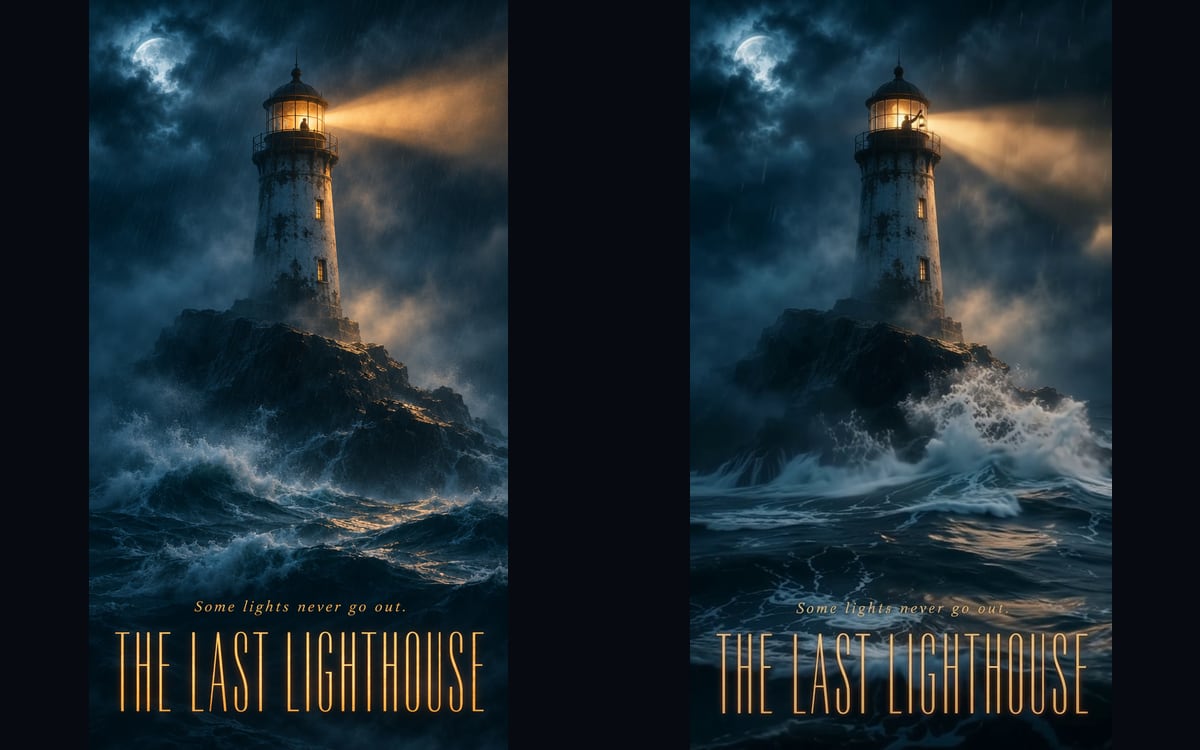 Motion posterA film title and a logline in, a vertical poster that moves, with sound, out.
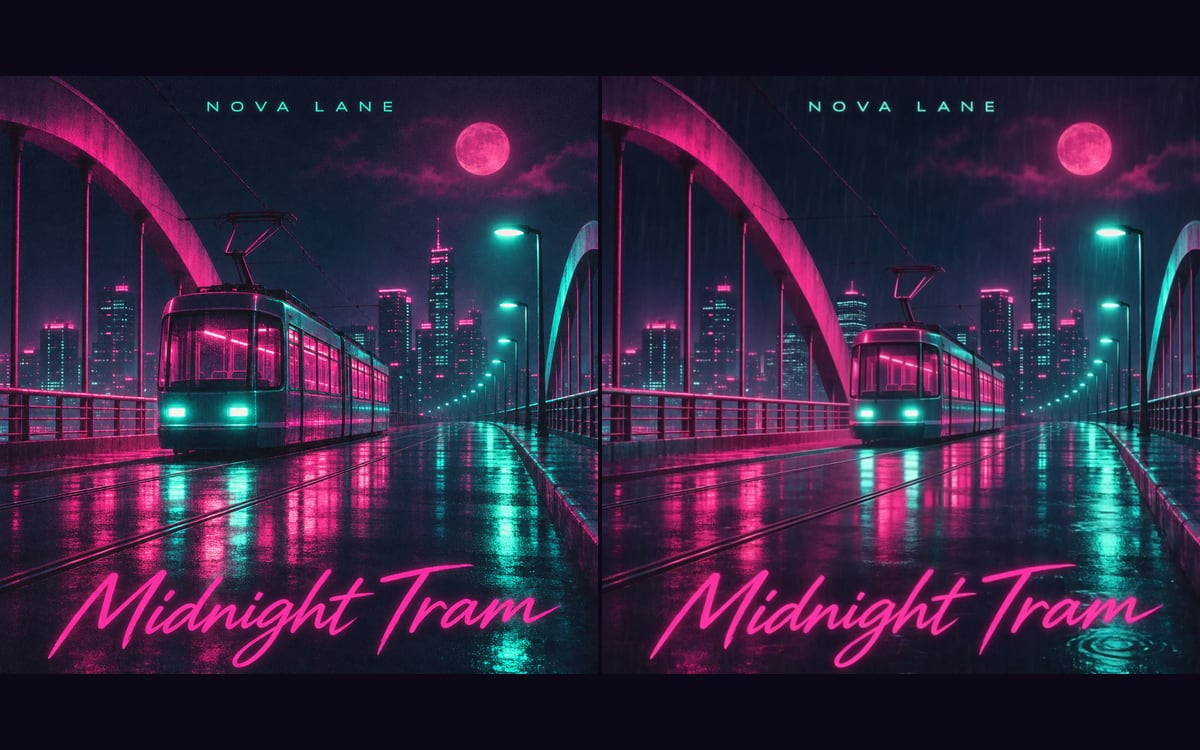 Album cover and visualizerArtist, title and style in: cover art, a looping visualizer and an instrumental track out.
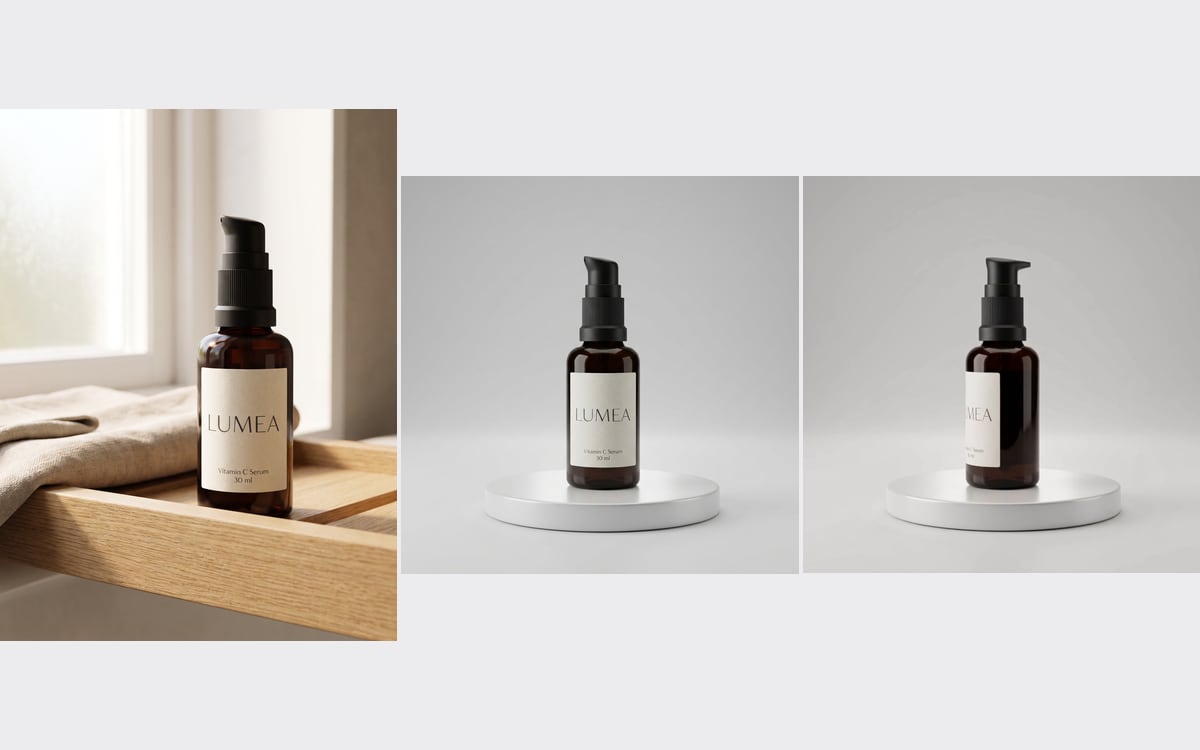 Product turntableOne product photo in, a studio packshot and a short clip of it turning on a turntable out.
Start from Product to UGC
Pick one, swap in your own product or face and press run. You start with 1,000 free credits.
Get early access