
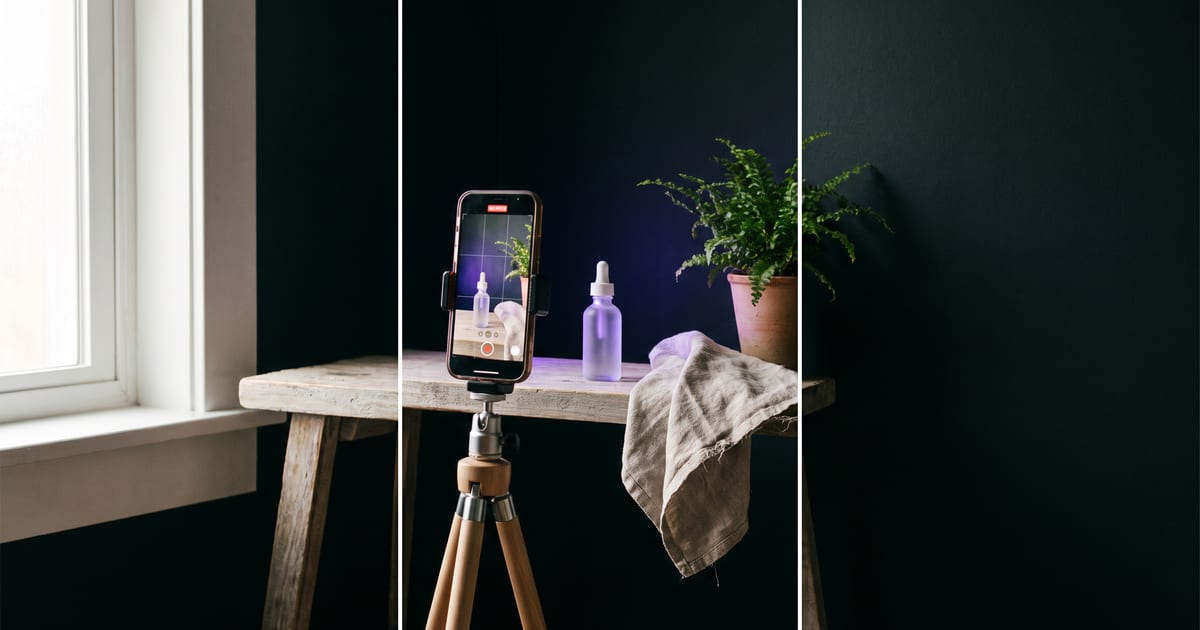
Why UGC style works
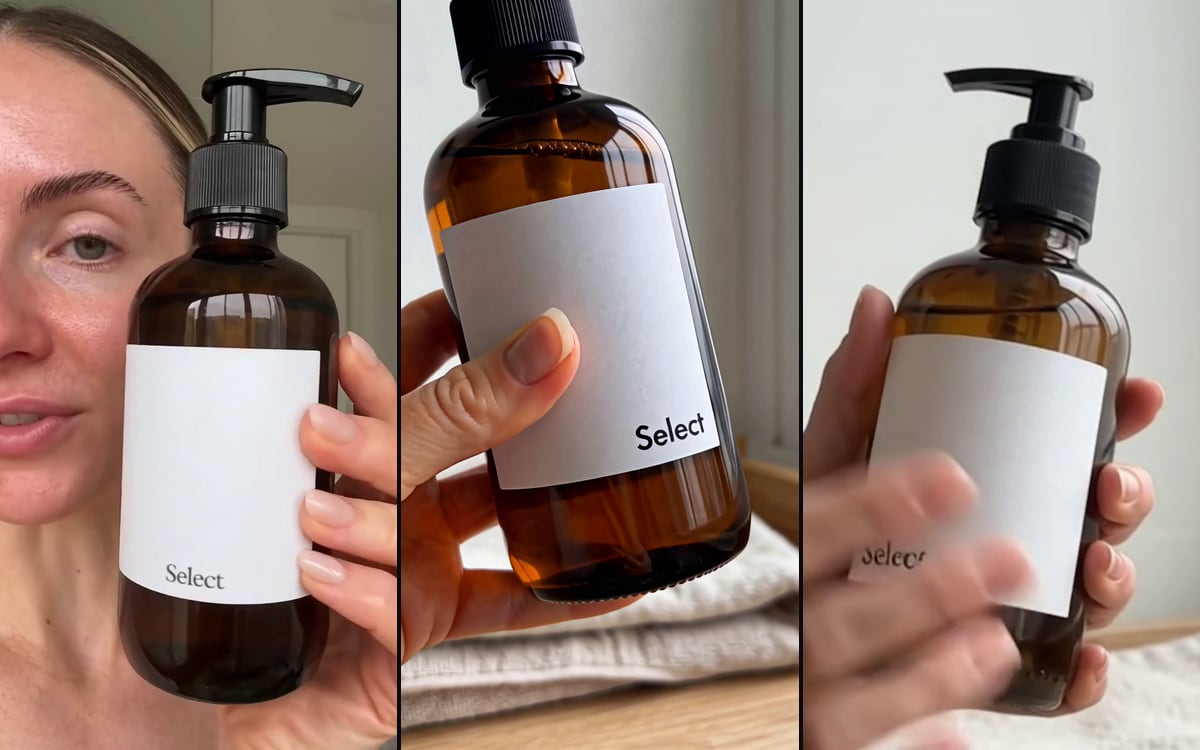
Clips that look filmed on a phone by a real customer often hold attention better on social media than polished ads. They feel like a recommendation, not a commercial.
Making them used to mean finding creators and shipping products. The Product to UGC template starts from one product photo.
What makes it believable
Check every clip on the product itself: shape, colour and label. A product that changes in the clip is worse than no clip.
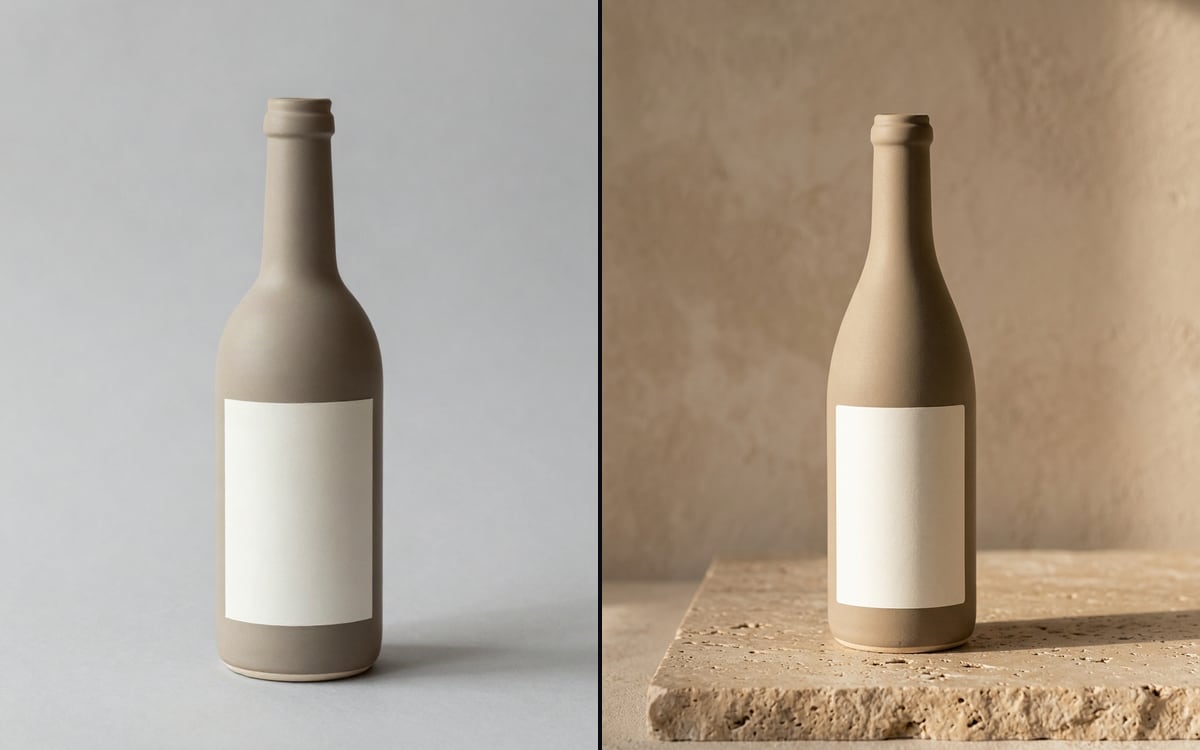
- A clean product photo, so the product stays recognisable.
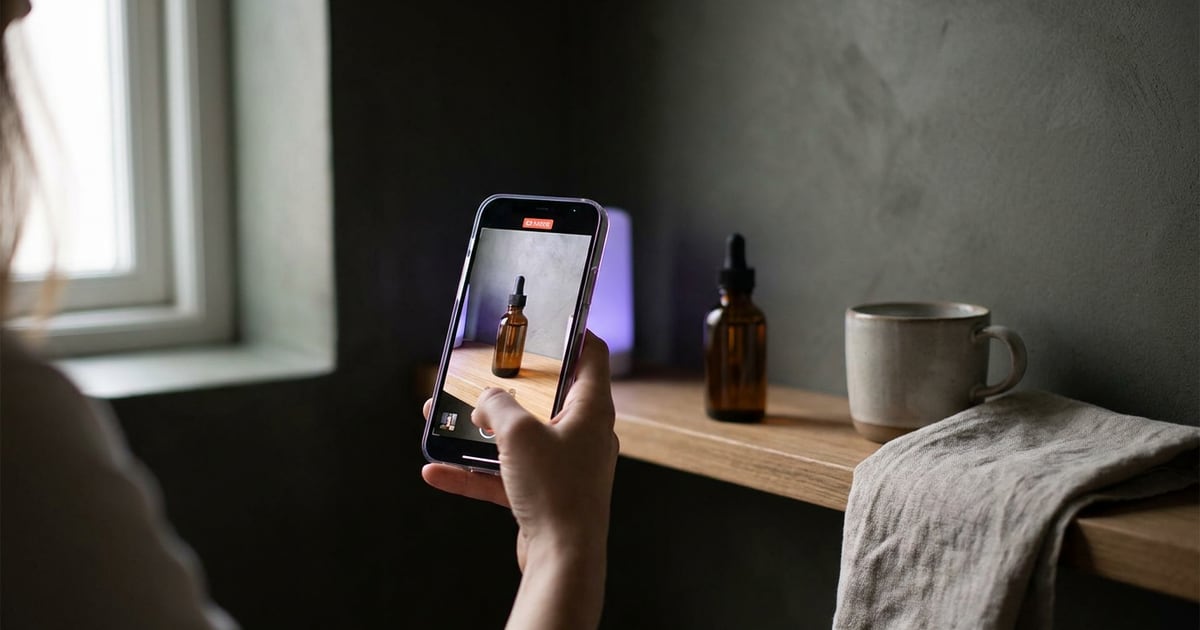
- An ordinary setting: a kitchen, a bathroom shelf, a desk.
- One simple action: picking it up, opening it, showing it to the camera.
- Vertical 9:16 and a handheld feel.
Be open about it
A clip that looks like a real customer review but is generated should not pretend to be one. Label AI content in your ads and posts where the platform or the law asks for it.
Do not present a generated person as a real customer.
Questions
Can I use my own character in it?
Yes. Use a saved character so the same person presents all your products.
Which format should I use?
Vertical 9:16 for Reels, Shorts and TikTok.
Read next

Try it in the studio
Open the studio and try what you just read. You start with 1,000 free credits.
Get early access