
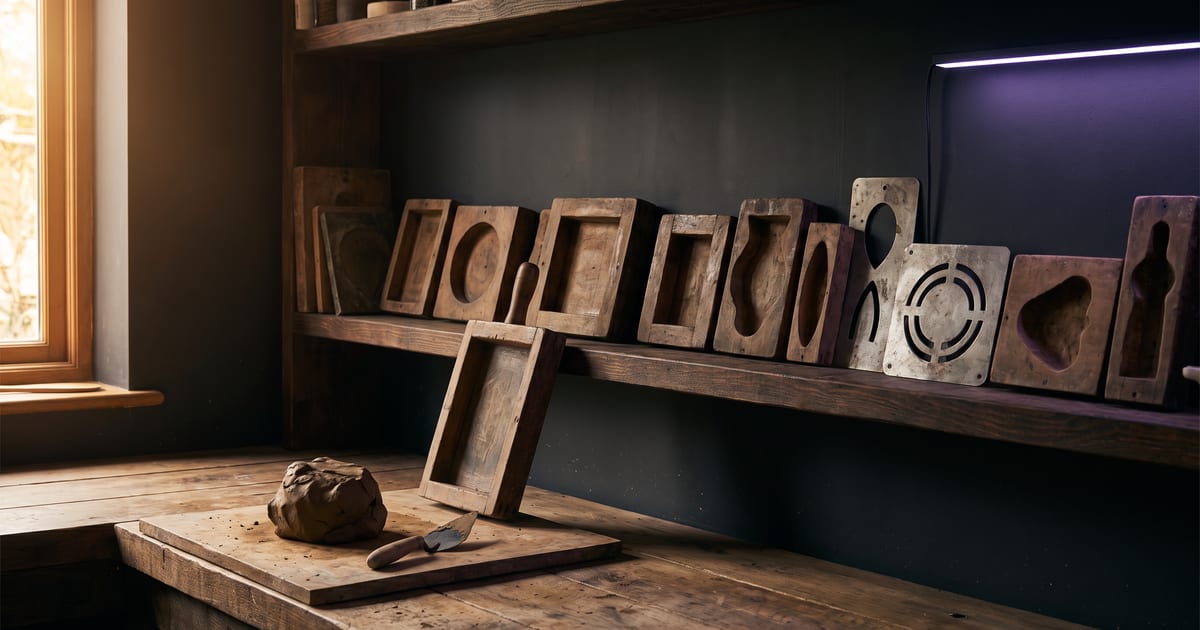
Why templates
Most jobs in the studio follow a pattern: a product photo into a scene, a portrait into a talking clip, a song into a music video. A template is that pattern built once, with the right models and settings, so you do not have to work it out again.
How to use one
Every template shows its price before it runs.
- Open the template and read what it makes and what it needs.
- Add your own input: a product photo, a portrait, a track.
- Run it as it is first, then change one thing at a time.
- Save your version as your own flow when it works.
Templates worth starting with
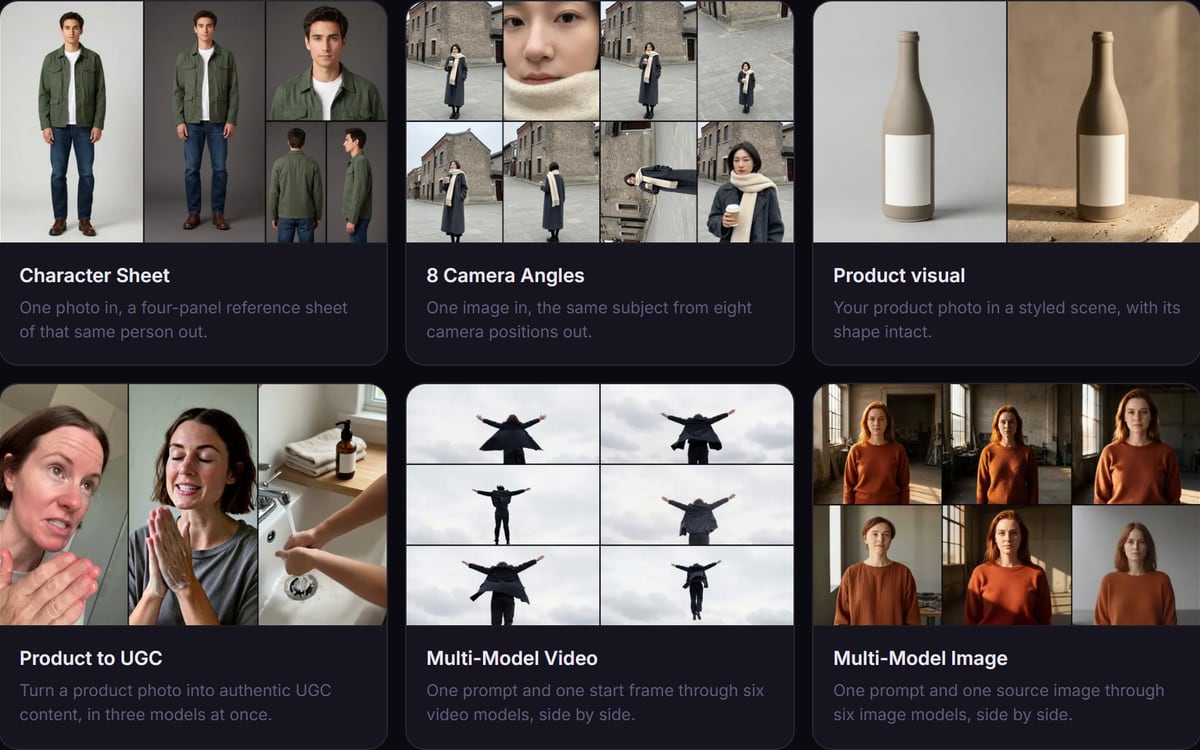
Product to UGC for webshops, Character sheet for anyone building a character, Talking photo for a quick explainer, and Music video for musicians. The templates page has them all, each with an example.
Questions
Can I change a template?
Yes. A template opens as a flow you can edit. Save it as your own when it works.
Can an AI assistant run a template?
Yes, through the connection, with the price shown first.
Read next
Try it in the studio
Open the studio and try what you just read. You start with 1,000 free credits.
Get early access