
AI UGC video from one product photo
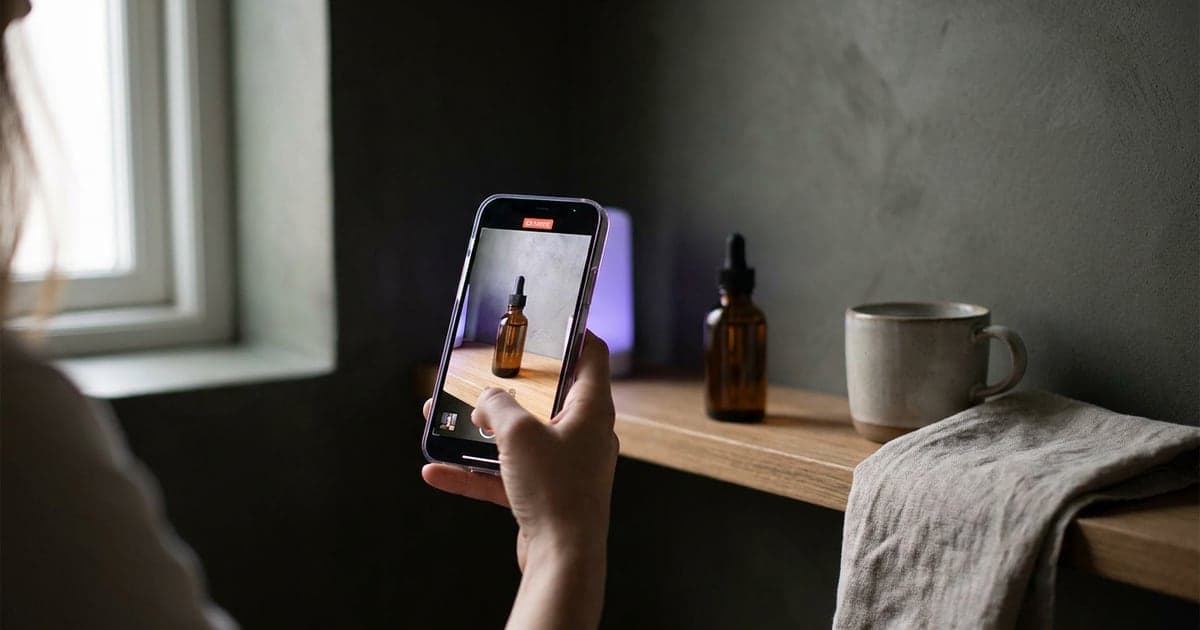
Turn a product photo into a clip that looks filmed by someone who owns it, through three video models at once, and pick the take that sells.
1 min read · last checked
Why UGC-style works
A clip that looks filmed on a phone by someone who owns the product reads as a recommendation, not an ad. Making those with creators takes time; testing ten of them takes longer.
How the template does it
The Product to UGC template starts from one photo of your product. An assistant reads the product, casts someone who would realistically own it, and writes the clip as if that person filmed it on their own phone. The same idea then goes through three video models at once, so you can pick the take that lands.
Change the system prompt to set the tone, the length, whether there is a spoken line, or the kind of person.
Run one first
You pay per model, so run one first if you only want a quick read, and the other two once the idea works.
Check that the product, its label and its shape are right in every take before it goes into an ad.
Read next
Put this guide to work
The studio opens in stages. We open access in the order people signed up, and you start with 1,000 free credits.
Get early access