
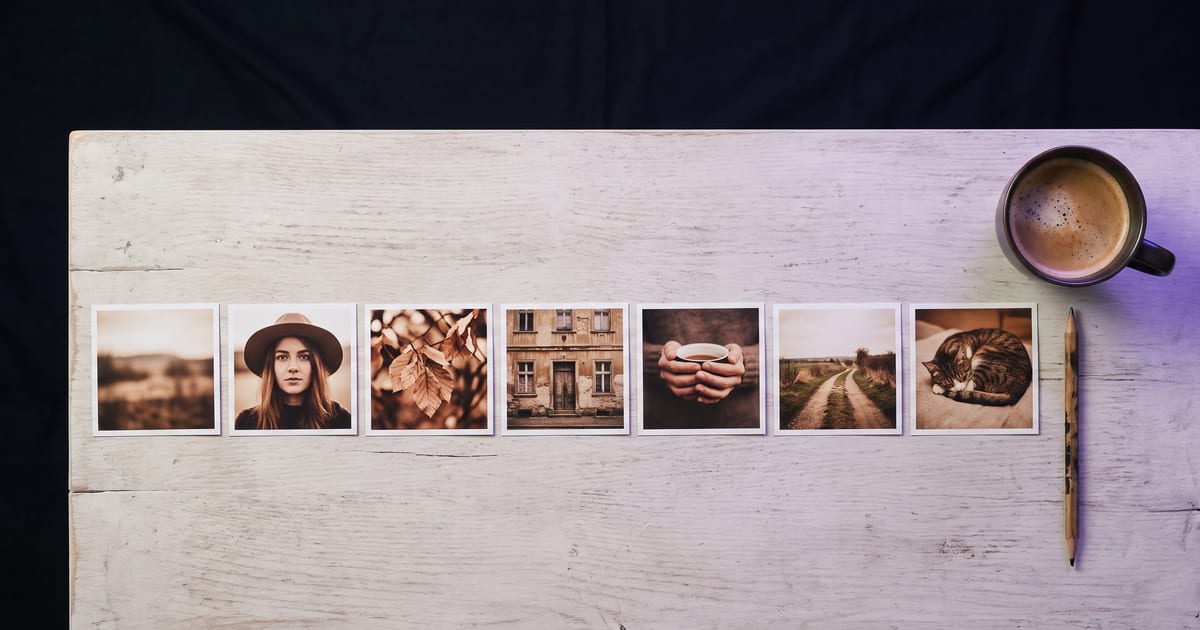
Batch, do not drip
Making one post a day means starting from scratch every day. Making a week at once means you set the style once and keep it.
The steps
- Pick a theme for the week: a product, a season, a question customers ask.
- Write the style once: light, colours, format.
- Make all images in one session, with the same style sentence.
- Lay them side by side and check they belong together.
Mix the formats
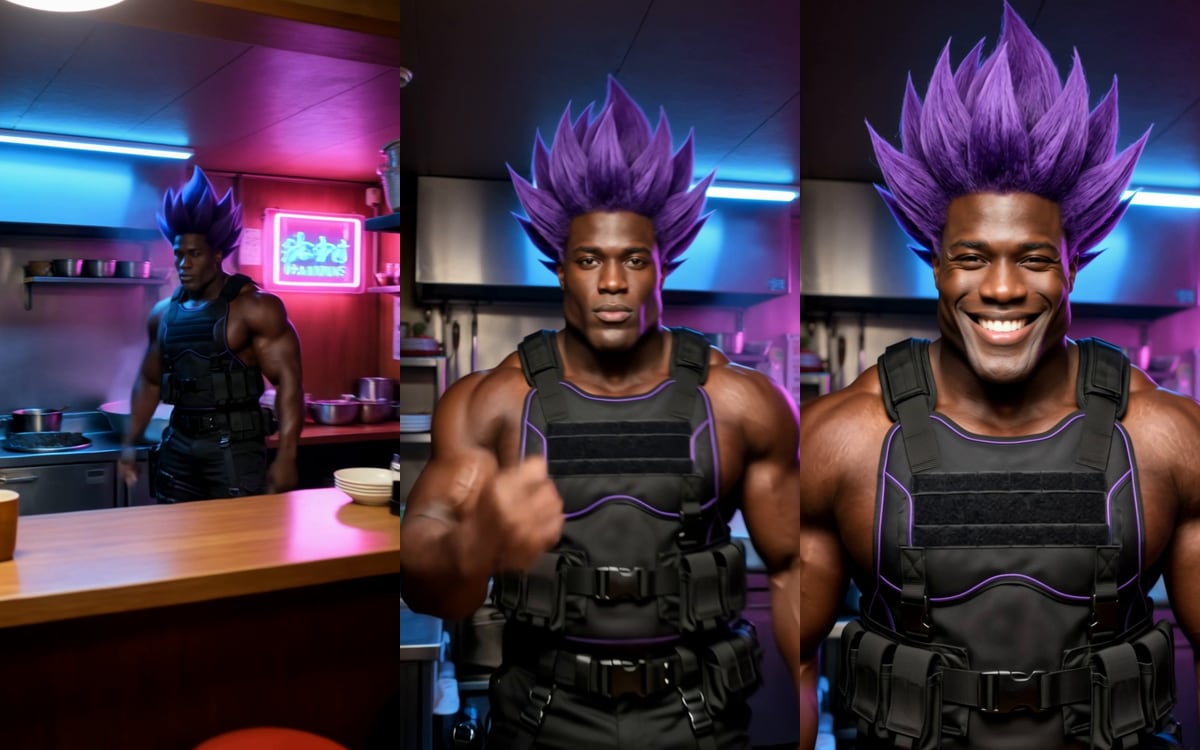
A week with only product shots feels like an ad. Mix a product shot, a scene, a short clip and a character post. The social post template is a quick start for single images.
Questions
Can a flow do this every week?
Yes. Save the steps as a flow and run it with a new theme each week.
Which format for Instagram?
4:5 for the feed, 9:16 for Reels and Stories.
Read next
Put this guide to work
Open the studio and try what you just read. You start with 1,000 free credits.
Get early access