
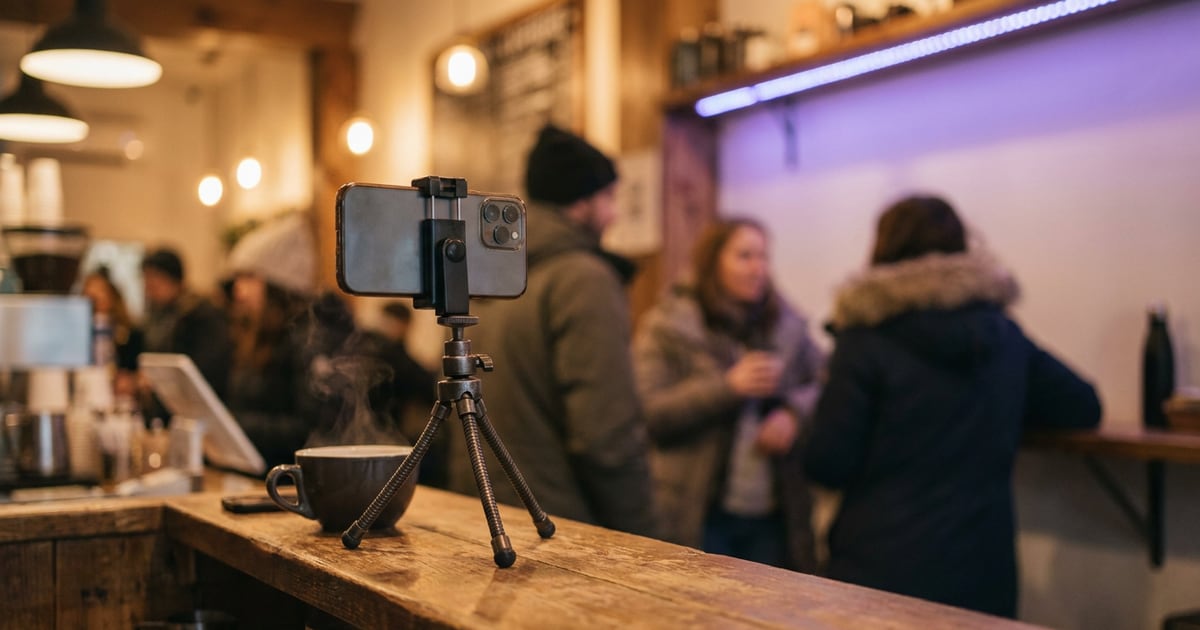
Start from the character, not from a prompt
A Reel with an AI influencer only works if the person in it is the one your followers know. So it starts from the character you built and saved, with its sheet as the reference, not from a description typed again.
In the character's folder, Make my first Reel sets everything up: a vertical 9:16 clip of ten seconds, with sound, and shots the model plans itself.
A hook, a scene and one gesture
The prompt is built from what makes your character recognisable: a hook in the first second, one scene, and the signature gesture you chose when you designed it. Change the place if a busy coffee bar is not where your character lives.
- Keep it to one moment. Ten seconds is a scene, not a story.
- Let the gesture land near the end, where people decide to watch again.
- Post the same character in the same kind of light: that is what a feed remembers.
Then the next one
The Your first Reel template is the same chain on the canvas, so the second, third and tenth Reel are a prompt change away. For a move you film yourself, give your character that move with motion control.
Read next
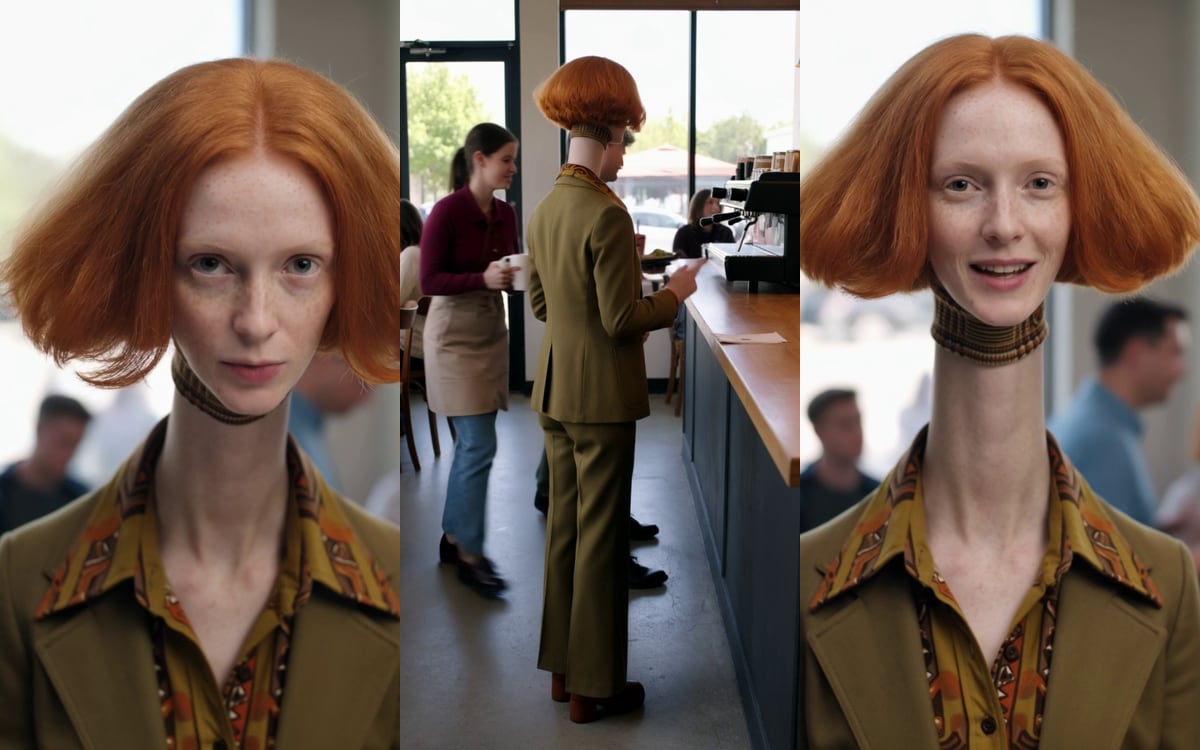
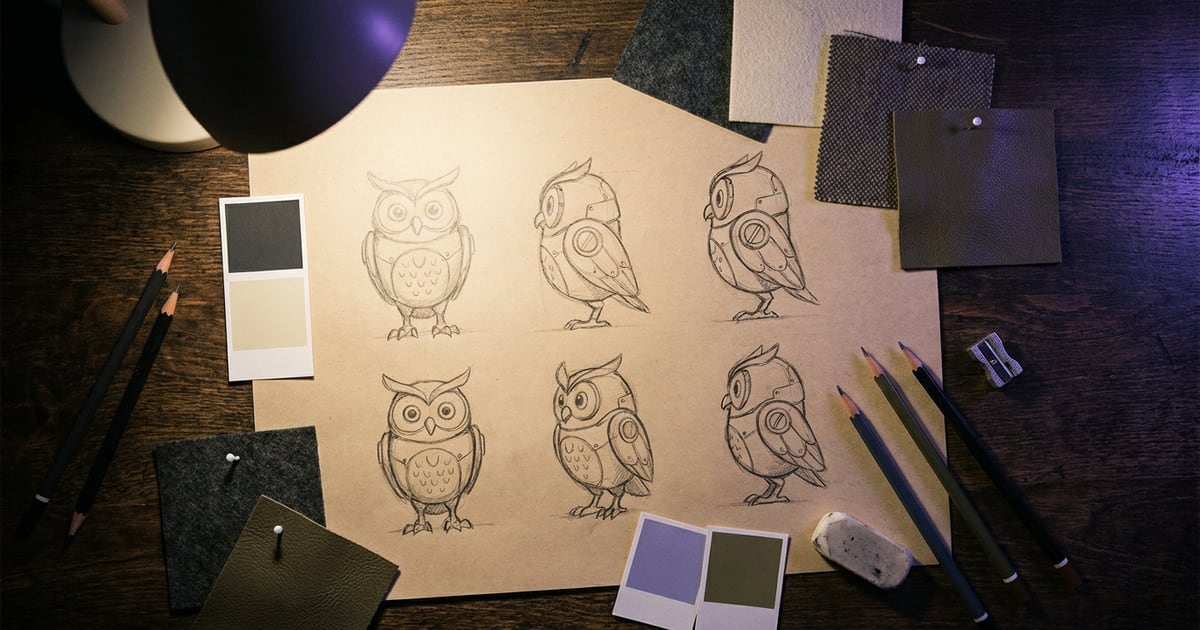
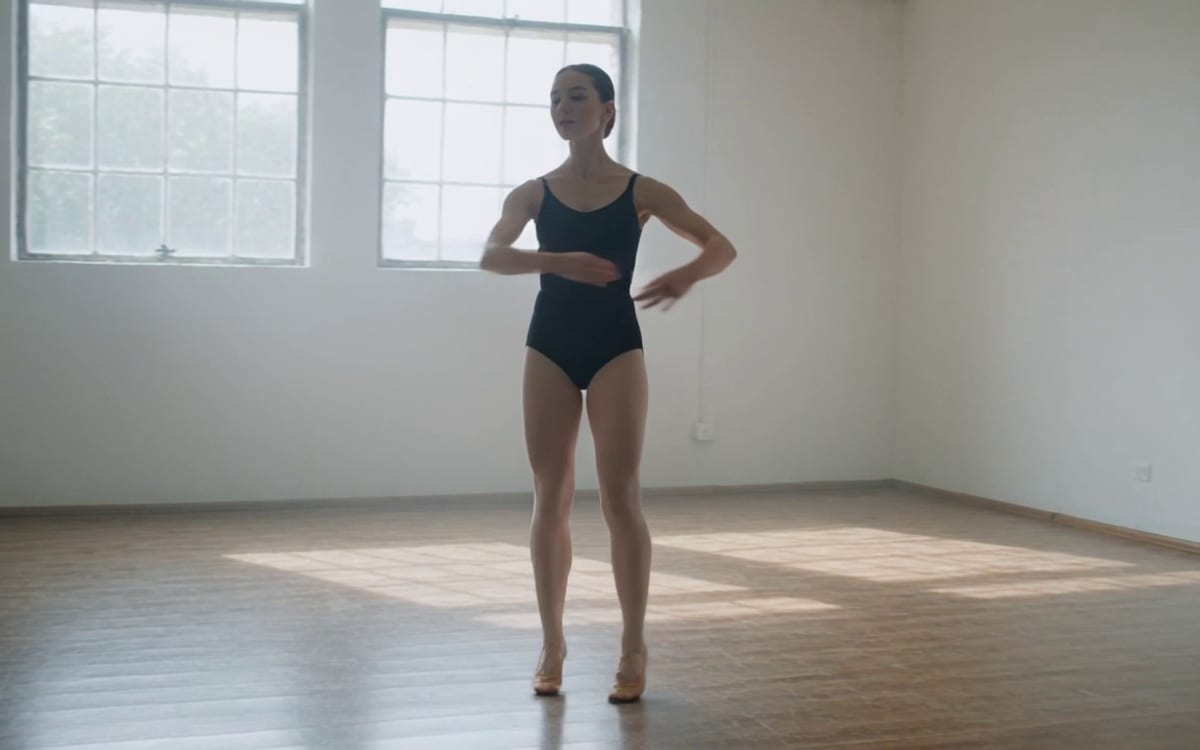
Put this guide to work
Open the studio and try what you just read. You start with 1,000 free credits.
Get early access