
Why products drift
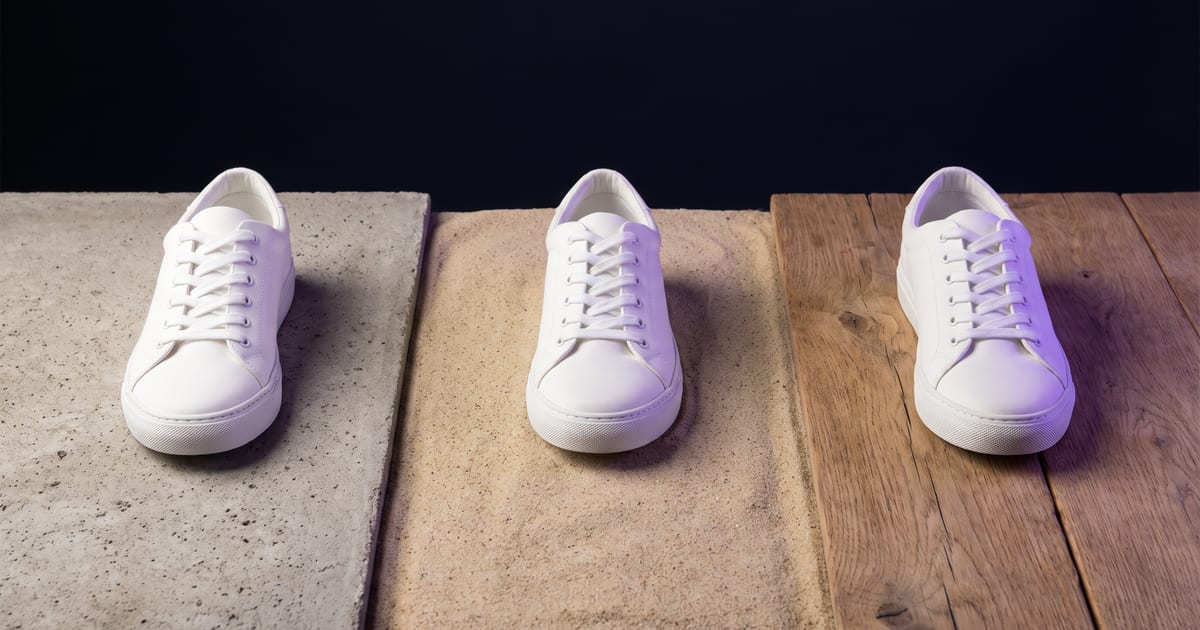
A model that only gets words makes its own version of your product every time. The handle moves, the colour shifts, the label changes. For a webshop that is a problem: the customer buys what is in the picture.
Always send a reference
Use a model that takes a reference image and send a clean photo of the product. Say in the prompt that the product must stay exactly as in the reference. Change the scene, not the product.
Edit instead of generate
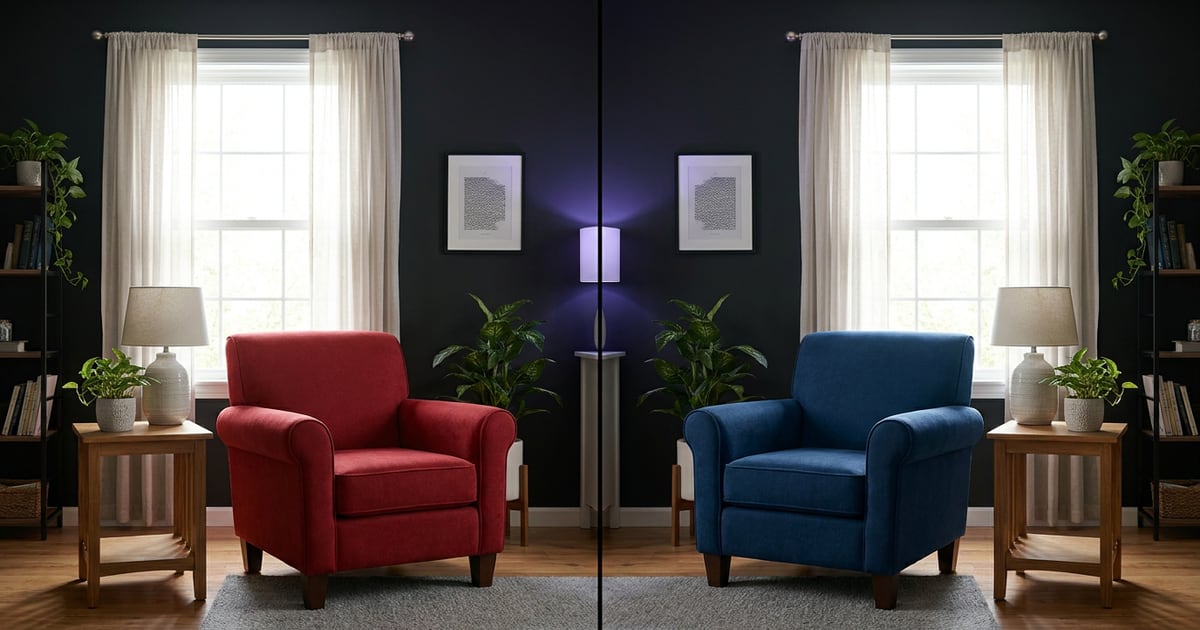
For small changes, such as a new background or other light, edit the image you have instead of making a new one. An edit model changes what you ask and keeps the rest.
Check every image
- Shape and proportions.
- Colour, compared with the real product.
- Label and logo, if visible.
- Small details: buttons, seams, caps.
Add your logo or label afterwards if the model gets it wrong. Never publish a product image you have not checked at full size.
Questions
Is a LoRA better for products?
For one product used in many images, a trained style model can help. For a few images a reference is enough.
Can I put the product in a hand?
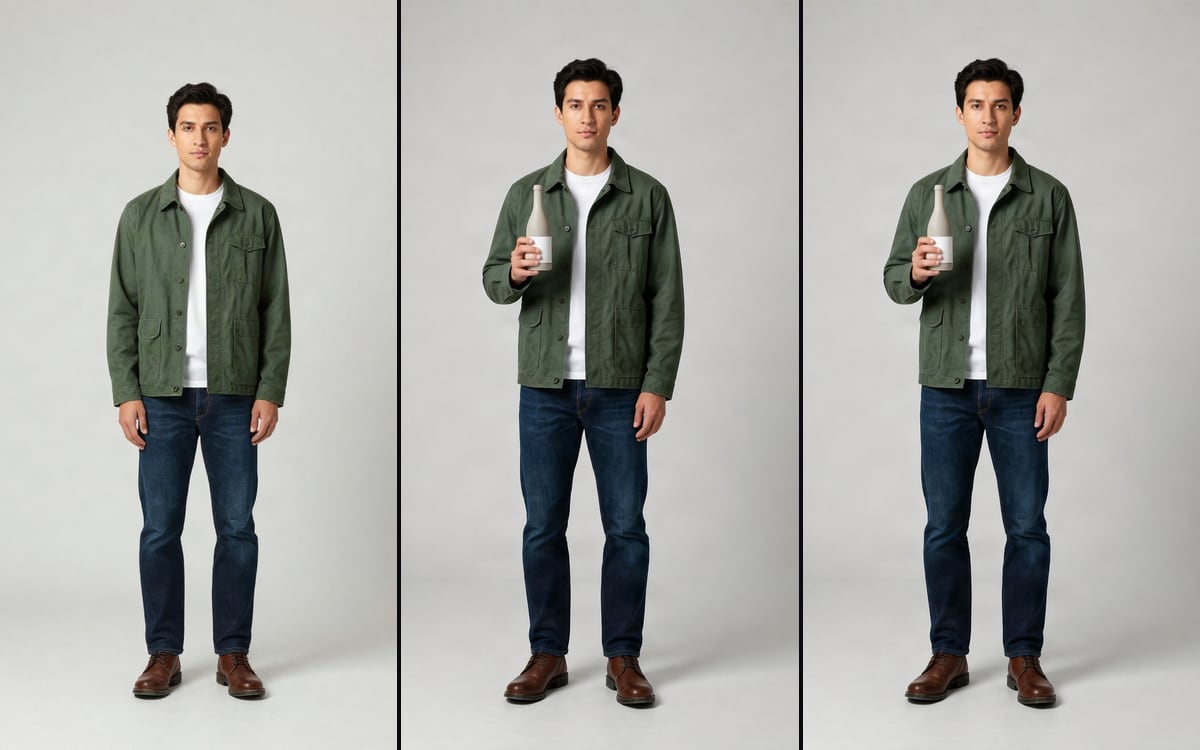
Yes, there is a template for it. Check the hand as carefully as the product.
Read next

Put this guide to work
Open the studio and try what you just read. You start with 1,000 free credits.
Get early access