
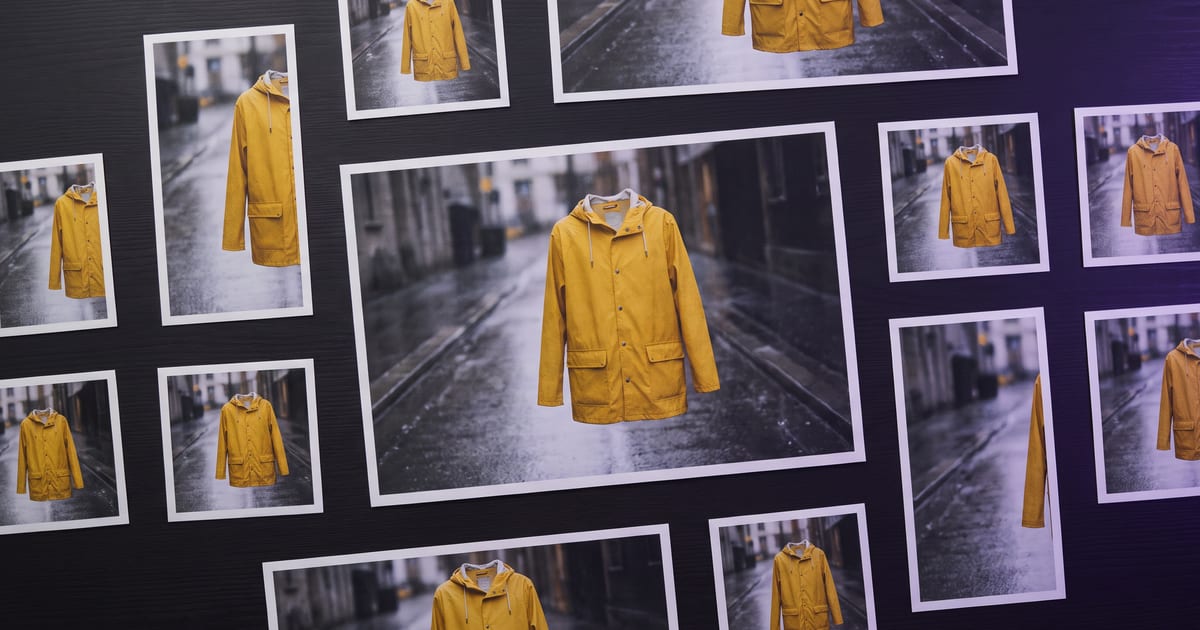
Start from the hero
Pick the one image that captures the idea. Everything else is a variation on it, so the set looks like one campaign.
The set
- Wide banner: expand the image to a wider shape.
- Story: a vertical crop or a new vertical version from the same reference.
- Feed post: 4:5 with room for a short line.
- Video: animate the hero with a slow move.
Keep it consistent
Use the hero as a reference for every variation, with the same style sentence. Check the set side by side before anything goes live.
Choose a hero that can travel
Not every good image makes a good hero. The one that travels has a clear subject, calm space around it, and a background that can grow. A subject cut off at the edge cannot be widened into a banner, and a frame packed to every corner leaves no room for text in any format.
Before you build the set, ask of the hero: can it be wider, can it be taller, and where would the headline go in each?
A worked set
A hero image of a coffee shop window at dusk, 4:5, warm light inside, a calm street outside. From that one picture:
- Website banner: the Expand image tool widens it to 16:9, no prompt needed; the extra street becomes room for the headline.
- Story: a new vertical version with the hero as reference: "the same shop window, same light and colours as the reference, composed for a tall frame, the window in the middle".
- Feed post: the hero itself, in 4:5.
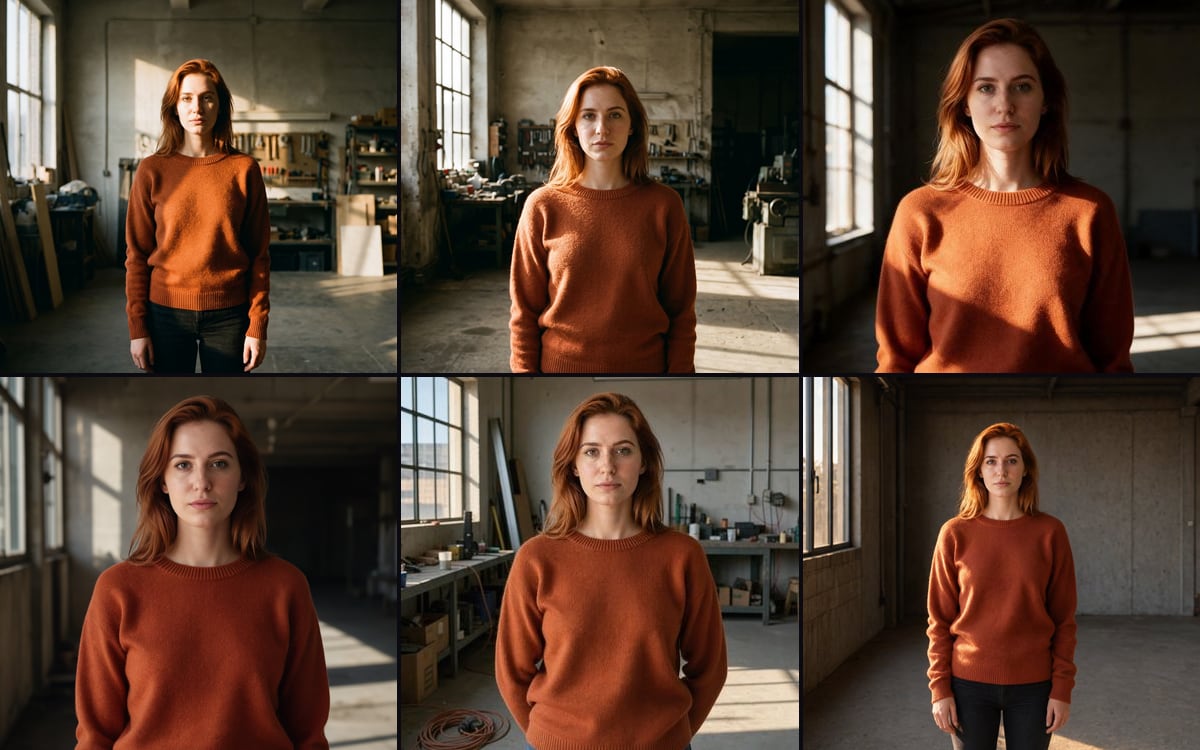
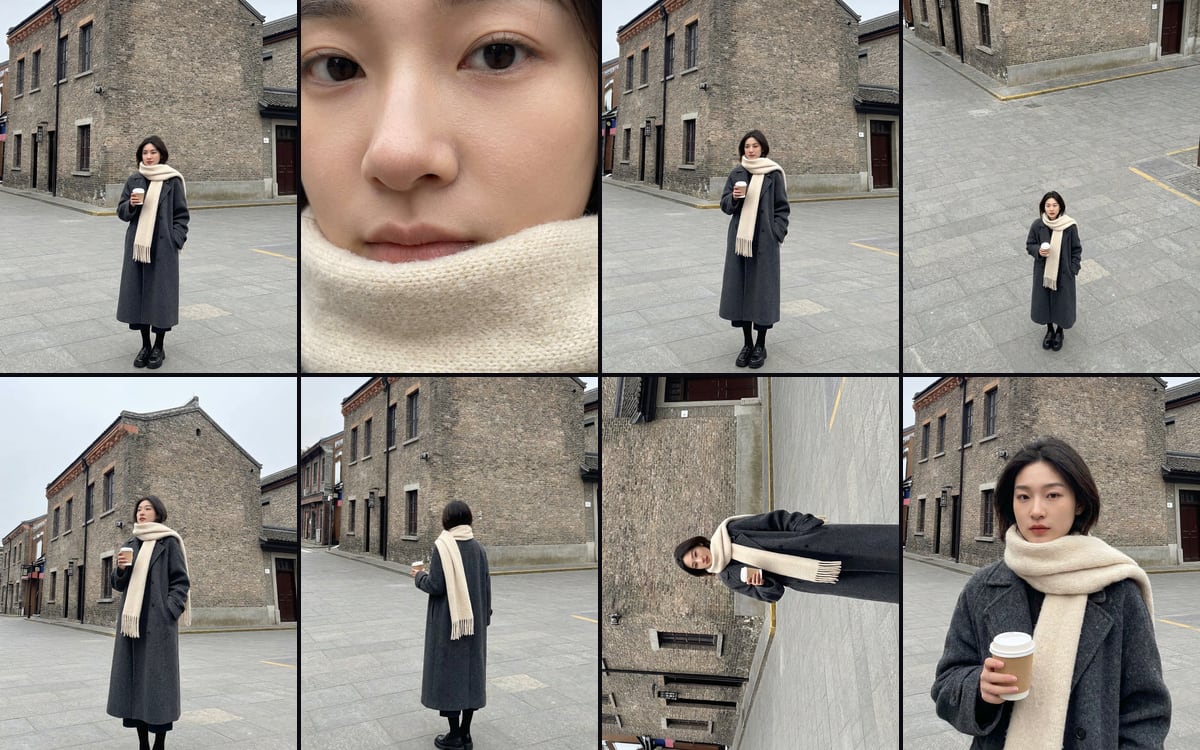
- Details: the Camera angles template turns one image into eight camera positions of the same subject, for close-ups and side views.
- Video: Make a video of it under the hero, with "light flickering softly inside, a cyclist passing, the camera dollying slowly in".
Widen or remake?
Widening keeps the hero exactly as it is and adds picture at the edges. It is the right choice when the subject must stay identical, such as a banner next to the post it came from. A new version from the hero as reference recomposes the scene, which a tall Story frame often needs.
Cropping is the last choice. A crop from 4:5 to 9:16 or 16:9 throws away picture you paid for and usually cuts into the subject.
Templates that do part of the set
Several templates turn one image into a group of related pictures. Camera angles gives eight positions of one subject. E-commerce image set turns one product photo into a packshot, a lifestyle shot, a detail and a flat lay. Each opens as a flow on the canvas with your own image as the input.
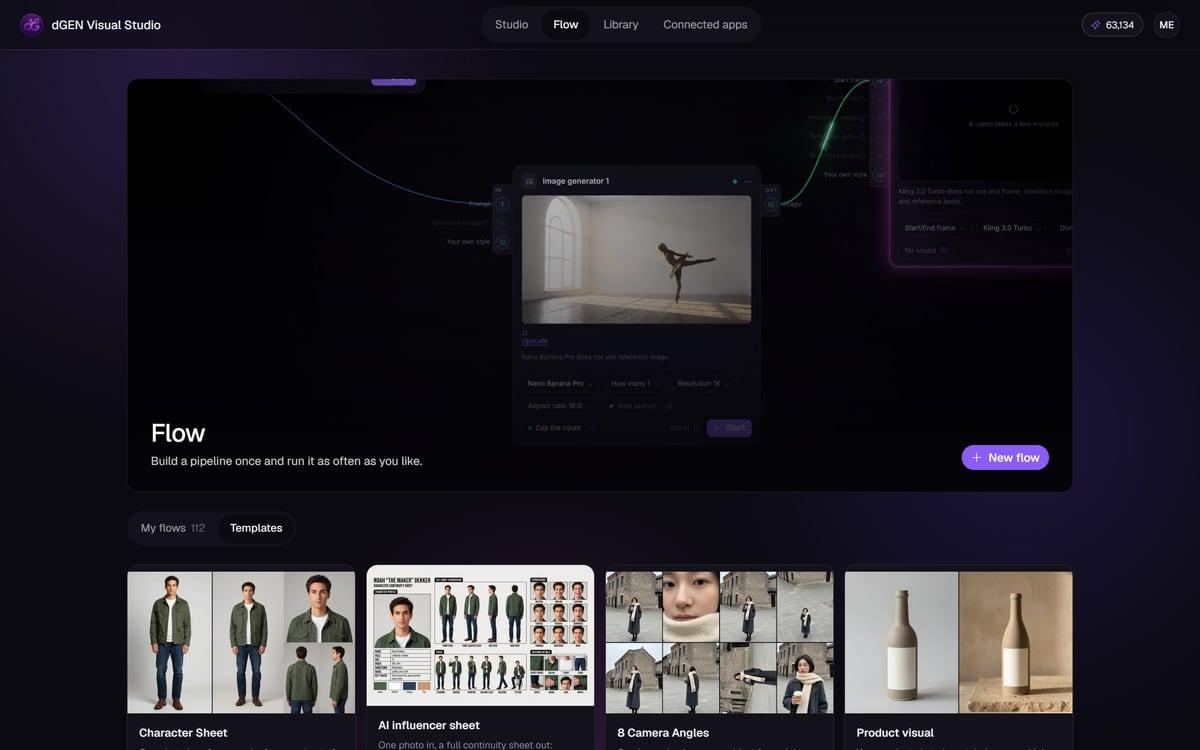
Build it once as a flow
On the canvas, put the hero in a File node and connect it as a reference to every generator in the set, each with its own shape and the same style presets. Run it, check it, save it. The next campaign is the same flow with a new hero in the File node.
Leave the words out of the pictures
Headlines, prices and logos change per format: a banner holds a full line, a Story only three words. Keep every image in the set free of text and add the words per format in your editor. Then one change to the offer means editing text layers, not making the set again.
Plan where the words go in each shape before you make it. Ask for the calm area in the prompt, on the same side every time if your layouts allow it, so the set reads as one campaign even with different copy.
Deliver it
In the Library, select the finished set and press Download .zip to get every file in one go. Hide the drafts from the Library view so the next person who opens it sees only the finals. Check each file at full size before it goes out; small errors are easier to miss in a set than in a single image.
Mistakes that break a campaign
- A new prompt per format without the hero as reference: five images, five looks.
- Text inside the hero: it stretches, crops or vanishes in every other shape.
- A different model for the video than for the stills, with a different light.
- Checking each format on its own instead of side by side.
Questions
Can a flow make the set?
Yes. Build the variations once and run the flow with a new hero image.
How do I widen an image?
Expand it with the expand tool.
Which shapes does a campaign need?
It depends on where it runs, but a common set is 16:9 for a website and YouTube, 4:5 for a feed, and 9:16 for Stories, Reels and TikTok. Make the list from your media plan first, then build exactly those shapes and no more.
How do I keep the video in the same look?
Start the clip from the hero or from one of the stills in the set, with Make a video of it, and describe only the movement. The clip inherits the light and colours of that picture. A clip made from text alone, even with the same style sentence, drifts further from the set.
Can the AI Assistant build the set?
Yes. Attach the hero and ask for the formats you need, with the style sentence. It proposes a flow with the price before anything runs, and Open on the canvas lets you keep that flow for the next campaign.
Read next
Put this guide to work
Open the studio and try what you just read. You start with 1,000 free credits.
Get early access