
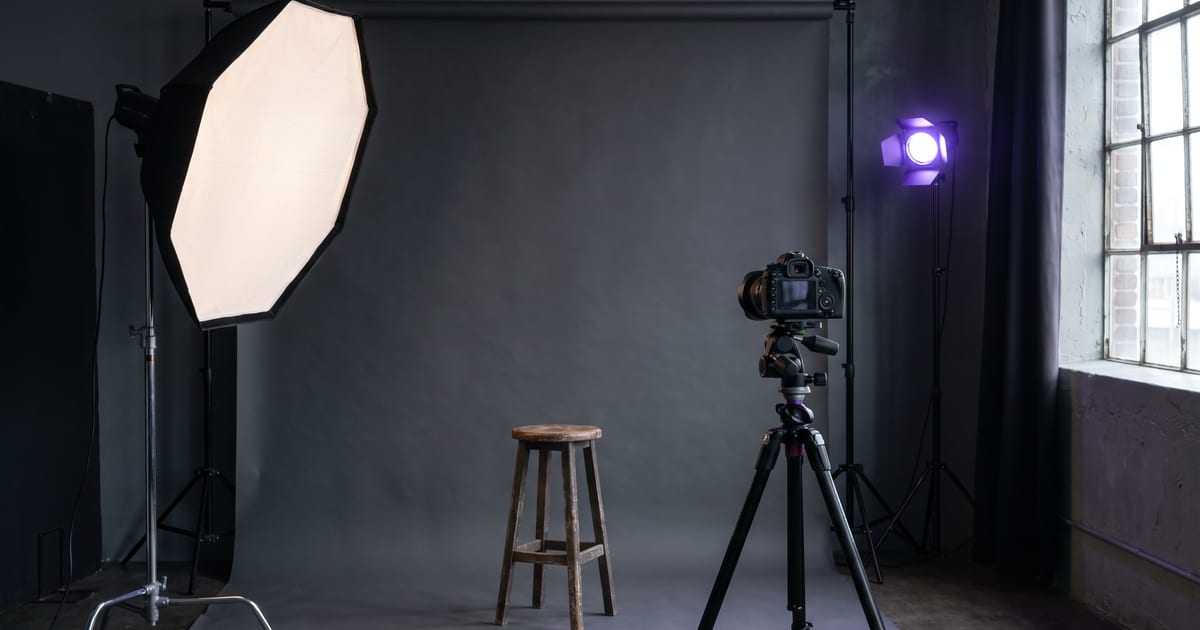
What an AI headshot generator does
An AI headshot generator takes a photo of your face and makes new portraits from it: in a studio, outdoors, in an office, in better light and with a cleaner background. You get the look of a professional shoot without booking a photographer.
The hard part is not the background or the light. It is keeping the face exactly yours. A headshot that looks a bit like you, but younger or with a different jaw, is worse than no headshot, because people notice the moment they meet you.
Start with the right photo
The result can only be as good as the photo you put in. You do not need a professional camera; a recent phone photo works if it gets a few things right.
- Your face straight on or slightly turned, eyes visible.
- Even light on both sides of your face, no hard shadows.
- No sunglasses, no hand in front of your face, no strong filter.
- A recent photo, so the result looks like you today.
Choose a style that fits where it goes
A headshot for LinkedIn asks for something else than one for a speaker page or a creative portfolio. Decide where it will be used before you generate, and describe that setting.
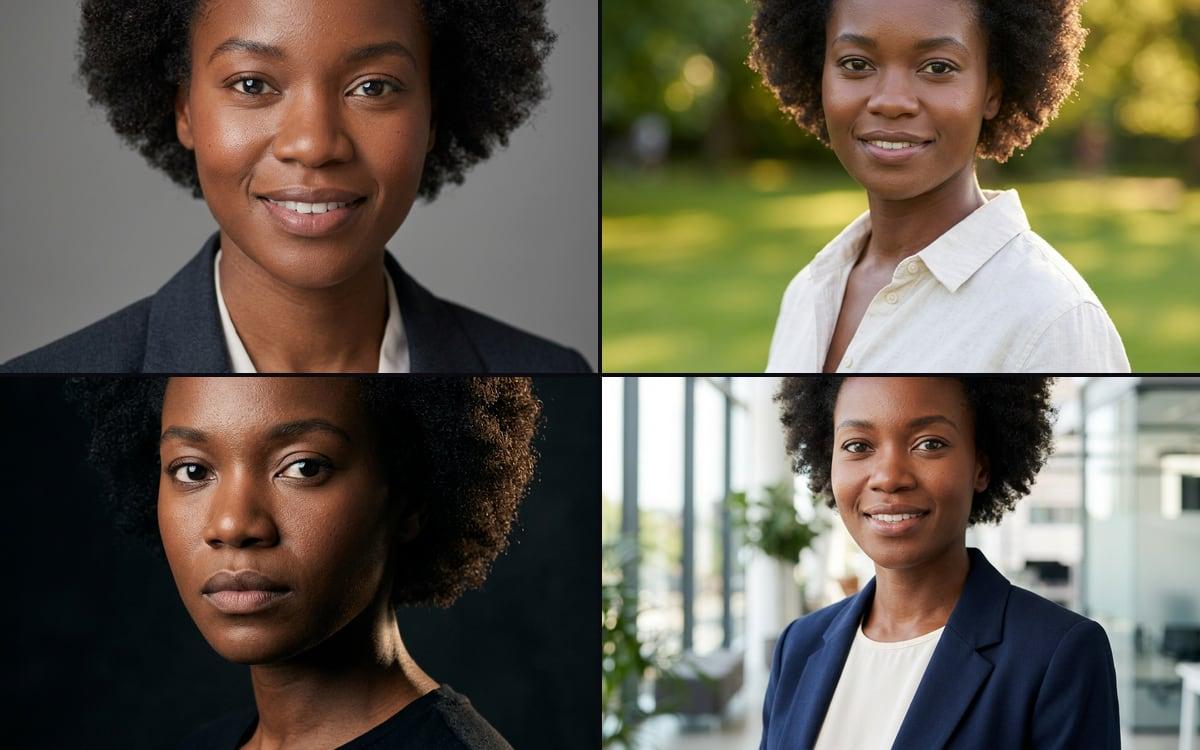
- Studio: plain background, soft light, neutral clothing. Safe for LinkedIn and company pages.
- Office: a blurred workplace behind you. Good for team pages.
- Outdoor: natural light and greenery. Friendlier, good for founders and consultants.
- Editorial: stronger light and contrast. Good for speaker pages and press.
How the studio keeps the face the same
The headshot set template makes four portraits from one photo, studio, outdoor, editorial and office, and keeps the face the same in all four. It uses your photo as the reference instead of describing a person in words, so the result is you in a new setting rather than a new person who resembles you.
If you need many headshots of the same person over time, make a character of yourself once. Every new portrait then starts from that character, so your headshots stay consistent across a year of posts.
Headshots for a whole team
A team page looks best when every portrait has the same background, light and framing. Use one style line for everyone and run the same template per person. The difference with a photographer on location is that someone who joins next month can get a matching headshot the same day.
Where it goes wrong
Look at every result at full size. The common mistakes are small but noticeable: teeth that look too even, ears that do not match, glasses that change shape, hair that merges with the background. Throw those away and generate again rather than using one that is almost right.
Only make headshots of yourself, or of someone who has given you permission. A face is personal data.
Using the result
Download the headshot in a square and a portrait crop: most profile pages show a circle, while websites and press kits use a vertical portrait. Keep the original photo too, so you can make a new set when your style changes.
AI headshot or a photographer?
A good photographer still wins when the portrait is the work itself: a book cover, a campaign, a magazine feature. They direct you, catch the moment you relax and know light in a way a prompt does not.
An AI headshot wins on speed and consistency. You can have a new portrait the same afternoon, make a version for every season or role, and give a new colleague a matching photo without booking a day. For most profile pictures, team pages and speaker bios, that is what you need.
- Choose a photographer for a portrait that is the main image of a campaign.
- Choose AI for profile photos, team pages and quick updates.
- Combine them: one professional photo as the source, AI for the variations.
What happens with your photo
Your source photo and the portraits you make stay in your own library. They are not shown to other users and you can delete them at any time. Read the privacy page if you want the details, and ask the same question of any headshot tool you use: a face is the most personal image you upload.
The headshot set, step by step
The portraits come out in 4:5. Change the clothing in a prompt if a blazer is not your style; leave the closing sentence about the face as it is.
- Open the Headshot set template and drop one clear, well-lit photo of the face into the upload slot.
- Look at the four prompts: Studio, Outdoor, Editorial and Office. Each one keeps the face, hair, eyes and skin tone the same and changes only the setting and the clothes.
- Press Run only on the settings you need. Each one is its own step, so you do not pay for all four.
- Compare the results with your photo at full size and keep the ones that look like you.
Questions
Is an AI headshot good enough for LinkedIn?
Yes, if it looks like you today. Use a recent photo and choose the studio or office style.
How many photos do I need?
One clear photo is enough for the headshot set. For a reusable character, a few photos from different angles give a more stable result.
Can I make headshots for my team?
Yes, with each person's permission. Use the same style line for everyone so the team page looks like one shoot.
Can I change clothing or background?
Yes. Describe the clothing and setting you want; the face stays the same.
Read next
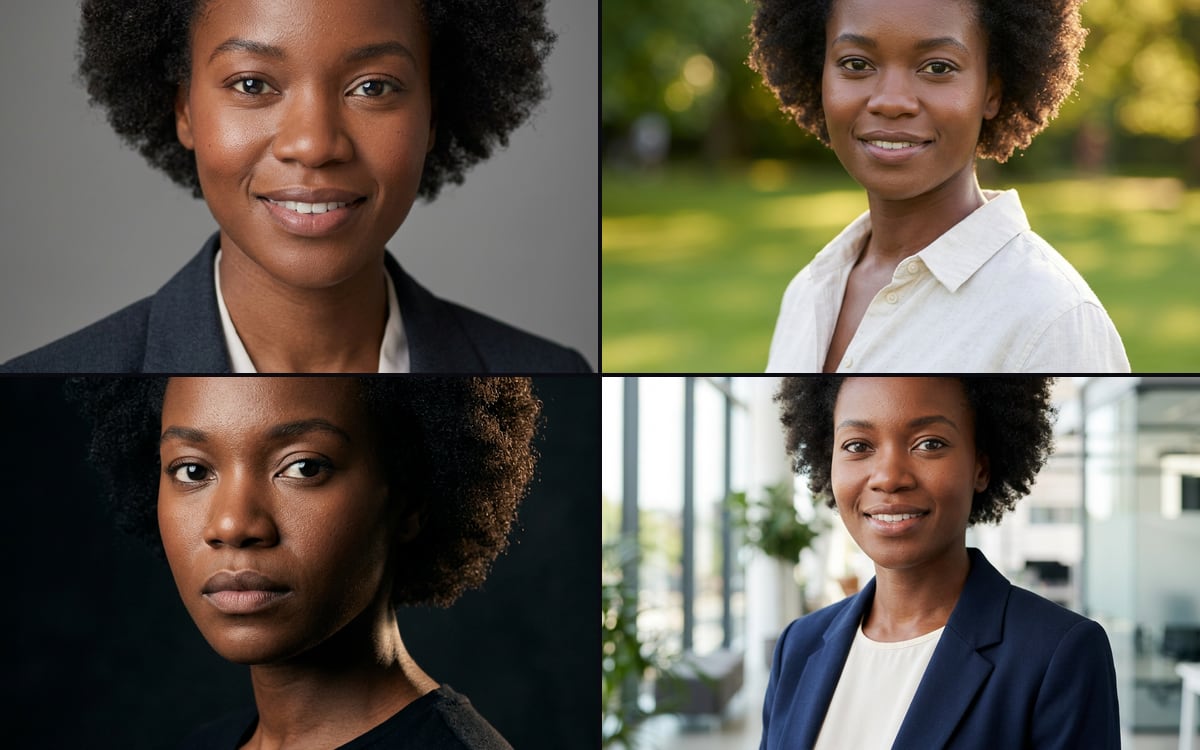 Headshot setFour professional portraits from one photo.
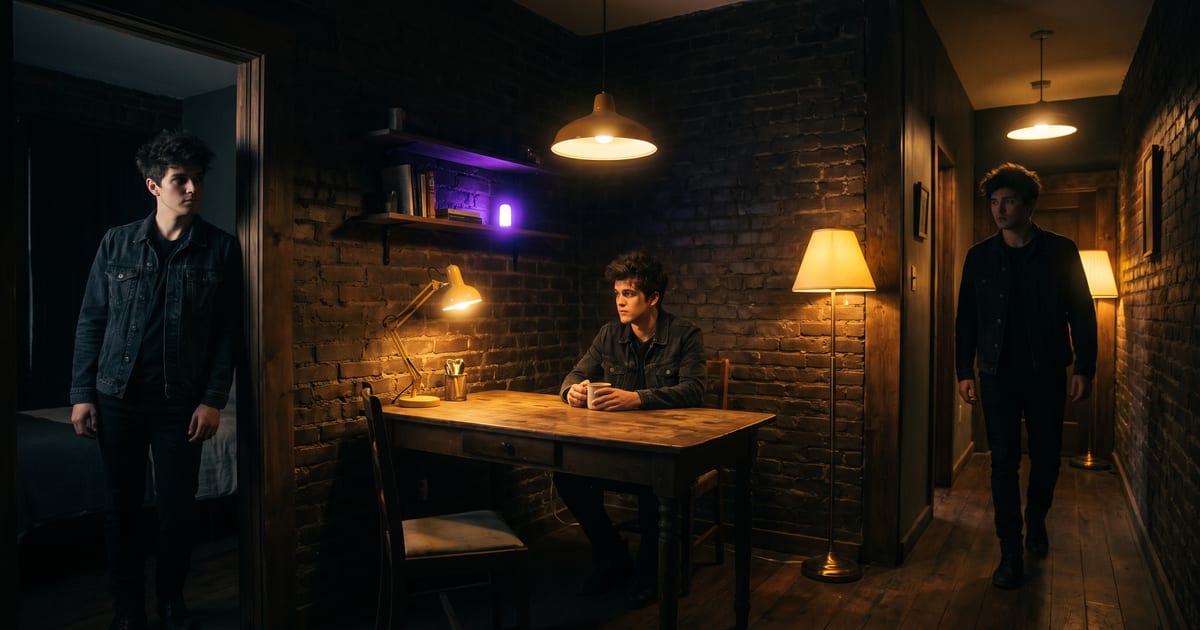 A character that keeps coming backReuse the same face.
 Fixing hands and facesWhen a detail is off.
 AI image generatorAll image models in one place.
 Why a character sheet keeps a face the sameFor headshots over a year.
 Expand an imageMore room around a tight crop.
Try it in the studio
Open the studio and try what you just read. You start with 1,000 free credits.
Get early access