
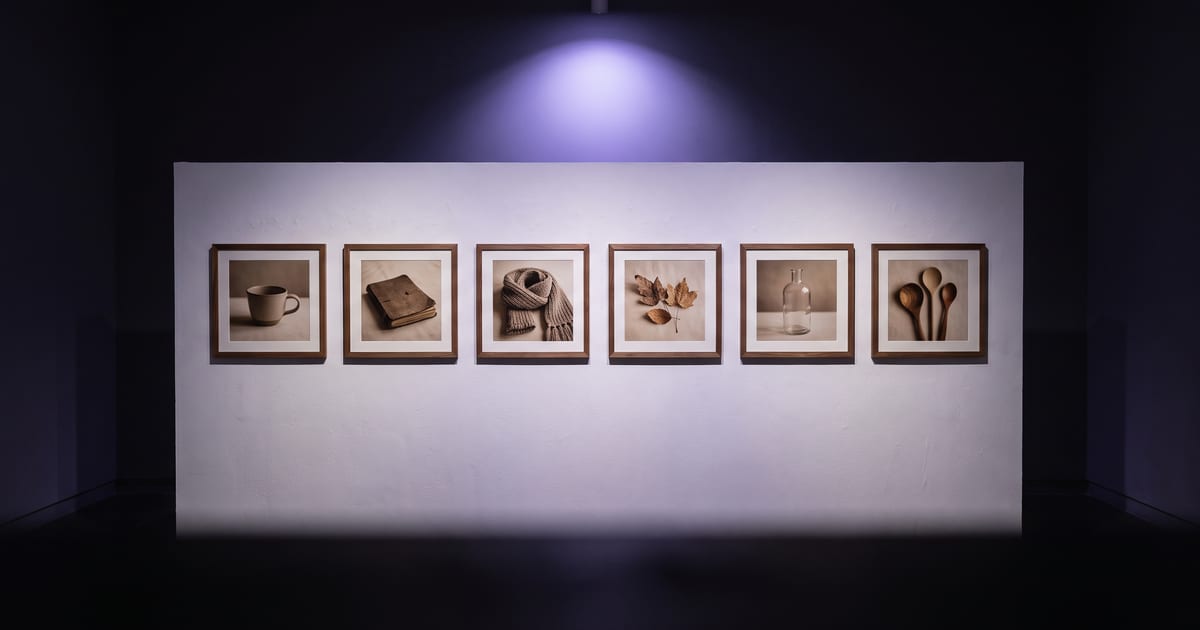
Fix the style once
Write one sentence for light, colour and camera, and paste it under every prompt. Change only the subject. That alone gives a series that belongs together.
Keep the rest the same
- The same model for the whole series.
- The same aspect ratio.
- The same presets.
- One reference image for the look, if you have one.
Check as a set
Lay the images side by side. The one that does not fit is easy to spot that way, and easy to make again.
For a lasting look
If you use the style for months, a trained style model keeps it without a long style sentence.
Anatomy of a style sentence
A style sentence names how the picture looks, never what is in it. Four parts are enough: the light, the colours, the camera and the texture. "Soft window light from the left, muted sage and cream tones, eye level on an 85mm lens, fine film grain."
Leave out adjectives that judge, such as "stunning" or "beautiful". They tell the model nothing it can draw, and a long stack of them pulls each image in a slightly different direction.
A worked example
Three images for a bakery, one style sentence under each: "Soft window light from the left, warm wood and cream tones, eye level on an 85mm lens, shallow depth of field." The subjects change, the sentence does not.
- A sourdough loaf on a floured board.
- Hands shaping dough on a wooden counter.
- A paper bag of rolls on the shop counter.
Presets keep the wording fixed
Presets are the style sentence in tested form. Pick one per category, for example Editorial for style, 85mm portrait for lens, Soft window key for light and Warm film stock for grade, and set them on every prompt in the series. Each adds exactly the same words every time, so nothing drifts because you phrased it differently on a Tuesday.
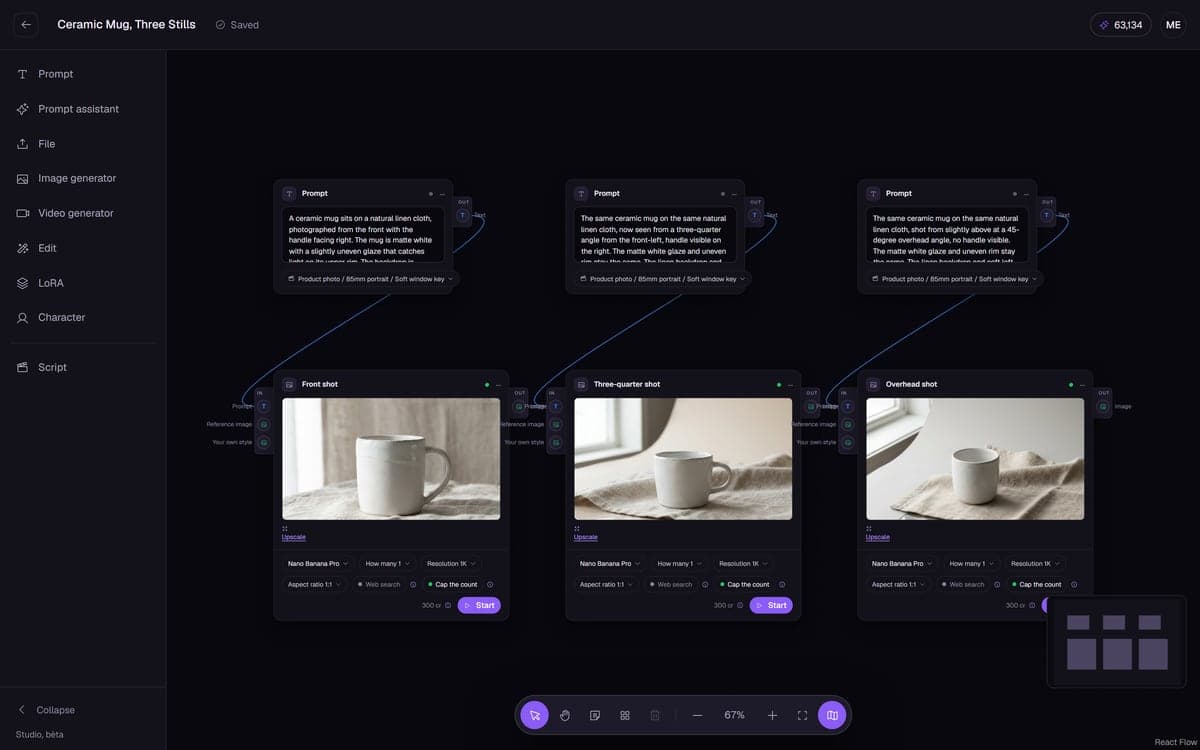
On the canvas you can see the chosen presets on each Prompt node, which makes it easy to spot the one prompt in a set that has something else.
One image as the reference for the look
Once one image is exactly right, use it to steer the rest. Under the result, As reference starts a new image with it as the guide. Say what to take from it: "the light, colours and grain of the reference, not its subject". Without that line the model may copy the loaf into every picture.
Build the series as a flow
On the canvas, a series is a row of Prompt nodes with the same presets, each wired to an Image generator on the same model, the same shape and the same resolution. Save it, and the next series is the same flow with new subject lines.
Prefer to describe it? Ask the AI Assistant for "five images in one consistent style" with your style sentence in the message. It proposes the flow with the price, and Open on the canvas puts it there for you to keep.
The same style in video
A clip that starts from one of your stills inherits its light and colour. Press Make a video of it under the still and describe only the movement. A clip made from text alone, even with the same style sentence, tends to drift further, because the video model has no picture to match.
Your own style, trained
A style you use for months is worth training as a LoRA, a small style model of your own. Upload it once and it appears under My styles in the Library, ready to connect to any flow. Z-Image Turbo is built for high volume with your own LoRAs at a low price, and Qwen Image for your own LoRA with clean text and fine detail.
Mistakes that split a series
- Switching model halfway because a new one looked interesting.
- Mixing shapes: three in 4:5 and one in 1:1 look like two sets.
- A style sentence that mentions a subject, which then shows up in every image.
- Fixing one image in an editor with a different colour treatment than the rest.
Questions
Can a flow keep the style?
Yes. A flow saves the model, settings and style sentence.
Do presets help?
Yes, they add the same wording every time.
How many images can one style sentence carry?
As many as you need, as long as the model, the shape and the presets stay the same. A sentence that holds for three images usually holds for thirty. Check the set side by side every ten or so, and stop to fix the sentence when one image drifts.
Reference image or a trained style: which one?
A reference image for a single project or a few dozen images: it costs nothing extra and works today. A trained style for a look you will use for months across many projects, because it carries the style without a long sentence or a reference on every run.
What if one image in the set is off?
Make that one again with exactly the same prompt, presets and model, and compare it with the rest. If it still drifts, use the best image of the set as a reference for the new one. Do not correct it by hand in an editor; that gives it a look of its own.
Can I find the series back later?
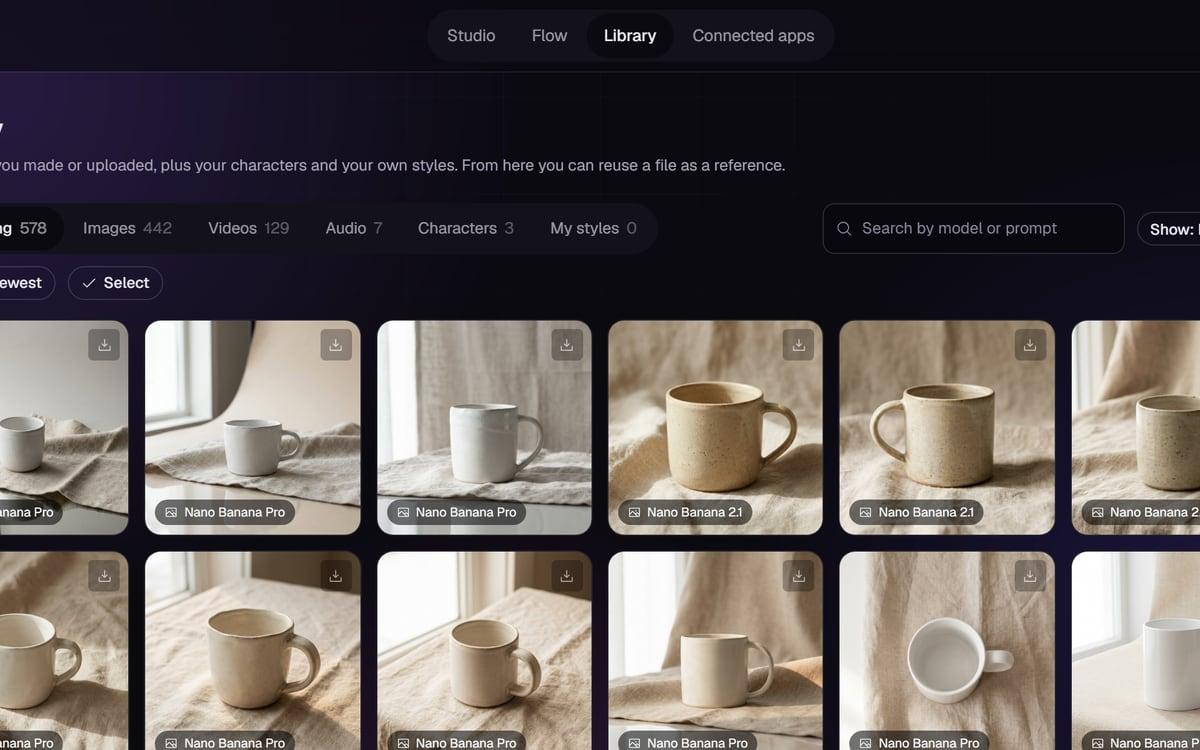
Yes. The Library search takes a model or a prompt, so a word from your style sentence brings back the whole set. Select several and download them together as a zip, or hide the drafts and keep only the finals in view.
Read next
Put this guide to work
Open the studio and try what you just read. You start with 1,000 free credits.
Get early access